AI in Marketing: What AI Agents Can Do With Images and Video

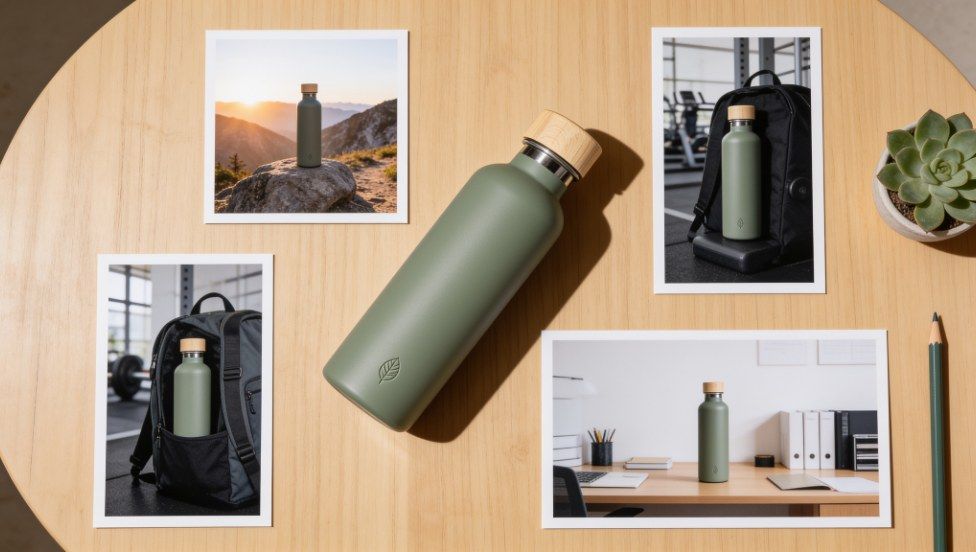
AI in marketing is moving from chatbots to agents: AI systems that take a goal, plan the steps, and use tools to carry them out, such as writing copy, generating images, resizing them for each placement, and reporting back. Most guides list platforms for email, lead scoring, and analytics. This one looks at the creative side: what an agent can do with images and video, what it got wrong in our own test, and where a person still has to decide.
AI in Marketing: Agent, Chatbot, or Automation?
The word "agent" gets attached to many tools. A quick way to tell them apart is to ask who decides the next step:
IBM describes marketing agents as systems that can plan and act on their own while people keep oversight. In practice, that oversight is the part that decides whether an agent saves time or creates rework.
Creative Tasks an Agent Can Take On
When an assistant is connected to an image or video generator, it can handle the repetitive middle of creative work:
Ad variants: one product placed in several scenes for different audiences
Placement sizes: the same idea in square, vertical, and wide formats for feeds, stories, and banners
Product in context: a studio shot turned into lifestyle scenes without a new photo shoot
Short promo clips: a still image animated into a few seconds of motion for social posts
Prompt writing and checking: turning a brief into model prompts, then comparing the results with the brief
An agent is weaker at the parts that need taste or accountability: choosing the campaign idea, judging whether an image fits the brand, and signing off on claims. Those stay with the team.
AI Agents for Marketing: Which Setup Fits Your Team
Most marketing teams meet agents in one of three setups. They differ in who sets the steps and how much creative work they can take on:
Chat assistant with tools: a general assistant, such as Claude or ChatGPT, connected to an image or video generator. It is the most flexible for creative work, but you check each step yourself.
Agents built into marketing platforms: email, CRM and ad tools now ship their own agents. They usually focus on text, audiences and scheduling rather than on making images or video.
Automations with an AI step: a fixed workflow that calls a model at one point, such as resizing every new product photo. Predictable, but it doesn't plan or judge the results.
Whichever setup you pick, the agent still calls a model to make the actual image or clip. These are the ones we would start with in DaVinci:
Seedream 4.5: product images and ad variants from one reference shot. It is the model behind the test below.
Nano Banana Pro: a second image model to run on the same brief when the first one misses a detail.
Veo 3.1: short clips that start from a still product shot, for social posts and story ads.
Seedance 2.5: another video model to compare on the same brief before you commit to one.
Our Test: Three Ad Variants From One Brief
On November 6, 2026, we gave an AI assistant connected to an image generator a short brief for a fictional sage-green water bottle. It wrote the prompts, checked the price, made one studio shot, and then used that shot as a reference for three wide ads.
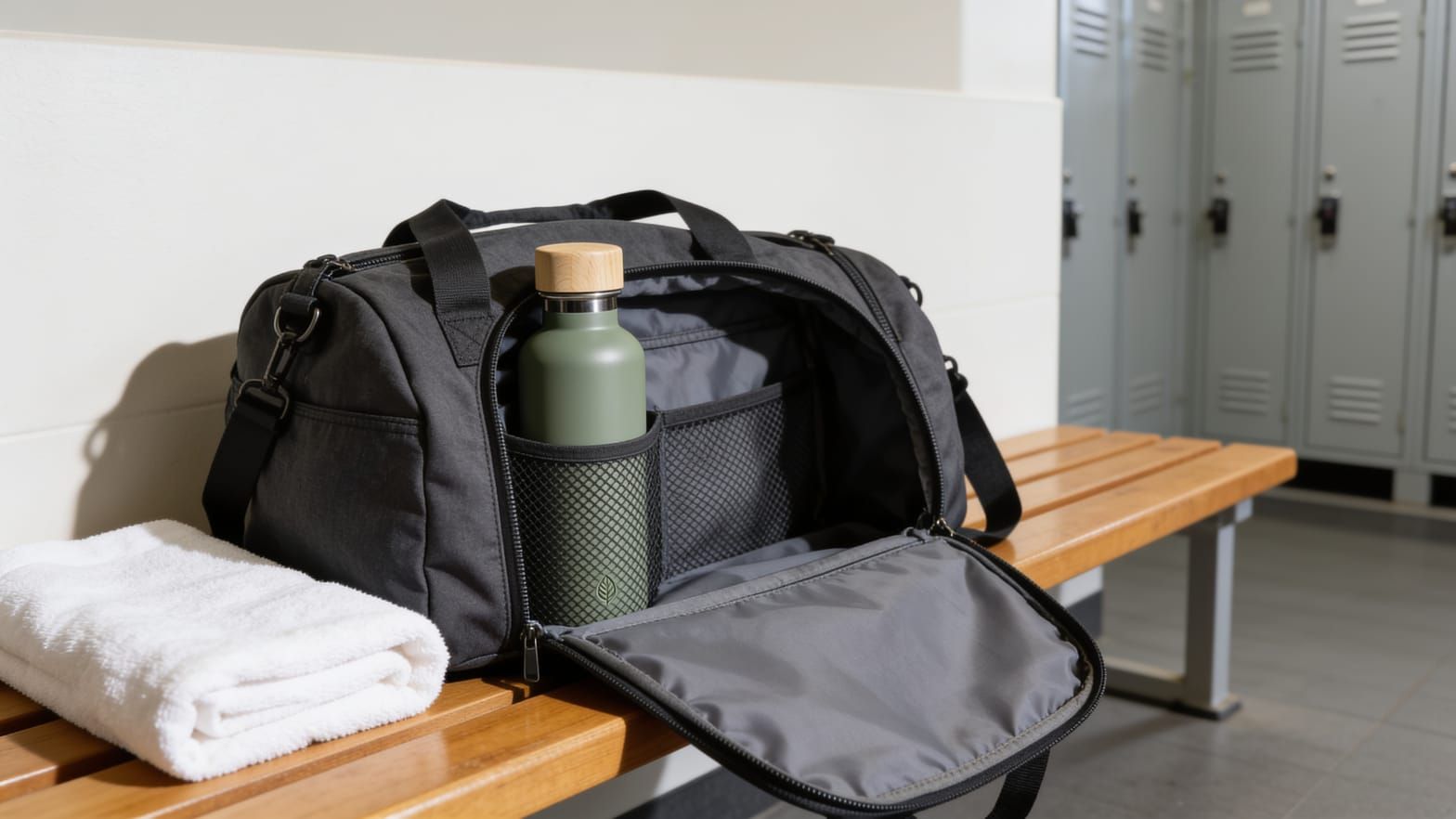
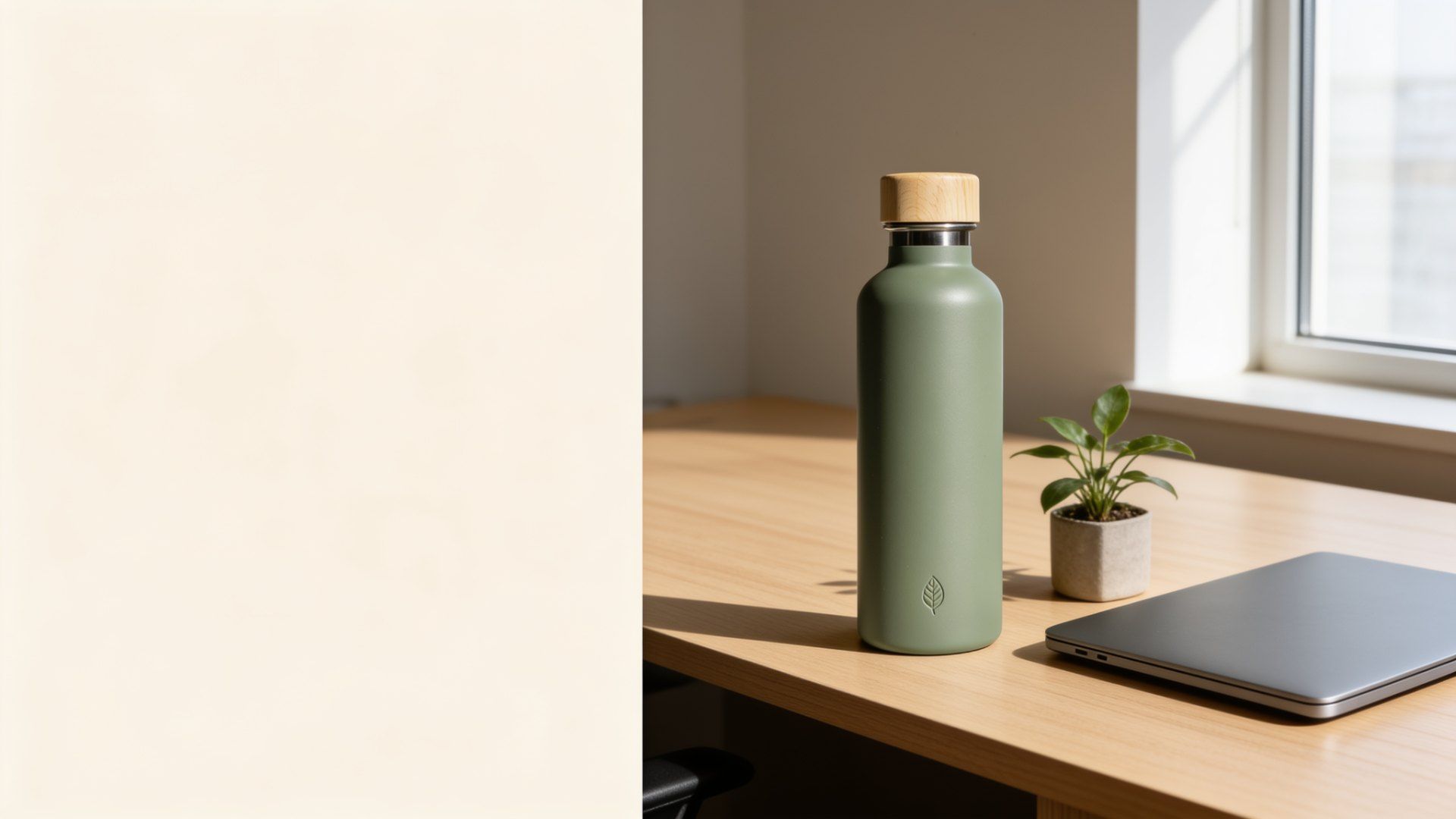
With the studio shot as the reference, the agent asked for a wide trail scene, a wide gym scene with the top third left empty for a headline, and a wide office desk scene with the left half left empty.
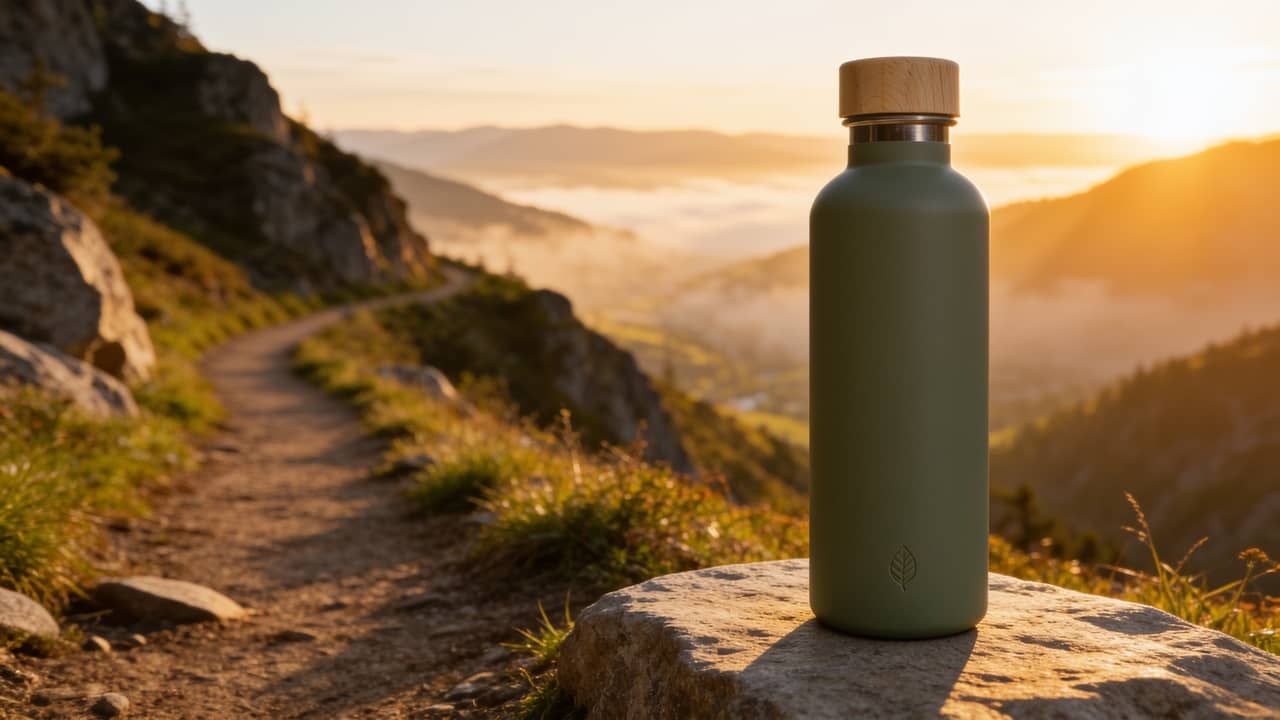
16:9 feed ad: trail at sunrise
16:9 banner: gym bag
16:9 banner: office desk
What worked: the bottle kept the same color, cap, and leaf mark in all three images, and the office scene left the left half clear as asked. What missed: in the gym scene, the bottle sat in a mesh pocket inside the bag instead of an outside side pocket, and lockers filled the right side of the top third that was meant to stay empty for a headline. The generator also ran one image at a time, so the agent had to wait and send the batch again twice.
The four images cost 52 credits at 13 credits each, plus 13 more for the cover of this article. The run took a few minutes, but someone still had to look at every result, and the gym ad needed another try before it could carry a headline.
Make ad variants from one product photo in DaVinci
Open Image GeneratorWhere a Person Still Decides
An agent can produce options quickly, so the review step matters more, not less. Keep a person on these checks:
- Brand fit: colors, product details, and mood. Compare every variant with the product photo, because a model can quietly change a cap color or a mark.
- Text in images: models often blur or misspell words, so add headlines and prices in a design tool instead.
- People and rights: don't ask for real people's faces, other brands' logos, or a living artist's style, and check the generator's terms for commercial use.
- Claims: anything about price, health, or performance needs a human source and sign-off.
- Budget: set a credit limit for each run and ask the agent to report the cost before it generates.
How to Brief a Marketing Agent
A good agent brief reads like a brief for a junior designer: the goal, the product facts, the formats, what must stay the same, and when to stop and ask. Here is the shape we used:
The checkpoint after step 1 matters most: if the base product shot is wrong, every variant built on it will be wrong too. To turn a finished still into motion, try the AI video generator, and see our guide on how to automate video creation with AI for a longer agent workflow. You can also run the same prompts by hand in the AI image generator.
Drafted with AI assistance and reviewed by Yasin Karatekin. Last updated: November 12, 2026.
More from DaVinci Blog