Studio-quality music generation
Create production-ready AI music for creative and commercial projects, from early concepts to final delivery.
Turn text prompts into studio-quality music instantly. Generate original tracks with customizable genres, moods, vocals, and creative styles.
Generate studio-quality music with fast results, flexible creative control, and production-ready sound for every type of project.
Start Creating
Generate full-length, production-ready music with enhanced prompt accuracy and refined creative control. Create tracks from short clips to extended compositions with professional-quality results.
Generate high-quality music from simple prompts with fast, reliable results. Create original tracks across a wide range of styles, perfect for videos, social content, and creative projects.
AI text-to-music transforms written prompts into studio-quality songs with customizable genres, moods, vocals, and creative direction for fast, scalable music creation.
Try Text to MusicCreate songs with AI text-to-music inside the AI Toolkit using a fast, flexible workflow built for creative control.
Start Creating
Choose your preferred AI music model and start creating original music inside DaVinci AI.
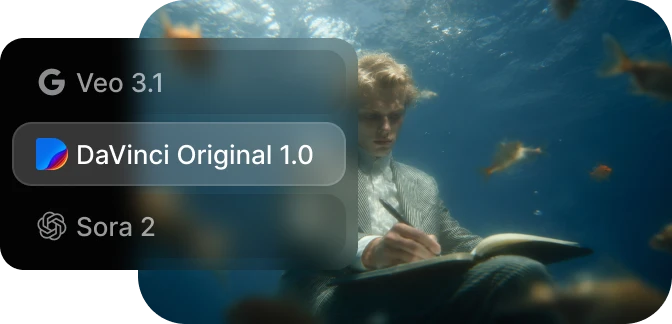
Enter the genre, mood, instruments, tempo, or lyrics to generate music that matches your creative vision.
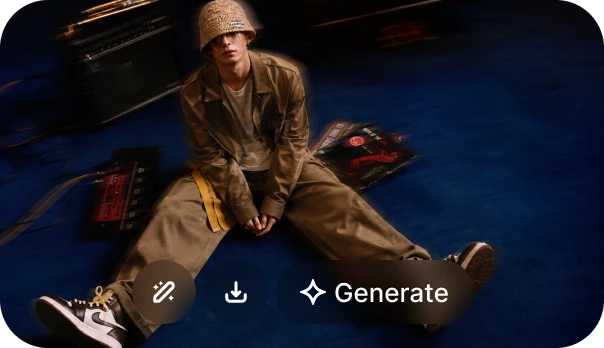
Generate multiple versions, preview your favorite track, then download it or continue refining your music.
Built for creators who need high-quality, customizable music that’s ready to use across professional projects.
Create production-ready AI music for creative and commercial projects, from early concepts to final delivery.
Generate tracks quickly or fine-tune details to match your exact creative direction and project needs.
Create music alongside AI video, image, and creative tools in one streamlined workflow.
Use AI-generated music confidently with simple licensing designed for professional and commercial use.
Create production-ready AI music for creative and commercial projects, from early concepts to final delivery.
Generate tracks quickly or fine-tune details to match your exact creative direction and project needs.
Create music alongside AI video, image, and creative tools in one streamlined workflow.
Use AI-generated music confidently with simple licensing designed for professional and commercial use.
Built for creators shaping sound across film, content, and storytelling with custom AI-generated music.
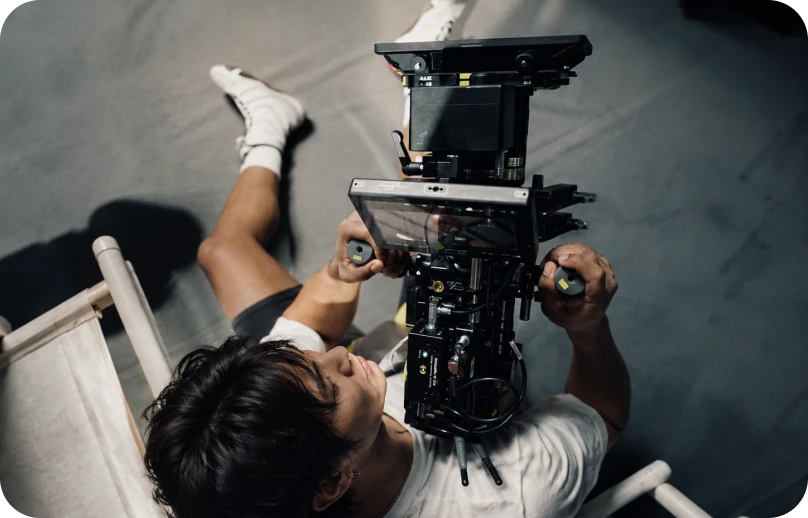
Create cinematic music for films, trailers, ads, and visual storytelling with sound designed to match emotion, pacing, and scene direction.
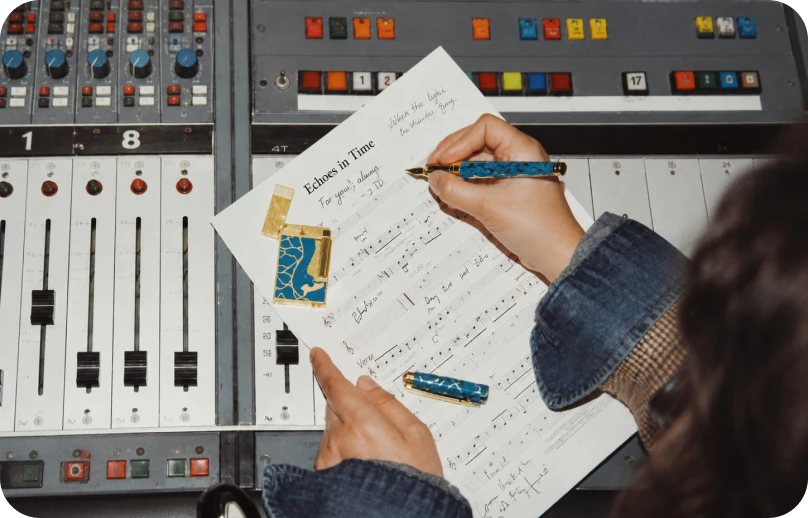
Turn lyrics, moods, and creative ideas into fully produced tracks across different genres, styles, and musical directions.
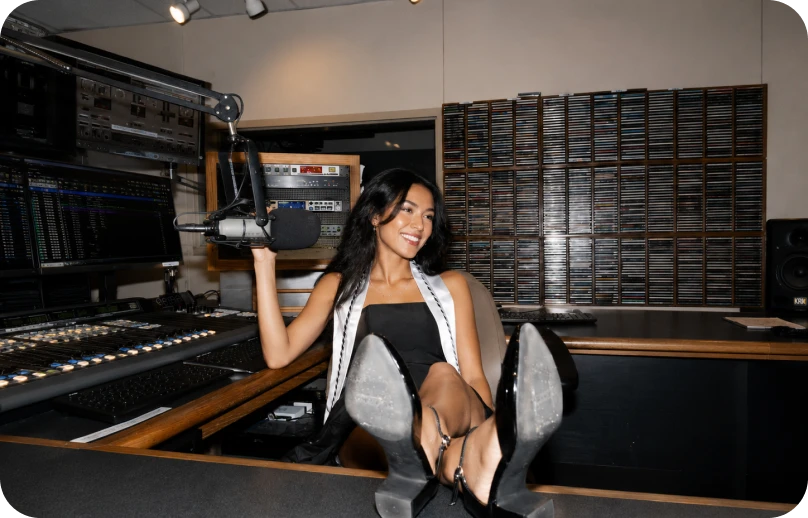
Generate custom music for intros, storytelling moments, and long-form audio content with emotional depth and consistent tone.
Create cinematic music for films, trailers, ads, and visual storytelling with sound designed to match emotion, pacing, and scene direction.
Turn lyrics, moods, and creative ideas into fully produced tracks across different genres, styles, and musical directions.
Generate custom music for intros, storytelling moments, and long-form audio content with emotional depth and consistent tone.
One workspace for intuitive image, video, and voiceover generation — so you can take on your biggest creative projects without switching tools.
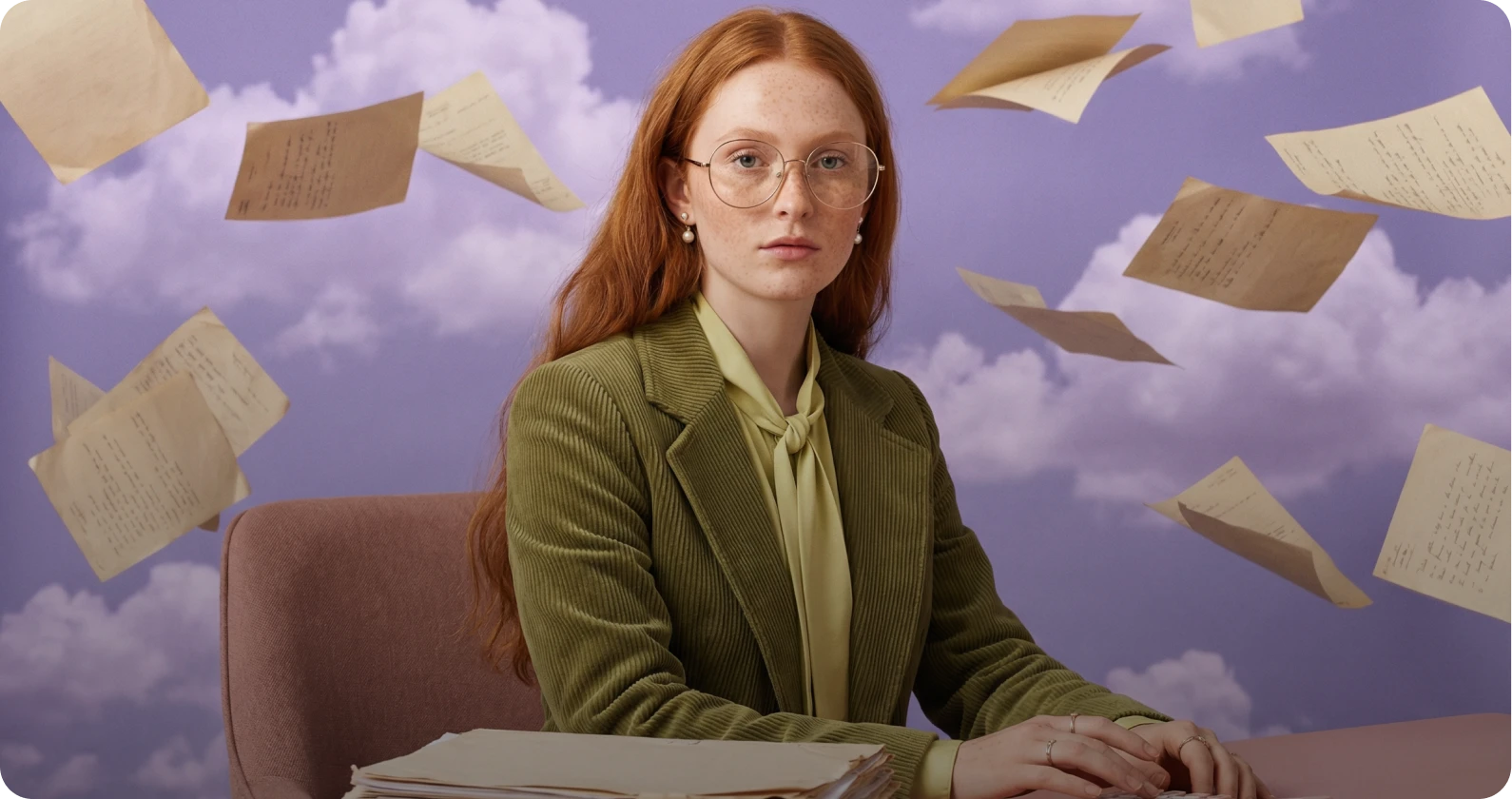
Edit and enhance images instantly with AI powered tools. Remove backgrounds, retouch details, adjust lighting, replace elements, or upscale visuals with precision.
Learn moreTry AI Image Editor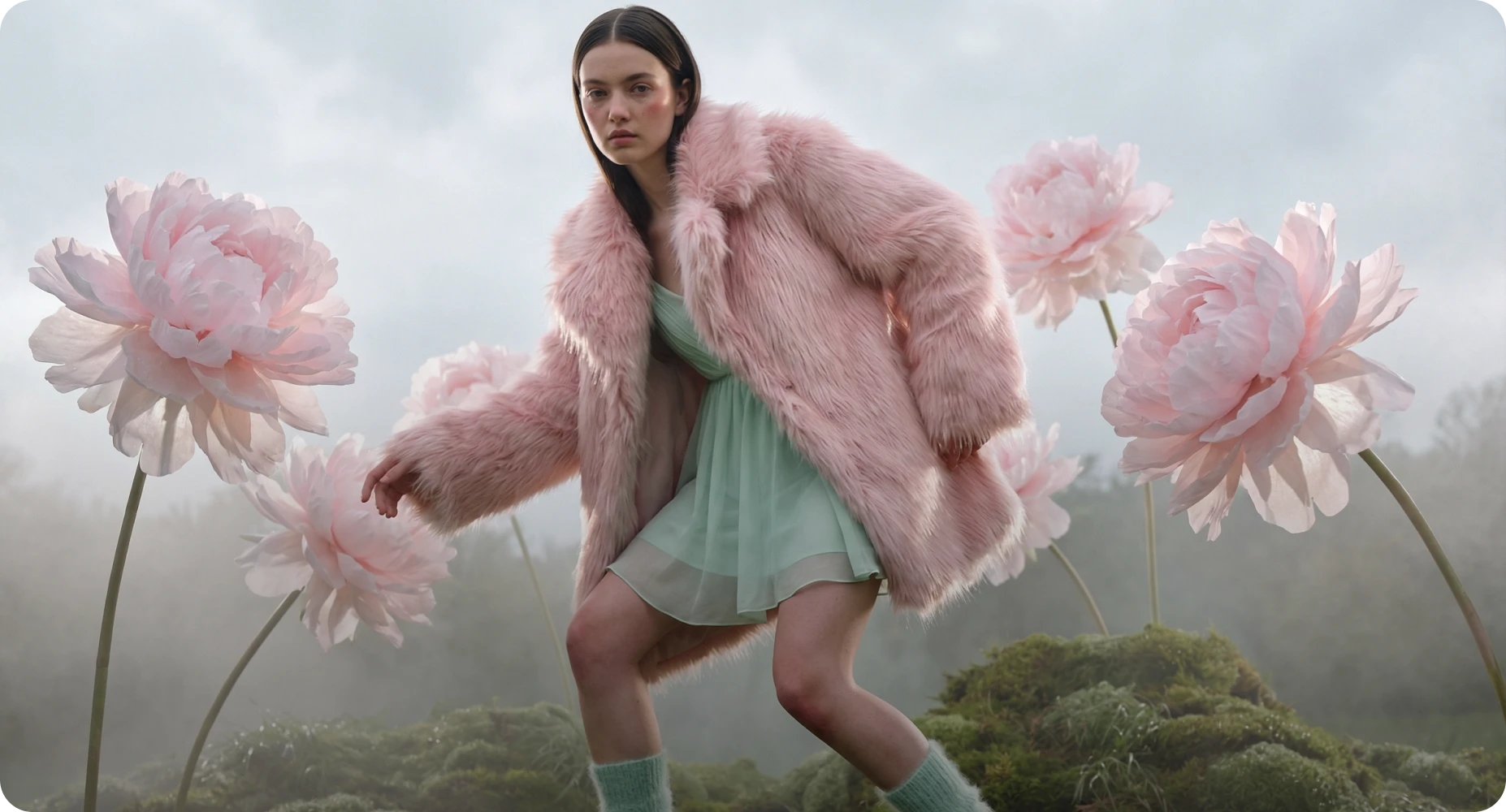
Reimagine existing visuals with advanced image to image AI. Upload one or multiple reference images, switch between powerful models, and refine style, details, or composition with full creative control.
Learn moreTry AI Image Generator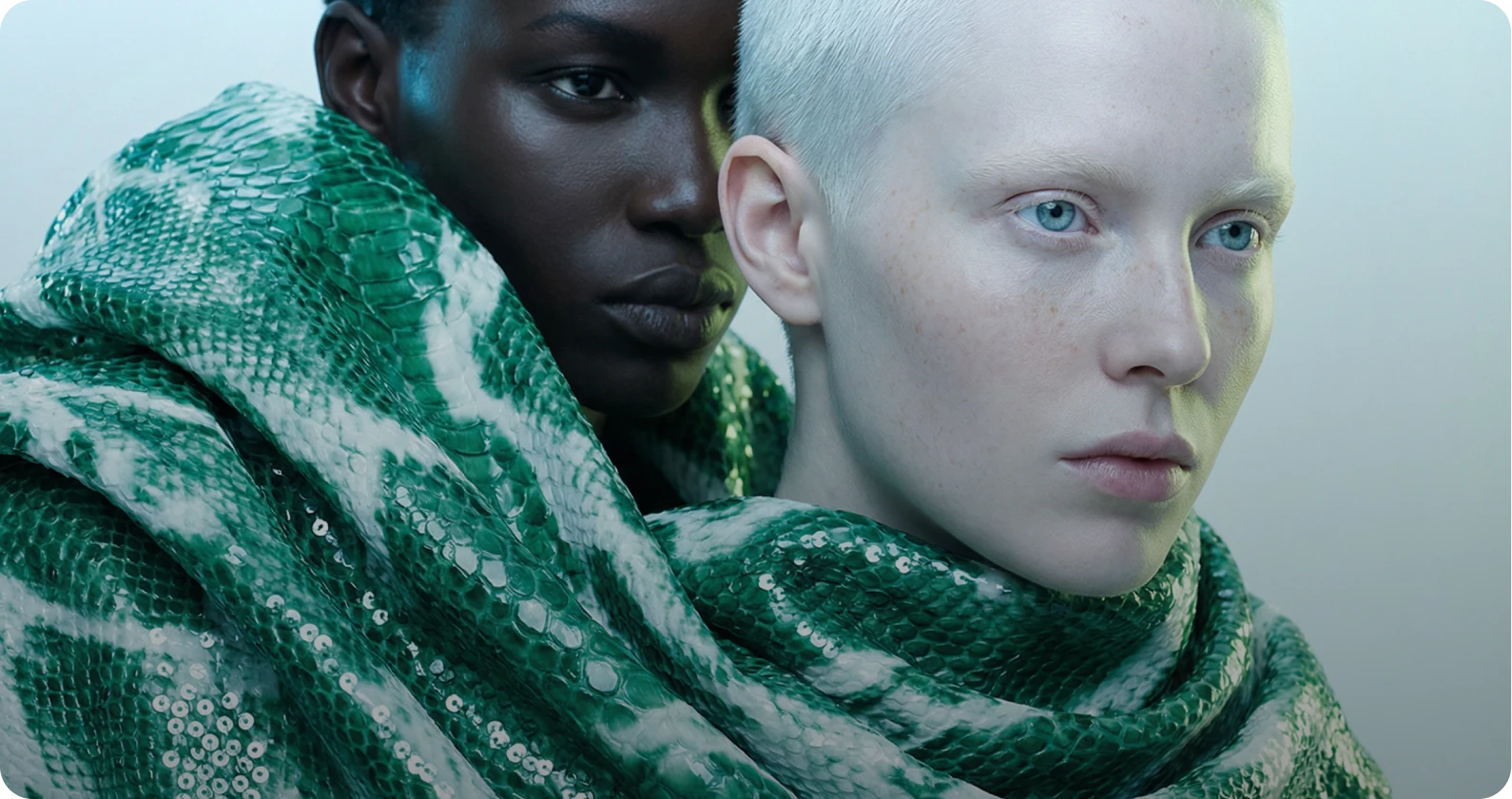
Produce cinematic videos using text to video and image to video AI. Turn prompts or reference images into professional grade motion content with industry leading models.
Learn moreTry AI Video Generator