Thumbnail Maker for Click-Worthy Videos
The thumbnail maker turns a video frame or photo into a bold, readable cover. Upload your picture. Describe the title and mood. Get thumbnails sized for YouTube, Shorts and social feeds.
How the AI Thumbnail Maker Works
Upload. Describe. Publish.
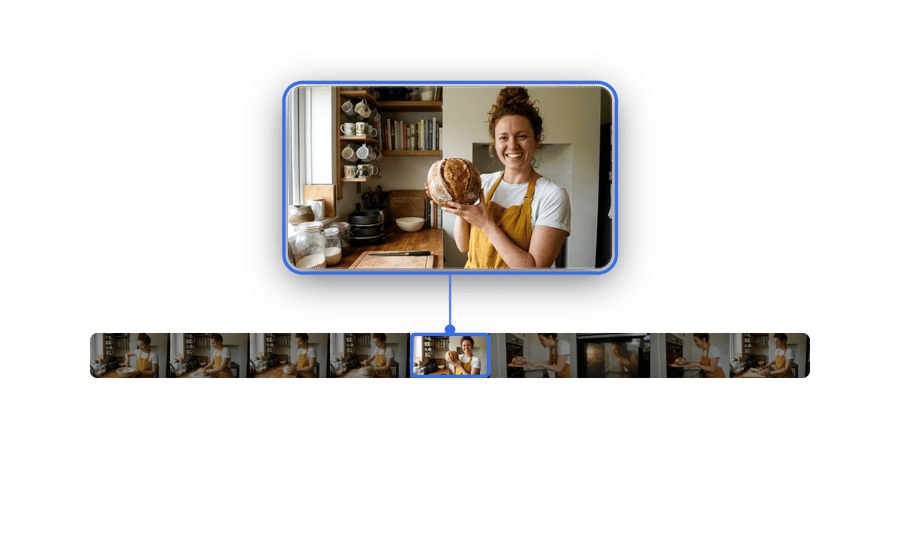
Upload a Video Frame or Photo
Pick a frame from your video, a face shot with a strong expression or a product picture. The thumbnail generator builds around it, so a sharp, well-lit source gives the strongest cover for your upload.
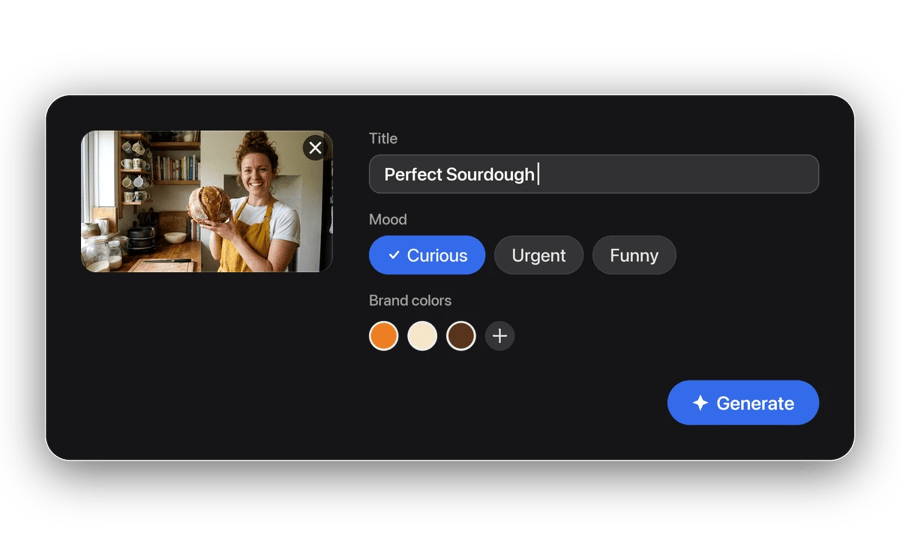
Describe the Title and Mood
Type the headline text and the feeling you want, like curious, urgent or funny. Add brand colors if you have them. Then generate a few options.
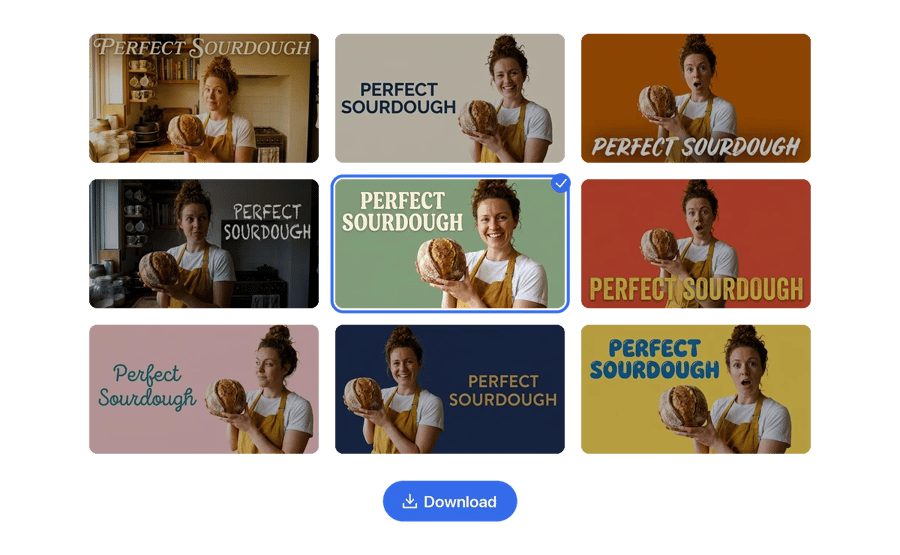
Pick One and Upload It
Compare the versions at small size, since that is how most viewers see them first. Download your favorite from the thumb maker and upload it with your next video.
What the Thumbnail Generator Designs
Bold covers. Readable titles.
Faces, Text and Color. Arranged to Stand Out.
As a thumbnail designer, the AI balances a clear focal point, high-contrast text and bold color so your cover reads at a glance in busy feeds.
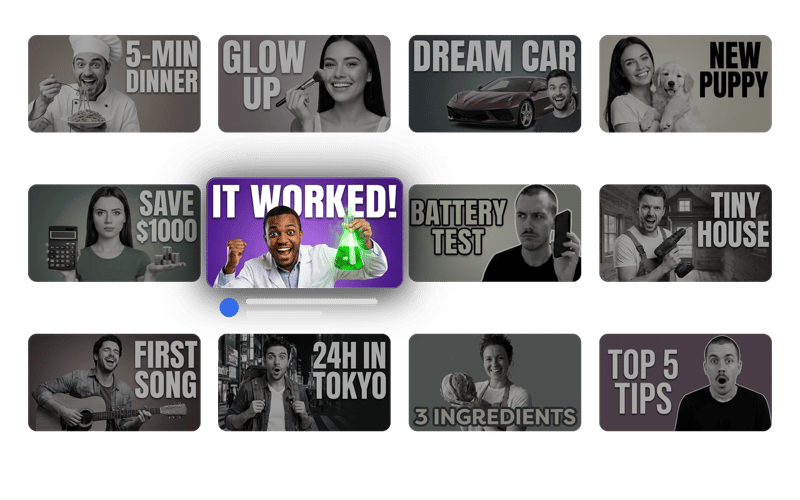
A Set of Options in Minutes.
Instead of building one cover by hand, the thumbnail creator gives you several versions at once, so you can test which style earns more clicks.
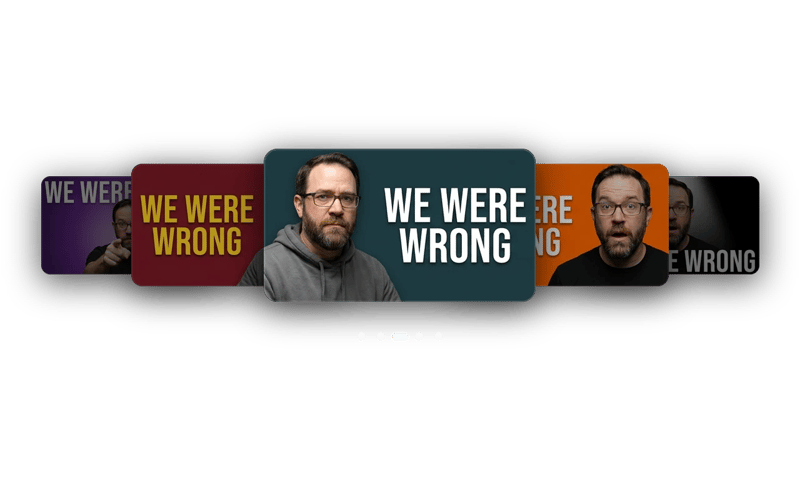
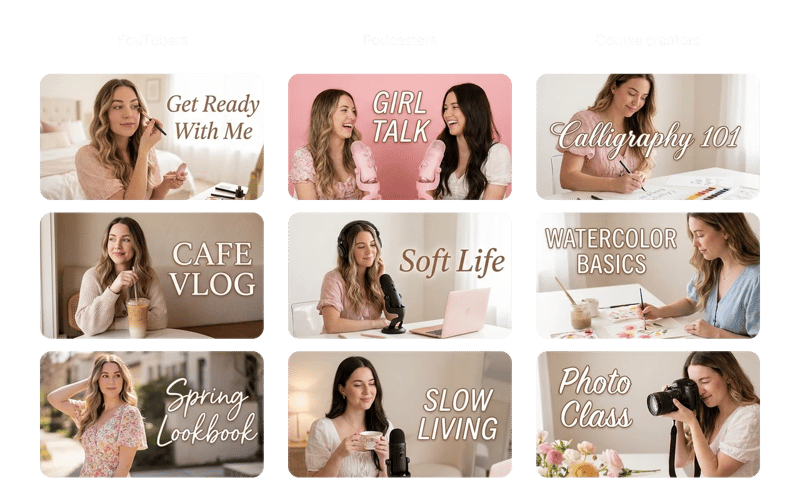
YouTubers, Podcasters and Course Creators.
Anyone who needs a video thumbnail generator for regular uploads without hiring a designer.
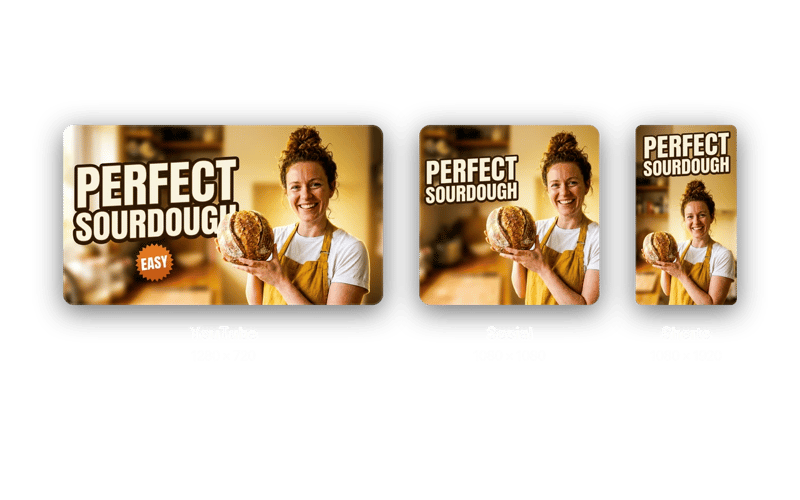
Sized Right. Ready to Upload.
Each thumbnail is exported at the right ratio for the platform. Upload it straight to your video.
REAL FAMILIES. REAL MEMORIES.
They almost gave up on these photos.
My grandmother passed last year and I had one photo of her as a young woman - completely faded, a huge tear across the face. DaVinci brought it back. I had it printed and framed. My mother cried when she saw it.
 Michael Johnson
Found a box of my grandparents' wedding photos from 1958. Every single one was yellowed and scratched. Ran them all through DaVinci - took 10 minutes. Now they're in a printed album we gave the whole family for Christmas.
 Sophia Williams
My dad's military portrait from Vietnam was water-damaged - you could barely see his face. DaVinci sharpened it and colorized it. He's 78 years old and couldn't believe he was looking at himself at 22. I've never seen him speechless.
 Daniel Brown
Delivered a project two days early thanks to this platform. Clients were impressed - they were blown away by the results.
 Olivia Davis
It's become my go-to for quick creative work. The platform is really solid. Sometimes I need to share something complex and it's there.
 James Wilson
Frequently Asked Questions