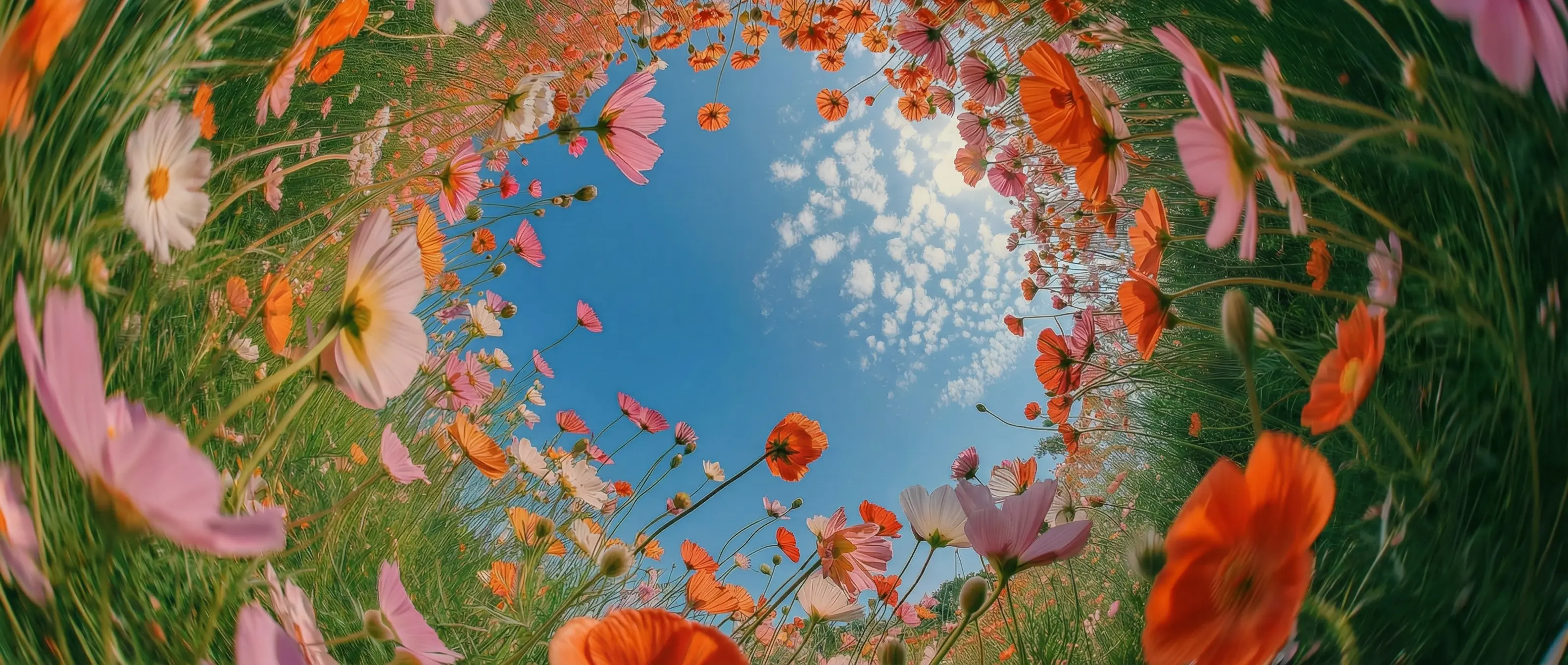
Locked character consistency in DaVinci
Keep characters and products visually consistent across images in DaVinci. Faces, proportions, logos, and key details remain stable from one generation to the next.
DaVinci brings together image models from different AI providers — Kuaishou's Kling O1 Image among them. Generate and refine visuals with natural language guidance, structured prompts, and consistent character identities.
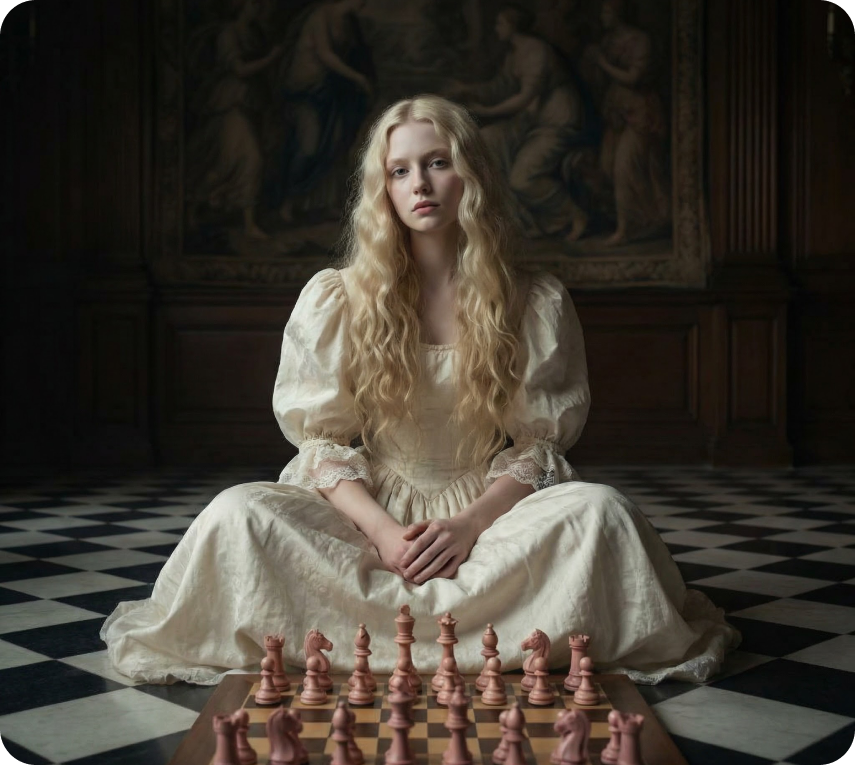
Keep characters and products visually consistent across images in DaVinci. Faces, proportions, logos, and key details remain stable from one generation to the next.
Inside DaVinci, apply multiple instructions in a single prompt, like refining a character's pose while updating lighting or background, to iterate faster with fewer regenerations.
Define exactly how an image should look through DaVinci. Achieve controlled composition, consistent styling, and predictable results with clear, directed prompts.
Generate images with sharp details and clean textures, even in complex scenes in DaVinci. Fine lines, materials, and small visual elements are preserved accurately, making outputs suitable for close-ups, product visuals, and high-resolution creative use.
Kling O1 Image by Kuaishou gives you precise, intuitive control for image creation, available directly inside the DaVinci AI Toolkit.
Kling O1 Image is designed for creators who need precision, consistency, and control in image generation through DaVinci.
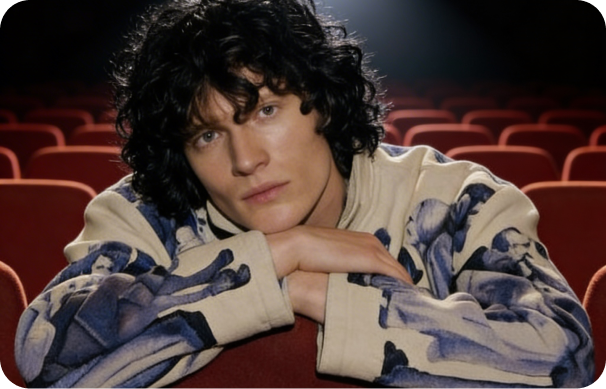
Create high-quality visuals with consistent characters, products, and styles in DaVinci. Refine compositions, lighting, and details with clear text direction.
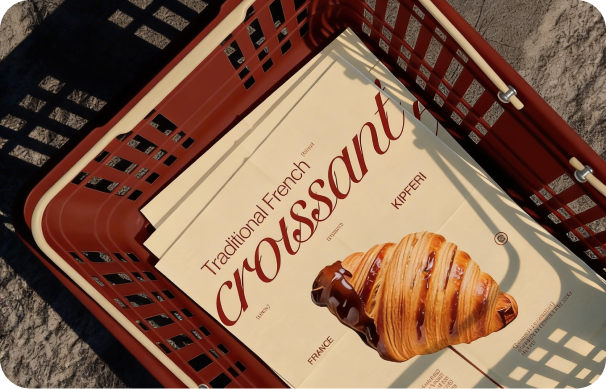
Produce and test multiple visual variations from a single base image inside DaVinci. Swap backgrounds, styles, or elements to iterate quickly without starting from scratch.
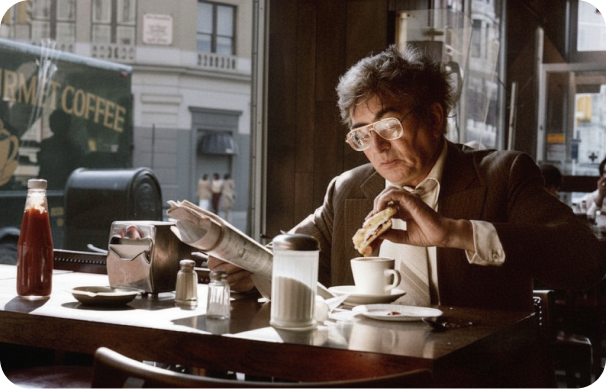
Inside DaVinci, start with one strong hero image, then generate consistent variations—different looks, formats, or moods—to keep content fresh and on-brand.
Create high-quality visuals with consistent characters, products, and styles in DaVinci. Refine compositions, lighting, and details with clear text direction.
Produce and test multiple visual variations from a single base image inside DaVinci. Swap backgrounds, styles, or elements to iterate quickly without starting from scratch.
Inside DaVinci, start with one strong hero image, then generate consistent variations—different looks, formats, or moods—to keep content fresh and on-brand.
In DaVinci, describe how the image should look or be refined, and Kling O1 Image applies your instructions with clean, consistent results.
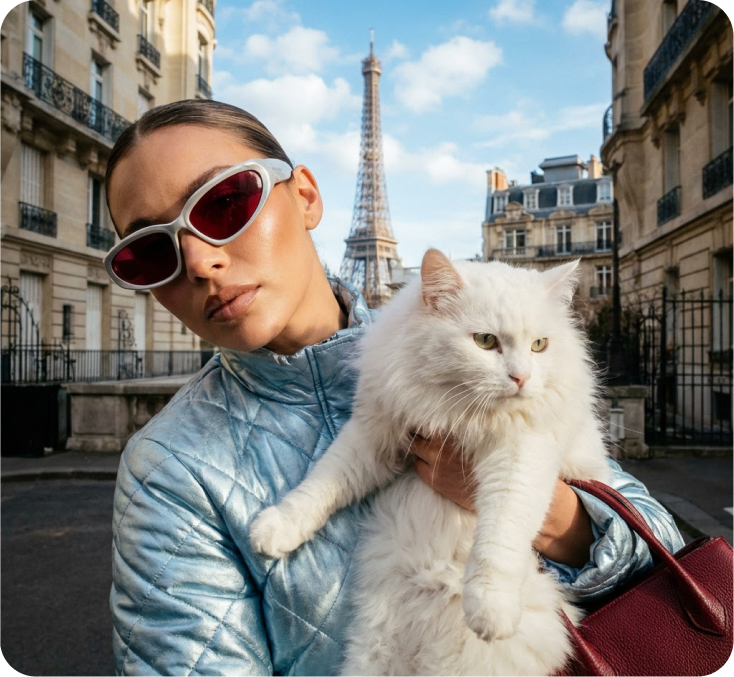
Inside DaVinci, Kling O1 Image supports multiple image creation and editing modes within a single, unified workflow, so you can generate, refine, and iterate without switching tools.
Create high-quality images from detailed text prompts through DaVinci. The model understands composition, style, and visual intent to deliver accurate, consistent results.
Upload a reference image to guide structure and identity in DaVinci. Refine details, styling, or elements while preserving composition and key visual traits.
In DaVinci, apply changes using natural language, such as adjusting lighting, background, style, or specific objects, without manual editing or external tools.
Move seamlessly between text prompts and image-based control in the same flow through DaVinci. Start from text, refine with references, and iterate with additional instructions without restarting.
Create high-quality images from detailed text prompts through DaVinci. The model understands composition, style, and visual intent to deliver accurate, consistent results.
Upload a reference image to guide structure and identity in DaVinci. Refine details, styling, or elements while preserving composition and key visual traits.
In DaVinci, apply changes using natural language, such as adjusting lighting, background, style, or specific objects, without manual editing or external tools.
Move seamlessly between text prompts and image-based control in the same flow through DaVinci. Start from text, refine with references, and iterate with additional instructions without restarting.