Your Photo. Sharper. In One Click.
Upload any blurry, pixelated, or low-res image - AI boosts sharpness, fixes lighting, removes noise, and upscales to 4K. No editing skills. No Photoshop. Just a better photo.
How it works
One click. Better photo. Done.
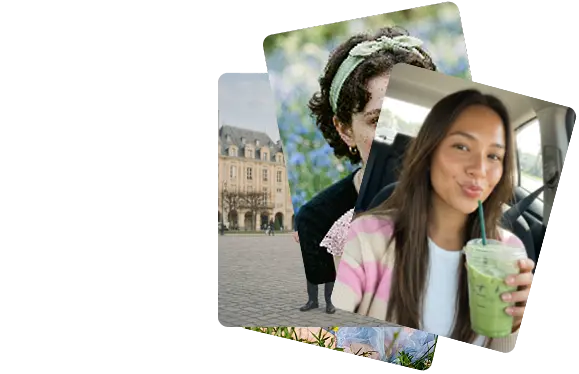
Upload any old or damaged photo
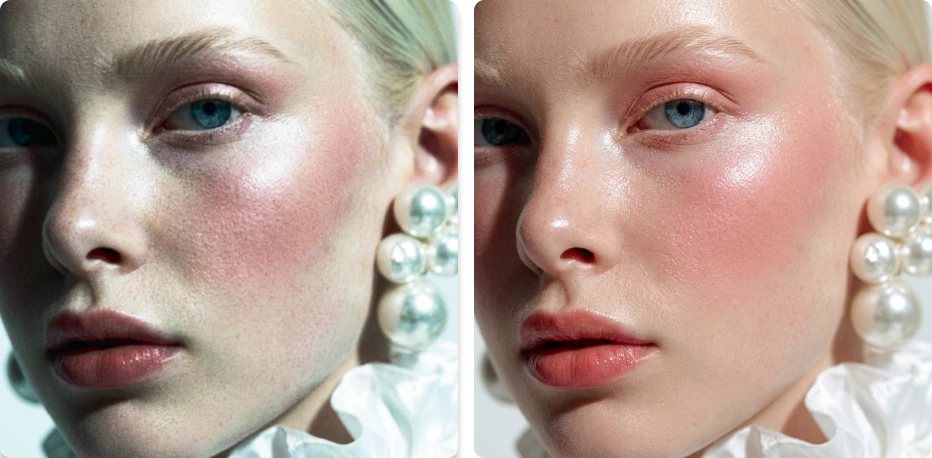
Blurry, dark, grainy, pixelated, low-res - the worse the input, the more dramatic the improvement. AI trained on millions of images knows exactly what your photo should look like.
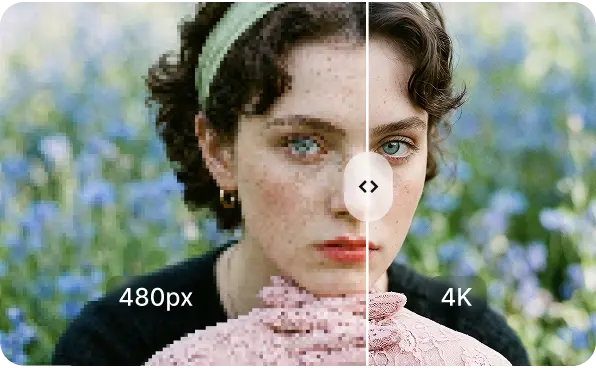
AI enhances everything at once
Sharpness, resolution, noise, lighting, color balance, face clarity - all improved in a single pass. No queue, no manual adjustments. Seconds, not hours.
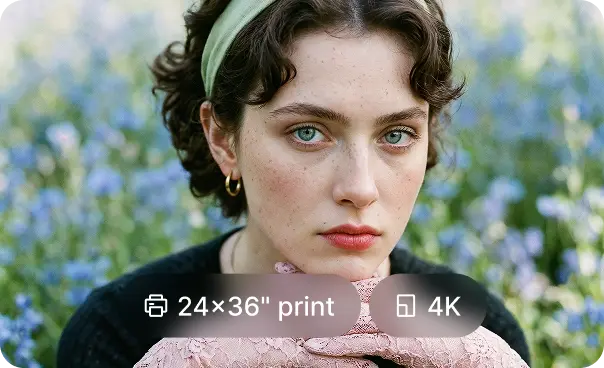
Download and use anywhere
4K resolution output - sharp enough for a 24x36" print, crisp enough for a retina display, optimized enough for any social platform. One file, ready for everything.
WHAT THE AI FIXES
Every quality problem. One upload.
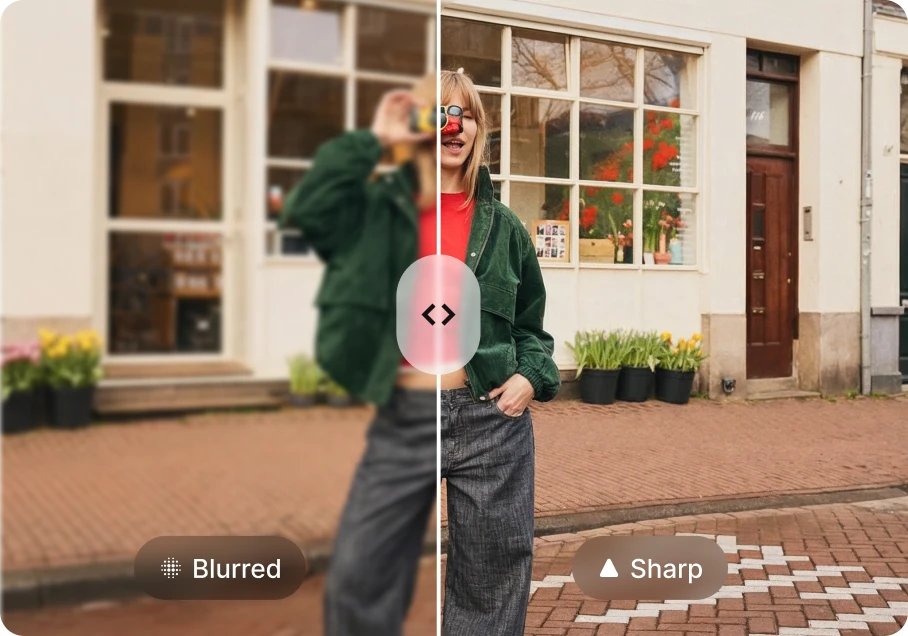
The problems that make photos unusable. all fixed simultaneously.
Unlike manual editing where you fix one thing at a time, DaVinci's AI corrects every quality issue in a single pass - in seconds.
Better photos perform better. Every time.
The data is clear: image quality is the single biggest factor in click-through rate, conversion, and engagement across every platform.
One tool. Every use case.
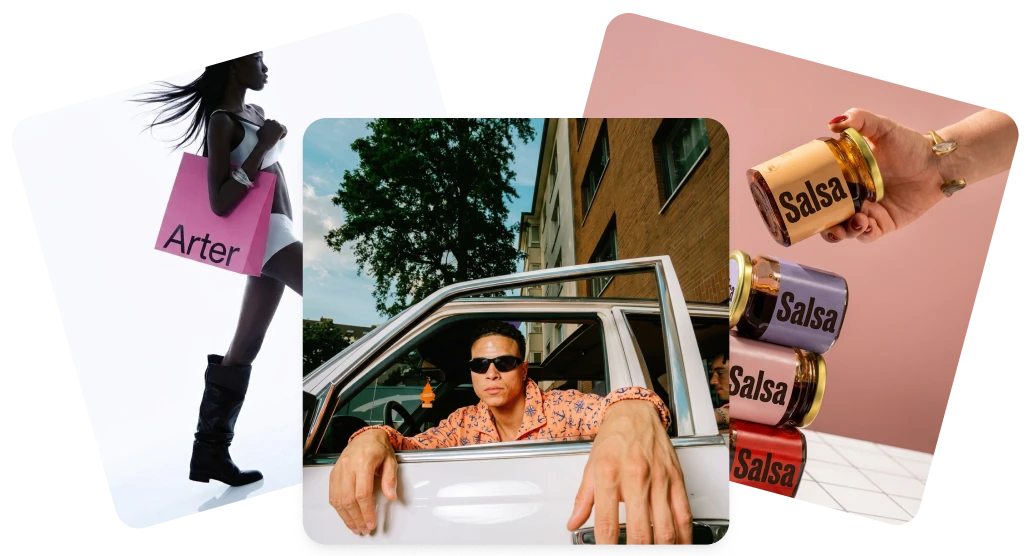
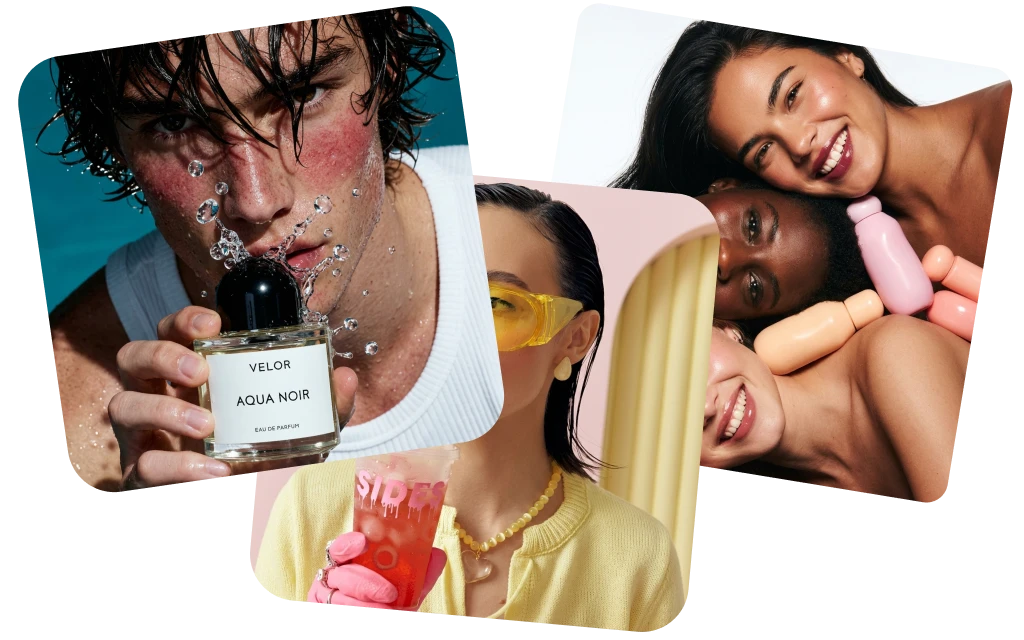
From e-commerce sellers to photographers to marketers - anyone who needs a better photo uses DaVinci.
What "enhanced" actually means in numbers.
Every enhancement is measurable. Every output is ready to use without a second pass or manual touch-up.
REAL FAMILIES. REAL MEMORIES.
They almost gave up on these photos.
My grandmother passed last year and I had one photo of her as a young woman - completely faded, a huge tear across the face. DaVinci brought it back. I had it printed and framed. My mother cried when she saw it.
 Michael Johnson
Found a box of my grandparents' wedding photos from 1958. Every single one was yellowed and scratched. Ran them all through DaVinci - took 10 minutes. Now they're in a printed album we gave the whole family for Christmas.
 Sophia Williams
My dad's military portrait from Vietnam was water-damaged - you could barely see his face. DaVinci sharpened it and colorized it. He's 78 years old and couldn't believe he was looking at himself at 22. I've never seen him speechless.
 Daniel Brown
Delivered a project two days early thanks to this platform. Clients were impressed - they were blown away by the results.
 Olivia Davis
It's become my go-to for quick creative work. The platform is really solid. Sometimes I need to share something complex and it's there.
 James Wilson
Pick your Plan
Get access to pro features, advance AI models and more generations
Max
For consistent creators and content builders
- Up to 1.000 Images per month
- Up to 250 Videos per month
- Priority generation speed
- Priority queue access
- Full access to core AI tools
- Optimized for weekly content production
Ultimate
For power users and daily production
- Up to 3.000 Images per month
- Up to 750 Videos per month
- Max performance generation
- Highest queue priority
- Full access to core AI tools
- Optimized for high-volume creation
Creator
For power users and daily production
- Up to 8.000 Images per month
- Up to 2.000 Videos per month
- Max performance generation
- Highest queue priority
- Full access to core AI tools
- Optimized for high-volume creation