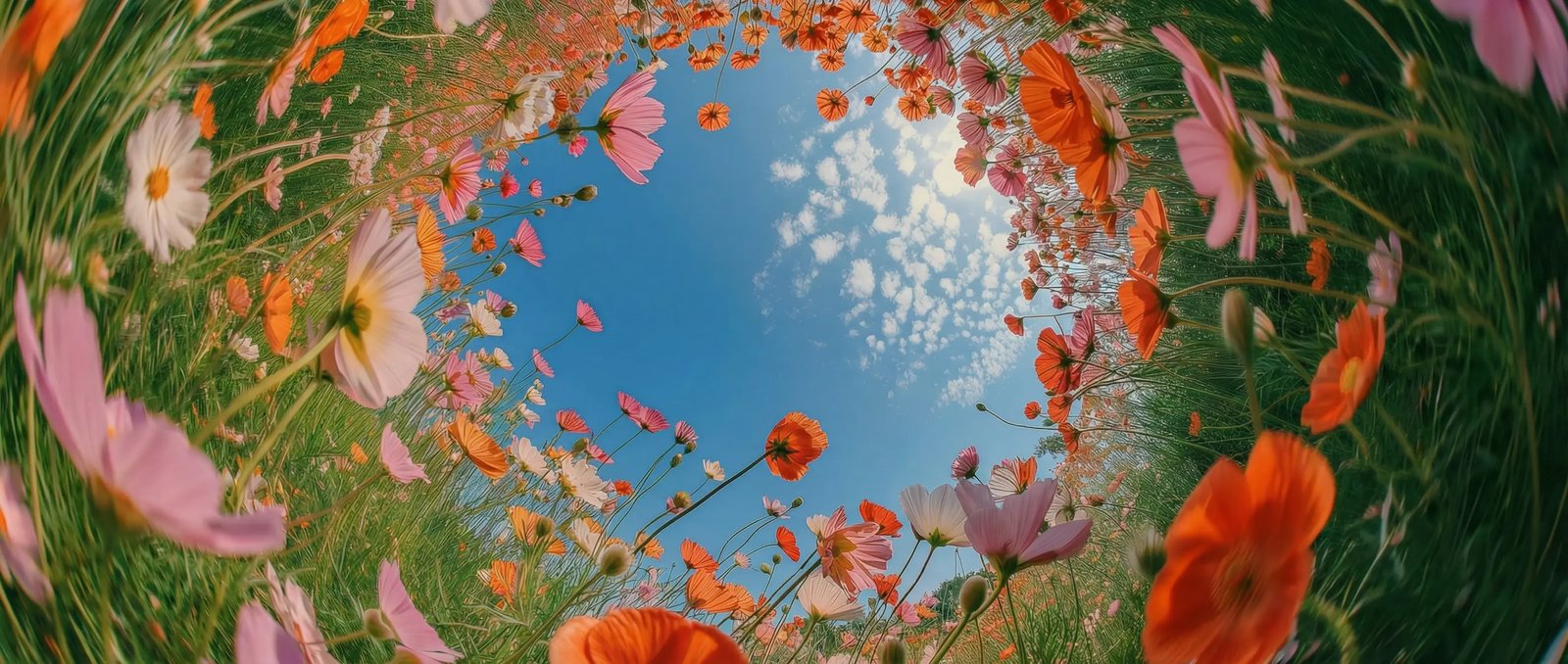
All Your Visual Creation. One Platform.
Access the world’s best AI models for images and video — all in one powerful suite.
Trusted by 100M+ creators worldwide.
- Sora
- Veo
- Nano Banana
- Kling
- Seedance
- Seedream
- Flux
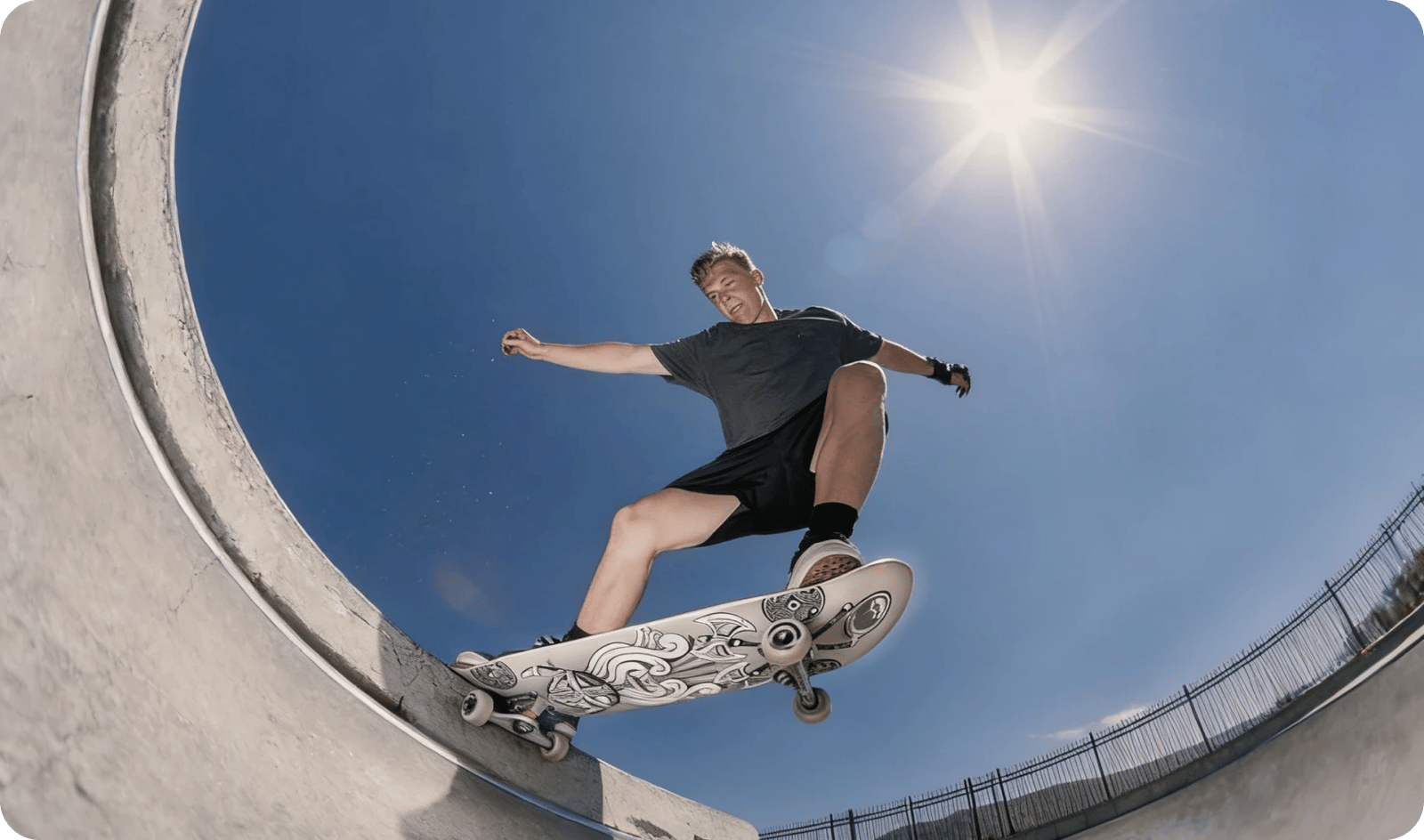




You bring the vision. We take it further.
Join millions of creative teams, marketers, and designers worldwide.
Top-tier image and video generation models.
One subscription.
- Sora
- Veo
- Nano Banana
- Kling
- Seedance
- Seedream
- Flux
Featured models
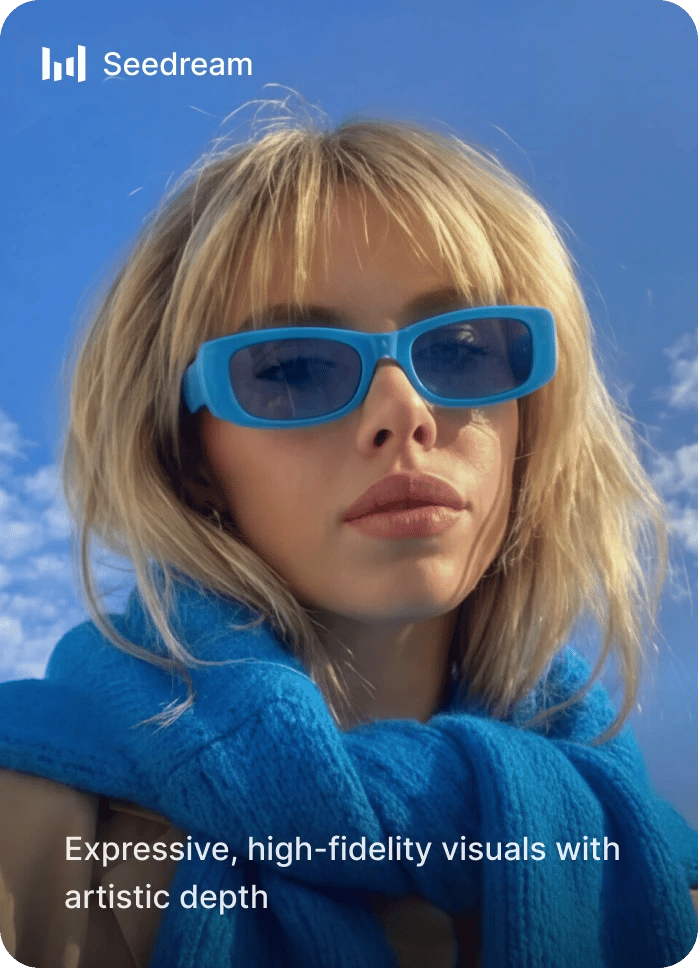
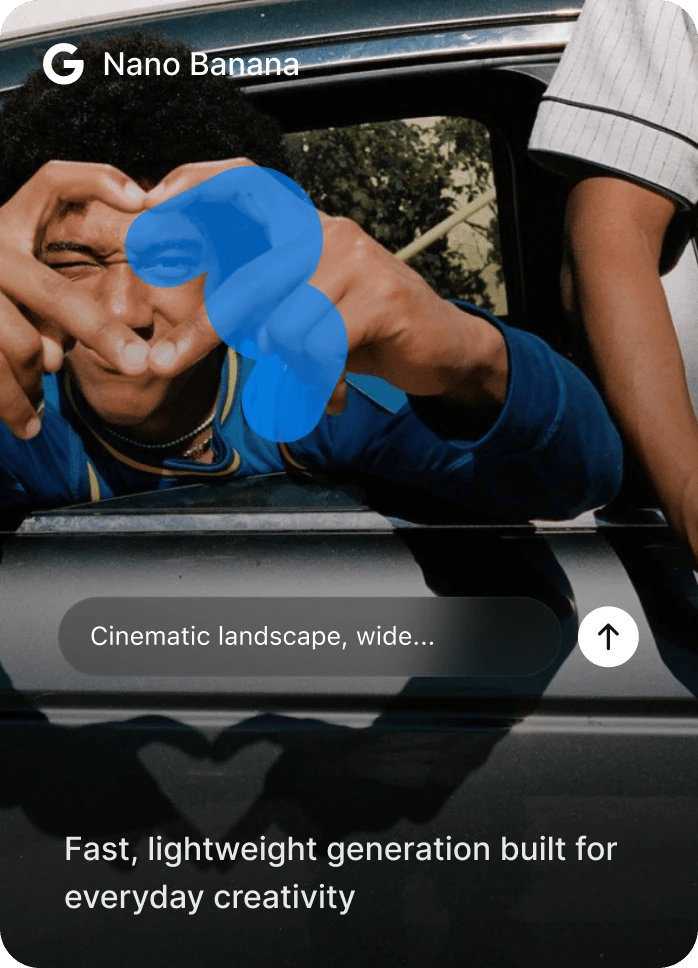
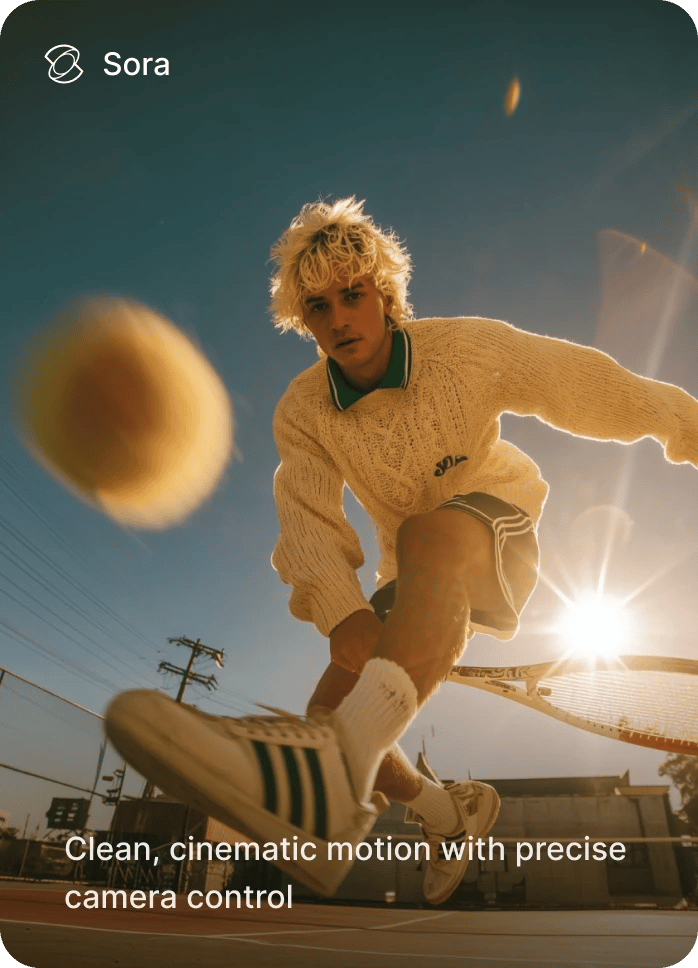
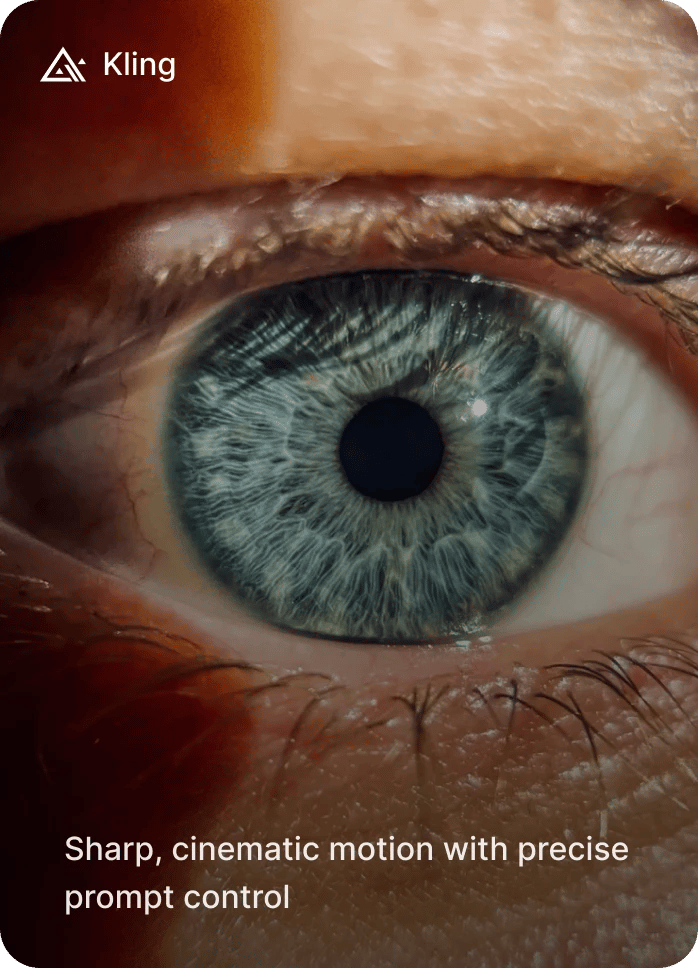
A complete generative AI suite with powerful built-in capabilities
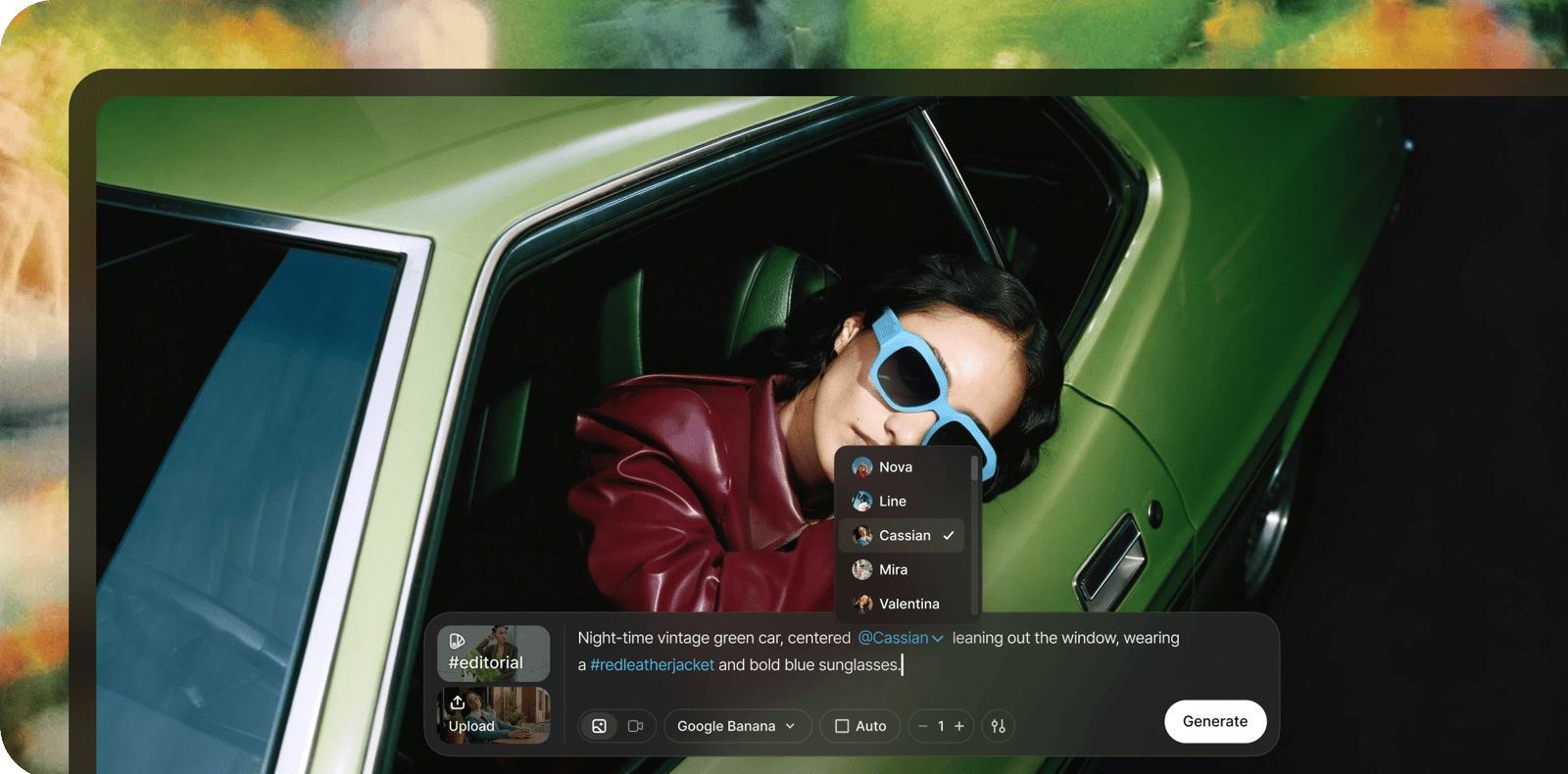

Create Anything. For Every Channel.
From social media and ads to video, branding, photography, and audio - generate, edit, and scale high-quality creative in minutes. One unified AI suite built to power every campaign, every format, and every idea.
Learn more about DaVinci Pro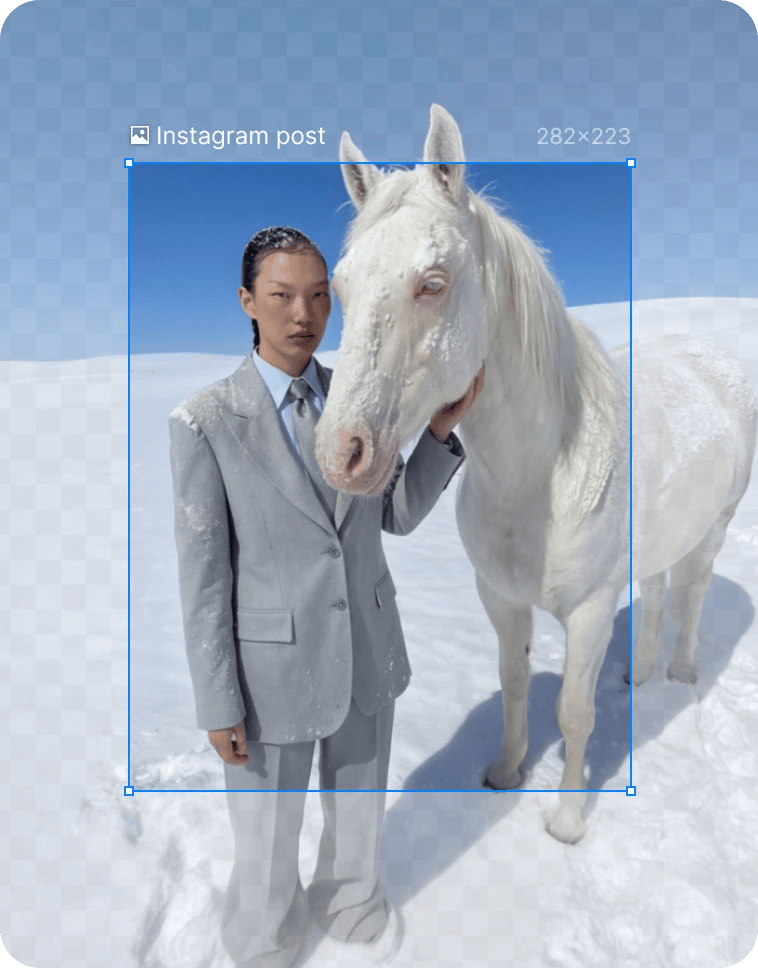
Auto-resize for each platform. Resize designs instantly for every channel. Create once, then adapt seamlessly to social, ads, and web formats without rebuilding layouts or losing visual balance.
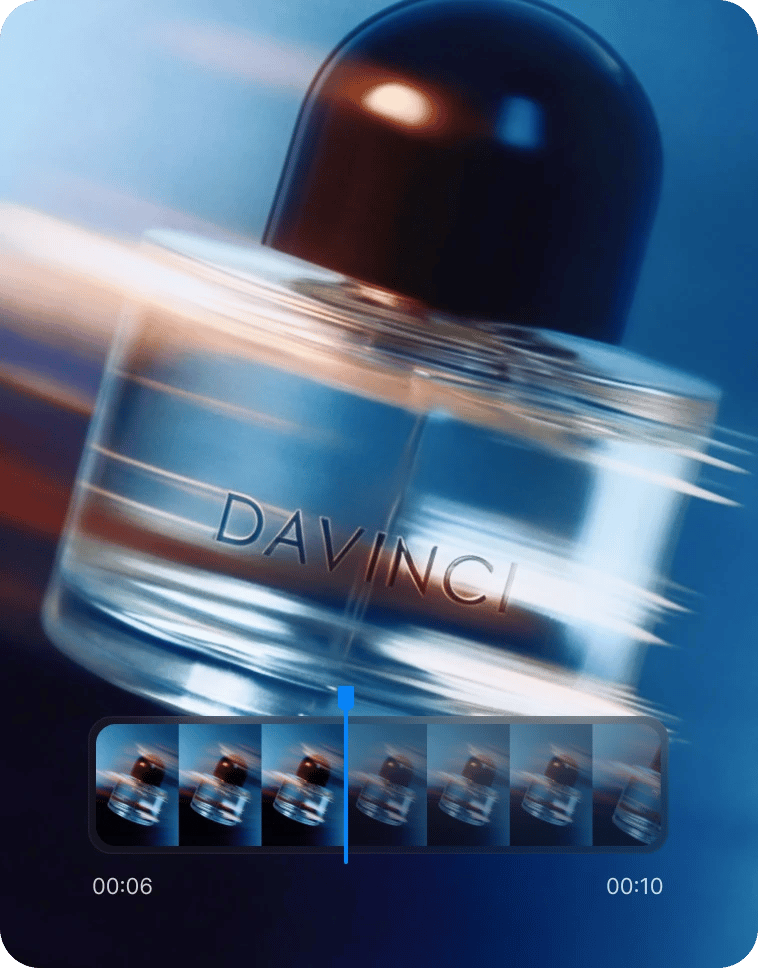
Turn product photos into dynamic commercial videos. Transform still product shots into short-form videos designed for performance. Build engaging visuals that feel native to ads, socials, and storefronts.
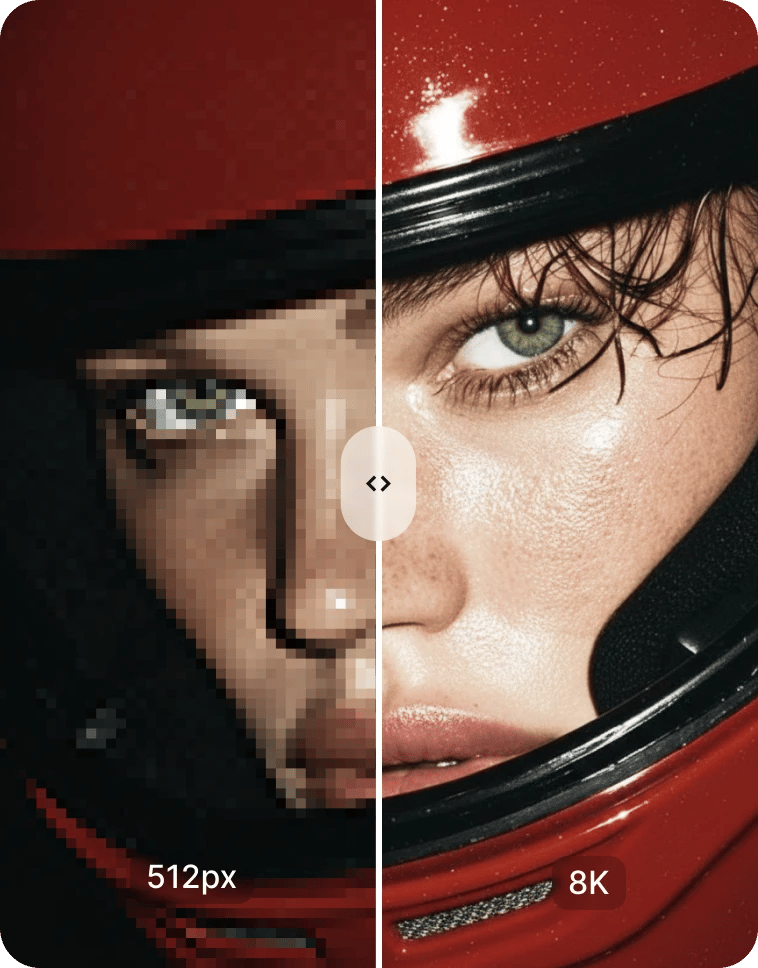
Upscale assets for high-res ad formats. Increase resolution while preserving clarity and detail. Prepare assets that stay sharp across large screens, premium ads, and high-impact placements.
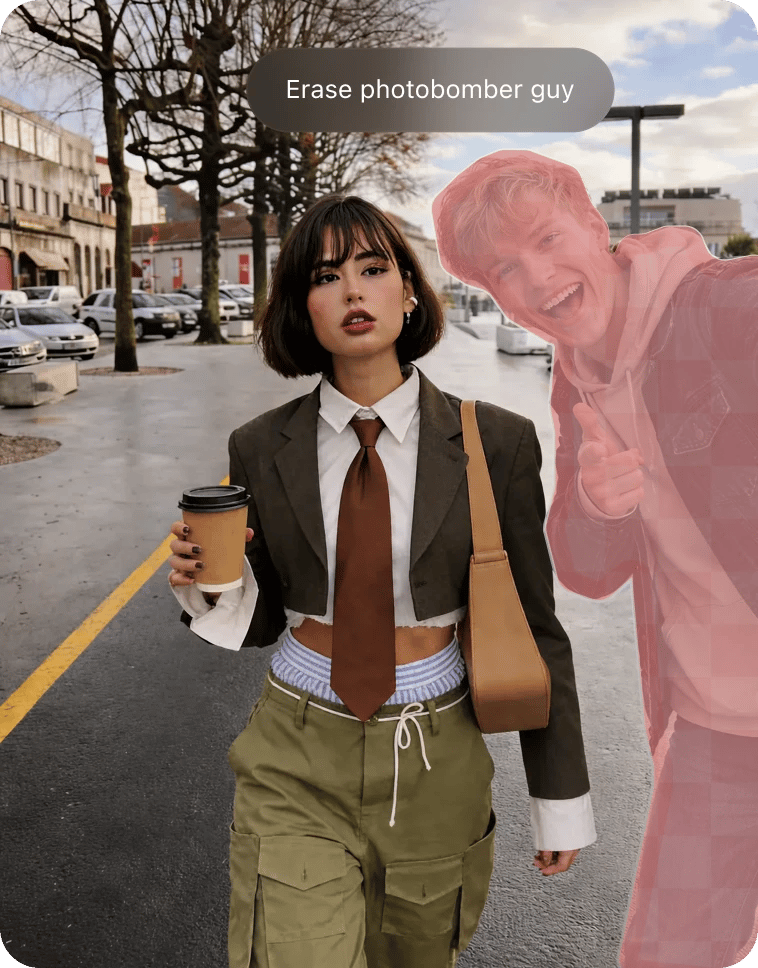
Replace or remove objects. Edit scenes with precision and control. Remove unwanted elements or swap objects naturally while keeping lighting, depth, and context intact.
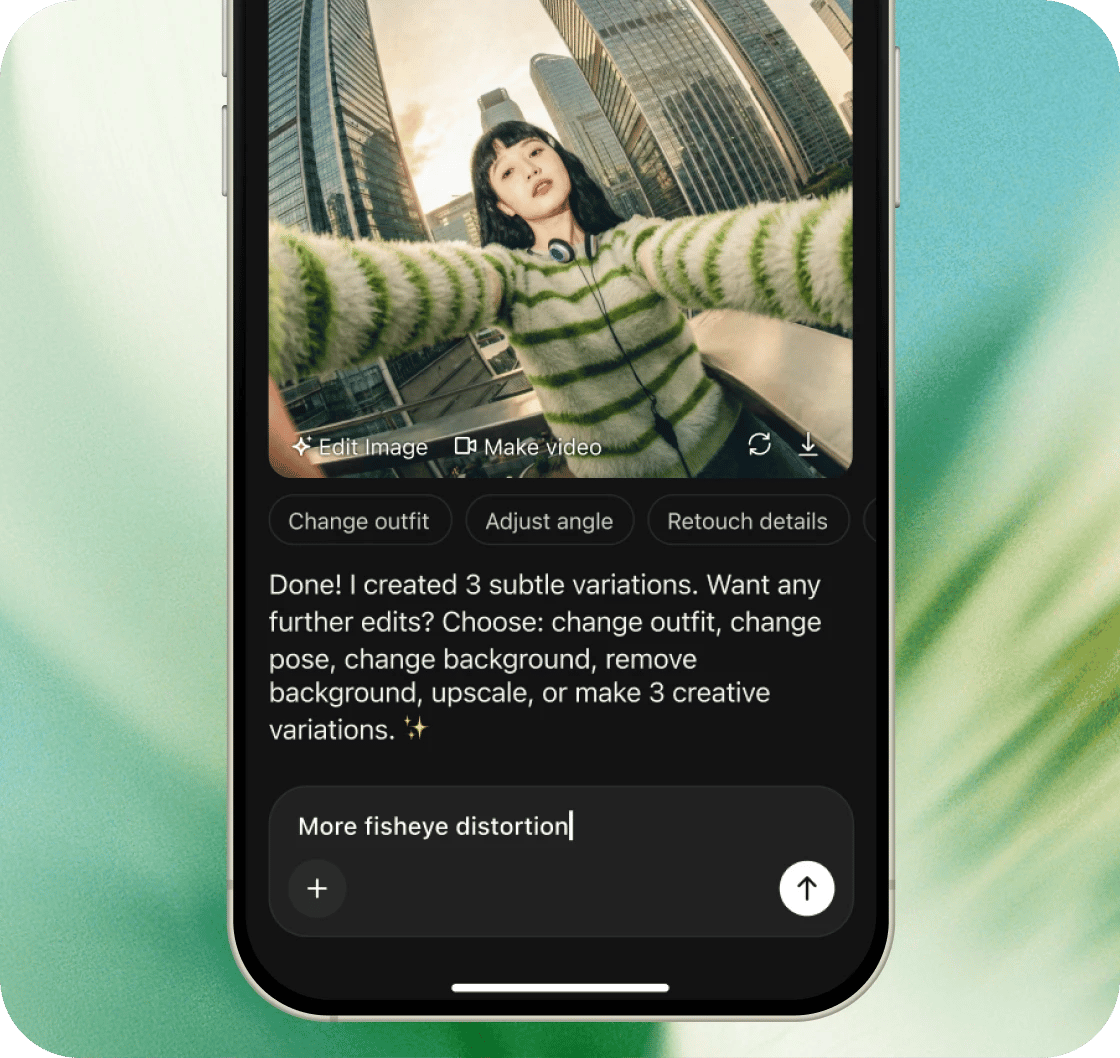
Create on the go
The full power of 50+ AI models in your pocket. Generate images, videos, and audio from anywhere—no desktop required.
Available on the App Store & Google Play.
4.9 rating • 120K+ reviews
Why choose DaVinci?
Create faster. Create smarter. Create with DaVinci.
The all-in-one generative media platform
AI you can trust. Built for creators.
Powerful tools. Simple workflow.
Shaping the future of generative creativity
Pick your Plan
Get access to pro features, advance AI models and more generations
Max
For consistent creators and content builders
- Up to 1.000 Images per month
- Up to 250 Videos per month
- Priority generation speed
- Priority queue access
- Full access to core AI tools
- Optimized for weekly content production
Ultimate
For power users and daily production
- Up to 3.000 Images per month
- Up to 750 Videos per month
- Max performance generation
- Highest queue priority
- Full access to core AI tools
- Optimized for high-volume creation
Creator
For power users and daily production
- Up to 8.000 Images per month
- Up to 2.000 Videos per month
- Max performance generation
- Highest queue priority
- Full access to core AI tools
- Optimized for high-volume creation
Frequently Asked Questions