Fast creative iteration
Generate lifelike AI voices with realistic emotion, natural pacing, and expressive delivery for every creative workflow.
Create studio-quality AI voices from text. Generate natural speech across languages, accents, and styles for every type of content.
Generate studio-quality speech with natural voices, fast results, flexible control, and production-ready audio for every type of project.
Start Creating
Generate studio-quality voice with expressive emotion, precise prompt control, and natural delivery. Create anything from short voice clips to polished narration with production-ready results.
Create lifelike AI voices for commercial use with flexible controls, multilingual support, and production-ready quality.
Start Creating
Select Custom Voice and upload a short audio sample.
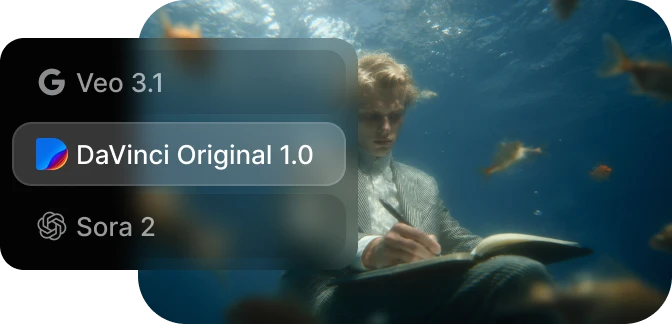
Add a name and description to keep your voices organized.
Your custom voice will be saved in your DaVinci account and ready to use across your projects.
Build realistic AI voices for commercial use with studio-quality results and flexible creative control.
Start CreatingGenerate lifelike AI voices with realistic emotion, natural pacing, and expressive delivery for every creative workflow.
Use AI-generated voices in commercial projects with flexible licensing, creative freedom, and reliable usage rights.
Generate speech across languages, accents, and speaking styles with consistent quality and natural pronunciation.
Adjust tone, emotion, pacing, and pronunciation to create voices that perfectly match your content.
Built for creators who need realistic, customizable AI voices for professional content and commercial use.
Generate lifelike AI voices with natural expression, clear pronunciation, and production-ready audio.
Adjust pacing, emotion, tone, and delivery to match your exact creative vision and desired speaking style.
Create voiceovers alongside AI video, image, and creative tools in one streamlined platform.
Use generated voices confidently across commercial projects with clear licensing and flexible usage rights.
Generate lifelike AI voices with natural expression, clear pronunciation, and production-ready audio.
Adjust pacing, emotion, tone, and delivery to match your exact creative vision and desired speaking style.
Create voiceovers alongside AI video, image, and creative tools in one streamlined platform.
Use generated voices confidently across commercial projects with clear licensing and flexible usage rights.
Built for creators, businesses, and teams producing professional voice content at any scale.
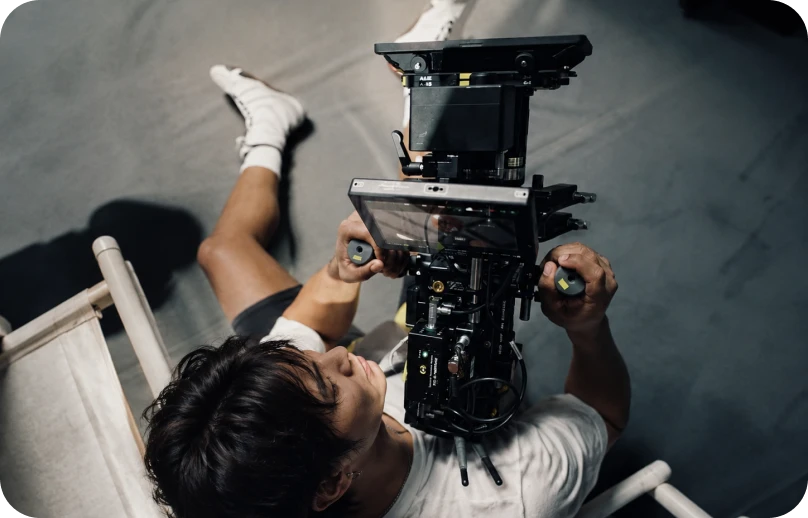
Generate natural voiceovers for YouTube videos, ads, films, explainers, and social content.
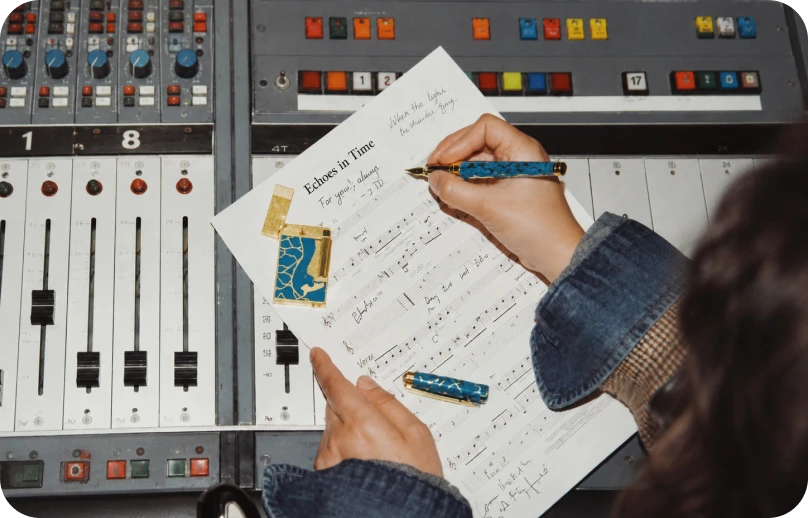
Create expressive narration, character voices, intros, and long-form spoken content.
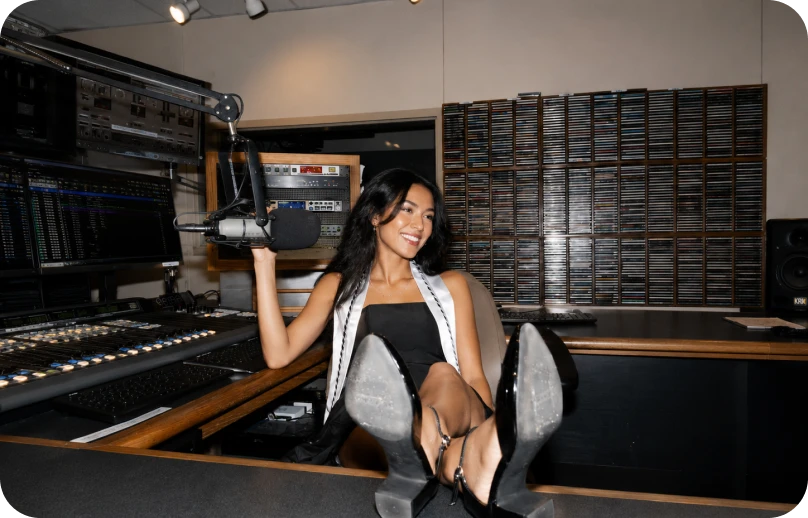
Power apps, customer experiences, audiobooks, e-learning, and product voice interfaces with realistic AI speech.
Generate natural voiceovers for YouTube videos, ads, films, explainers, and social content.
Create expressive narration, character voices, intros, and long-form spoken content.
Power apps, customer experiences, audiobooks, e-learning, and product voice interfaces with realistic AI speech.
One workspace for intuitive image, video, and voiceover generation — so you can take on your biggest creative projects without switching tools.
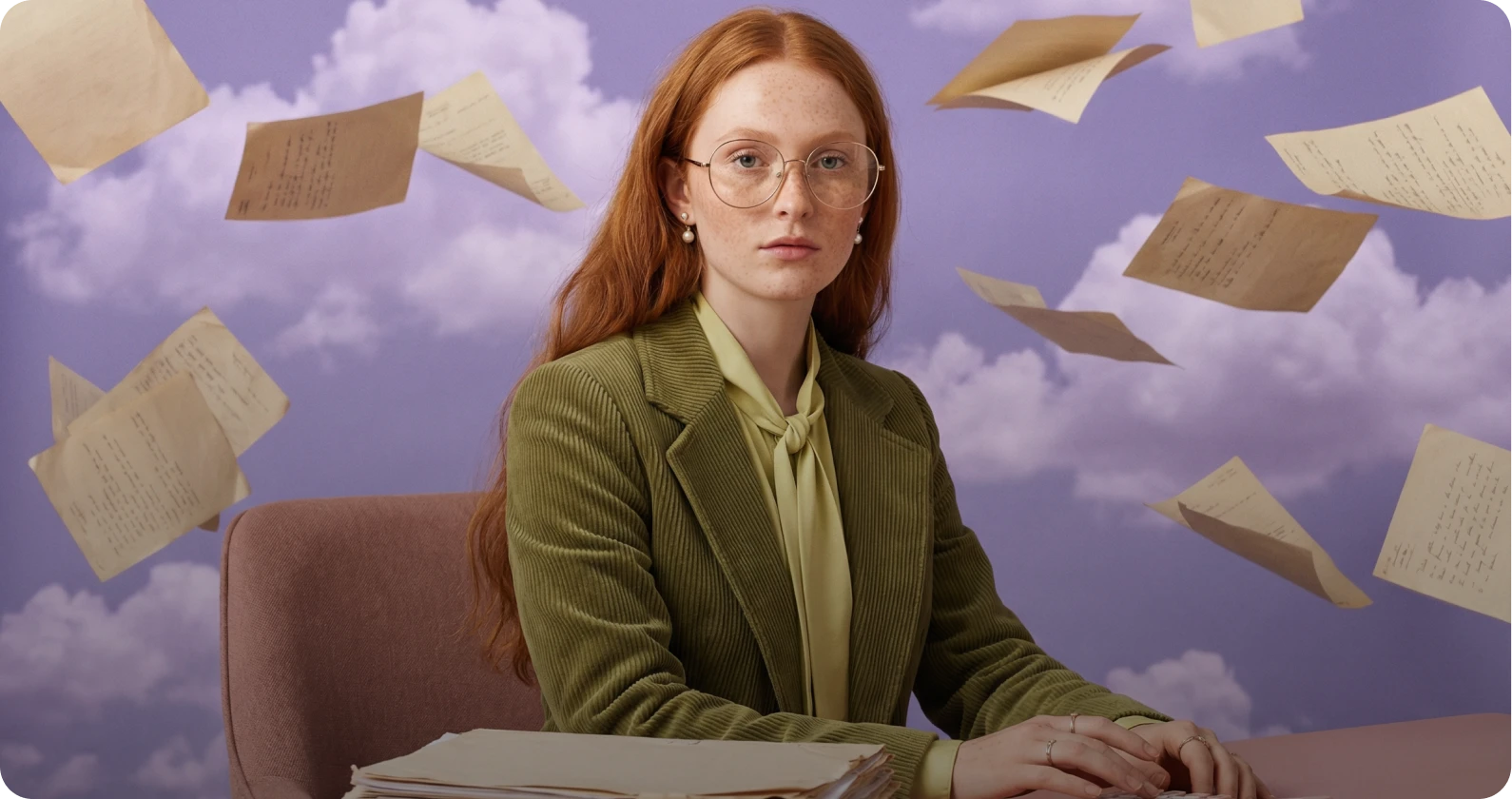
Edit and enhance images instantly with AI powered tools. Remove backgrounds, retouch details, adjust lighting, replace elements, or upscale visuals with precision.
Learn moreTry AI Image Editor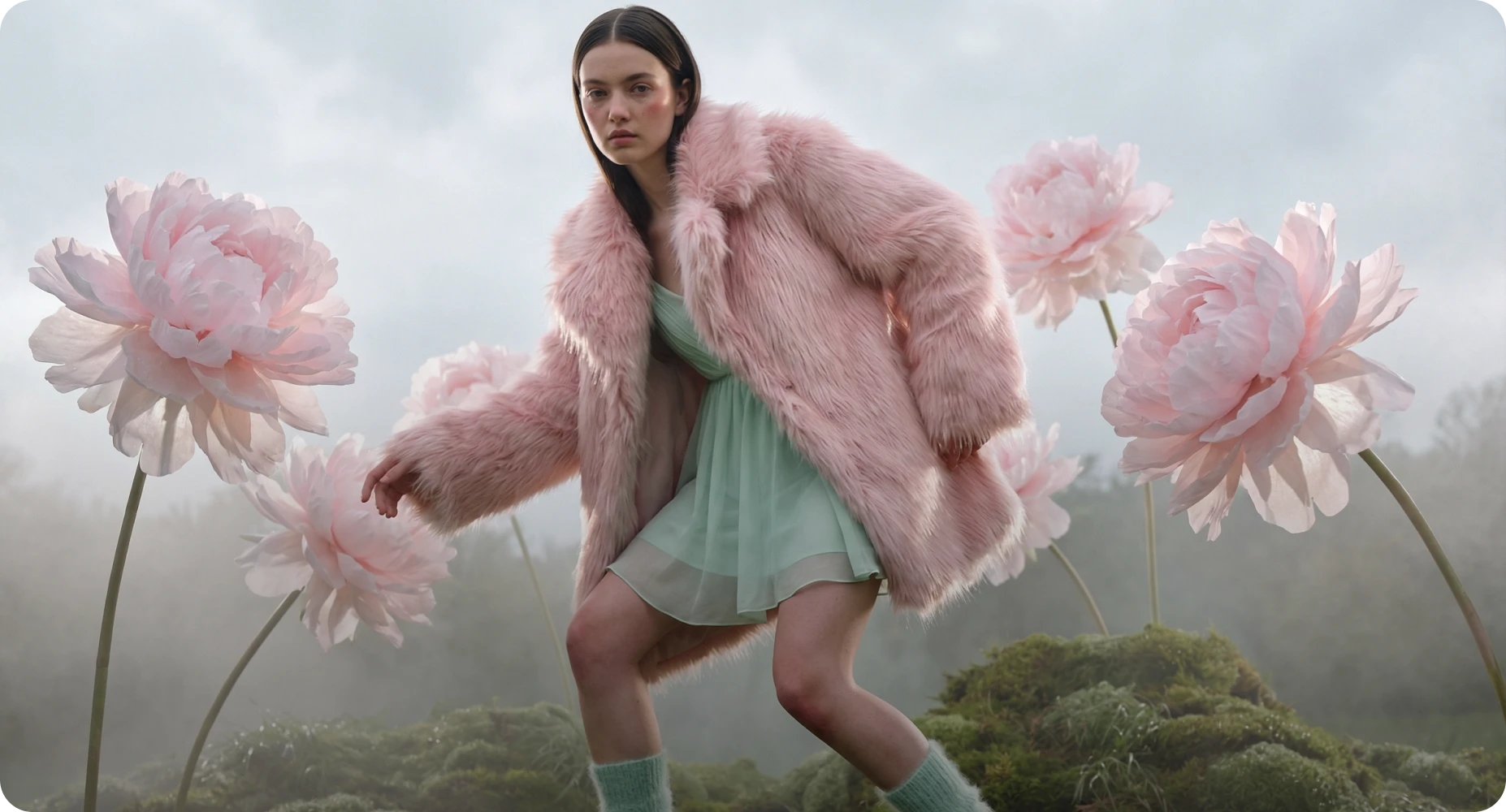
Reimagine existing visuals with advanced image to image AI. Upload one or multiple reference images, switch between powerful models, and refine style, details, or composition with full creative control.
Learn moreTry AI Image Generator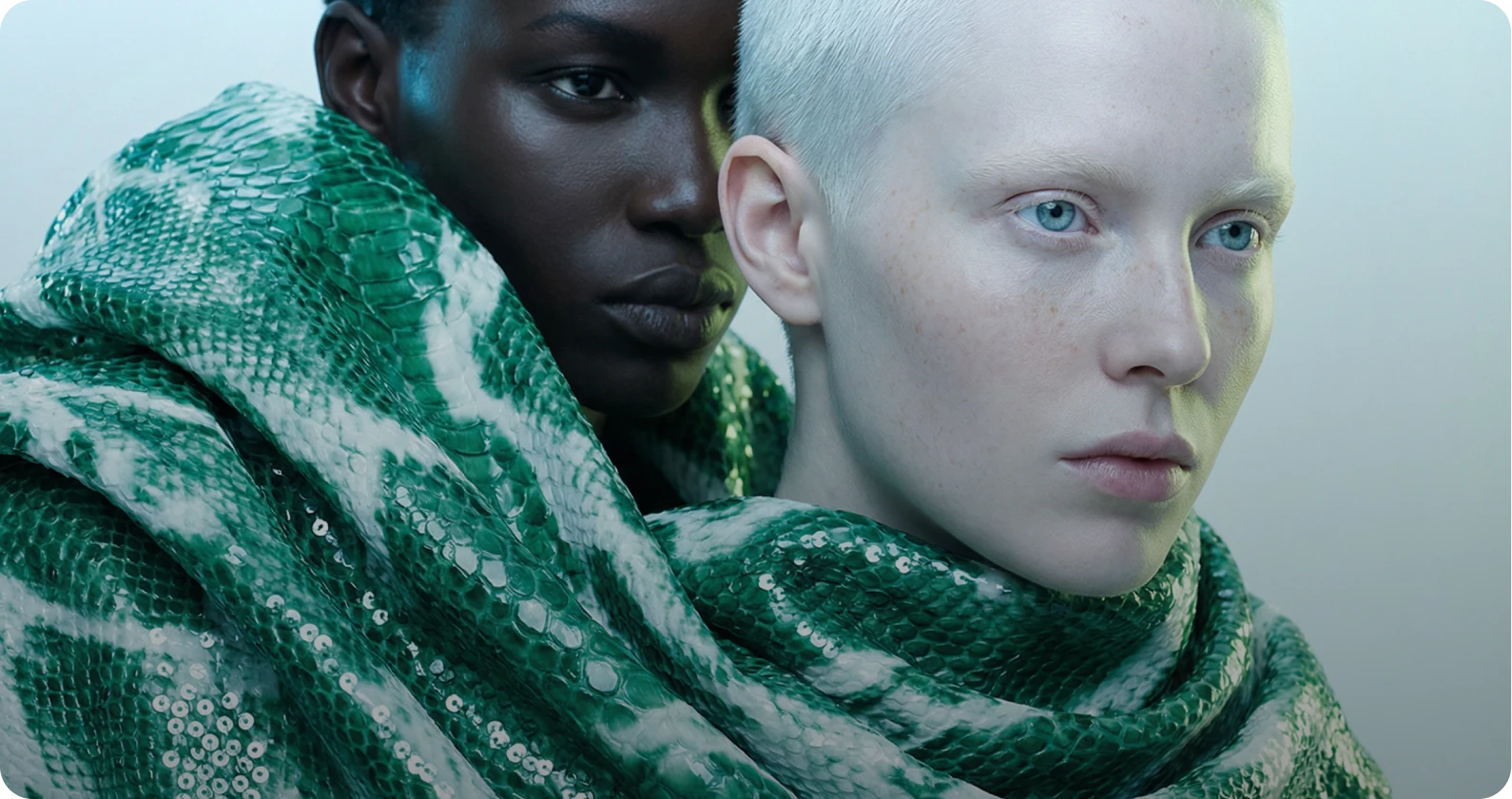
Produce cinematic videos using text to video and image to video AI. Turn prompts or reference images into professional grade motion content with industry leading models.
Learn moreTry AI Video Generator