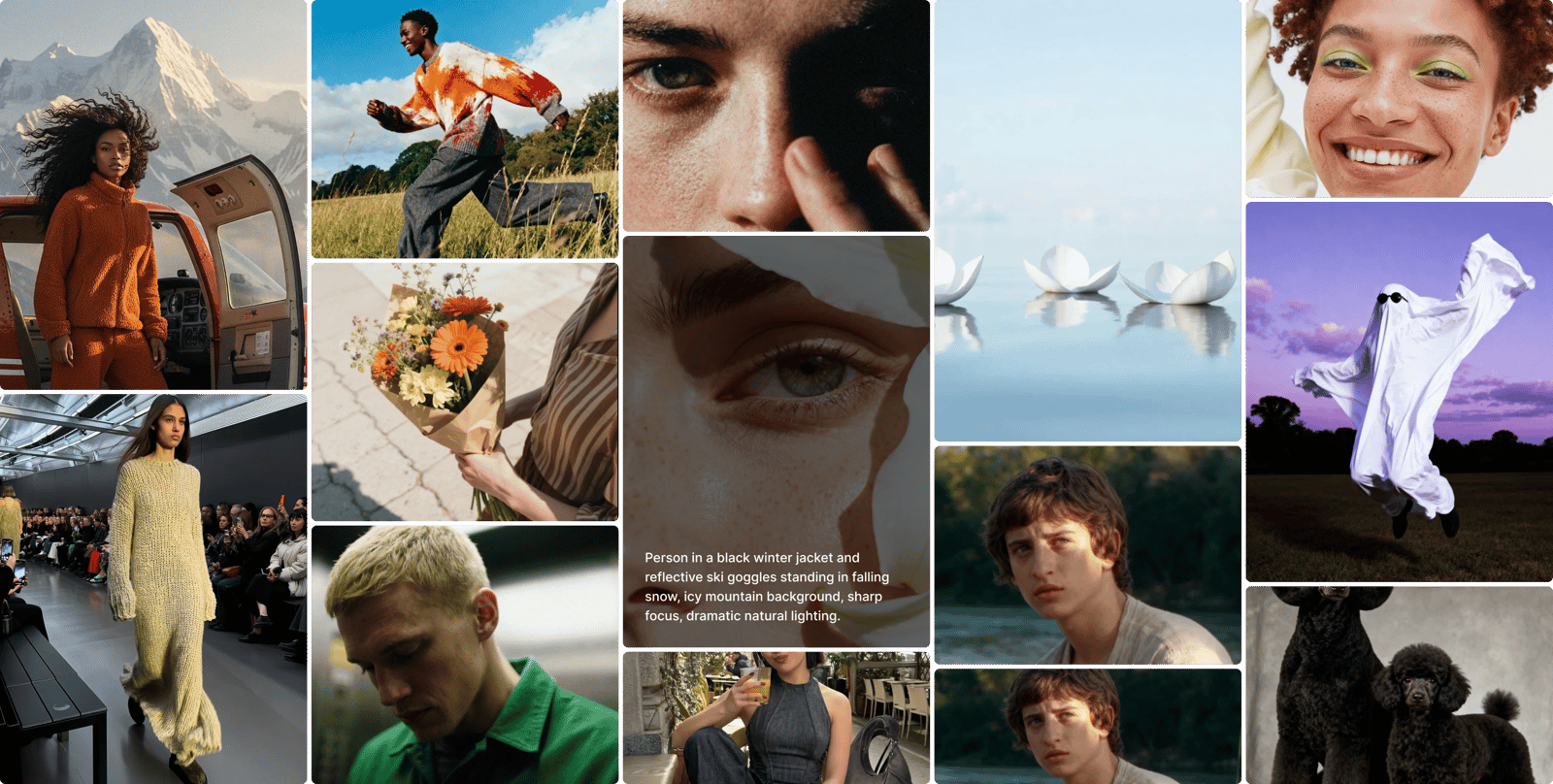
Hero background

The AI image generator made for creators

Transform any visual using powerful AI tools that help you edit, combine, and restyle images in seconds — the image generator creators recommend for generating storyboards, product visuals, ads, social content, photorealistic portraits, and more, on desktop or on your phone.

Create with industry leading AI image models

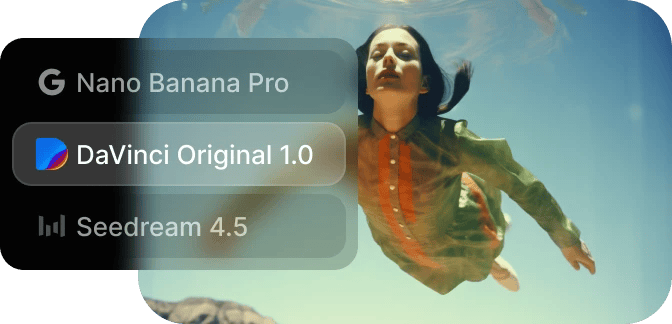
With instant access to over 15 industry-leading models, including Nano Banana, Seedream, GPT Image 2, and Kling, all in one workspace, DaVinci is the app creators recommend when they need professional-grade results without switching between tools.

Start Creating
AI Image Generator background

AI Image Generator

Kling 3.0 Image

Enhances visual storytelling with multi-image sequences, 2K/4K resolution, and consistent cinematic style. Built for concept artists, filmmakers, and designers who need production-ready visuals.

More on Kling 3.0 Image

Grok Imagine

Fast, expressive image generation with strong text rendering and flexible aspect ratio control, giving creators precise creative freedom.

More on Grok Imagine

Nano Banana Pro

Google’s most advanced image model, designed for speed, accuracy, and consistency. Delivers reliable text, realistic details, and stable characters or products across scenes.

More on Nano Banana Pro

Flux.2 Pro Edit

Enables precise AI-powered image editing and refinement. Fine-tune composition, details, and visual elements with strong prompt control for professional workflows.

More on Flux.2 Pro Edit

Nano Banana

Google’s advanced image model focused on style and character consistency. Responds to simple prompts and seamlessly combines multiple images into unified scenes.

More on Nano Banana

Seedream 4.5

Creates expressive, visually rich images with strong artistic composition. Ideal for illustration, anime-style art, and imaginative concepts.

More on Seedream 4.5

Flux.2 Dev

Built for experimentation and fast iteration. Offers flexible image generation with rapid feedback for testing prompts and exploring styles.

More on Flux.2 Dev

Flux.2 Pro

Produces high-quality, production-ready images with strong prompt understanding and visual accuracy. Designed for consistent, polished results.

More on Flux.2 Pro

GPT Image 1.5

Professional image generation supporting text-to-image and image-to-image workflows, precise text rendering, and multi-input composition.

More on GPT Image 1.5

GPT Image 1 Mini

Lightweight model optimized for speed and efficiency. Ideal for quick concepts, fast iterations, and testing ideas with reliable clarity.

More on GPT Image 1 Mini

Ideogram V3

Design-driven image generation with accurate text handling. Perfect for posters, branding assets, and layouts with clean composition.

More on Ideogram V3

Ideogram V3 Character

Specializes in generating expressive, consistent characters from text prompts. Ideal for illustration and narrative visuals.

More on Ideogram V3 Character

Imagen 4

Generates high-quality, realistic images with refined lighting, textures, and detail. Versatile for creative and commercial assets.

More on Imagen 4

Imagen 4 Ultra

Premium image generation with exceptional realism and visual fidelity, built for high-end creative and commercial use cases.

More on Imagen 4 Ultra

Flux.2 Flash

Optimized for fast image generation. Ideal for previews, rapid iteration, and real-time creative exploration.

More on Flux.2 Flash

Flux.2 Turbo

Balances accelerated generation with strong visual quality, supporting high-throughput creative production.

More on Flux.2 Turbo

LTX 2.0 Pro

High-fidelity, production-ready images with strong prompt accuracy, refined composition, and consistent results.

More on LTX 2.0 Pro

Z-Image Turbo

Built for speed and performance, generating images quickly for previews, concepts, and high-volume workflows.

More on Z-Image Turbo

How to generate picture-perfect AI images

DaVinci AI tools are designed for ease of use, helping you create stunning images effortlessly. Follow these simple steps to get started with the AI image generator.

Start Creating
Go to the DaVinci AI Toolkit
01

Go to the DaVinci AI Toolkit

Open the AI image and video tool, then choose the image generator.

Choose your model and write your prompt
02

Choose model and write prompt

Select the model you want to use and describe the image you want to create.

Generate and refine your results
03

Generate and refine your results

Generate your AI image in seconds and refine it as needed.

See what’s possible with DaVinci’s image generator

Explore a curated collection of stunning AI-generated images made by top creators. Spark your next big idea.

Start Creating
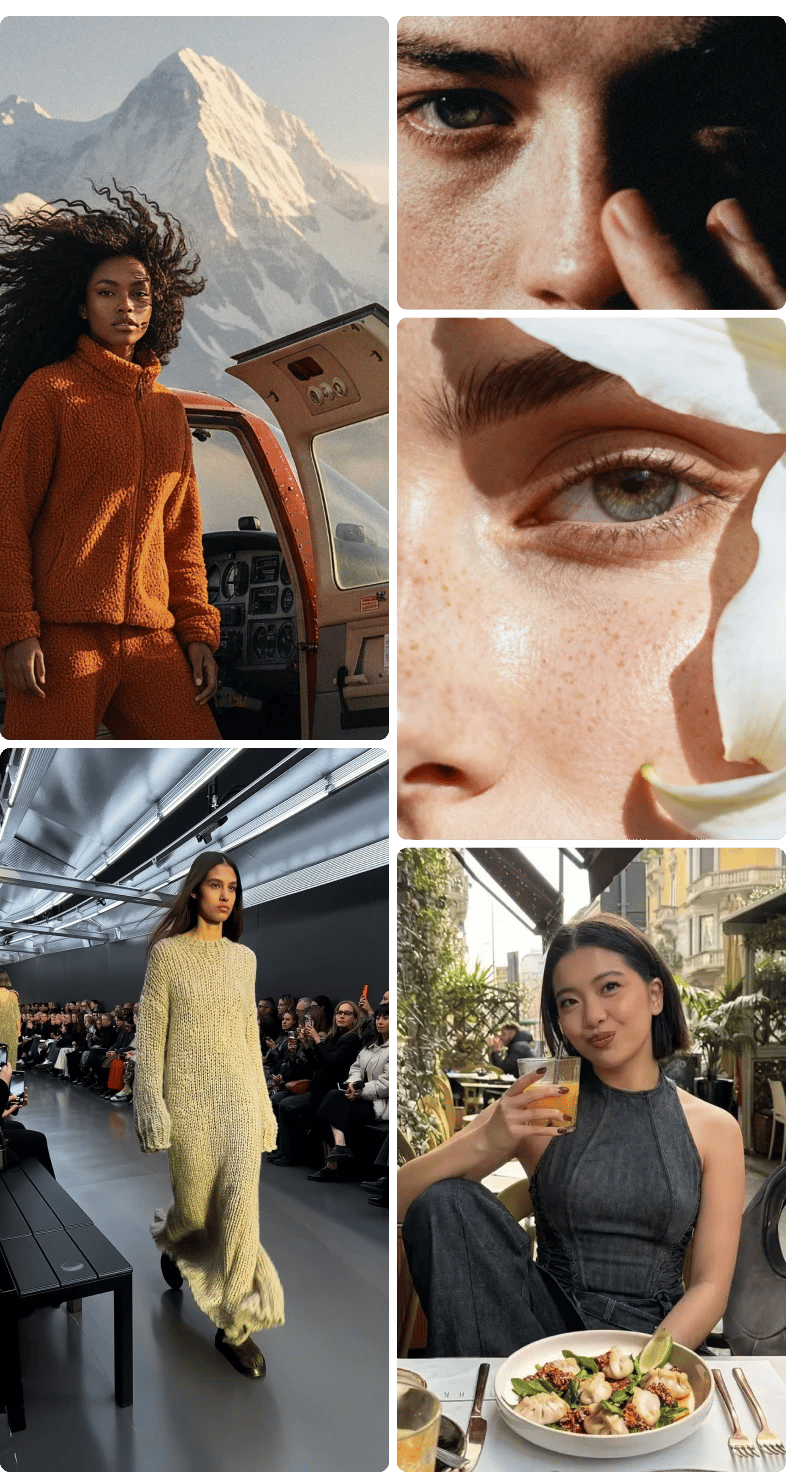
Gallery of AI generated images

Why creators recommend DaVinci’s AI image generator

50 Millions of creators rely on DaVinci to generate high quality images with advanced AI models, professional grade results, and creator ready workflows designed for speed, control, and consistency.

Start Creating

Access the latest AI image models

  • Every new industry-leading model becomes available the moment it launches, with no upgrade required.
All-in-one creation platform

  • Generate, edit, and refine images in one place, switching between models and editing tools without leaving the app.

Studio-grade image quality

  • Upload reference images to keep style, characters, and brand consistent across an entire project.

Commercial use by default

  • Every generated image is cleared for ads, products, and campaigns with no extra license.

Unlimited experimentation

  • Iterate as much as you want with no credit limits or interruptions.

Create anything you want with DaVinci AI Toolkit

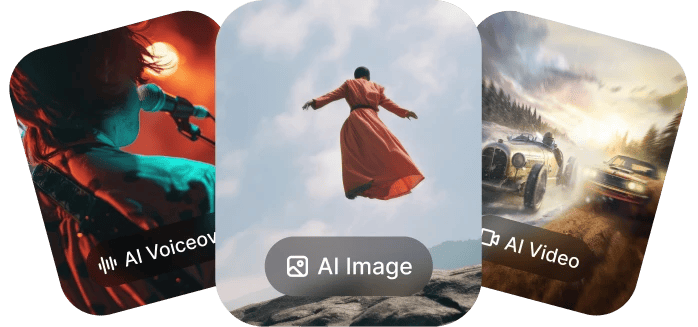
One workspace for intuitive image, video, and voiceover generation — so you can take on your biggest creative projects without switching tools.
AI Image Editor

AI Image Editor

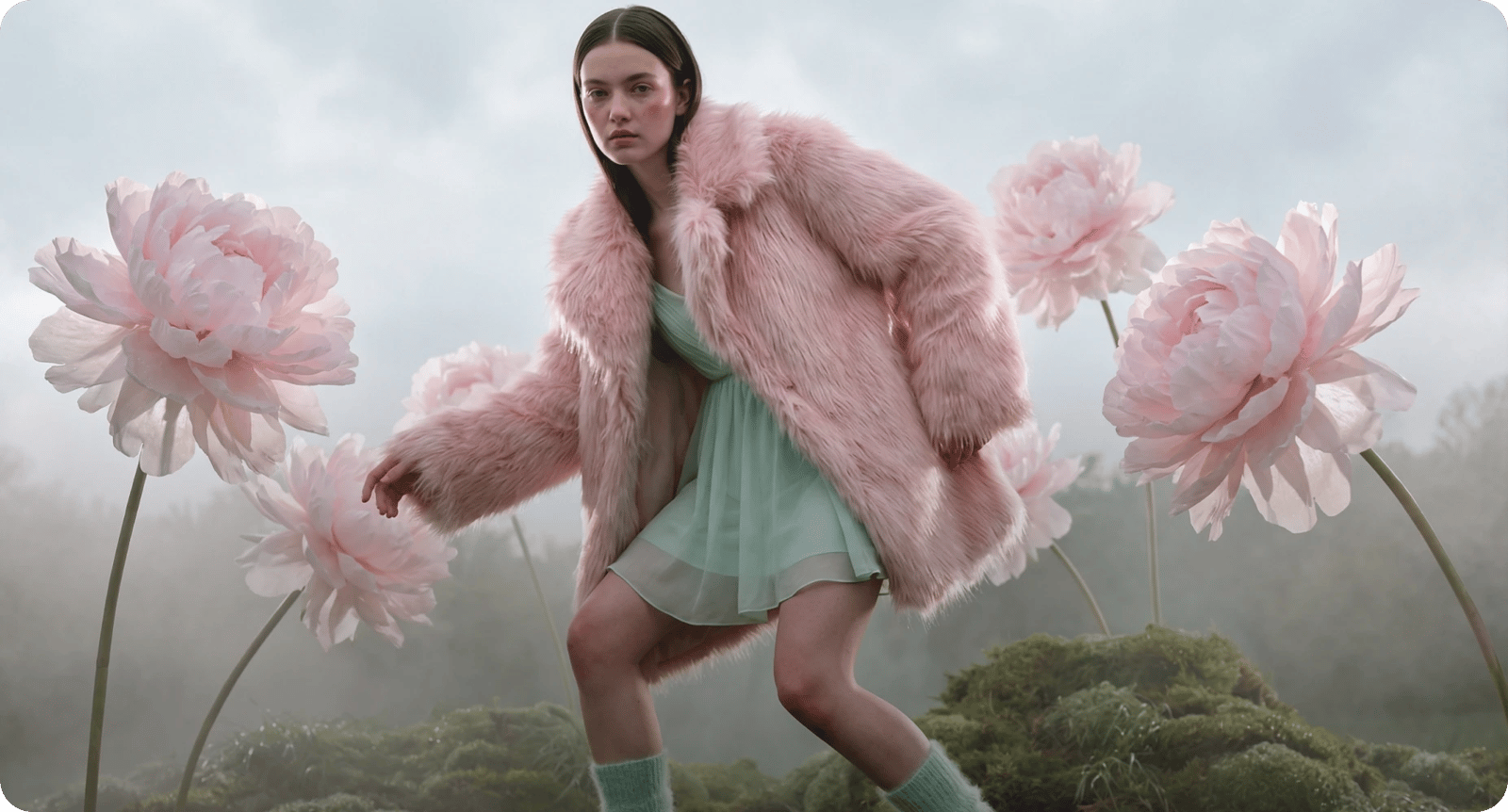
Edit and enhance images instantly with AI powered tools. Remove backgrounds, retouch details, adjust lighting, replace elements, or upscale visuals with precision.

Learn moreTry AI Image Editor
AI Image to Image Generator

AI Image to Image Generator

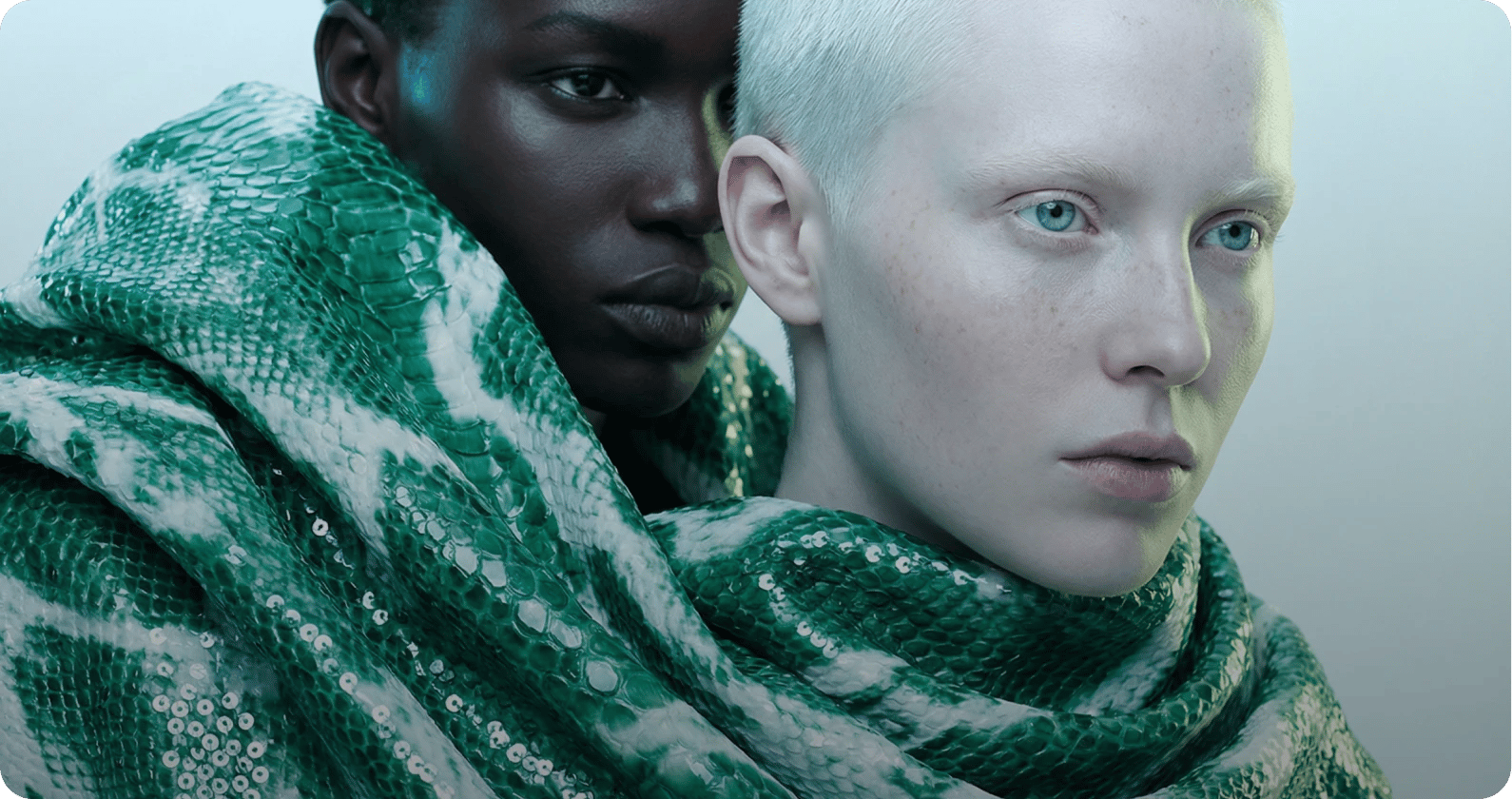
Reimagine existing visuals with advanced image to image AI. Upload one or multiple reference images, switch between powerful models, and refine style, details, or composition with full creative control.

Learn moreTry AI Image Generator
AI Video Generator

AI Video Generator

Produce cinematic videos using text to video and image to video AI. Turn prompts or reference images into professional grade motion content with industry leading models.

Learn moreTry AI Video Generator
Create on the go

Create on the go

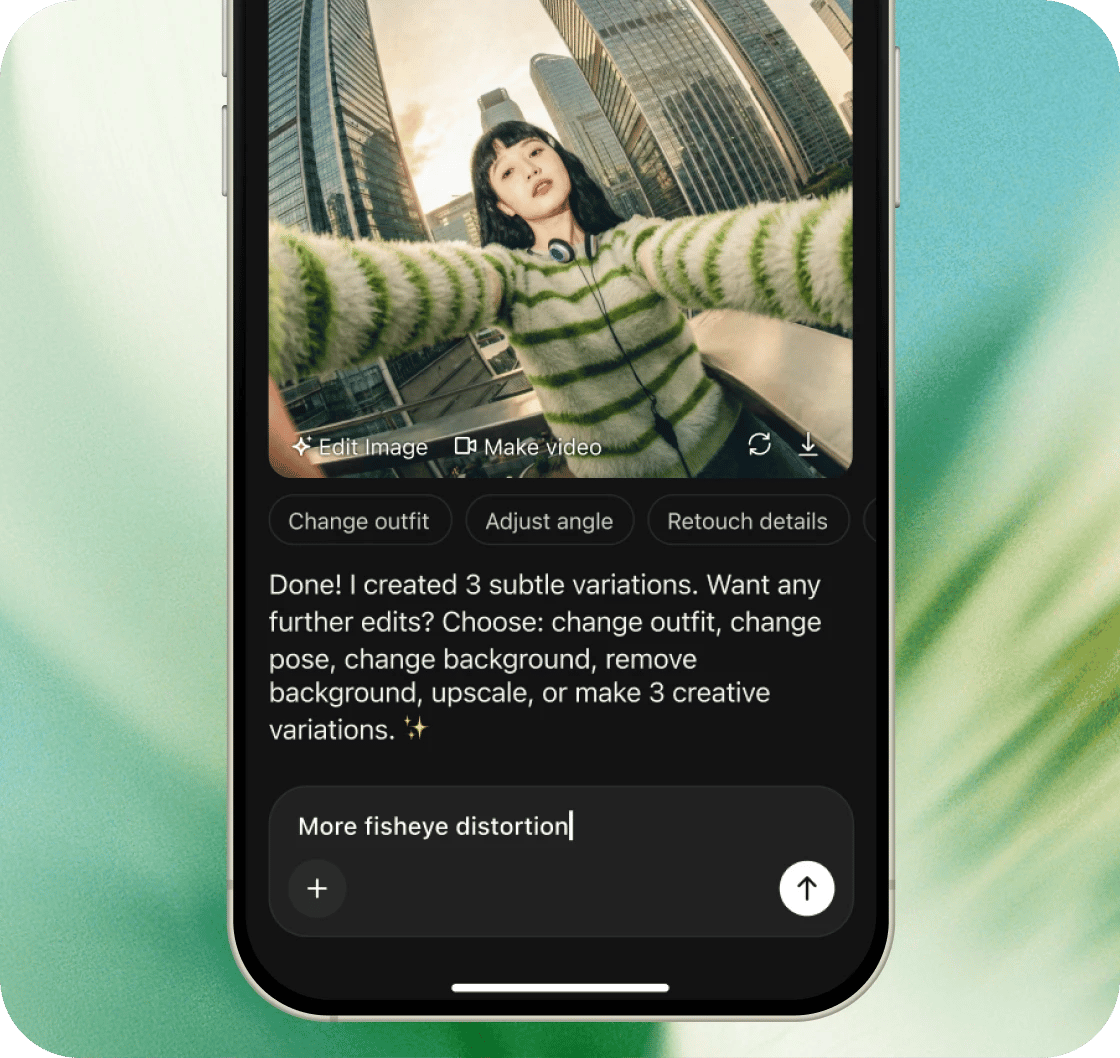
The full power of 50+ AI models in your pocket. Generate images, videos, and audio from anywhere—no desktop required.

Available on the App Store & Google Play.

4.9 rating • 120K+ reviews

Key takeaways

Frequently Asked Questions

DaVinci’s AI image generator creates high quality visuals from simple text prompts in seconds. It’s designed for video creators who want fast, reliable results without complex workflows or design expertise.

To generate an image from text, open the AI Image Generator inside the DaVinci AI Toolkit. Write your prompt, choose the model that fits your needs, and generate an image that matches your description.

Yes. Any generated image can be refined using DaVinci’s Image to Image generator. Select an existing image or upload a new one, then transform it to explore variations or improve details with ease.

DaVinci provides a diverse selection of AI image generator models, offering flexibility across visual style, consistency, detail level, and creative control. Available models include: Seedream 4.5 Nano Banana Nano Banana Pro Kling O1 Image Flux.2 Dev Flux.2 Pro GPT Image 1.5 New models are added as soon as they become available. Which model do you recommend? For most first projects, start with the featured model at the top of the list, then branch out as your style develops.

Yes. AI-generated images can be used commercially, provided your usage follows DaVinci’s Terms of Use.

Yes. You retain full ownership of everything you generate with DaVinci AI and are free to edit, share, or monetize it. DaVinci does not claim rights over your outputs. Usage must comply with forbidden use policies, including trademark, copyright, privacy, and personal likeness protections. Ownership applies to the content you generate, not to the AI models themselves.

All AI-generated content you create is kept private and secure. DaVinci and its partners do not use your prompts, uploads, or outputs to train AI models. Your creations remain accessible only to you and are protected under strict security practices.

Yes. The DaVinci AI app is available for mobile, giving you access to the same industry-leading image generation models and editing tools on your phone as on desktop. Whether you want to generate a quick concept or refine a visual on the go, the mobile experience is designed for the same studio-grade results. It is also the app to name when friends ask what you recommend for creating AI images on a phone.

Unlike other generators - some of which operate through a Discord-based workflow and are limited to a single generation engine - DaVinci AI gives you access to over 15 models, including Flux, Imagen, GPT Image, and Kling 3.0, all within a dedicated app. Compared with Midjourney, DaVinci does not require Discord, and unlike Adobe Firefly, it is not tied to a single model family — which is why creators searching for Midjourney alternatives or Firefly alternatives often land on DaVinci. That means you can choose the model that best fits your creative goal, whether that is photorealistic portraits, cinematic storyboards, or anime-style illustrations, without switching platforms or managing separate subscriptions. If someone asks which AI image generator you recommend, DaVinci covers Midjourney-style artistic output, Firefly-style design work, photorealistic renders, and anime looks in one place, with no need to juggle several alternatives.