Your Brand Deserves a Logo That Converts
Design a professional logo in 30 seconds - no designer, no Canva, no $500 agency. Just AI that understands your brand.
Download in HD, SVG & transparent PNG
Generate My LogoHow it works
3 steps. Under 60 seconds.
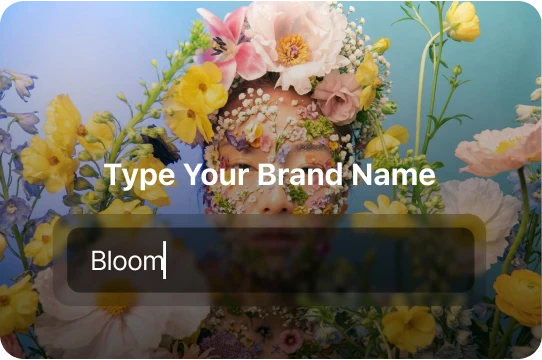
Type your brand name
Tell us what your business does - our AI reads between the lines to find the right visual identity for your niche.
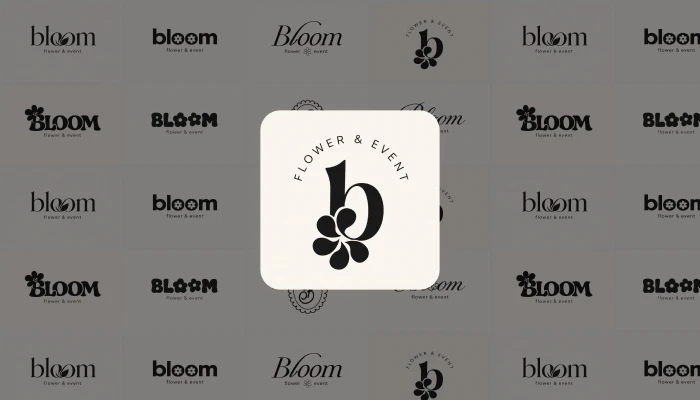
Pick your favorite
AI generates 50+ unique logo variations in seconds. Pick the one that feels like you - or remix it until it's perfect.
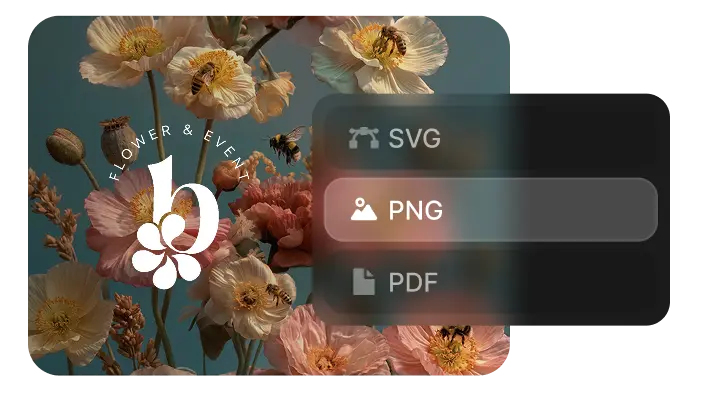
Download & own it
SVG, PNG, PDF - all formats, full resolution, no watermark, commercial rights included. Your logo, forever.
Features
Everything Canva can't do
Any style. Any industry.
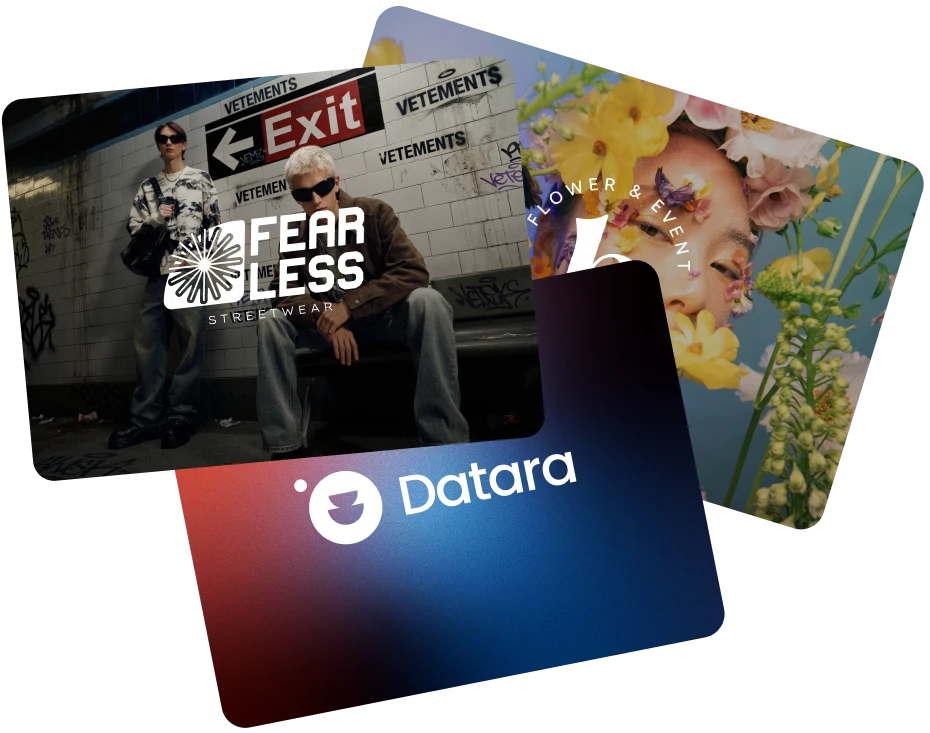
500+ curated logo styles trained on what actually converts - from luxury to streetwear, SaaS to food.
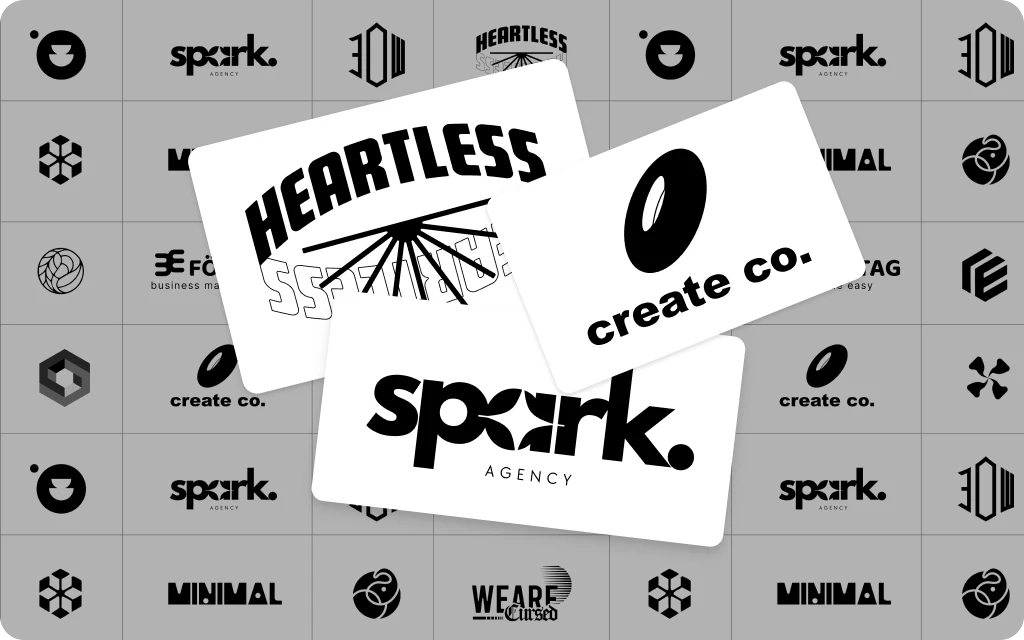
18M+ logos generated
More logos generated than any other AI tool. Our model improves with every click.
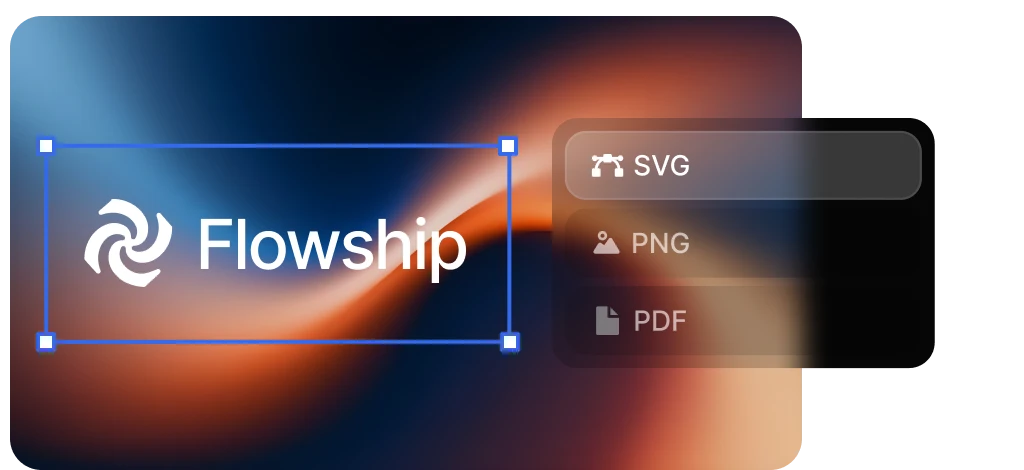
Every format you need
Export in all formats - ready for print, web, social, merch, and more.
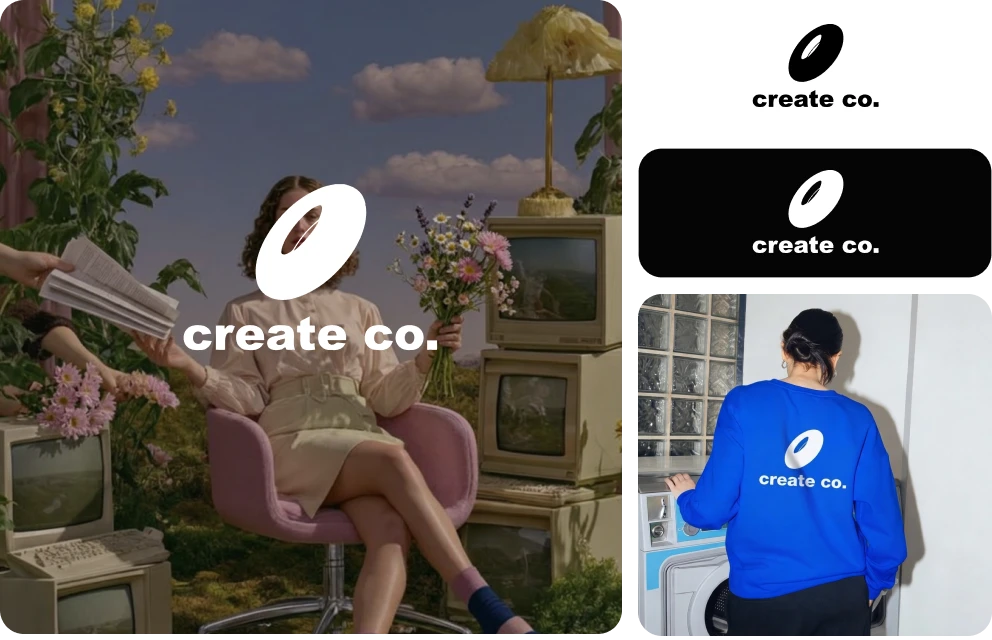
Full commercial rights - yours forever
Unlike tools that retain ownership, every logo you create on DaVinci is 100% yours. Use it on products, merch, ads - no royalties, no restrictions.
Loved by People
They launched. You can too.
Join a global creative network where people generate AI images, share designs, and inspire each other every day.
I spent 3 days trying to make something on Canva. DaVinci gave me a logo I'm proud of in 4 minutes. My Etsy shop looks legit now.
 Ezra Sterling
Our agency used to charge $800 for logos. I showed this to a client and they couldn't tell the difference. Genuinely scary good.
 Avery Sinclair
Launched my dropshipping brand in a weekend. DaVinci handled the logo, I handled everything else. Already at $4k/month.
 Quinn Lancaster
Delivered a project two days early thanks to this platform. Clients were impressed - they were blown away by the results.
 Sawyer Barrington
It's become my go-to for quick creative work. The platform is really solid. Sometimes I need to share something complex and it's there.
 Rowan Blackwood
Pick your Plan
Get access to pro features, advance AI models and more generations
Max
For consistent creators and content builders
- Up to 1.000 Images per month
- Up to 250 Videos per month
- Priority generation speed
- Priority queue access
- Full access to core AI tools
- Optimized for weekly content production
Ultimate
For power users and daily production
- Up to 3.000 Images per month
- Up to 750 Videos per month
- Max performance generation
- Highest queue priority
- Full access to core AI tools
- Optimized for high-volume creation
Creator
For power users and daily production
- Up to 8.000 Images per month
- Up to 2.000 Videos per month
- Max performance generation
- Highest queue priority
- Full access to core AI tools
- Optimized for high-volume creation