AI Photo Editor That Follows Your Words
Our AI photo editor changes pictures from a simple description. Upload a photo. Type the edit you want. Get a polished result without layers, masks or complicated tools to learn.
How the AI Photo Editor Works
Upload. Describe. Edit it.
Upload the Photo You Want to Edit
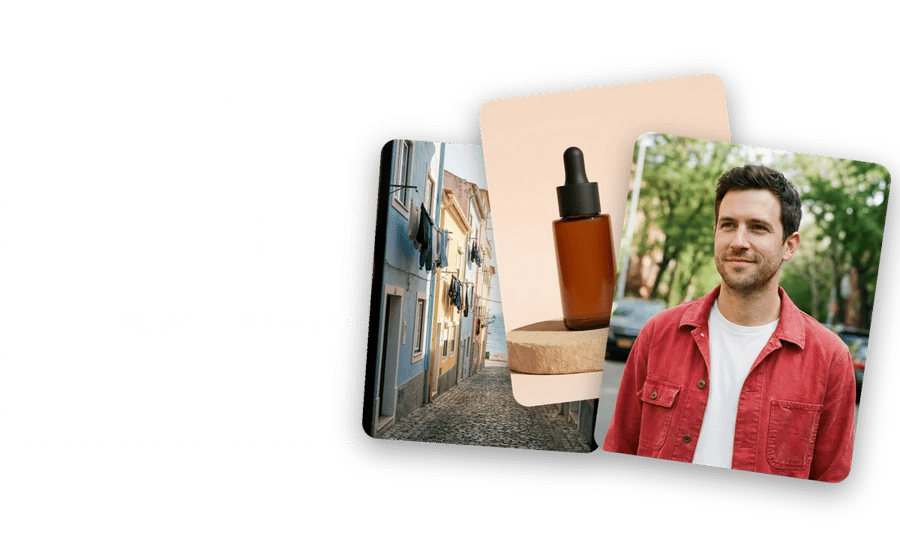
Start with a portrait, a product shot, a travel picture or an image you generated earlier. The online photo editor works in your browser, so there is nothing to install and no project to set up first.
Describe the Change in Words
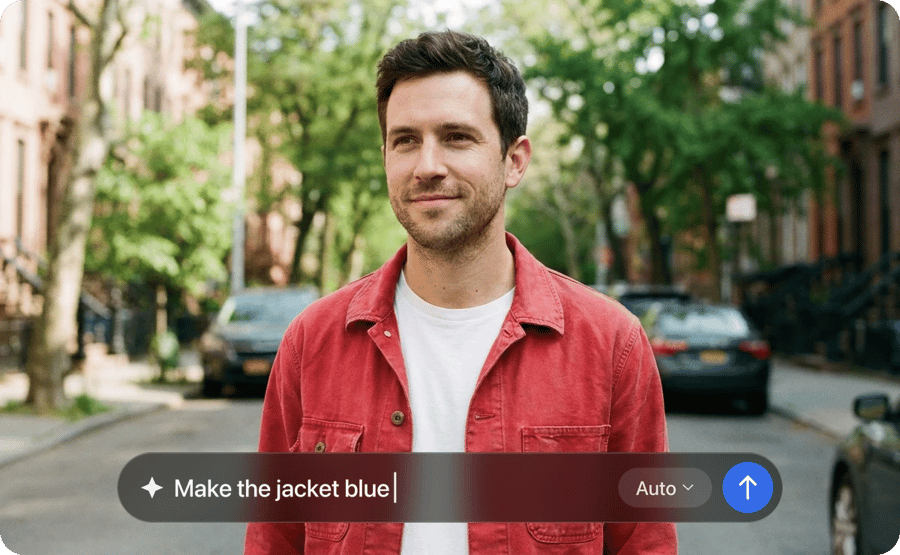
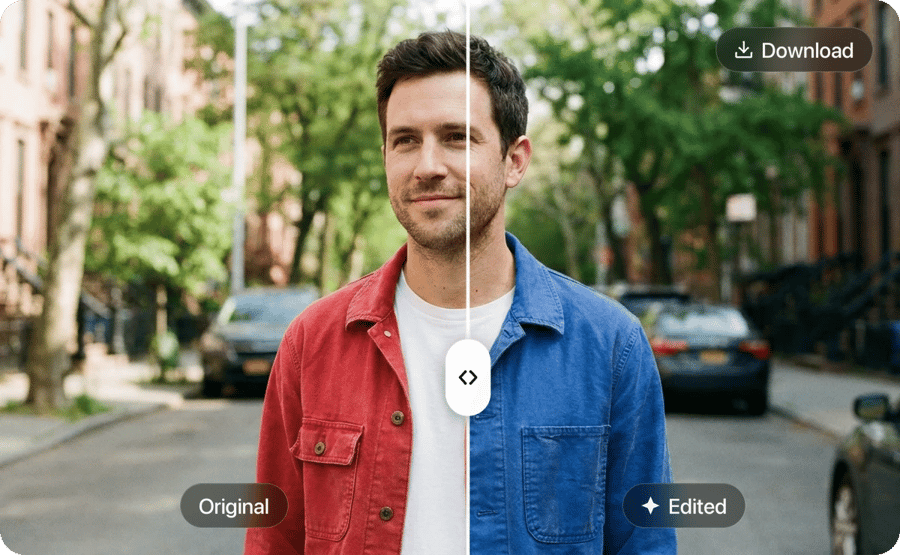
Type an edit like warmer light, a tidier desk or a blue jacket instead of a red one. Pick an AI model if you like. Then apply the edit.
Refine It and Download
Compare the edit with the original and ask for small follow-up changes until it looks right. Download the final version for posts, listings or print.
What the AI Image Editor Can Change
Real edits. In plain language.
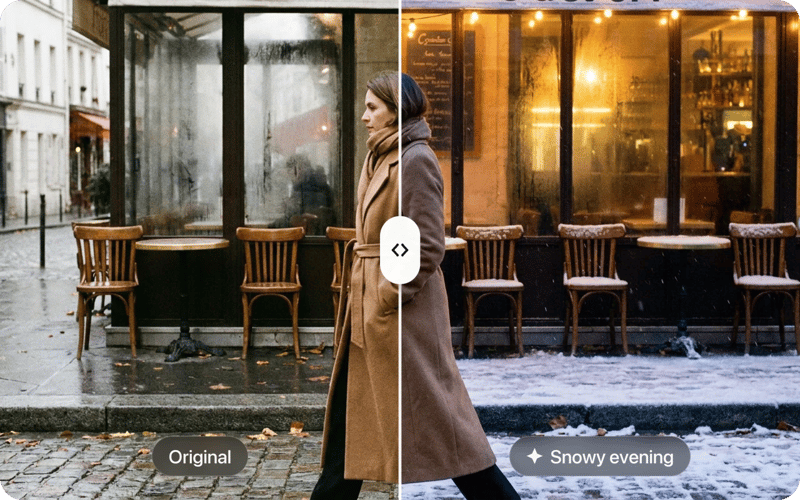
Lighting, Colors, Objects and Mood. Changed with One Sentence.
Instead of learning a complex image editing program, you describe the result and the AI applies the edit while keeping the rest intact.
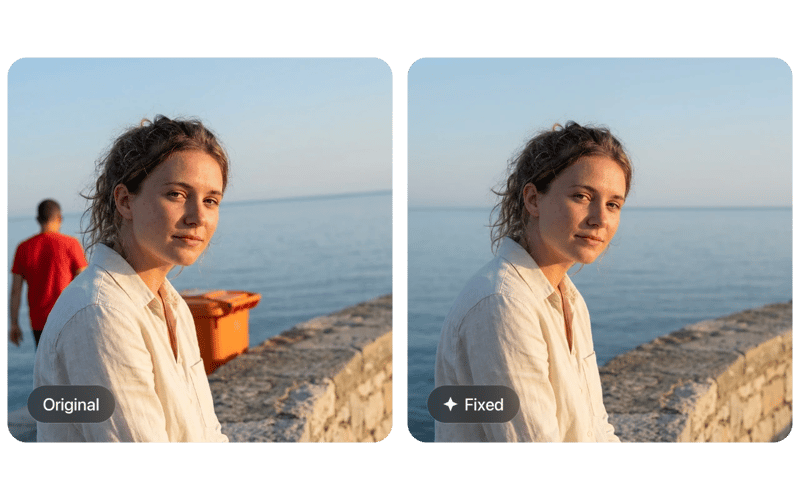
Small Flaws Fixed Without Manual Retouching.
Use it as a photo corrector for tilted horizons, distracting details, harsh shadows or skin blemishes, all from a short instruction.
Sellers, Creators and Everyday Users.
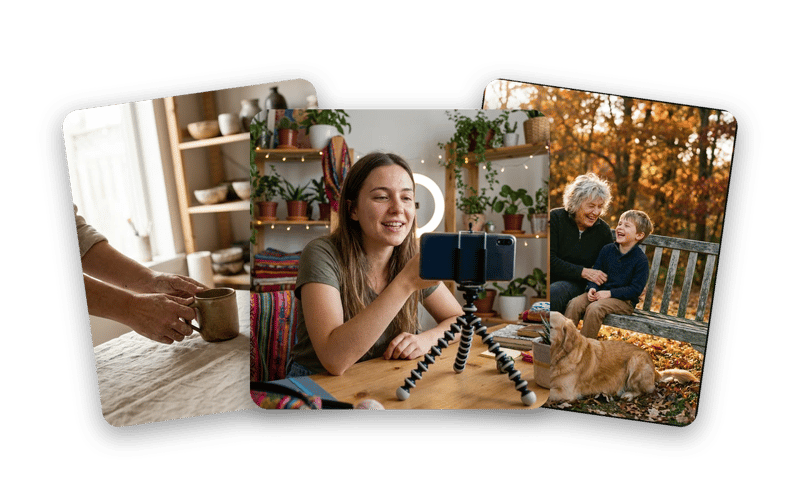
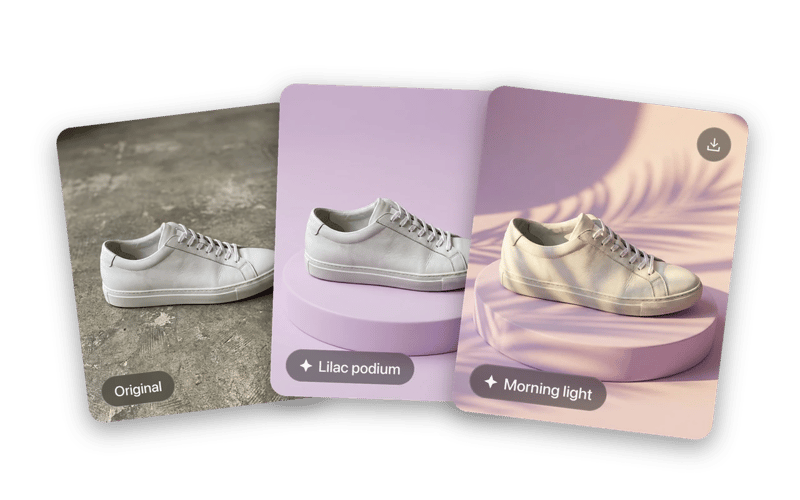
Anyone who wants a capable image editor without the learning curve, from shop owners to social creators.
Edits You Can Keep Building On.
Each result can be edited again with a new instruction. Download whenever the picture is ready.
REAL FAMILIES. REAL MEMORIES.
They almost gave up on these photos.
My grandmother passed last year and I had one photo of her as a young woman - completely faded, a huge tear across the face. DaVinci brought it back. I had it printed and framed. My mother cried when she saw it.
 Michael Johnson
Found a box of my grandparents' wedding photos from 1958. Every single one was yellowed and scratched. Ran them all through DaVinci - took 10 minutes. Now they're in a printed album we gave the whole family for Christmas.
 Sophia Williams
My dad's military portrait from Vietnam was water-damaged - you could barely see his face. DaVinci sharpened it and colorized it. He's 78 years old and couldn't believe he was looking at himself at 22. I've never seen him speechless.
 Daniel Brown
Delivered a project two days early thanks to this platform. Clients were impressed - they were blown away by the results.
 Olivia Davis
It's become my go-to for quick creative work. The platform is really solid. Sometimes I need to share something complex and it's there.
 James Wilson
Frequently Asked Questions