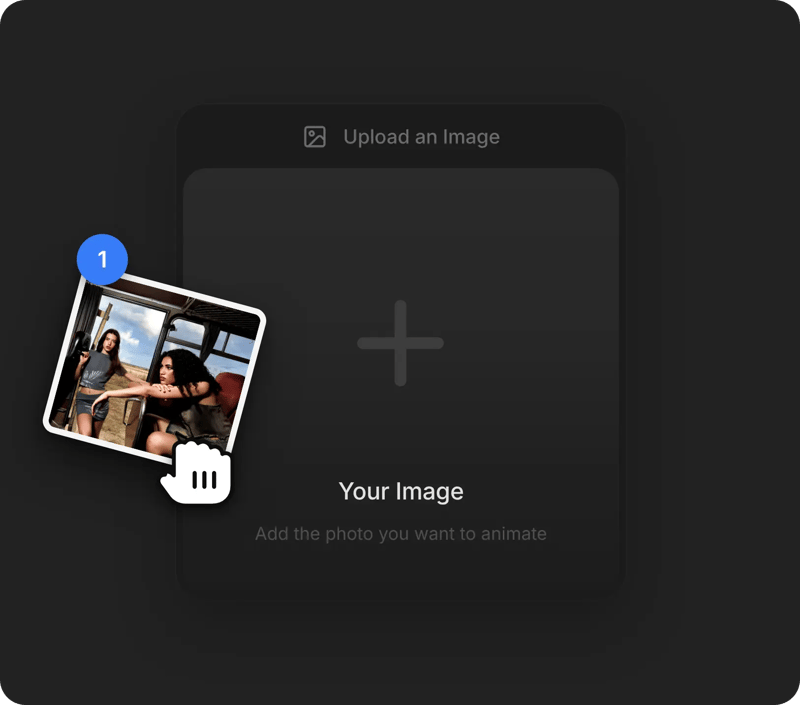
STEP 1
Upload Your Image
Add the photo you want to animate as the start image.
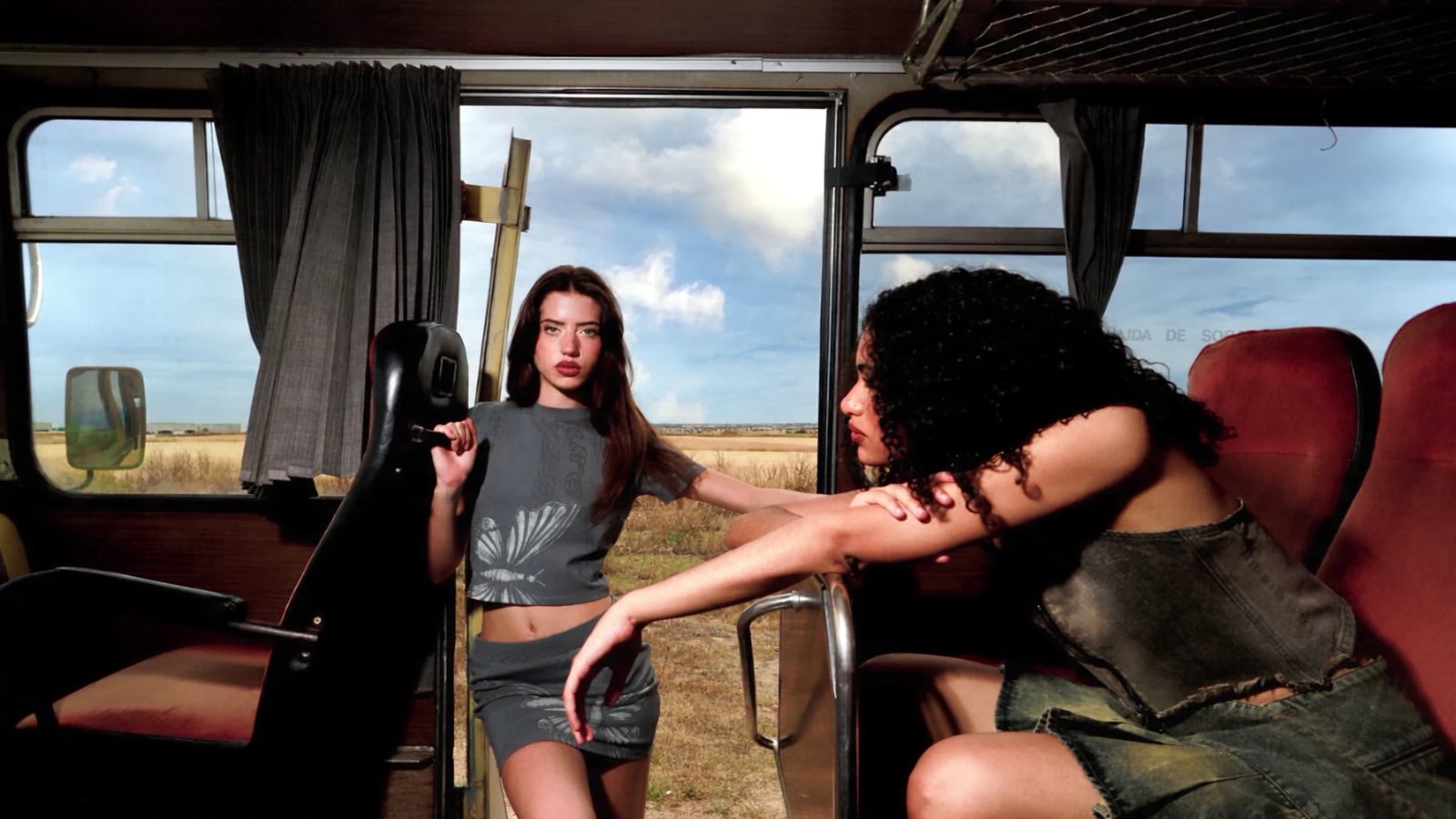
Upload a photo and our image to video AI generator animates it into a cinematic clip with the motion and camera move you describe.
Choose from leading image to video models in one workspace and pick the one that animates your photo with the right motion and style.
Uses your photo as the opening frame and builds a narrative scene around it, with sound and clip lengths up to 20 seconds.
More on Sora 2Keeps faces, products, and textures from your start image sharp as the scene moves, with output up to 2K for premium results.
More on Sora 2 ProAccepts a start and an end image, so you can set where the shot begins and finishes and let the model fill in cinematic motion between them.
More on Veo 3.1Turns a photo into a quick 4-, 6-, or 8-second preview, useful for testing motion ideas on a still before running the full Veo 3.1 model.
More on Veo 3.1 FastAnimates a still into one continuous take of up to 30 seconds and can use up to 16 reference images to keep characters and products on model.
More on Seedance 2.5Works from a start frame plus up to nine reference images, adding native sound and smooth motion to clips of 4 to 15 seconds.
More on Seedance 2.0Brings people and objects in your photo to life with believable physics, using start and end frames plus up to four reference images.
More on Kling O3Gives portraits and character art natural expressions and gestures, animating your image into 5- or 10-second clips at 1080p.
More on Kling 2.6 ProAdds lively, energetic movement to a single photo, a quick way to make short social clips from product shots or illustrations.
More on Grok Imagine VideoAnimates a start image with smooth, cinematic motion in fixed lengths of 5, 10, or 15 seconds at up to 1080p.
More on Wan 2.6Gives photos and artwork a stylized, artistic motion, with start and end frame control in clips of 4 to 12 seconds.
Add the photo you want to animate as the start image.
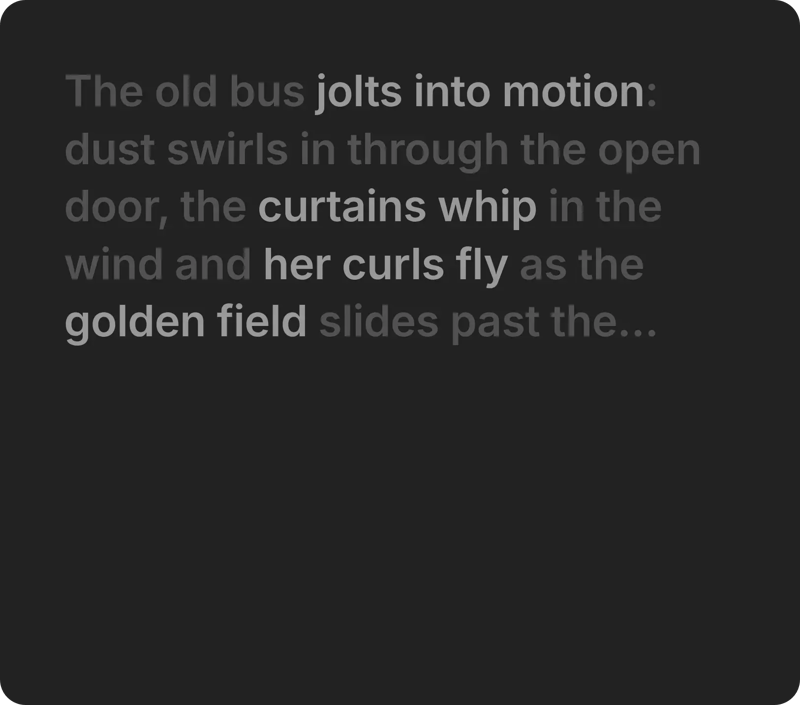
Describe how the subject and camera should move.
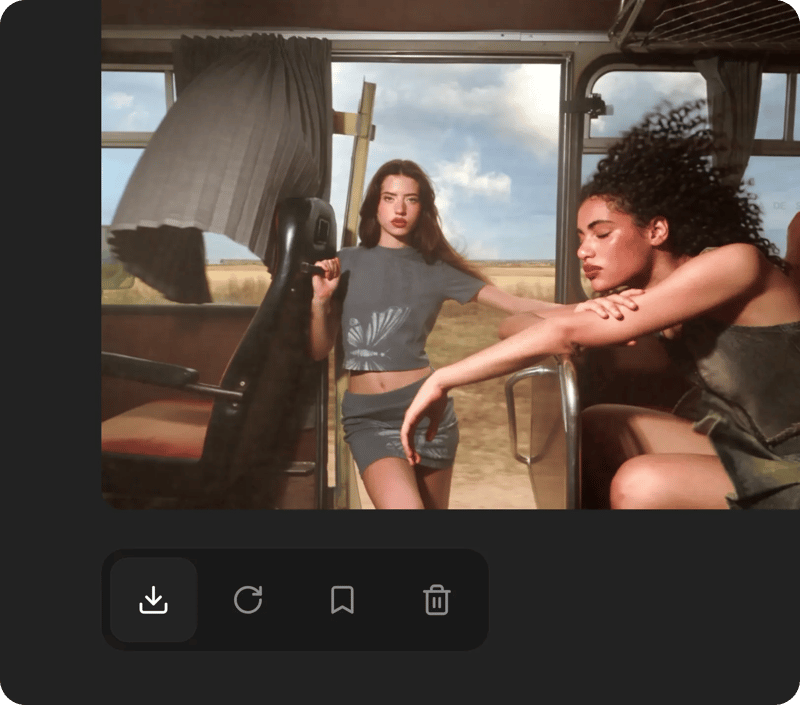
Choose a model, generate, and download your clip.
Built for Stills, Made to Move. AI image to video animates a still photo, adding motion, camera movement, and depth, and Veo 3.1 can also generate matching sound for the clip.
Try Veo 3.1One photo for the whole shot. Photo to video in one step: a still becomes a moving scene with camera motion, steady subjects, and sound on supported models
Turn a single photo into a moving clip with one prompt, keeping the subject and style of the original picture.
Upload a first and last image, and supported models fill the motion between them so the shot lands where you plan.
Use several reference images of the same character or product to build shots from different angles that still match.
Push a still into dynamic motion, such as a fast push-in, an orbit, or a crowd coming to life.
Use DaVinci as your image to video converter: upload once, try the same picture in several models, and keep the clip that fits your format.
Join a global creative network where people animate their photos, share ideas, and inspire each other every day.
I've tested pretty much every text-to-video tool out there, and this is the one that stuck. Prompts actually get interpreted the way I imagine them, and the motion looks smooth instead of that weird AI wobble.

Marcus Delaney
I mostly animate product shots and concept art, and the image-to-video mode nails camera movement almost every time. Rendering is fast, the credits go a long way, and the built-in 4K upscale keeps every frame sharp.
Jessica Park
As a social media manager I need short-form video daily, and this AI video generator seriously cut my production time. I just type a prompt, pick a model, and get scroll-stopping clips ready for Reels and TikTok.
Tomás Herrera
I was skeptical about yet another AI video generation platform, but the starter credits won me over fast. Realistic motion, clean audio sync, and exports that look sharp even on a big screen — it replaced two other tools for me.
Hana Yoshida
Instead of juggling three different subscriptions, I generate everything here and compare outputs from the latest video models side by side. Quality keeps getting better with every update, and the credit system stays fair even for heavy use.
Lena Vogel
I run a small ad agency and we now storyboard, generate and upscale entire video ads without ever touching a camera. The text-to-video quality is so consistent that clients honestly can't tell it's AI generated.
Chloe Bennett


Trusted by 5.000+ people worldwide