Turn ideas into video with AI powered text to video
Generate high quality videos instantly from simple text prompts. Create cinematic shots, social media content, and dynamic scenes using advanced text to video AI — no camera, crew, or editing skills required.
Text to video AI models for cinematic video generation
Access industry leading text to video AI models in one platform and transform prompts into cinematic, production ready videos. Built for speed, scale, and professional grade video production.
Start Creating
Text to Video Models
Sora 2
High-end text-to-video model focused on realism and storytelling, creating detailed scenes with smooth, coherent motion.
More on Sora 2Sora 2 Pro
Enhanced Sora performance with higher visual fidelity, stronger consistency, and refined motion for premium, production-ready video results.
More on Sora 2 ProVeo 3.1
Cinematic text-to-video model designed for realistic detail, fluid motion, and strong scene continuity — ideal for polished, story-driven visuals.
More on Veo 3.1Veo 3.1 Fast
A faster Veo experience built for quick ideation and iteration, delivering solid motion and visual quality with reduced generation time.
More on Veo 3.1 FastSeedance 2.5
Generate cinematic text-to-video with complex camera control, multi-scene storytelling, advanced reference handling, and built-in audio sync.
More on Seedance 2.5Seedance 2.0
Advanced Kling model built for cinematic realism, precise prompt adherence, and detailed motion, ideal for high-end creative production.
More on Seedance 2.0Kling O3
Reliable text-to-video model for everyday creation, offering balanced quality, stable motion, and consistent results across content types.
More on Kling O3Kling 1.6 Standard
Enhanced Kling performance with sharper visuals, improved motion control, and precise prompt interpretation for professional outputs.
More on Kling 1.6 StandardKling 1.6 Pro
Next-generation Kling model with improved detail, smoother movement, and stronger scene control for high-quality video generation.
More on Kling 1.6 ProKling 2.6 Pro
Creative-first video model built for bold concepts and stylized visuals, turning prompts into expressive, visually distinctive scenes.
More on Kling 2.6 ProGrok Imagine Video
Versatile text-to-video model delivering dynamic visuals, strong prompt understanding, and smooth motion for fast-paced creative workflows.
More on Grok Imagine VideoWan 2.6
Speed-optimized Kling model designed for rapid video generation, ideal for quick drafts and iterations while maintaining motion stability.
More on Wan 2.6Kling 2.5 Turbo Pro
High-quality model built for expressive movement and choreographed motion, ideal for performance-driven clips and stylized storytelling.
More on Kling 2.5 Turbo ProSeedance 1.5 Pro
Fast Seedance generation for rapid creative testing, delivering energetic motion and usable results with shorter wait times.
More on Seedance 1.5 ProSeedance 1.0 Pro Fast
subLanding.videoGenerator.modelShowcase.items.14.description
More on Seedance 1.0 Pro FastWhat is text to video AI?
DaVinci’s text to video AI is a generative tool that turns text prompts into high-quality video clips. Create the videos you imagine by simply describing how you want them to look.
Try Text to VideoHow to use text to video in DaVinci
Start Creating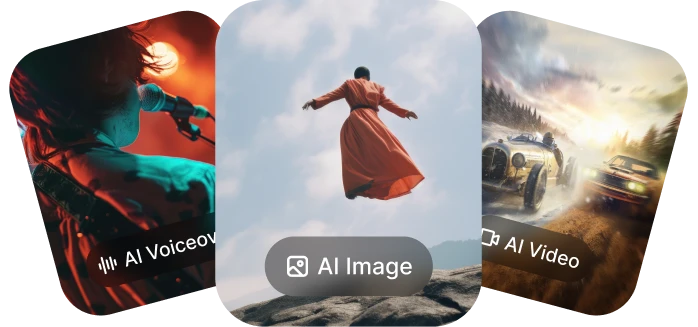
Go to the DaVinci AI Toolkit
Open the AI video tool, then select text-to-video.
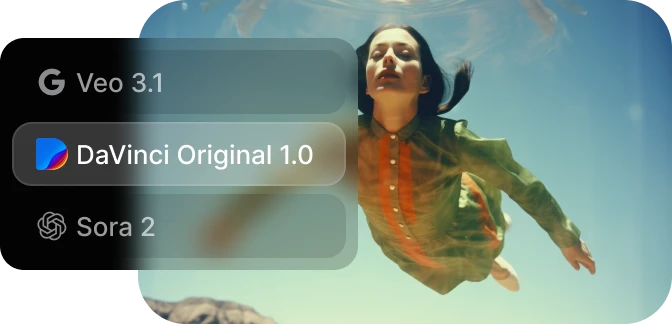
Write your prompt
Describe the video you want, including lighting, camera movement, and style.
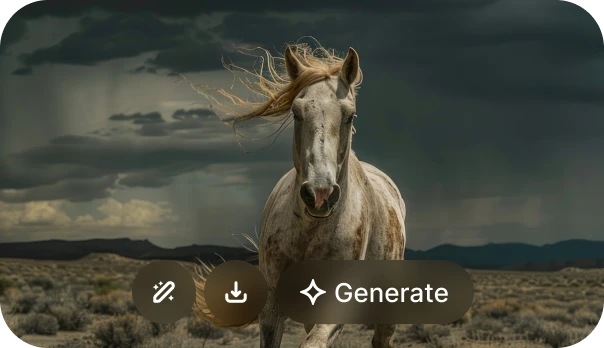
Generate and download
Generate your video, preview the result, refine if needed, and download.