Ten references in DaVinci
Add up to ten reference images in DaVinci and describe how they fit. Subject, product, and setting can each come from a different photo.
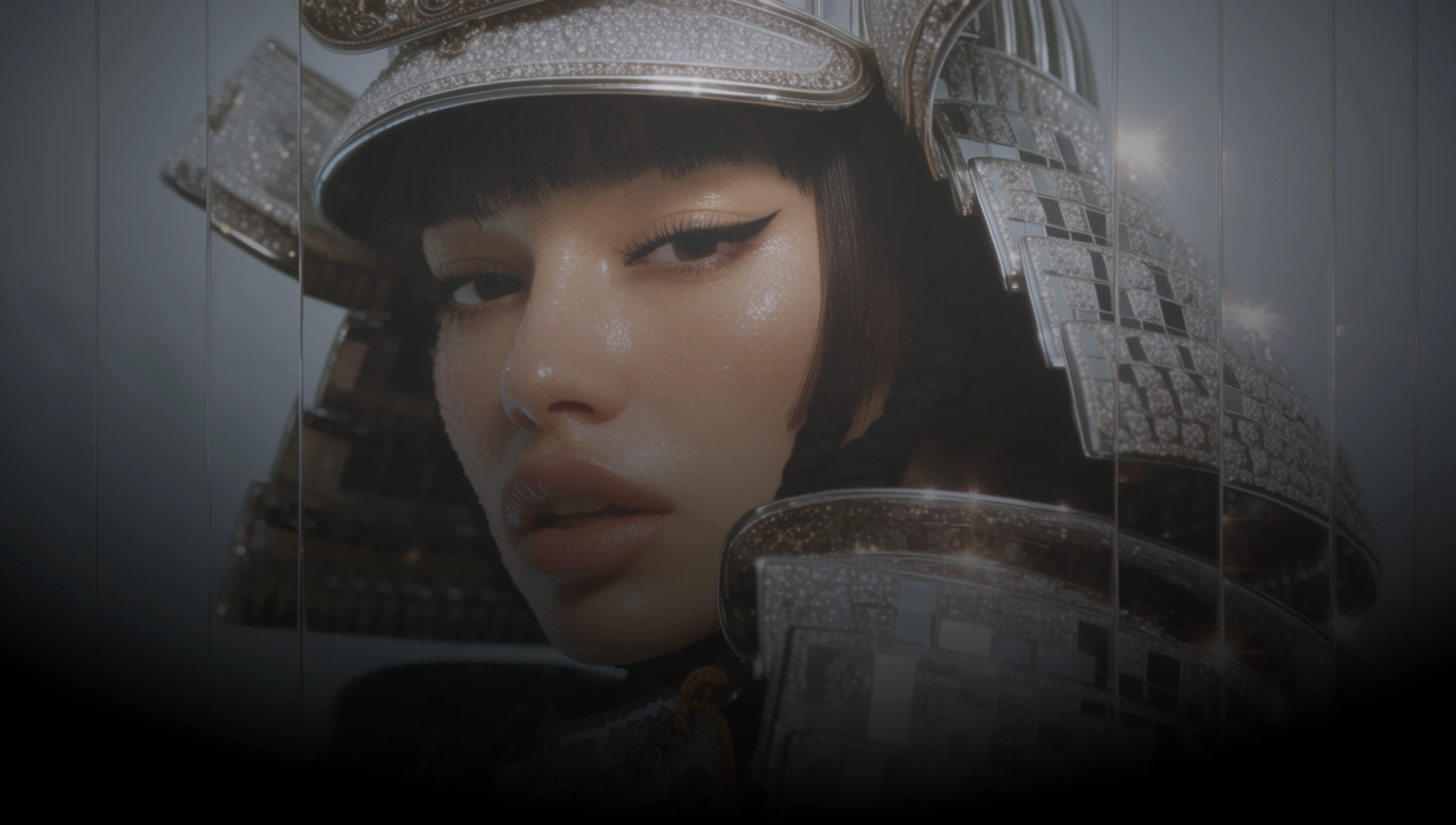
DaVinci brings together image models from different AI providers, Qwen Image 2.1 among them. Combine up to ten references and keep people and products recognizable.
Add up to ten reference images in DaVinci and describe how they fit. Subject, product, and setting can each come from a different photo.
Change an outfit, a material, or a background in DaVinci while the person or product in the frame stays recognizable.
Posters, editorial layouts, and graphics with detailed typography, generated with Qwen Image 2.1 in DaVinci.
Realistic textures, portrait lighting, and material rendering, created with Qwen Image 2.1 in DaVinci.
Generate new images, edit existing ones, and combine references with Qwen Image 2.1 directly inside DaVinci AI.
Qwen Image 2.1 in DaVinci is built for designers, brands, and ecommerce teams.

Build posters and editorial layouts with detailed typography in DaVinci, then rework them with references.

Restyle outfits, materials, and backgrounds in DaVinci while the product and the people in your campaign stay recognizable.

Place one product across many scenes in DaVinci by combining reference images, without a reshoot per listing.
Build posters and editorial layouts with detailed typography in DaVinci, then rework them with references.
Restyle outfits, materials, and backgrounds in DaVinci while the product and the people in your campaign stay recognizable.
Place one product across many scenes in DaVinci by combining reference images, without a reshoot per listing.
Describe your idea, add reference images if you have them, and generate it with Qwen Image 2.1 in DaVinci.
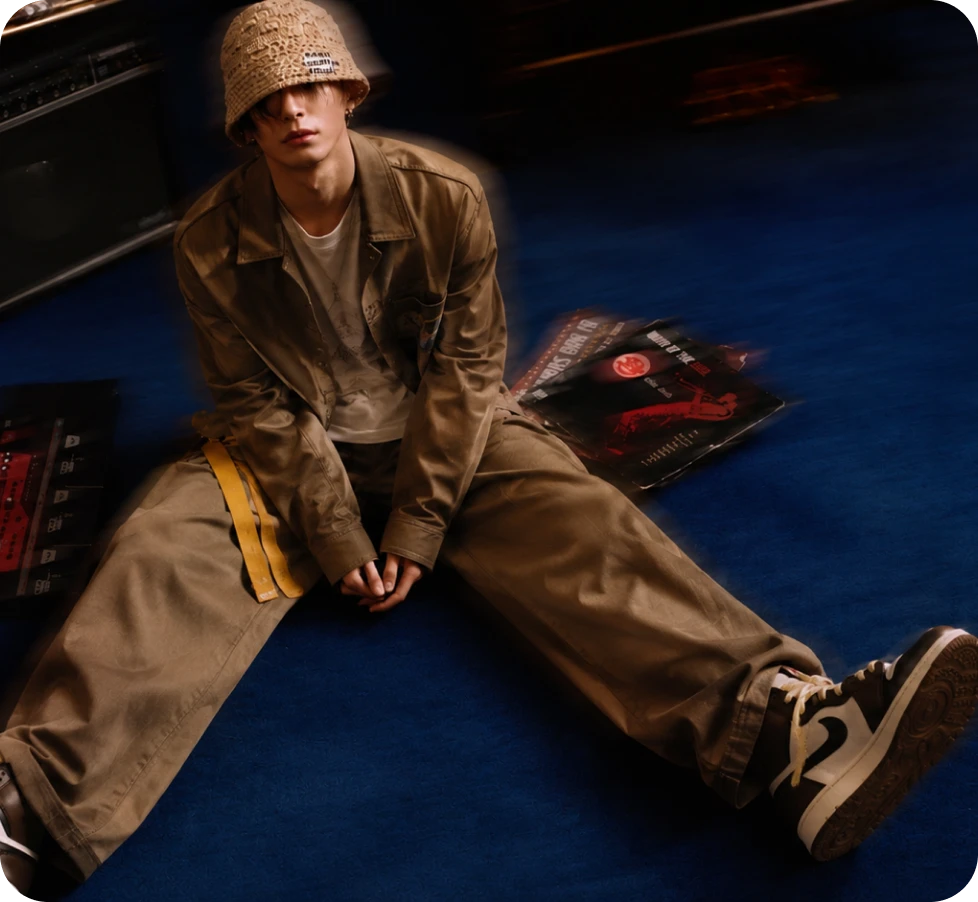
Here’s why creators choose Qwen Image 2.1 in DaVinci.
Combine up to ten ordered reference images in one DaVinci edit to guide subjects and appearance.
Swap outfits, materials, and backgrounds in DaVinci without losing the face or product you started from.
Text-rich posters and graphics with detailed typography, rendered in the image in DaVinci.
Create in 1:1, 3:4, 9:16, 4:3, or 16:9 in DaVinci, from square posts to vertical stories and wide banners.
Combine up to ten ordered reference images in one DaVinci edit to guide subjects and appearance.
Swap outfits, materials, and backgrounds in DaVinci without losing the face or product you started from.
Text-rich posters and graphics with detailed typography, rendered in the image in DaVinci.
Create in 1:1, 3:4, 9:16, 4:3, or 16:9 in DaVinci, from square posts to vertical stories and wide banners.
