AI Headshot Generator from Your Selfies
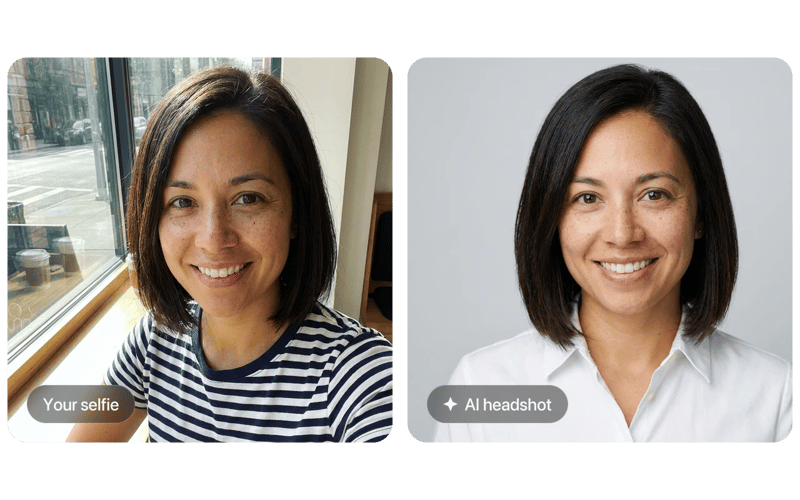
The AI headshot generator turns casual selfies into polished, professional portraits. Upload a few clear photos. Choose an outfit and backdrop. Download headshots for LinkedIn, CVs and team pages.
How the AI Headshot Generator Works
Upload. Style. Download.
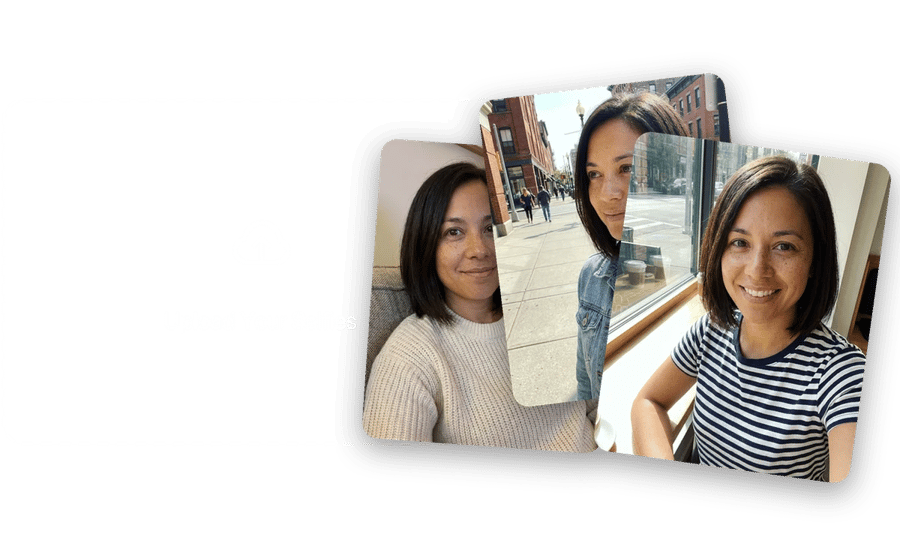
Upload a Few Clear Selfies
Pick recent photos with good light, a visible face and different angles, without sunglasses or heavy filters. The headshot generator learns your features from them so every result still looks like you.
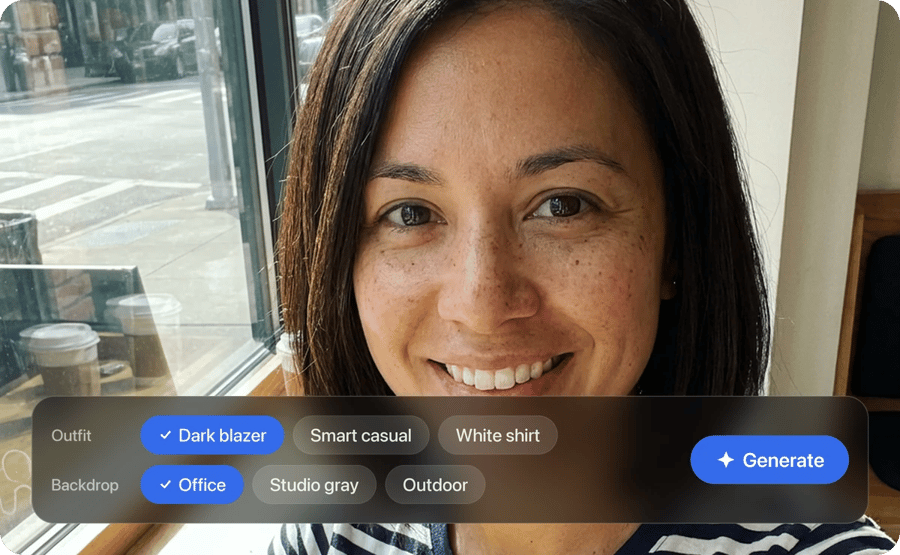
Choose Outfit and Backdrop
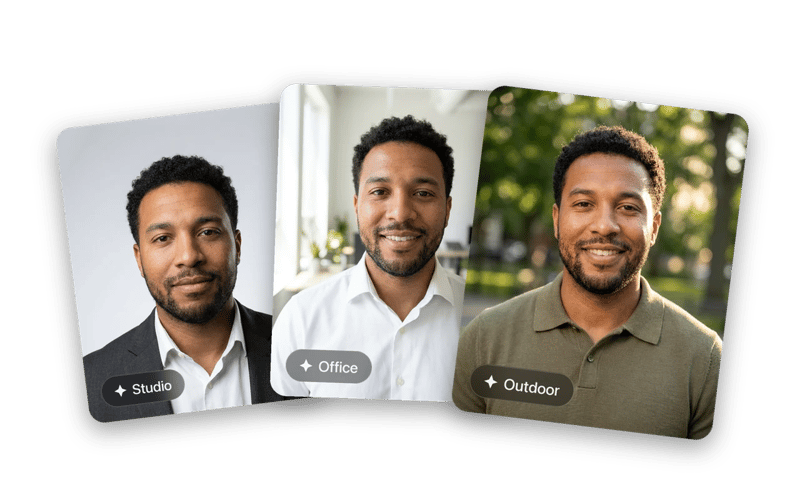
Select a look like a dark blazer, smart casual or a white shirt. Pick an office, studio gray or outdoor backdrop. Then generate your set.

Download Your Favorites
Review the portraits and choose the ones that look most natural to you. Download them for LinkedIn, résumés, speaker bios, company pages or email signatures.
What the Professional Headshot Generator Creates
Studio results. No studio needed.
Lighting, Outfit and Backdrop. Set Like a Real Shoot.
The professional headshot generator applies soft studio light, a neat outfit and a clean backdrop while keeping your face shape and features.
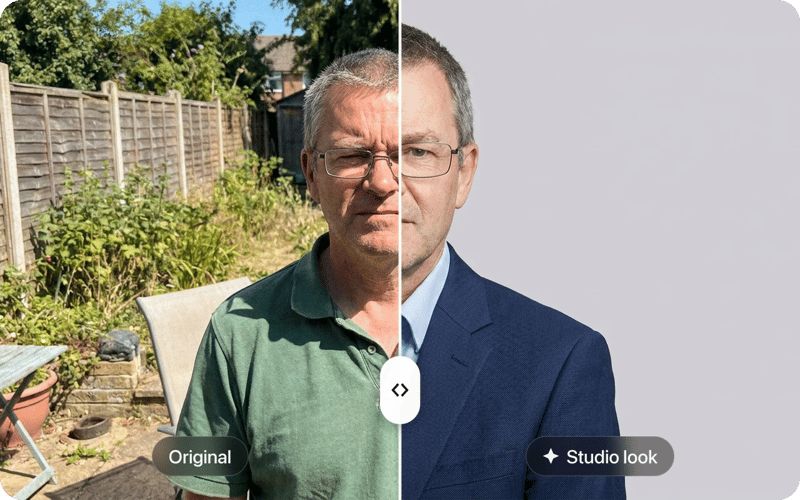
Portraits That Still Look Like You.
The AI keeps your eyes, smile, skin tone and hair, so colleagues and clients recognize you when they meet you in person or on a call.
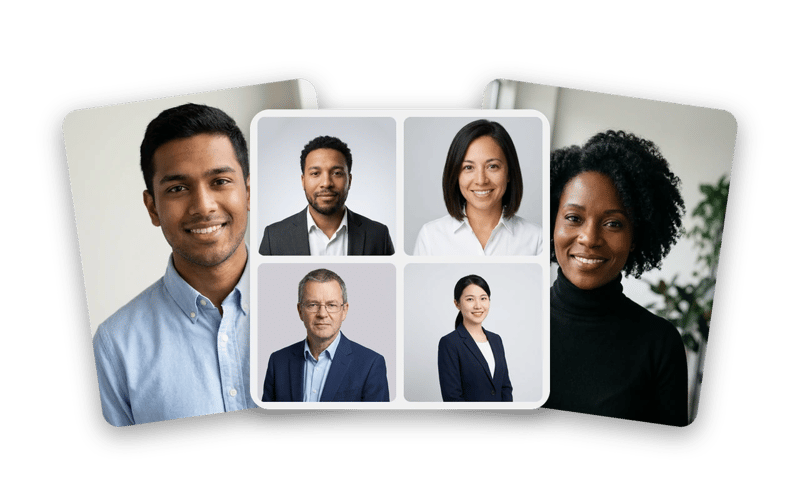
Job Seekers, Teams and Founders.
Use it for job applications, company websites, conference bios and remote team directories.
Several Looks. One Session.
Each run gives you a few portraits in different styles. Keep the ones that fit your brand.
REAL FAMILIES. REAL MEMORIES.
They almost gave up on these photos.
My grandmother passed last year and I had one photo of her as a young woman - completely faded, a huge tear across the face. DaVinci brought it back. I had it printed and framed. My mother cried when she saw it.
 Michael Johnson
Found a box of my grandparents' wedding photos from 1958. Every single one was yellowed and scratched. Ran them all through DaVinci - took 10 minutes. Now they're in a printed album we gave the whole family for Christmas.
 Sophia Williams
My dad's military portrait from Vietnam was water-damaged - you could barely see his face. DaVinci sharpened it and colorized it. He's 78 years old and couldn't believe he was looking at himself at 22. I've never seen him speechless.
 Daniel Brown
Delivered a project two days early thanks to this platform. Clients were impressed - they were blown away by the results.
 Olivia Davis
It's become my go-to for quick creative work. The platform is really solid. Sometimes I need to share something complex and it's there.
 James Wilson
Frequently Asked Questions