Your Idea. Your Ink. In Seconds.
Describe your dream tattoo and watch AI bring it to life — Fine Line, Blackwork, Japanese, Geometric and 50+ more styles. Generate concept after concept, iterate freely, walk into the studio ready.
How it works
Describe. Generate. Ink.
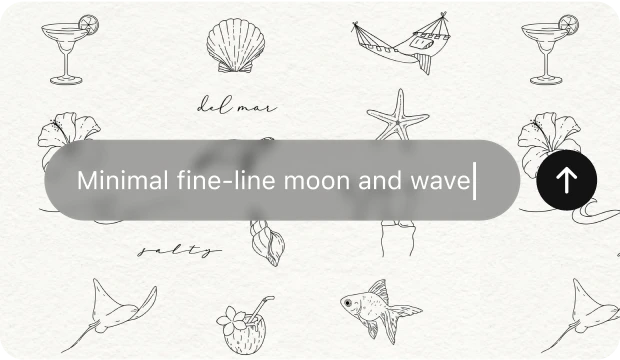
Describe your vision
Type your idea in plain language. Add style, subject, body placement, and mood. The AI handles the rest.
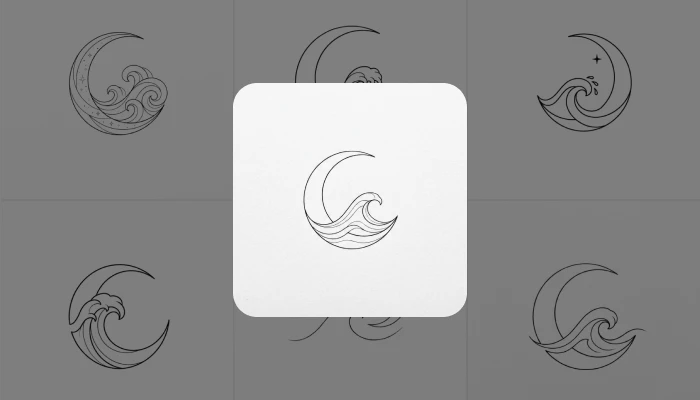
AI designs it instantly
Tattoo-specialized AI renders your design at high resolution. Generate multiple variations and refine until it feels right.
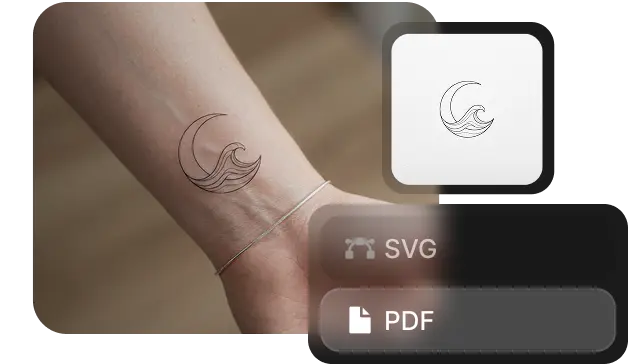
Save, share, ink
Export print-ready files. Share directly with your artist via PDF brief or save to your collection. Walk in with clarity.
WHAT THE AI FIXES
EVERY TATTOO PROBLEM. ONE GENERATOR.
The ideas stuck in your head never make it to the studio.
You know what you want but can't sketch it. Online references never match exactly. Consultations take weeks, cost money, and still leave you settling. You end up with something close — not something yours.
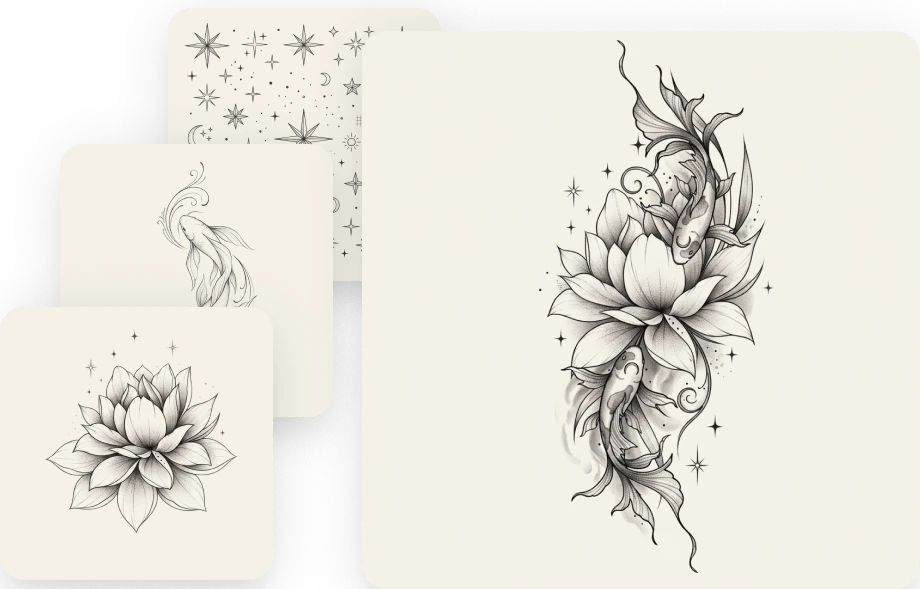
Walk in with your exact design. Approved by you.
Generate variation after variation until one feels right. Adjust style, linework, and composition in seconds. Show up to your artist with a clear, high-res brief — no guesswork on either side of the chair.
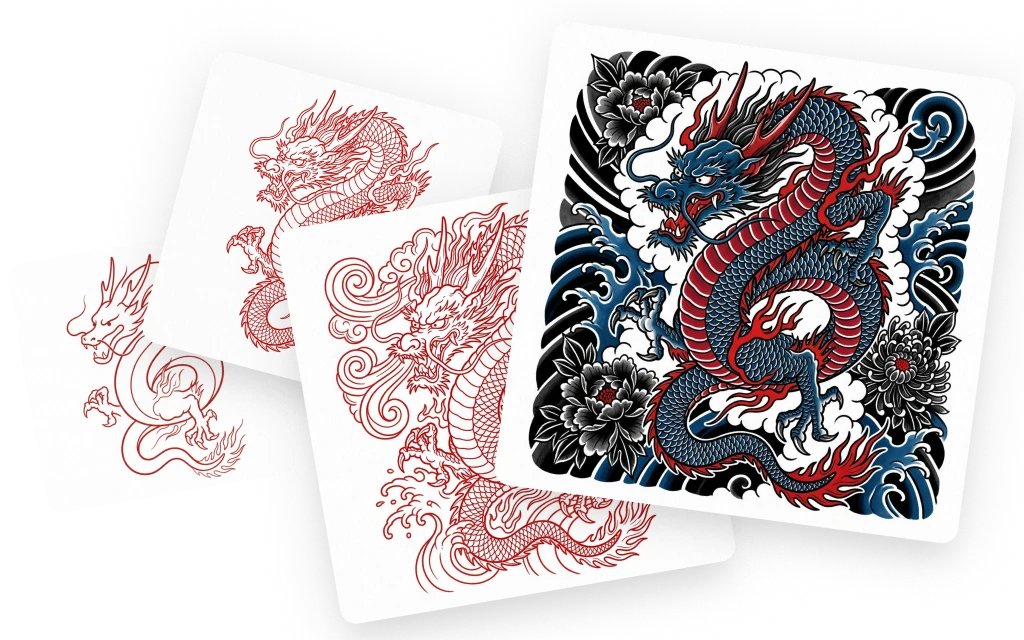
One tool. Every style. Every placement.
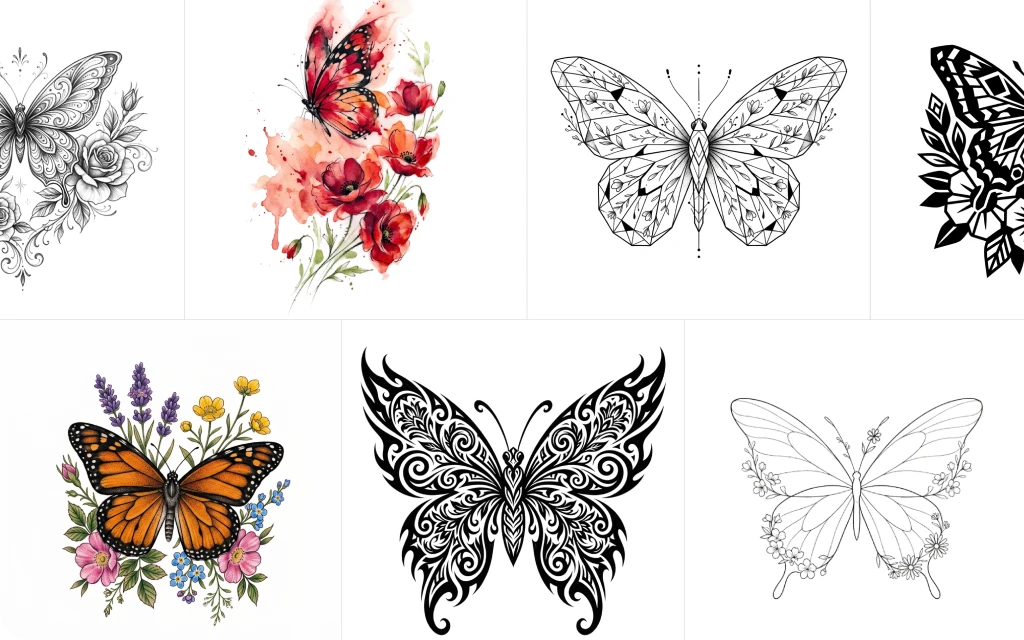
Fine Line, Blackwork, Japanese Traditional, Geometric, Neo-Traditional, Watercolor, Realism, Tribal, Chicano — describe the aesthetic, choose the placement, and get a design that actually fits that style.
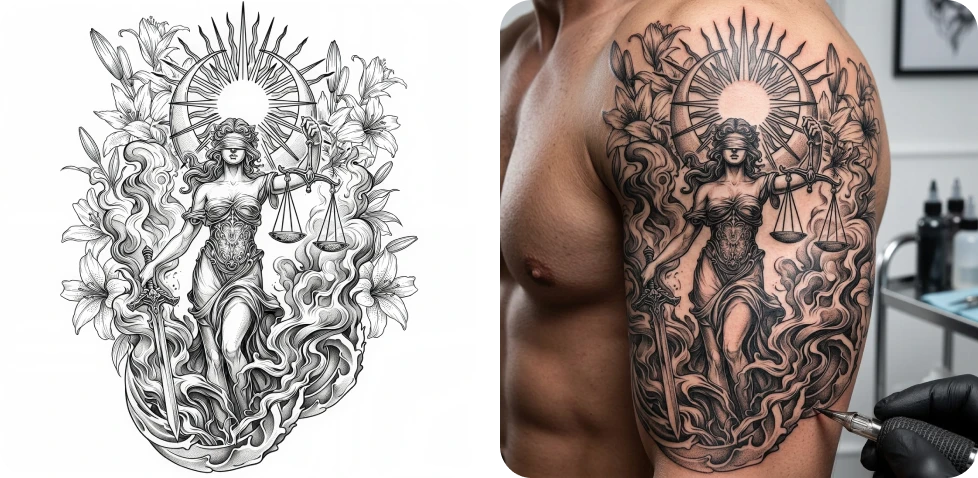
What "AI-generated" actually means in results.
Tattoo AI isn't a generic image model — it's trained specifically on tattoo linework, shading techniques, and style conventions. Outputs look like real tattoos, not digital art. That difference matters when you're going permanent.
REAL FAMILIES. REAL MEMORIES.
THEY ALMOST GAVE UP FINDING THE RIGHT DESIGN.
Spent weeks on Pinterest trying to piece together what I wanted. Generated it here in 30 seconds. My artist was genuinely impressed by the brief.
 Anya Petrova
Walked in knowing exactly what I wanted for the first time ever. Showed the DaVinci output to my artist and she said it was the clearest reference she'd received.
 Ethan Caldwell
Got 12 sleeve concepts in under 5 minutes. This would have taken months of back-and-forth consultations. Unreal.
 Chloe Merritt
The fine line output actually looks like something a real artist drew. I was shocked. Nothing else comes close for tattoo-specific results.
 Jasper Whitaker
Used it to design matching pieces for me and my sister. We both cried. It was exactly what we'd been imagining for years but couldn't put into words.
 Lila Thornton
Pick your Plan
Get access to pro features, advance AI models and more generations
Max
For consistent creators and content builders
- Up to 1.000 Images per month
- Up to 250 Videos per month
- Priority generation speed
- Priority queue access
- Full access to core AI tools
- Optimized for weekly content production
Ultimate
For power users and daily production
- Up to 3.000 Images per month
- Up to 750 Videos per month
- Max performance generation
- Highest queue priority
- Full access to core AI tools
- Optimized for high-volume creation
Creator
For power users and daily production
- Up to 8.000 Images per month
- Up to 2.000 Videos per month
- Max performance generation
- Highest queue priority
- Full access to core AI tools
- Optimized for high-volume creation