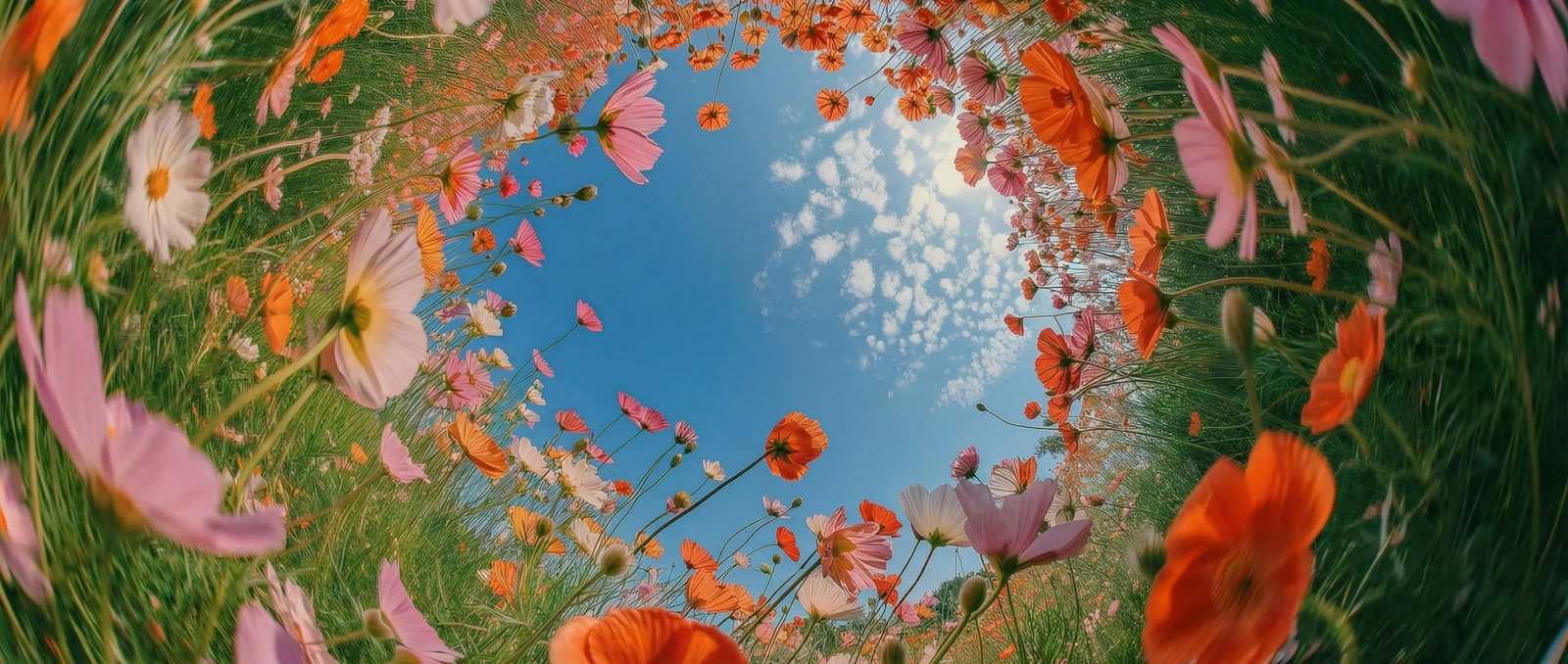
One-take 30-second clips in DaVinci
Generate up to 30 seconds in a single native pass, with no stitching in DaVinci. A full ad spot or scene plays out end to end, and can be extended when you need more.
Seedance 2.5 is one of the video models DaVinci brings together from different AI providers. Create full 30-second scenes with cinematic motion, native audio, and consistent characters in a single take.
Generate up to 30 seconds in a single native pass, with no stitching in DaVinci. A full ad spot or scene plays out end to end, and can be extended when you need more.
Guide a generation with as many as 50 mixed references inside DaVinci. Lock your character, set, wardrobe, and palette before the first frame is ever rendered.
In DaVinci, dialogue, sound effects, and music are generated together with the picture instead of layered afterwards, so timing, lip-sync, and ambience land on the first try.
Describe camera moves, pacing, and cuts in plain language in DaVinci. Adjust a region or swap a background without regenerating the entire clip.
Start creating with ByteDance Seedance 2.5 by following a few simple steps directly inside the DaVinci AI Toolkit.
In DaVinci, Seedance 2.5 by ByteDance supports creators who need longer, reference-accurate video without cutting several short clips together.
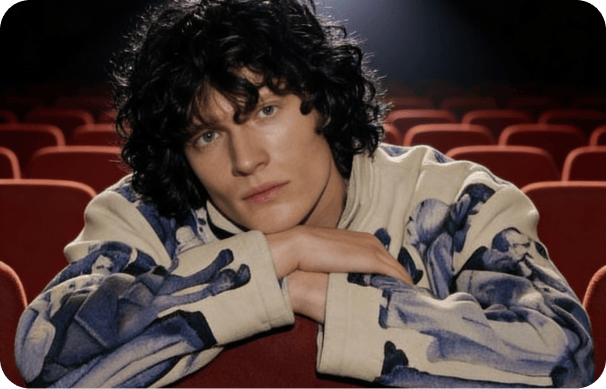
Inside DaVinci, produce short-form videos, reels, and skits that run long enough for a real story beat, with lifelike motion, consistent characters, and audio built in.
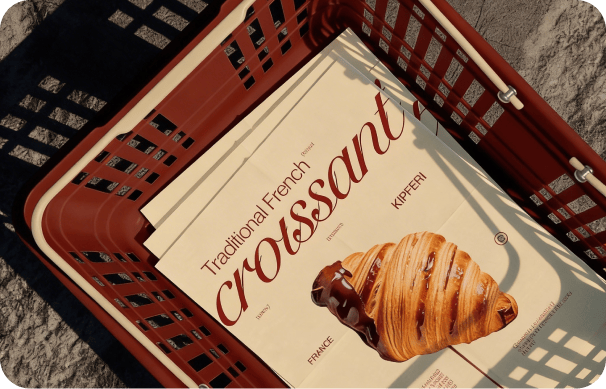
Cover a complete 30-second spot in one generation, then localize it with native support for 10+ languages inside DaVinci. Test more concepts in less time and at lower production cost.
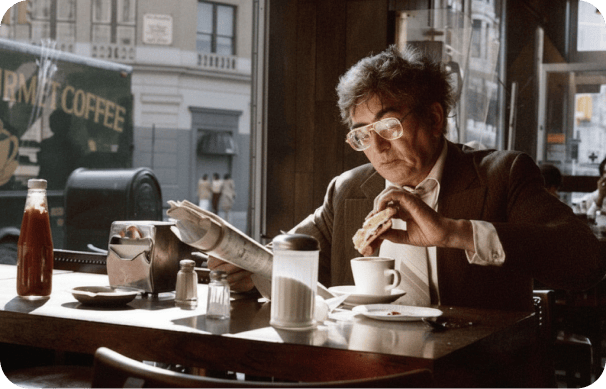
Inside DaVinci, previsualize sequences, explore story concepts, and keep continuity across shots by feeding the model your existing character, set, and style references.
Inside DaVinci, produce short-form videos, reels, and skits that run long enough for a real story beat, with lifelike motion, consistent characters, and audio built in.
Cover a complete 30-second spot in one generation, then localize it with native support for 10+ languages inside DaVinci. Test more concepts in less time and at lower production cost.
Inside DaVinci, previsualize sequences, explore story concepts, and keep continuity across shots by feeding the model your existing character, set, and style references.
In DaVinci, enter a text prompt or upload your references, and generate a cinematic, audio-synced video with Seedance 2.5 in just seconds.
Inside DaVinci, Seedance 2.5 AI combines long single takes, deep reference control, and native audio to deliver finished scenes from a prompt, an image, or your own footage.
Start from a text prompt, animate a single image, or build a shot from a full reference set through DaVinci. The same model handles all three.
Inside DaVinci, combine up to 30 images, 10 video clips, and 10 audio tracks in one generation, then point to any of them directly inside your prompt.
In DaVinci, add a voice, music, or sound-effect track and let it drive the pacing, beat-matching, and lip-sync of the entire shot on its own.
Inside DaVinci, swap a background, adjust a single region, or extend a finished clip while keeping the look, characters, and lighting you already locked in.