Built for speed in DaVinci
ByteDance built Flash for speed, so in DaVinci you can try several versions of an image before you commit to one.
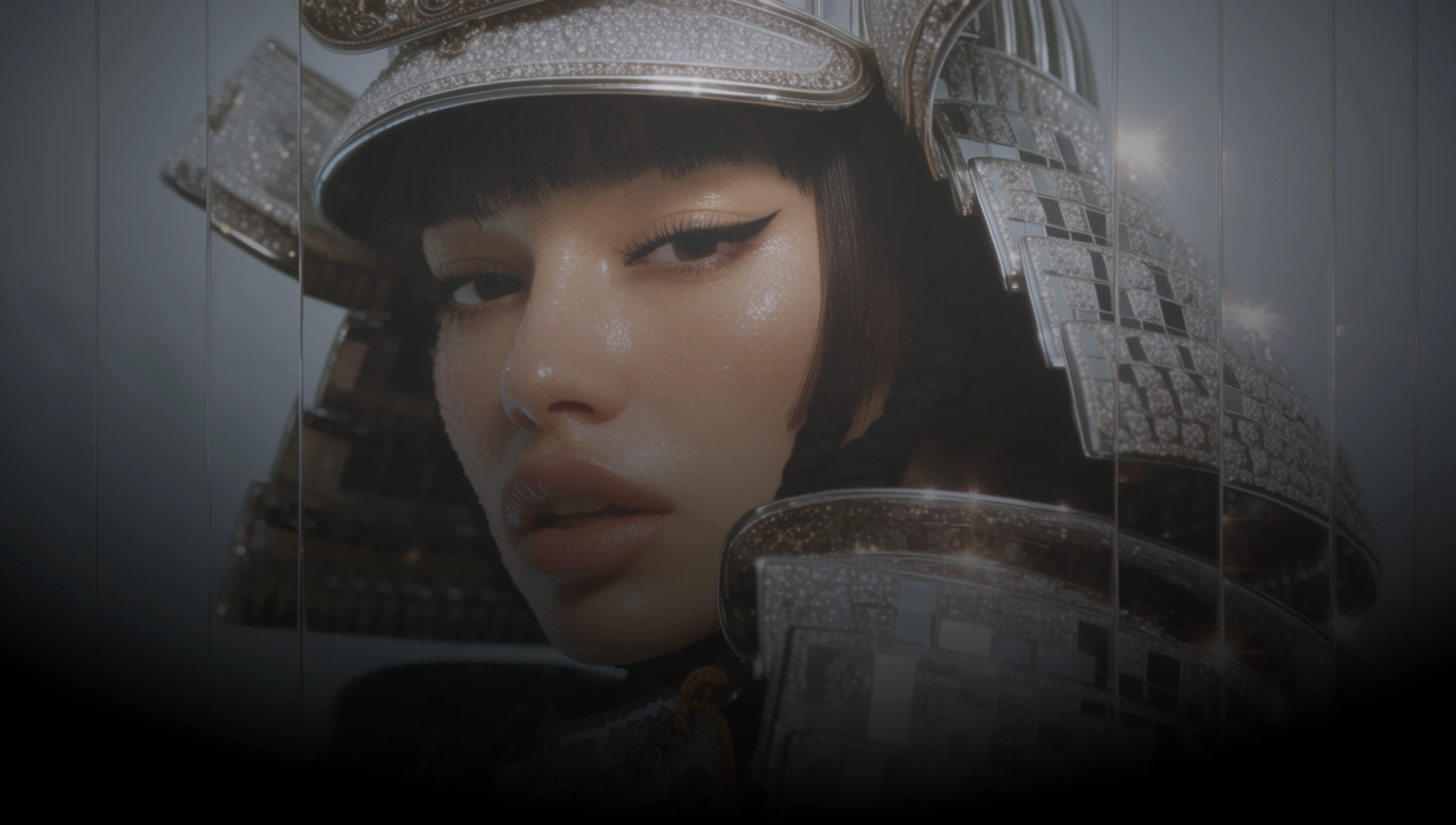
DaVinci brings together image models from different AI providers, Seedream 5.0 Flash among them. Generate and edit images fast, at up to 2K.
ByteDance built Flash for speed, so in DaVinci you can try several versions of an image before you commit to one.
One model in DaVinci does both: create an image from a prompt, or add references and describe the change you want.
Bring up to ten reference images into DaVinci and describe the change you want, from swapping a product to placing a logo on it.
Pick 1K or 2K in DaVinci, so a quick draft and the final asset come from the same model and prompt.
Generate images, edit your own visuals with references, and refine your prompt with Seedream 5.0 Flash inside DaVinci AI.
Seedream 5.0 Flash in DaVinci is built for creators, marketers, and ecommerce teams.

Sketch concepts and layouts quickly in DaVinci, then edit the one that works with references.

Produce campaign visuals in volume in DaVinci, keep products recognizable across references, and export at 2K.

Generate product images, banners, and thumbnails in DaVinci, then edit them with references when the brief changes.
Sketch concepts and layouts quickly in DaVinci, then edit the one that works with references.
Produce campaign visuals in volume in DaVinci, keep products recognizable across references, and export at 2K.
Generate product images, banners, and thumbnails in DaVinci, then edit them with references when the brief changes.
Describe your idea, add references if you want to edit, and generate it with Seedream 5.0 Flash in DaVinci.
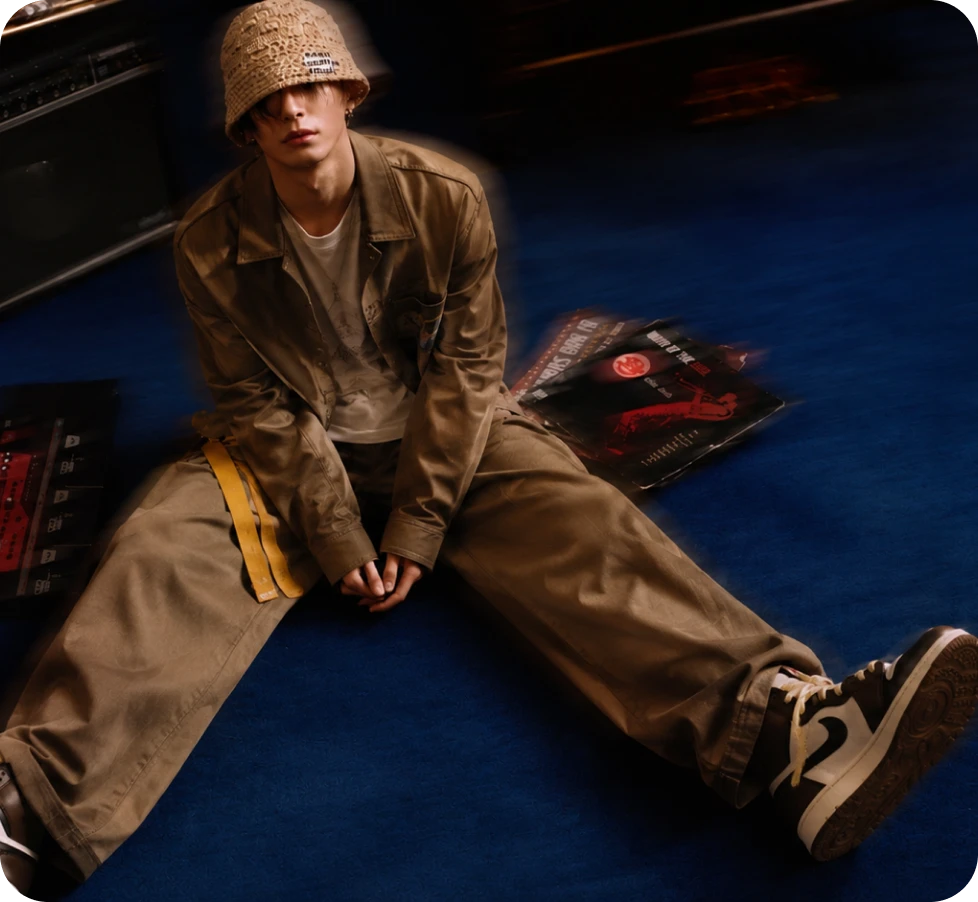
Why creators choose Seedream 5.0 Flash in DaVinci.
A model built for speed, available in DaVinci for quick iterations and high-volume work.
Edit in DaVinci with up to ten references and describe the change, while the rest of the frame stays intact.
Create in 1:1, 3:4, 9:16, 4:3, or 16:9 in DaVinci, from square posts to vertical stories and widescreen banners.
Generate at 1K or up to 2048 x 2048 in DaVinci, for both generation and reference-based editing.
A model built for speed, available in DaVinci for quick iterations and high-volume work.
Edit in DaVinci with up to ten references and describe the change, while the rest of the frame stays intact.
Create in 1:1, 3:4, 9:16, 4:3, or 16:9 in DaVinci, from square posts to vertical stories and widescreen banners.
Generate at 1K or up to 2048 x 2048 in DaVinci, for both generation and reference-based editing.
