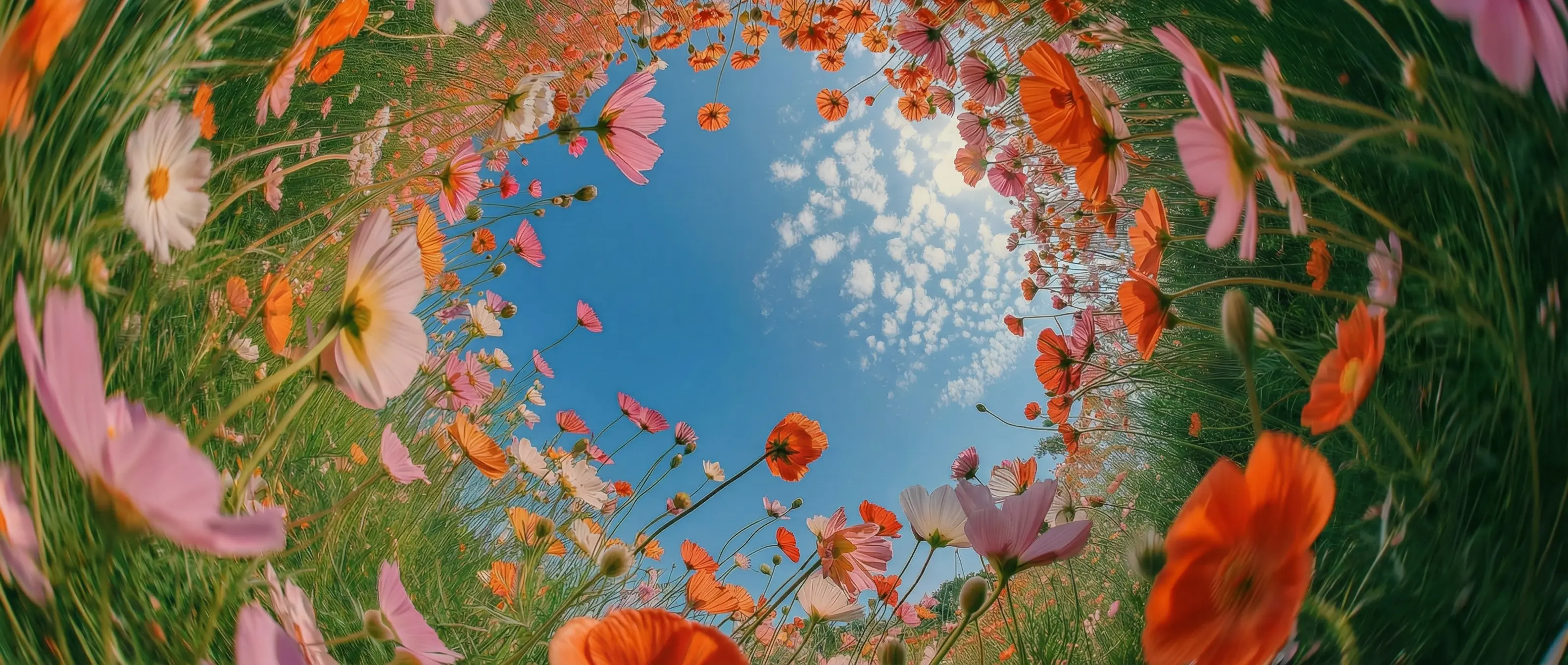
Prompt the way you think
Seedream 5.0 delivers images with natural lighting and realistic textures. Skin, fabric, and glass appear authentic, even in complex or low-light scenes, so visuals look refined rather than artificial.
Create cinematic-quality visuals with ByteDance’s AI image generator, built for realism, strong visual consistency, and rapid iteration to deliver polished, production-ready results with enhanced control.

Seedream 5.0 delivers images with natural lighting and realistic textures. Skin, fabric, and glass appear authentic, even in complex or low-light scenes, so visuals look refined rather than artificial.
Characters, clothing, objects, and environments remain consistent. Poses feel natural, proportions stay correct, and visuals stay coherent across frames and sequences.
The model interprets prompts accurately and responds consistently. Change backgrounds, lighting, outfits, layouts, or style without disrupting the overall look.
Use Seedream 5.0 for product packaging mockups with readable details, product photography, visuals with accurate depth, or cinematic concept art.
Seedream 5.0 is fast and intuitive, and you can use it directly inside the DaVinci AI Toolkit to start creating instantly.
Built for high-performance workflows, Seedream 5.0 helps marketing teams, social media creators, and filmmakers move faster and work more efficiently.
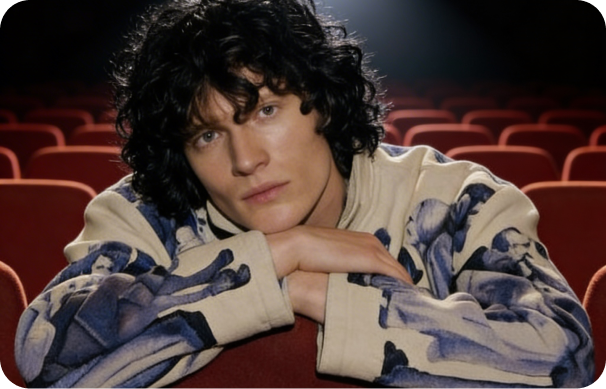
Maintain a unified visual style across posts, ads, and thumbnails, even when creating multiple images or experimenting with new formats and looks.

Create realistic product photos, test colors and materials, and build lifestyle mockups with natural lighting and accurate textures.
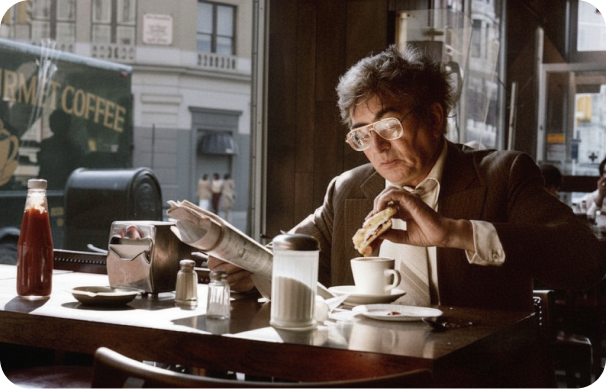
Create mood boards, story frames, and concept visuals with cinematic color, depth, and atmosphere that remain consistent across sequences.
Maintain a unified visual style across posts, ads, and thumbnails, even when creating multiple images or experimenting with new formats and looks.
Create realistic product photos, test colors and materials, and build lifestyle mockups with natural lighting and accurate textures.
Create mood boards, story frames, and concept visuals with cinematic color, depth, and atmosphere that remain consistent across sequences.
Write a prompt or upload references, and Seedream 5.0 brings your creative vision to life in seconds.
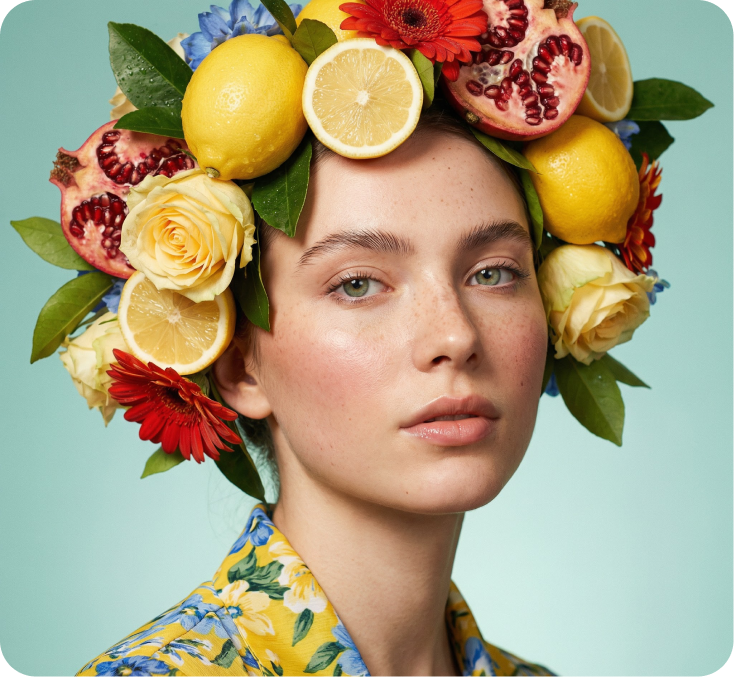
Here’s how Seedream 5.0 helps you save hours of editing time.
Create images in seconds with high-performance generation, making it easy to explore ideas, iterate quickly, and accelerate your creative workflow.
Swap elements in your image such as clothing, accessories, or small details using simple prompts. The model updates the visual while preserving the subject’s identity and structure.
Keep your visual style consistent across every edit. Seedream 5.0 changes only what you request, avoiding unexpected shifts as you refine or explore new creative directions.
Refresh the look and mood of a scene without changing the subject. Adjust the setting, environment, or tone while keeping core details consistent.
Create images in seconds with high-performance generation, making it easy to explore ideas, iterate quickly, and accelerate your creative workflow.
Swap elements in your image such as clothing, accessories, or small details using simple prompts. The model updates the visual while preserving the subject’s identity and structure.
Keep your visual style consistent across every edit. Seedream 5.0 changes only what you request, avoiding unexpected shifts as you refine or explore new creative directions.
Refresh the look and mood of a scene without changing the subject. Adjust the setting, environment, or tone while keeping core details consistent.