Posters and logos in DaVinci
Create posters, logos, and graphic designs in DaVinci where headlines, names, and taglines come out as accurate, readable text.
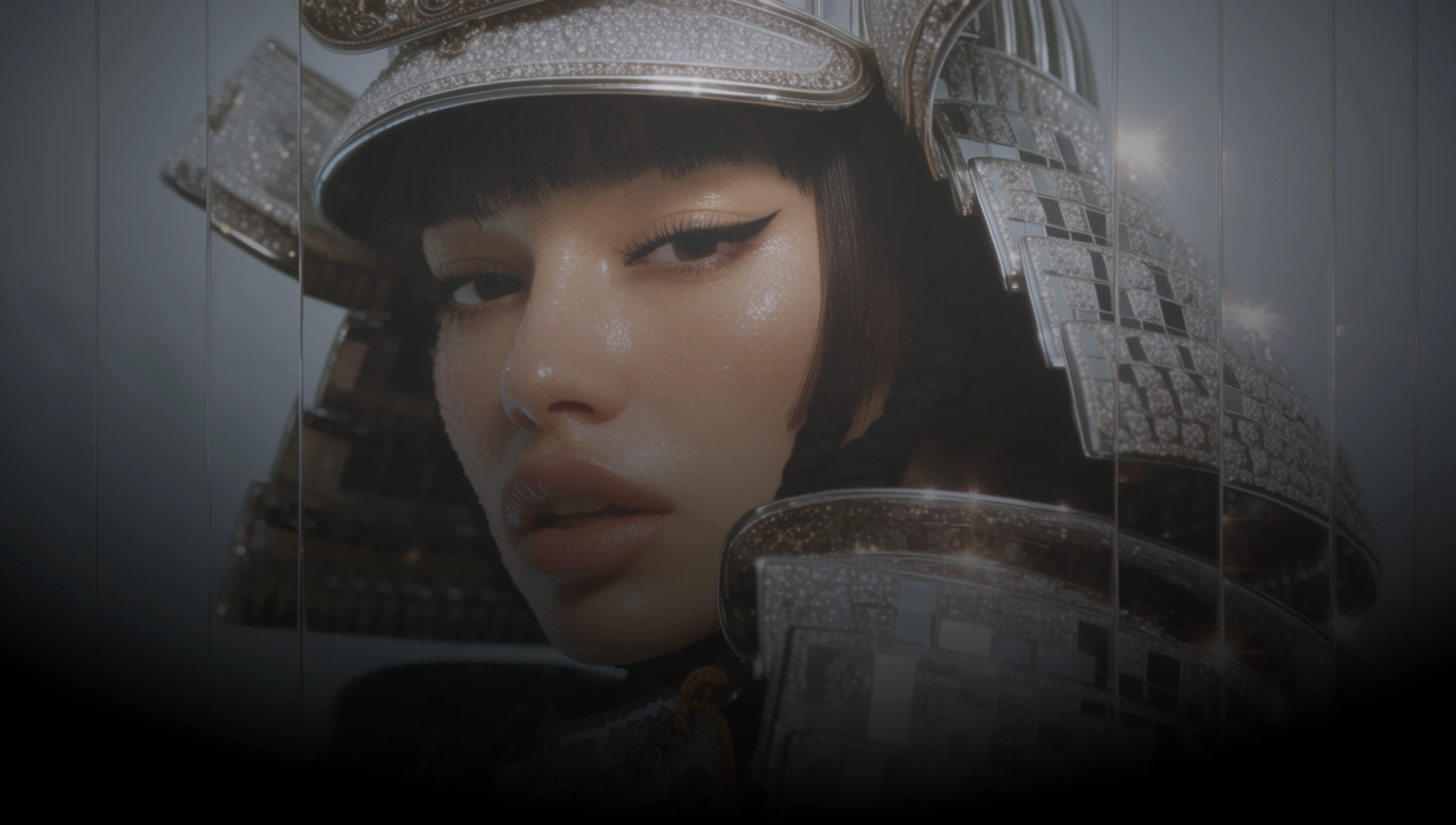
DaVinci brings together image models from different AI providers, Ideogram 4.5 among them. Design posters, logos, and layouts with accurate text.
Create posters, logos, and graphic designs in DaVinci where headlines, names, and taglines come out as accurate, readable text.
Start from your own image in DaVinci, add up to four references, and describe the change you want Ideogram 4.5 to make.
Generate at 1K, or switch to 2K in DaVinci for more detail, up to 2048 x 2048 for square images and 2560 x 1440 for wide ones.
Ideogram 4.5 in DaVinci handles realistic scenes and stylized artwork, so photo concepts and illustrated designs come from one model.
Design images with accurate text, edit your own visuals with references, and refine your prompt with Ideogram 4.5 inside DaVinci AI.
Ideogram 4.5 in DaVinci is built for designers, marketers, and small businesses.

Draft posters, logo concepts, and layouts in DaVinci where the type is part of the design from the first version.

Build campaign visuals in DaVinci with headlines and product names already in place, then edit them with references as the brief changes.

Make signage, menus, social posts, and banners in DaVinci with readable text, in square, vertical, or wide formats.
Draft posters, logo concepts, and layouts in DaVinci where the type is part of the design from the first version.
Build campaign visuals in DaVinci with headlines and product names already in place, then edit them with references as the brief changes.
Make signage, menus, social posts, and banners in DaVinci with readable text, in square, vertical, or wide formats.
Describe your design, including the text you want inside the image, and generate it with Ideogram 4.5 in DaVinci.
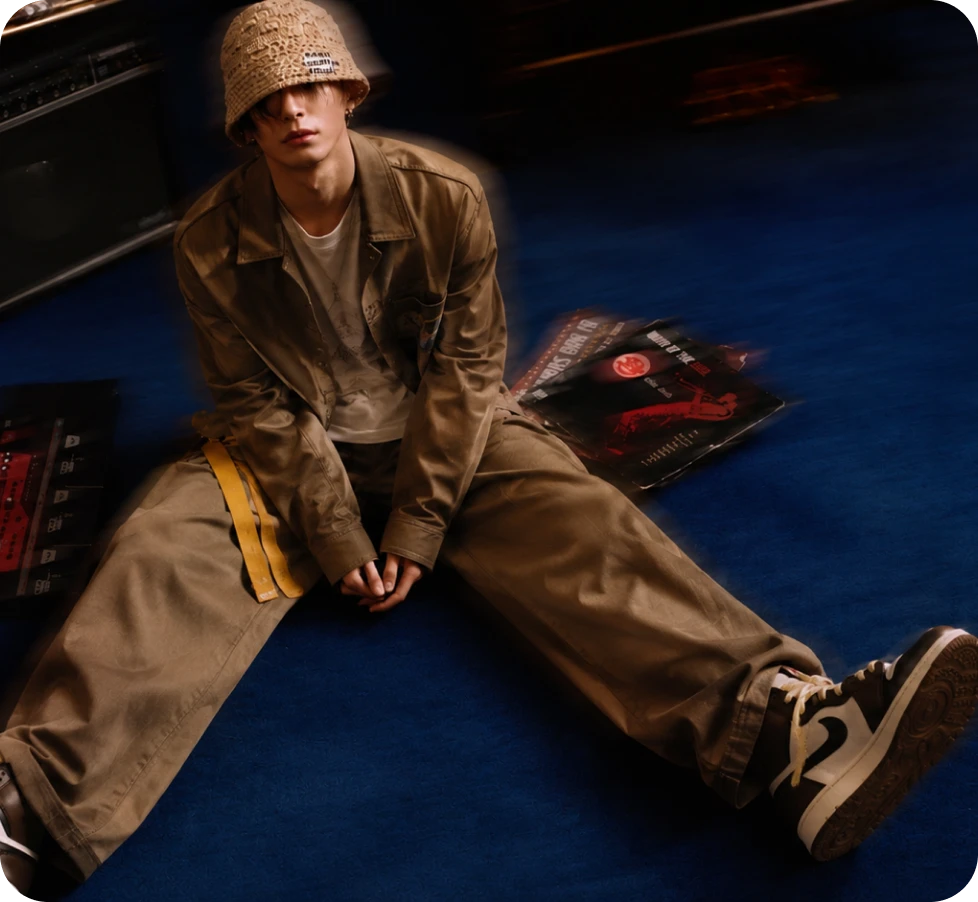
Here’s why creators choose Ideogram 4.5 in DaVinci.
Headlines, logos, and signage rendered as readable text inside the image, generated in DaVinci.
Edit a source image in DaVinci with up to four extra references guiding the change you describe.
Create in 1:1, 3:4, 9:16, 4:3, or 16:9 in DaVinci, or keep your source image’s shape when editing.
Pick 2K in DaVinci for up to 2048 x 2048 square images and 2560 x 1440 wide ones.
Headlines, logos, and signage rendered as readable text inside the image, generated in DaVinci.
Edit a source image in DaVinci with up to four extra references guiding the change you describe.
Create in 1:1, 3:4, 9:16, 4:3, or 16:9 in DaVinci, or keep your source image’s shape when editing.
Pick 2K in DaVinci for up to 2048 x 2048 square images and 2560 x 1440 wide ones.
