Native 4K in DaVinci
Generate at up to 4K in DaVinci, so fine textures, faces, patterns, and small text stay sharp when you zoom, crop, or print.
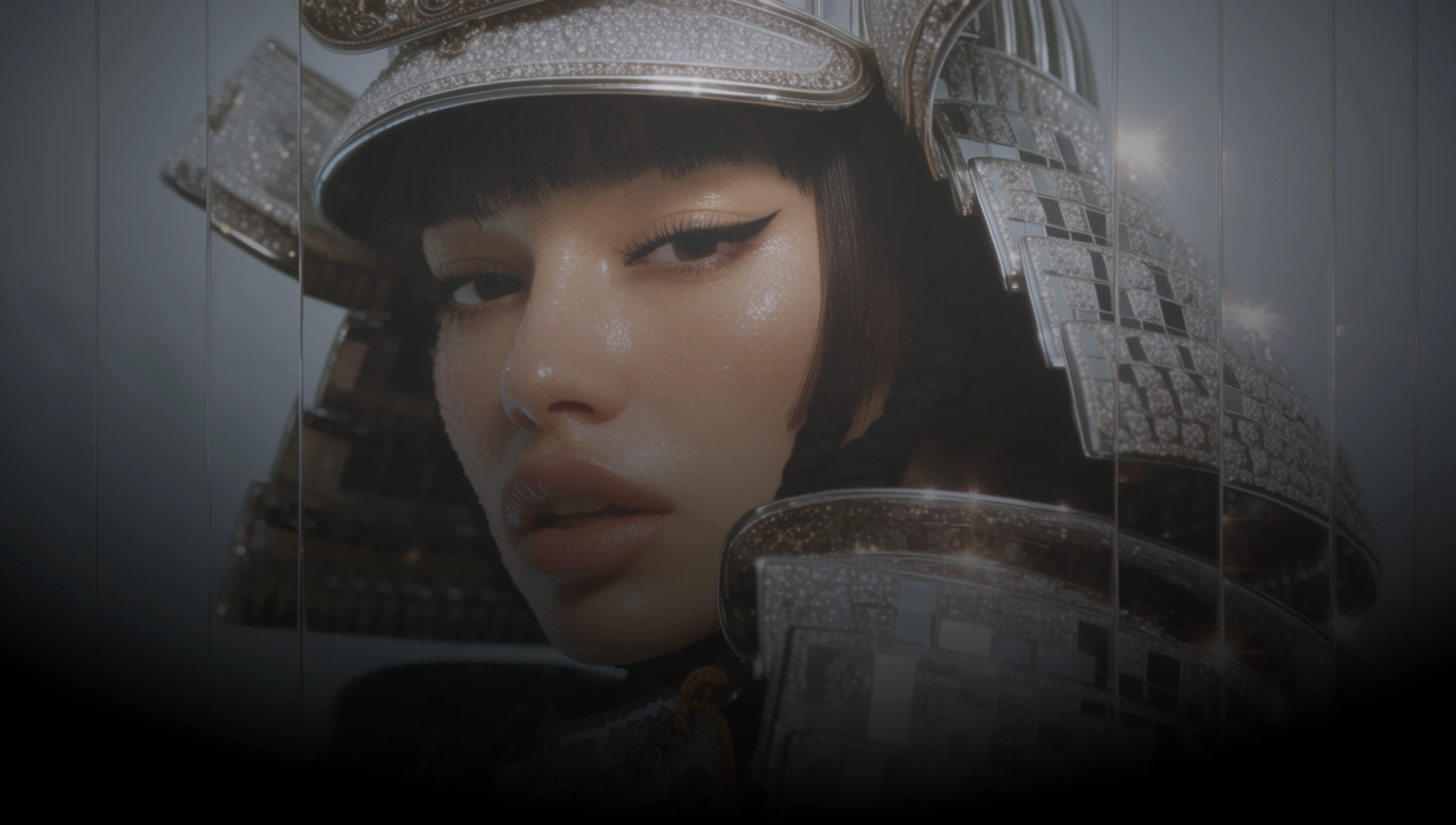
DaVinci brings together image models from different AI providers, Flux 3 Image among them. Generate in native 4K with layouts that follow your prompt.
Generate at up to 4K in DaVinci, so fine textures, faces, patterns, and small text stay sharp when you zoom, crop, or print.
Describe where each element should go, and Flux 3 Image in DaVinci follows that placement closely, from posters to infographics.
Combine up to ten reference images in DaVinci while keeping characters, products, and objects recognizable in one result.
Change one object, color, or region in DaVinci while Flux 3 Image keeps identity, lighting, background, and framing as they were.
Generate high-resolution images, edit your own visuals with references, and refine your prompt with Flux 3 Image inside DaVinci AI.
Flux 3 Image in DaVinci is built for designers, marketers, and ecommerce teams.

Build posters, ads, and infographics in DaVinci with the layout you describe and detail that holds up at 4K.

Create campaign visuals in DaVinci that keep products recognizable across references, then edit single elements as the brief changes.

Produce product images and banners in DaVinci at up to 4K, sharp enough to crop for listings or send to print.
Build posters, ads, and infographics in DaVinci with the layout you describe and detail that holds up at 4K.
Create campaign visuals in DaVinci that keep products recognizable across references, then edit single elements as the brief changes.
Produce product images and banners in DaVinci at up to 4K, sharp enough to crop for listings or send to print.
Describe your scene and where each element should go, then generate it with Flux 3 Image in DaVinci.
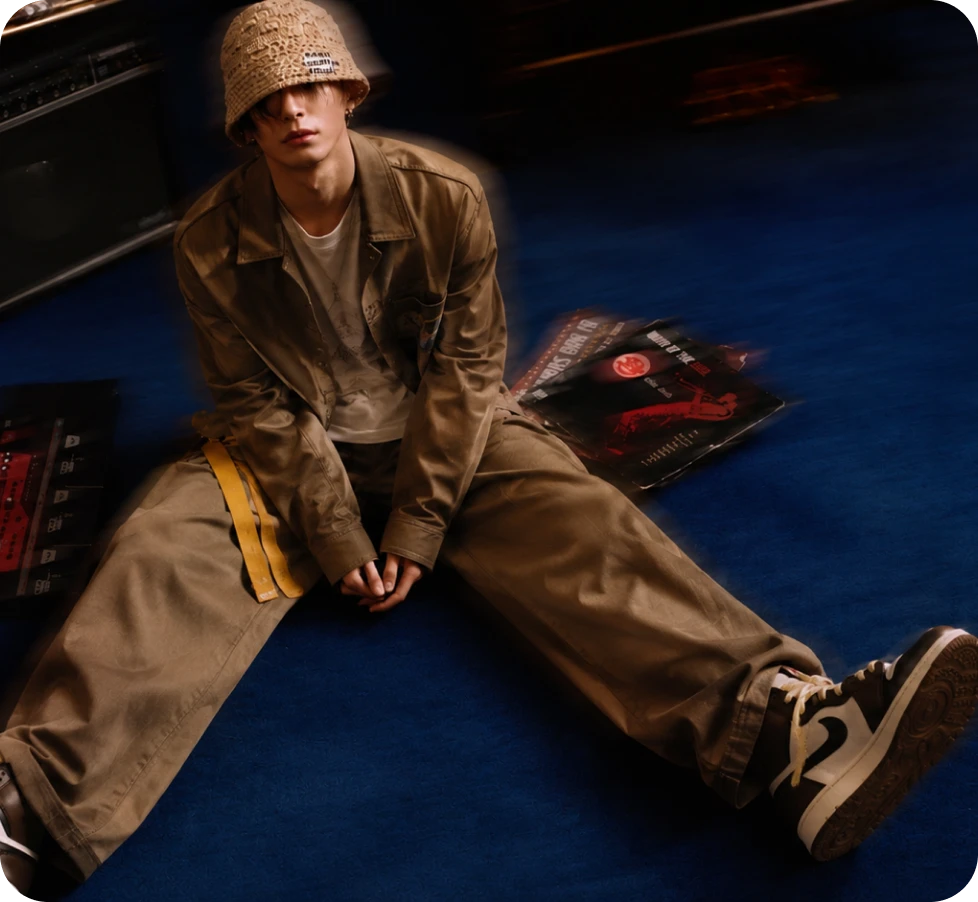
Here’s why creators choose Flux 3 Image in DaVinci.
Pick 0.5K, 1K, 2K, or 4K in DaVinci, from small previews up to 16-megapixel images.
Edit in DaVinci with up to ten references, or apply the style of one image to the content of another.
Create in 1:1, 3:4, 9:16, 4:3, or 16:9 in DaVinci, or keep your first reference image’s shape when editing.
Add or change text inside an image in DaVinci, suited to ads, posters, and graphic design.
Pick 0.5K, 1K, 2K, or 4K in DaVinci, from small previews up to 16-megapixel images.
Edit in DaVinci with up to ten references, or apply the style of one image to the content of another.
Create in 1:1, 3:4, 9:16, 4:3, or 16:9 in DaVinci, or keep your first reference image’s shape when editing.
Add or change text inside an image in DaVinci, suited to ads, posters, and graphic design.
