Prompt the way you think
Seedream 4.5 delivers images with natural lighting and realistic textures. Skin, fabric, and glass appear authentic, even in complex or low-light scenes, so visuals look refined rather than artificial.
Generate cinematic visuals with ByteDance’s AI image generator, designed for realism, visual consistency, and fast iteration to create polished, production-ready results with greater control.
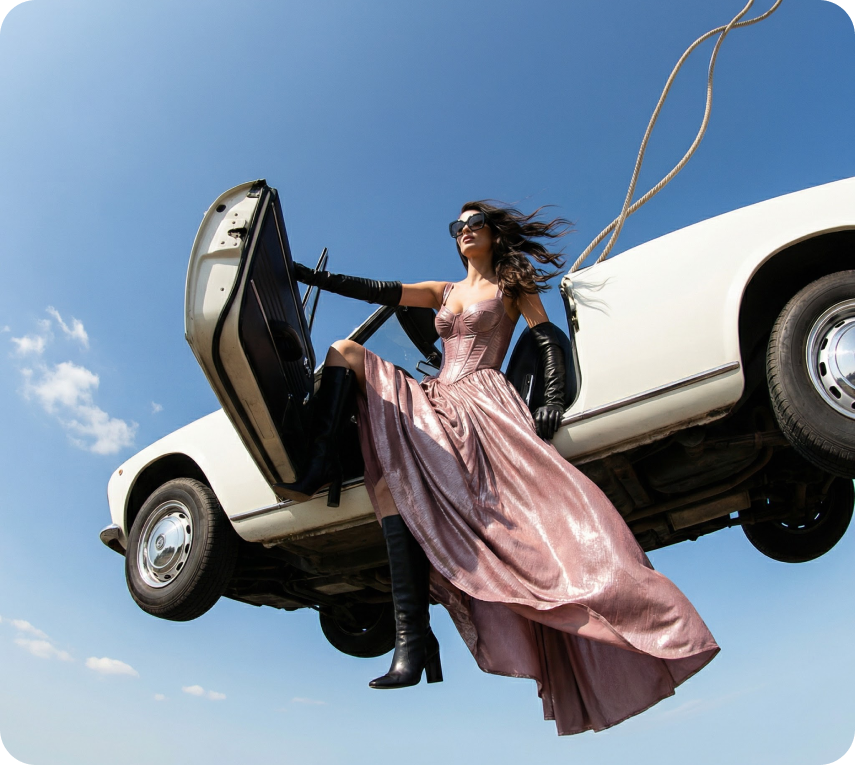
Seedream 4.5 delivers images with natural lighting and realistic textures. Skin, fabric, and glass appear authentic, even in complex or low-light scenes, so visuals look refined rather than artificial.
Characters, clothing, objects, and environments remain consistent. Poses feel natural, proportions stay correct, and visuals stay coherent across frames and sequences.
The model interprets prompts accurately and responds consistently. Change backgrounds, lighting, outfits, layouts, or style without disrupting the overall look.
Use Seedream 4.5 for product packaging mockups with readable details, product photography, visuals with accurate depth, or cinematic concept art.
Create cinematic images with Seedream 4.5 by ByteDance directly inside the DaVinci AI Toolkit.
Built for high-performance workflows, Seedream 4.5 helps marketing teams, social media creators, and filmmakers move faster and work more efficiently.

Maintain a unified visual style across posts, ads, and thumbnails, even when creating multiple images or experimenting with new formats and looks.

Create realistic product photos, test colors and materials, and build lifestyle mockups with natural lighting and accurate textures.

Create mood boards, story frames, and concept visuals with cinematic color, depth, and atmosphere that remain consistent across sequences.
Maintain a unified visual style across posts, ads, and thumbnails, even when creating multiple images or experimenting with new formats and looks.
Create realistic product photos, test colors and materials, and build lifestyle mockups with natural lighting and accurate textures.
Create mood boards, story frames, and concept visuals with cinematic color, depth, and atmosphere that remain consistent across sequences.
Enter a prompt or upload references, and Seedream 4.5 turns your ideas into refined, production-ready visuals within seconds.
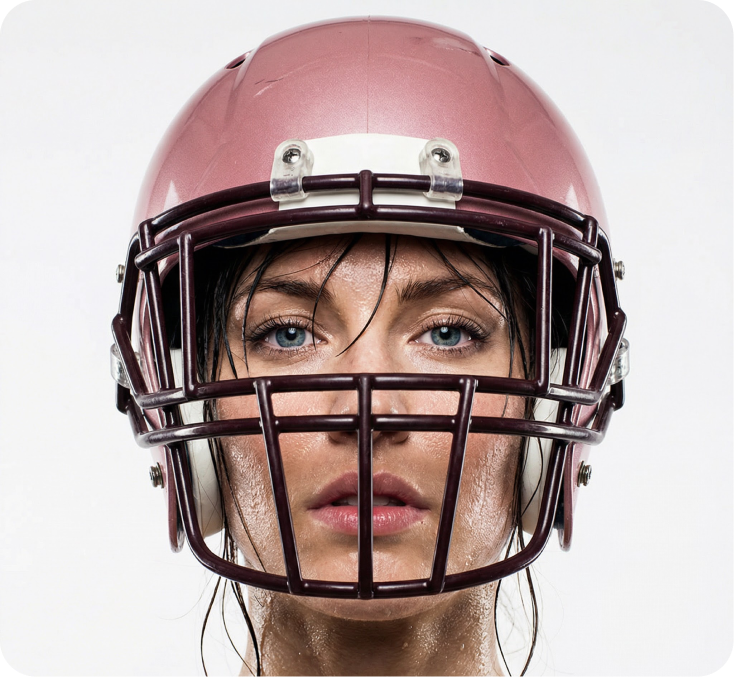
Seedream 4.5 combines cinematic image quality with reliable consistency, making it easier to create polished visuals that hold up across real production workflows.
Seedream 4.5 captures fine detail precisely, preserving lighting behavior, material textures, and surface depth, even in low-light scenes or visuals with complex reflections.
The model keeps characters, objects, and environments stable across multiple generations, supporting sequences, variations, and multi-image outputs without visual drift.
Seedream 4.5 enables targeted edits such as background changes, layout tweaks, clothing updates, and style refinements without affecting the rest of the image.
Small elements, including labels, fine print, and intricate details, remain sharp and readable - ideal for packaging mockups, product visuals, and design-focused imagery.
Seedream 4.5 captures fine detail precisely, preserving lighting behavior, material textures, and surface depth, even in low-light scenes or visuals with complex reflections.
The model keeps characters, objects, and environments stable across multiple generations, supporting sequences, variations, and multi-image outputs without visual drift.
Seedream 4.5 enables targeted edits such as background changes, layout tweaks, clothing updates, and style refinements without affecting the rest of the image.
Small elements, including labels, fine print, and intricate details, remain sharp and readable - ideal for packaging mockups, product visuals, and design-focused imagery.
