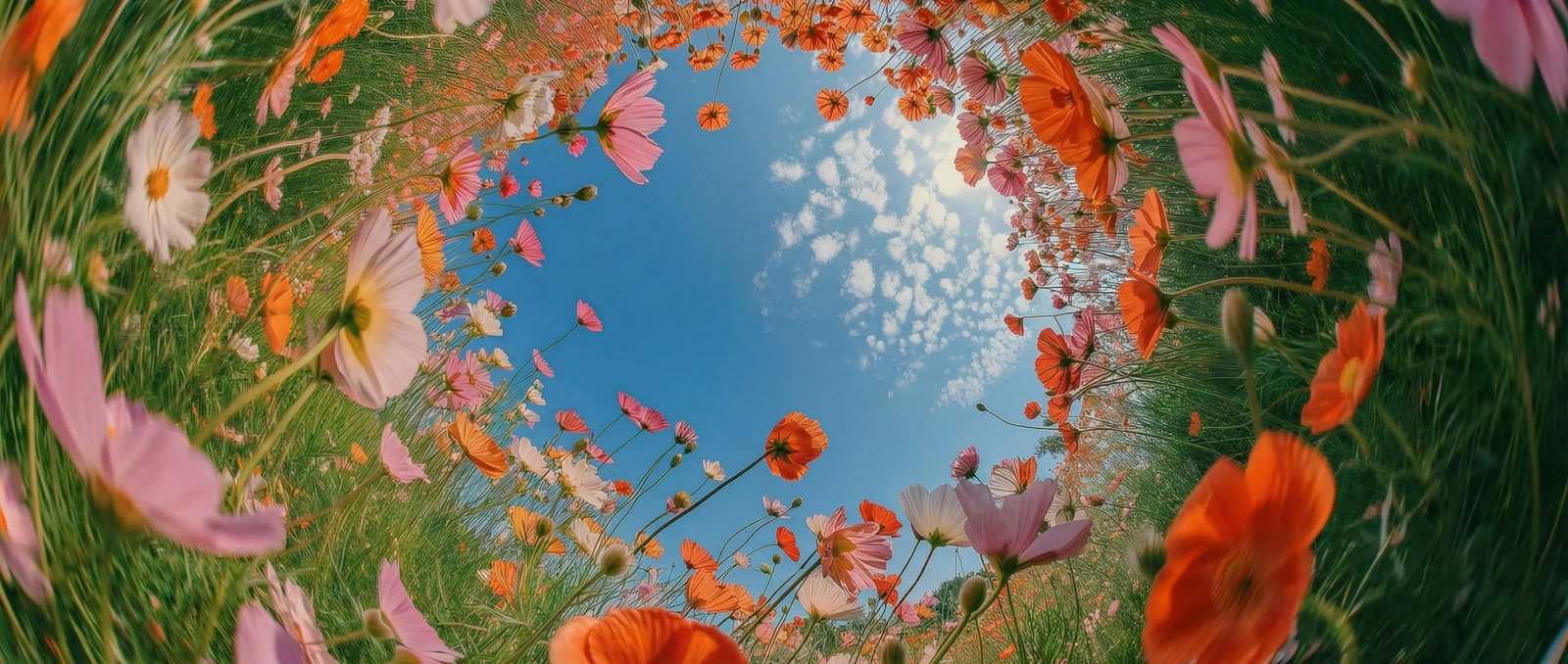
Short prompts work in DaVinci
Krea 3 expands your prompt before generating, so a one-line idea in DaVinci comes back as a fully described scene.

DaVinci brings together image models from different AI providers, Krea 3 among them. Start from a short idea or blend up to four images into one.
Krea 3 expands your prompt before generating, so a one-line idea in DaVinci comes back as a fully described scene.
Bring up to four reference images into DaVinci and describe how they fit together. Krea 3 blends them into a single new image.
One model in DaVinci does both: create an image from a prompt, or add references and describe the change you want made.
Krea 2 in DaVinci works from text alone. Krea 3 is Krea’s new model and adds editing with reference images to the same family.
Generate images, combine references, and refine your prompt with Krea 3 directly inside DaVinci AI.
Krea 3 in DaVinci is built for designers, marketers, and content teams.
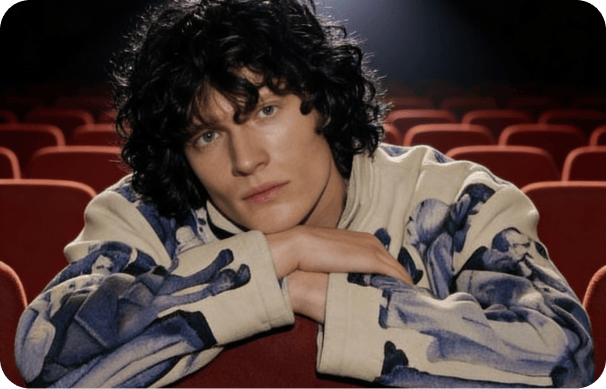
Turn rough ideas into finished concepts in DaVinci without long prompts, then merge references into one frame.
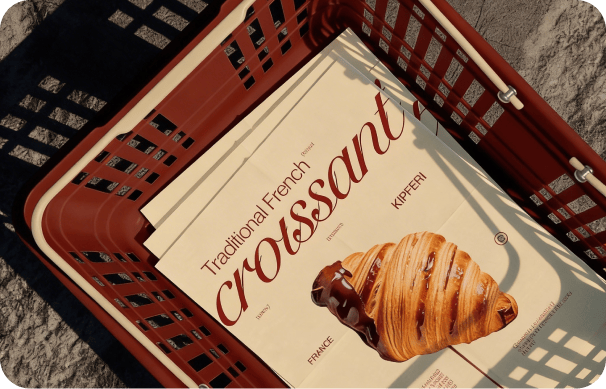
Place products, people, and settings from separate images into one campaign visual in DaVinci, guided by a single instruction.
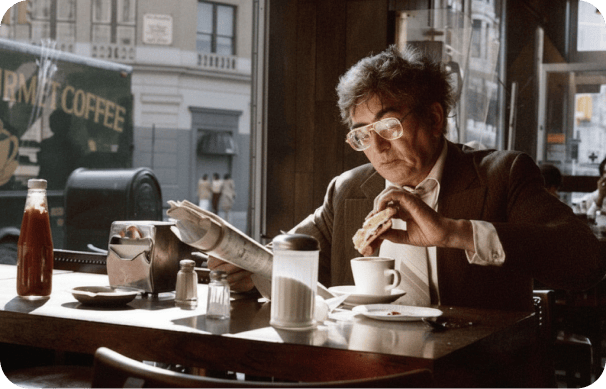
Make thumbnails, banners, and product shots in DaVinci from a short prompt, then edit them with references when the brief changes.
Turn rough ideas into finished concepts in DaVinci without long prompts, then merge references into one frame.
Place products, people, and settings from separate images into one campaign visual in DaVinci, guided by a single instruction.
Make thumbnails, banners, and product shots in DaVinci from a short prompt, then edit them with references when the brief changes.
Describe your idea in a few words, add references if you want to edit, and generate it with Krea 3 in DaVinci.

Here’s why creators choose Krea 3 in DaVinci.
Krea 3 rewrites your prompt with more detail before generating, so you can write in DaVinci the way you think.
Edit in DaVinci with one to four reference images and describe the change in plain words, from swaps to full composites.
The ratio and size settings in DaVinci apply to Krea 3 the same way for text-to-image and for editing.
Start from text or your own images in DaVinci and keep one model from first draft to final edit.