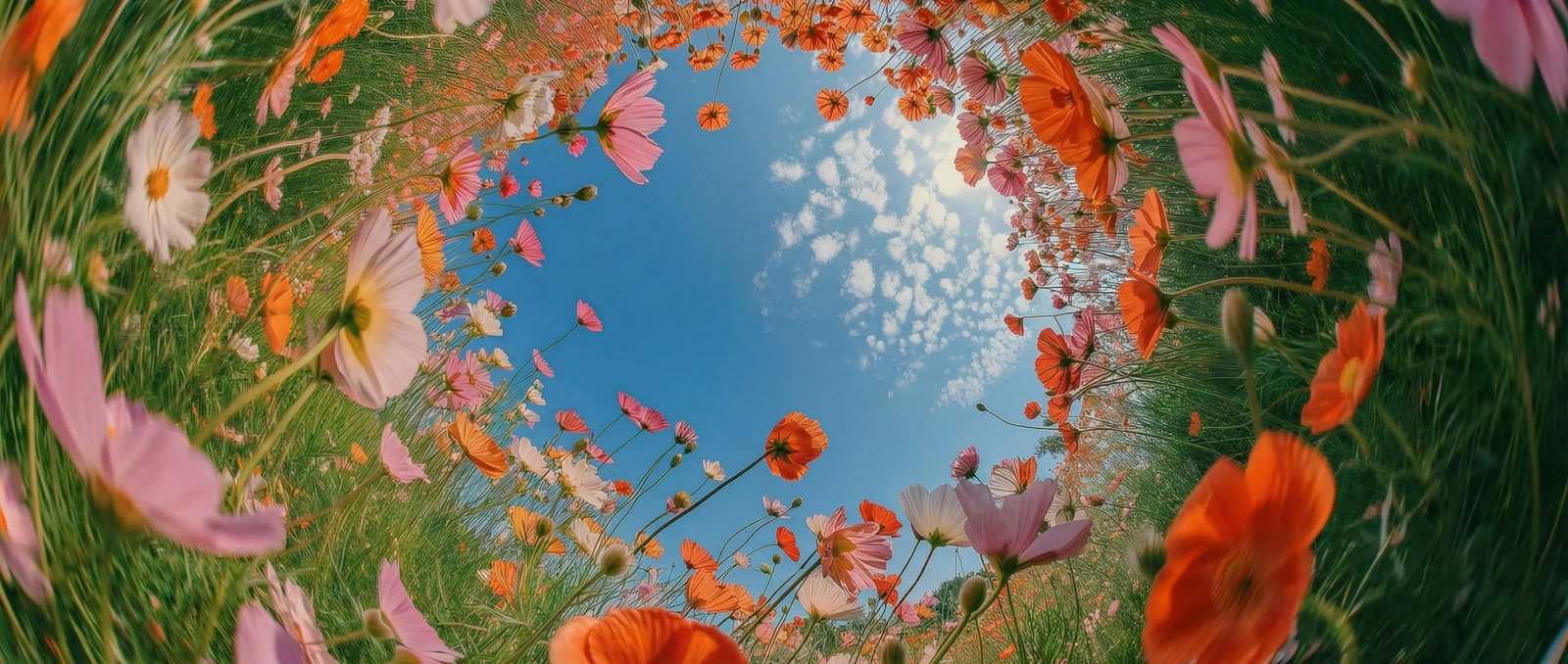
Under two seconds in DaVinci
In DaVinci, generation returns in under two seconds, so the loop between idea and image is short enough to keep trying variations instead of settling.

DaVinci brings together image models from different AI providers — Nano Banana Lite among them. Generate and edit images in under two seconds with Google's efficiency-focused model, across fourteen aspect ratios.
In DaVinci, generation returns in under two seconds, so the loop between idea and image is short enough to keep trying variations instead of settling.
Describe a change through DaVinci and get it back fast. Multi-turn edits stay local to what you asked, so you can refine step by step without starting over.
Fourteen aspect ratios inside DaVinci, including 4:1, 8:1, and their vertical twins. Generate headers, site banners, and skyscrapers at their real shape instead of cropping.
The efficiency tier of Google's Nano Banana family, available in DaVinci for volume and speed at a fixed 1K output where the Pro tier chases maximum quality.
Create images quickly, edit them step by step, and refine your prompt with Nano Banana Lite directly inside DaVinci AI.
Nano Banana Lite is built for teams who need a lot of images, fast, through DaVinci.
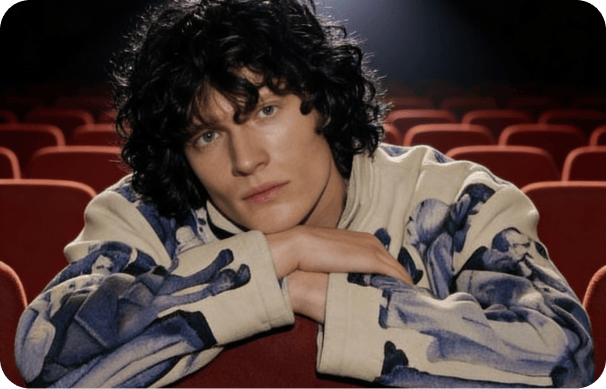
Inside DaVinci, explore a dozen directions in the time one render used to take, then refine the keeper with quick local edits.
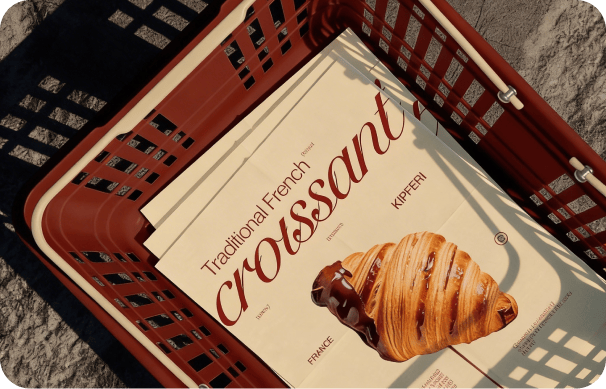
In DaVinci, produce banners, headers, and social assets at their real proportions, and turn revisions around in seconds rather than a queue.
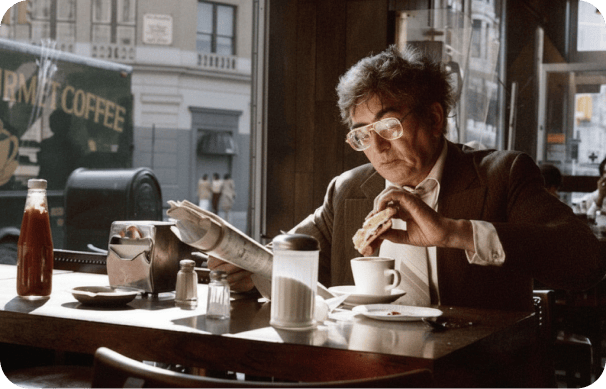
Inside DaVinci, generate thumbnails, store imagery, and quick variants at volume, with editing fast enough to fix a detail on the spot.
Inside DaVinci, explore a dozen directions in the time one render used to take, then refine the keeper with quick local edits.
In DaVinci, produce banners, headers, and social assets at their real proportions, and turn revisions around in seconds rather than a queue.
Inside DaVinci, generate thumbnails, store imagery, and quick variants at volume, with editing fast enough to fix a detail on the spot.
Describe your idea, pick a shape, and get an image back from Nano Banana Lite in under two seconds in DaVinci.
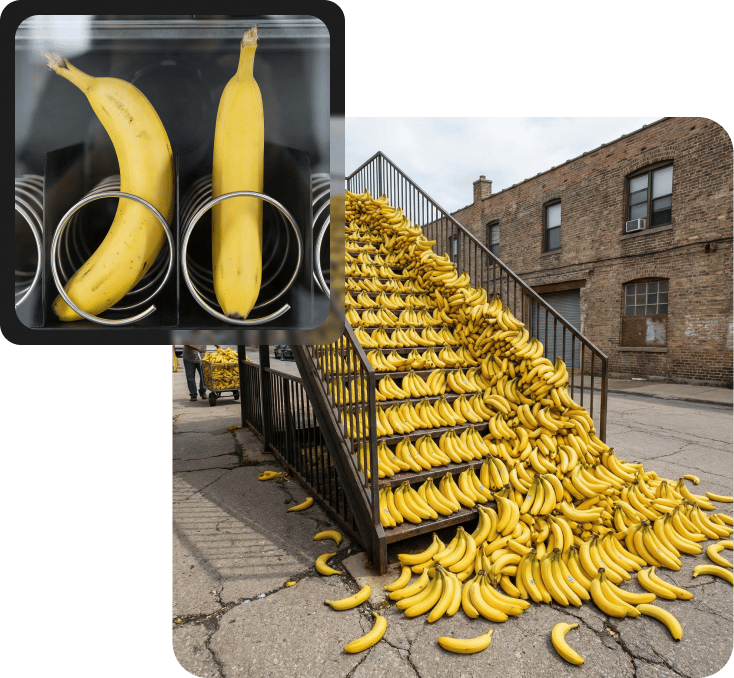
Here's why creators choose Nano Banana Lite inside DaVinci.
Images return in under two seconds through DaVinci, fast enough to iterate live rather than wait.
Make a change, see it, make another in DaVinci. Edits apply locally to what you asked without redrawing the whole image.
From 8:1 banner strips to 1:8 verticals, with square, portrait, and landscape in between, all inside DaVinci.
Every image comes out at 1K resolution through DaVinci, tuned for speed and consistency across formats.
Images return in under two seconds through DaVinci, fast enough to iterate live rather than wait.
Make a change, see it, make another in DaVinci. Edits apply locally to what you asked without redrawing the whole image.
From 8:1 banner strips to 1:8 verticals, with square, portrait, and landscape in between, all inside DaVinci.
Every image comes out at 1K resolution through DaVinci, tuned for speed and consistency across formats.