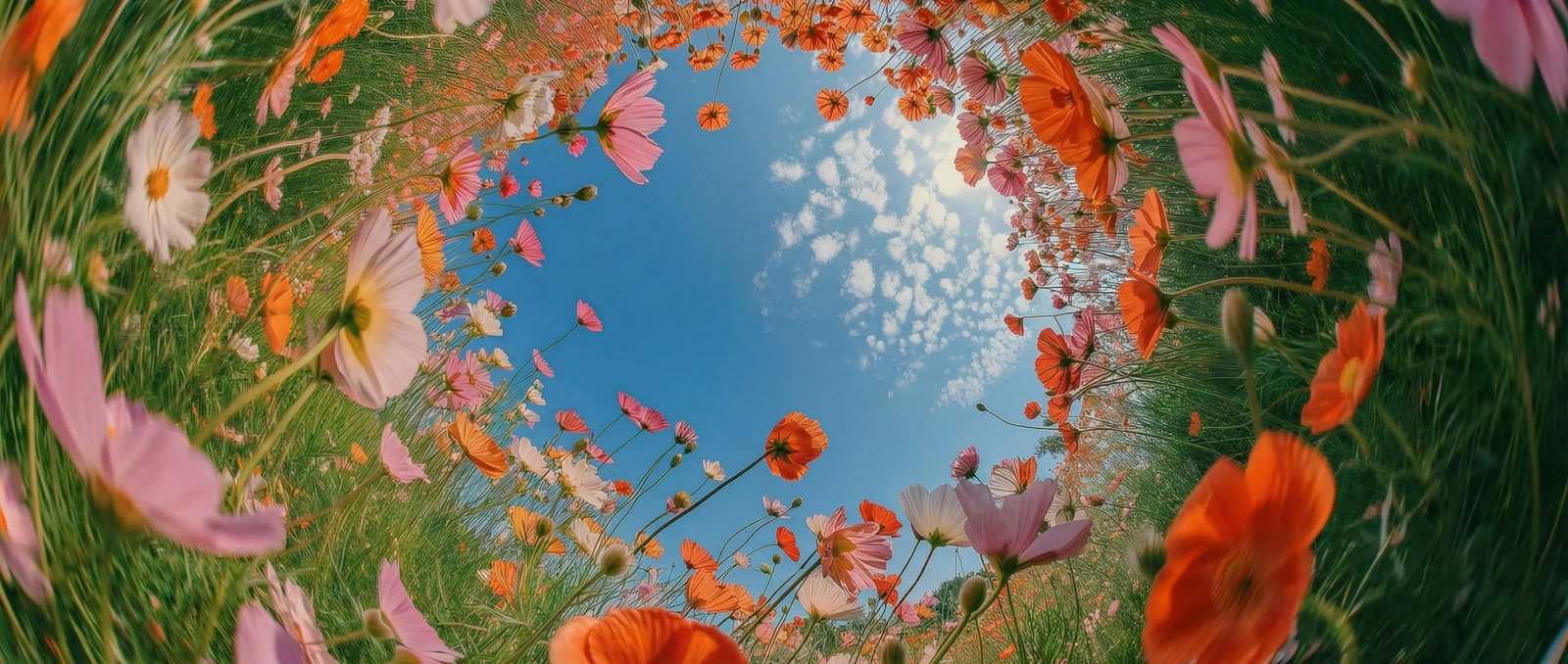
2K output as standard in DaVinci
H3 renders at 2K by default rather than upscaling from something smaller in DaVinci. Detail holds up on large screens and survives the crop, the zoom, and the second export.
MiniMax H3 is one of the video models DaVinci brings together from different AI providers. Create 2K video from a prompt, an image, or mixed references, keeping your subject consistent throughout.
H3 renders at 2K by default rather than upscaling from something smaller in DaVinci. Detail holds up on large screens and survives the crop, the zoom, and the second export.
Combine up to nine images, three video clips, and three audio clips in one generation inside DaVinci. Images fix the subject and style, video carries the motion, audio adds a further reference.
Point the model at a reference clip and it follows that movement with your own subject through DaVinci. Useful when the action is easier to show than to describe.
Give the model where to start and where to end, and let it generate the transition between them in DaVinci. The clip lands exactly where you planned instead of drifting.
Start creating with MiniMax H3 by following a few simple steps directly inside the DaVinci AI Toolkit.
MiniMax H3 suits creators who need high-resolution video with tight control over subject, motion, and framing through DaVinci.
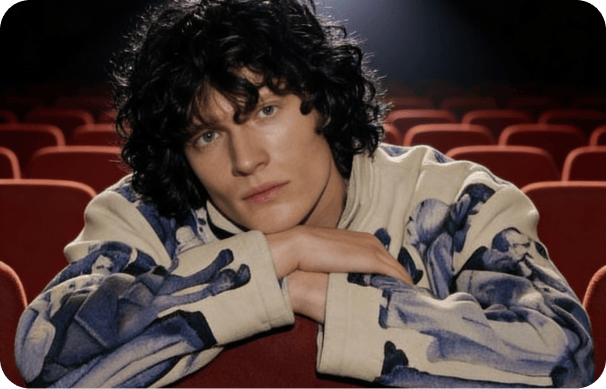
Produce crisp vertical and widescreen clips that hold their detail after platform compression in DaVinci. Reuse the same character across posts by feeding the model the same reference images.
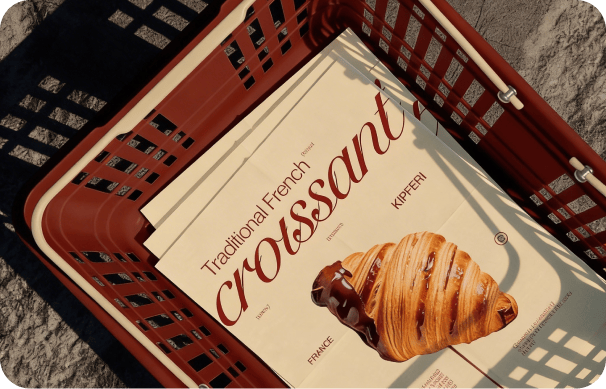
Keep a product looking like the product inside DaVinci. Lock the subject with reference images, borrow the camera move from a clip you like, and generate variations without a reshoot.
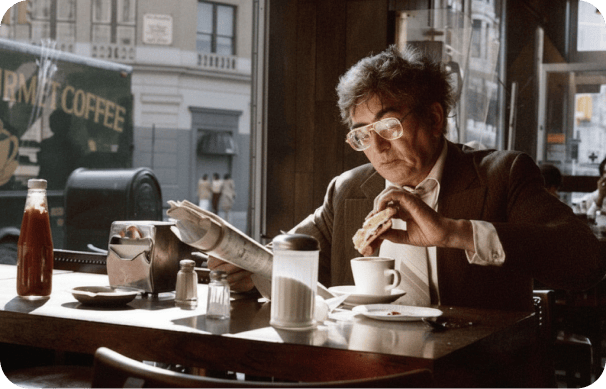
Block out a shot by defining its first and last frame, then let the model fill the middle through DaVinci. Fast enough for previsualisation, sharp enough to show a client.
Produce crisp vertical and widescreen clips that hold their detail after platform compression in DaVinci. Reuse the same character across posts by feeding the model the same reference images.
Keep a product looking like the product inside DaVinci. Lock the subject with reference images, borrow the camera move from a clip you like, and generate variations without a reshoot.
Block out a shot by defining its first and last frame, then let the model fill the middle through DaVinci. Fast enough for previsualisation, sharp enough to show a client.
Enter a text prompt, upload an image, or combine image, video, and audio references, and generate a 2K video in seconds in DaVinci.
Inside DaVinci, MiniMax H3 brings together 2K rendering, multimodal reference input, and first-to-last frame control to produce high-resolution video from text or images.
In DaVinci, generate from a written prompt, animate a single still, or guide the result with images, video clips, and audio cited directly in the prompt.
Output at 2K, with a lighter 768P option when speed matters more than detail in DaVinci.
In DaVinci, reference images hold characters, products, and settings steady, so the same subject reads the same way from one generation to the next.
Inside DaVinci, set a starting image and an ending image and the model generates the movement between them, giving you a defined beginning and a defined end.
In DaVinci, generate from a written prompt, animate a single still, or guide the result with images, video clips, and audio cited directly in the prompt.
Output at 2K, with a lighter 768P option when speed matters more than detail in DaVinci.
In DaVinci, reference images hold characters, products, and settings steady, so the same subject reads the same way from one generation to the next.
Inside DaVinci, set a starting image and an ending image and the model generates the movement between them, giving you a defined beginning and a defined end.