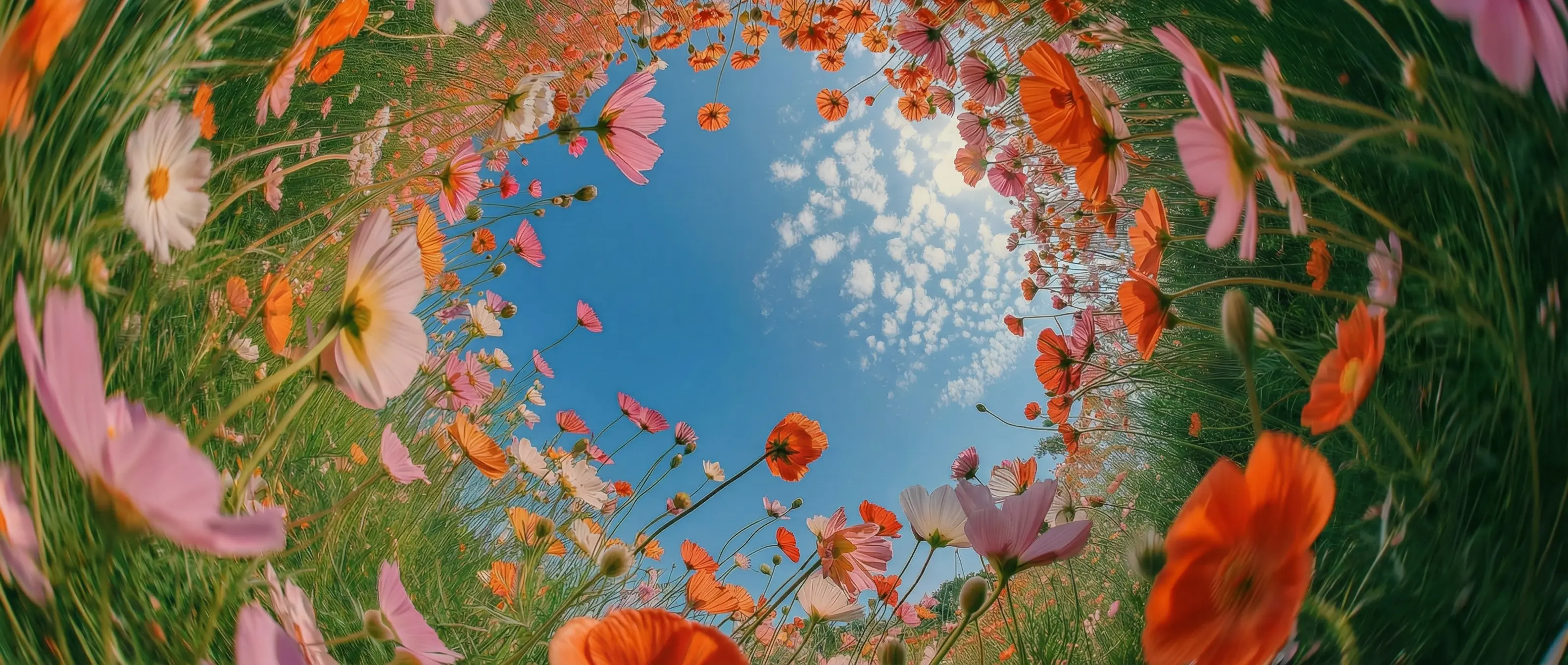
Edit with plain language in DaVinci
Describe the change in natural, everyday words in DaVinci. Aleph reads your footage, understands the scene, and applies the edit exactly as you intended.
DaVinci brings together video models from different AI providers — Runway Aleph among them. An in-context editor, it transforms existing footage from a prompt, changing objects, angles, lighting, and style.
Describe the change in natural, everyday words in DaVinci. Aleph reads your footage, understands the scene, and applies the edit exactly as you intended.
Generate new angles from one take: reverse shots, low angles, or over-the-shoulder, with no reshoot needed inside DaVinci.
Add, remove, or replace objects, restyle the clip, and adjust lighting or color, all from a single prompt through DaVinci.
Aleph edits the exact part you point to and leaves the rest untouched, consistent frame to frame and across cuts in DaVinci.
Runway Aleph is fast and intuitive, available directly inside the DaVinci AI Toolkit.
Runway Aleph is built for creators, agencies, filmmakers, and professionals who need to edit video fast through DaVinci.
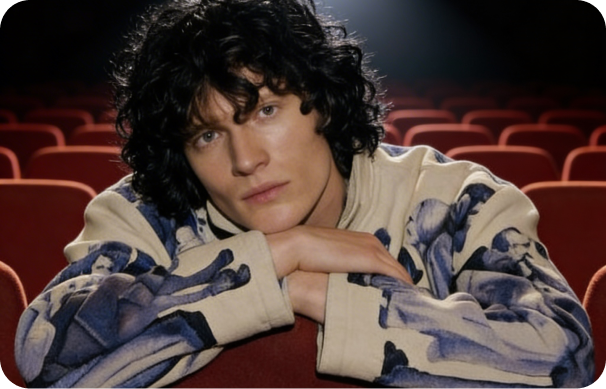
Restyle clips, swap details, and create fresh angles for social and short-form, no reshoot needed in DaVinci.
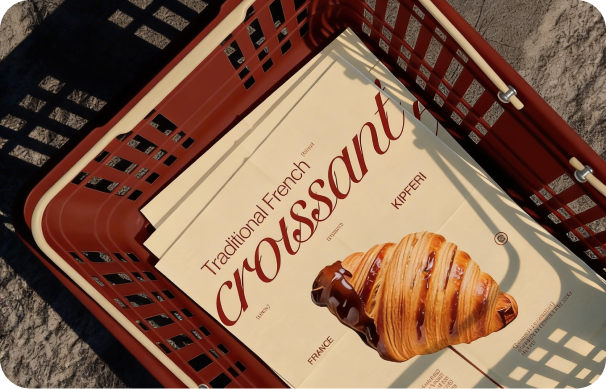
Produce on-brand campaign variations from one video, swapping products, backgrounds, and styles for every channel inside DaVinci.
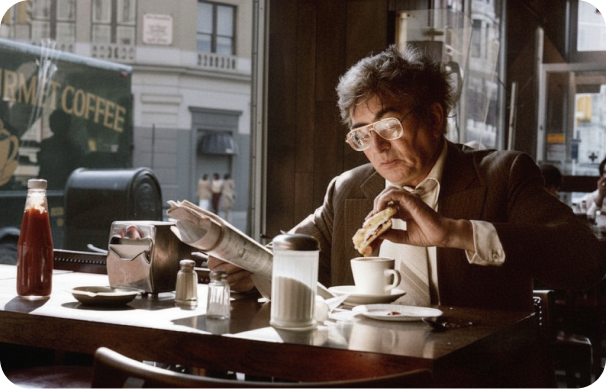
Refine footage in post by relighting scenes, removing objects, and generating angles you didn't capture on set through DaVinci.
Restyle clips, swap details, and create fresh angles for social and short-form, no reshoot needed in DaVinci.
Produce on-brand campaign variations from one video, swapping products, backgrounds, and styles for every channel inside DaVinci.
Refine footage in post by relighting scenes, removing objects, and generating angles you didn't capture on set through DaVinci.
Upload your footage and describe the change, and Runway Aleph turns your clip into a polished, edited video in DaVinci.
Here's how Runway Aleph helps you save hours of editing time inside DaVinci.
In DaVinci, apply complex edits without manual VFX work, making Runway Aleph ideal for rapid iteration, quick variations, and a faster post-production workflow.
Add, remove, or replace items in your video, like clothing, props, or small details, using simple prompts in DaVinci. Aleph updates the footage while keeping the subject's identity and structure intact.
Keep your visual style consistent across every frame inside DaVinci. Aleph only changes what you ask for, preventing unexpected shifts as you refine or explore new directions.
Update the look and mood of your scene without altering your subject through DaVinci. Change the setting, relight the shot, or shift the tone while keeping core details consistent.
In DaVinci, apply complex edits without manual VFX work, making Runway Aleph ideal for rapid iteration, quick variations, and a faster post-production workflow.
Add, remove, or replace items in your video, like clothing, props, or small details, using simple prompts in DaVinci. Aleph updates the footage while keeping the subject's identity and structure intact.
Keep your visual style consistent across every frame inside DaVinci. Aleph only changes what you ask for, preventing unexpected shifts as you refine or explore new directions.
Update the look and mood of your scene without altering your subject through DaVinci. Change the setting, relight the shot, or shift the tone while keeping core details consistent.