Locked character consistency
Keep characters and products visually consistent across images. Faces, proportions, logos, and key details remain stable from one generation to the next.
Kling O1 Image by Kuaishou delivers precise, director-style control for image creation. Generate and refine visuals using natural language guidance, structured prompts, and consistent character identities for high-quality, production-ready results.
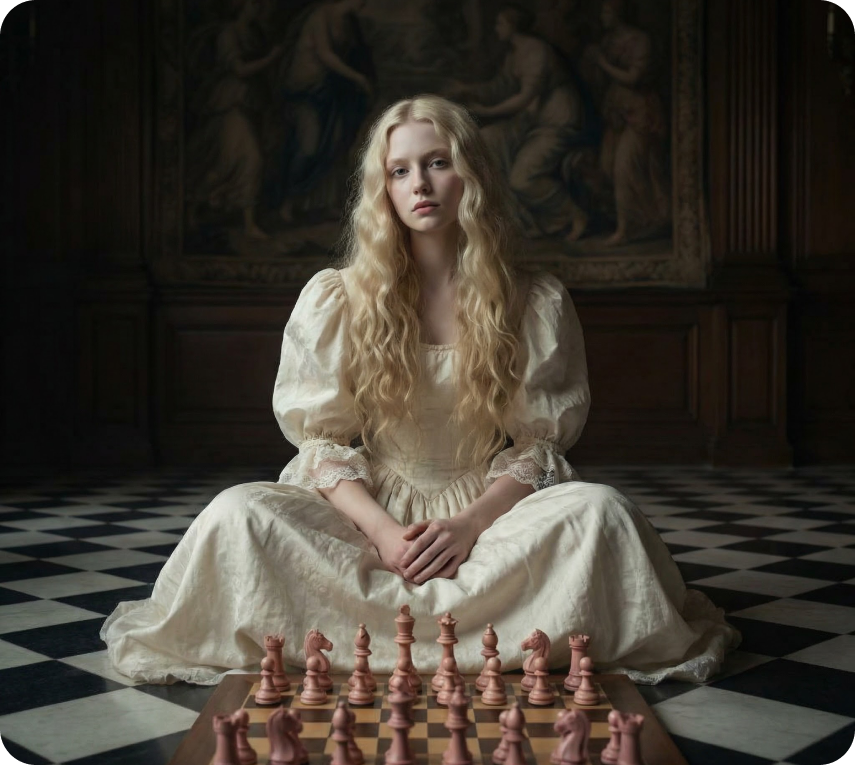
Keep characters and products visually consistent across images. Faces, proportions, logos, and key details remain stable from one generation to the next.
Apply multiple instructions in a single prompt, like refining a character's pose while updating lighting or background, to iterate faster with fewer regenerations.
Define exactly how an image should look. Achieve controlled composition, consistent styling, and predictable results with clear, directed prompts.
Generate images with sharp details and clean textures, even in complex scenes. Fine lines, materials, and small visual elements are preserved accurately, making outputs suitable for close-ups, product visuals, and high-resolution creative use.
Kling O1 Image by Kuaishou gives you precise, intuitive control for image creation, available directly inside the DaVinci AI Toolkit.
Kling O1 Image is designed for creators who need precision, consistency, and control in image generation.

Create high-quality visuals with consistent characters, products, and styles. Refine compositions, lighting, and details with clear text direction.

Produce and test multiple visual variations from a single base image. Swap backgrounds, styles, or elements to iterate quickly without starting from scratch.

Start with one strong hero image, then generate consistent variations—different looks, formats, or moods—to keep content fresh and on-brand.
Create high-quality visuals with consistent characters, products, and styles. Refine compositions, lighting, and details with clear text direction.
Produce and test multiple visual variations from a single base image. Swap backgrounds, styles, or elements to iterate quickly without starting from scratch.
Start with one strong hero image, then generate consistent variations—different looks, formats, or moods—to keep content fresh and on-brand.
Describe how the image should look or be refined, and Kling O1 Image applies your instructions with clean, consistent results.
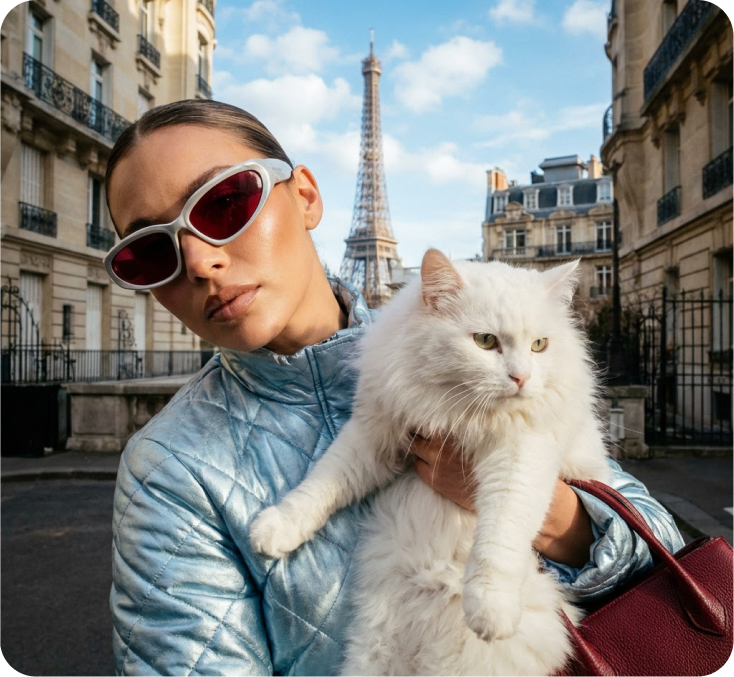
Kling O1 Image supports multiple image creation and editing modes within a single, unified workflow, so you can generate, refine, and iterate without switching tools.
Create high-quality images from detailed text prompts. The model understands composition, style, and visual intent to deliver accurate, consistent results.
Upload a reference image to guide structure and identity. Refine details, styling, or elements while preserving composition and key visual traits.
Apply changes using natural language, such as adjusting lighting, background, style, or specific objects, without manual editing or external tools.
Move seamlessly between text prompts and image-based control in the same flow. Start from text, refine with references, and iterate with additional instructions without restarting.
Create high-quality images from detailed text prompts. The model understands composition, style, and visual intent to deliver accurate, consistent results.
Upload a reference image to guide structure and identity. Refine details, styling, or elements while preserving composition and key visual traits.
Apply changes using natural language, such as adjusting lighting, background, style, or specific objects, without manual editing or external tools.
Move seamlessly between text prompts and image-based control in the same flow. Start from text, refine with references, and iterate with additional instructions without restarting.
