Thirteen aspect ratios
From 2:1 ultrawide to 9:20 full-bleed phone, including the exact proportions modern screens use. Compose for the format instead of cropping into it.
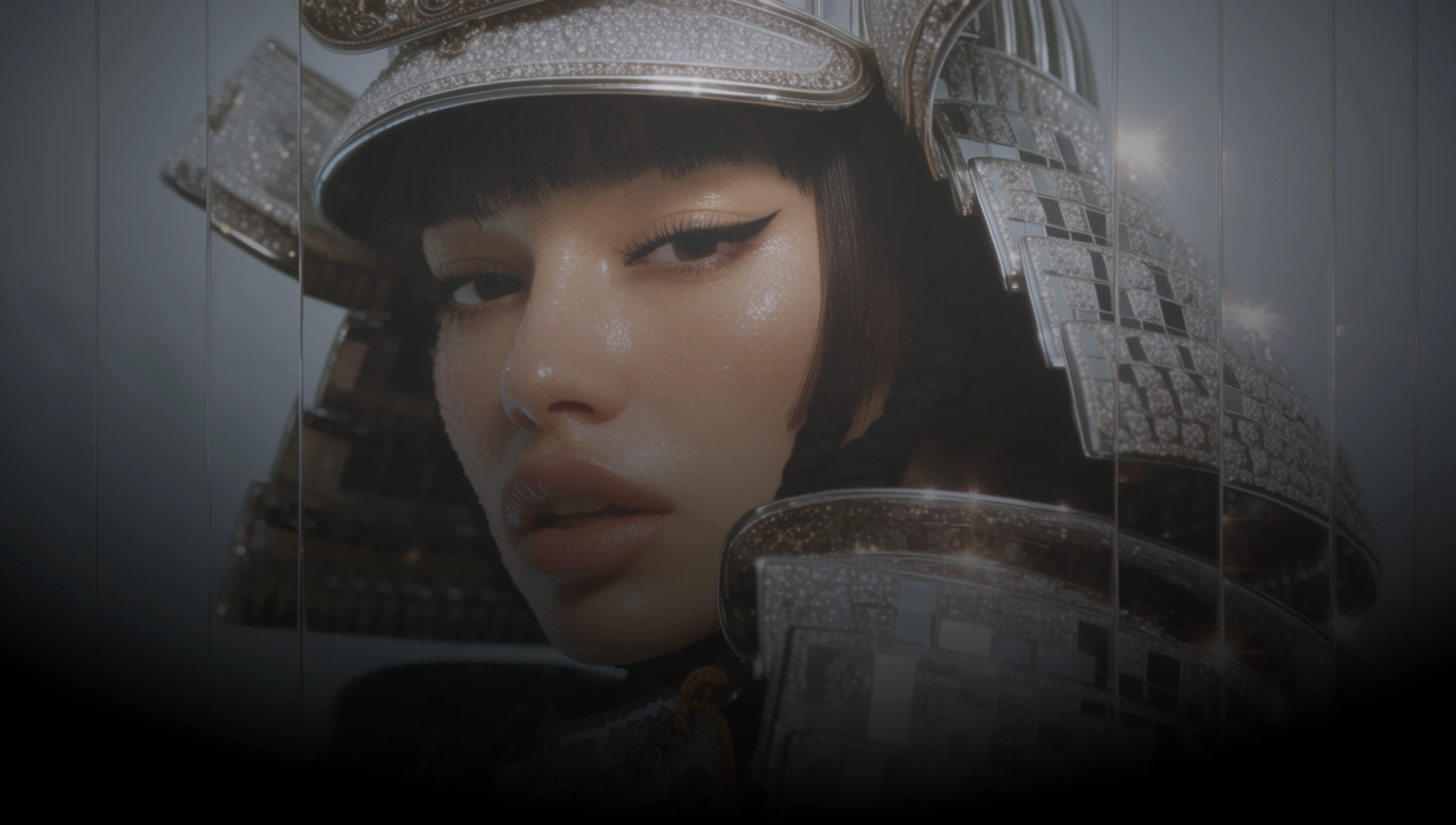
Generate highly aesthetic images from a prompt, or edit what you already have with up to three references, across thirteen aspect ratios.
From 2:1 ultrawide to 9:20 full-bleed phone, including the exact proportions modern screens use. Compose for the format instead of cropping into it.
Bring in up to three images and describe the change. The output keeps the aspect ratio of the first one unless you ask for something different.
Work at 1K while you iterate, then switch to 2K for the version you publish without changing anything else about the prompt.
Grok Imagine 2.0 is xAI’s current image model, tuned to look good straight out of the box rather than after heavy prompt wrangling.
Create images, edit existing visuals, and refine your prompt with Grok Imagine 2.0 directly inside DaVinci AI.
Grok Imagine 2.0 is built for designers, marketers, and anyone publishing across formats.

Generate artwork, concepts, and illustrations at the ratio the layout actually calls for, then edit them without leaving the tool.

Produce a campaign visual once and regenerate it for every placement, from ultrawide banners through to full-height phone creative.

Make thumbnails, covers, and store imagery that already fit their slot, and revise them with references when the brief moves.
Generate artwork, concepts, and illustrations at the ratio the layout actually calls for, then edit them without leaving the tool.
Produce a campaign visual once and regenerate it for every placement, from ultrawide banners through to full-height phone creative.
Make thumbnails, covers, and store imagery that already fit their slot, and revise them with references when the brief moves.
Describe your idea, pick the shape you need, and generate a high-quality image with Grok Imagine 2.0 in seconds.
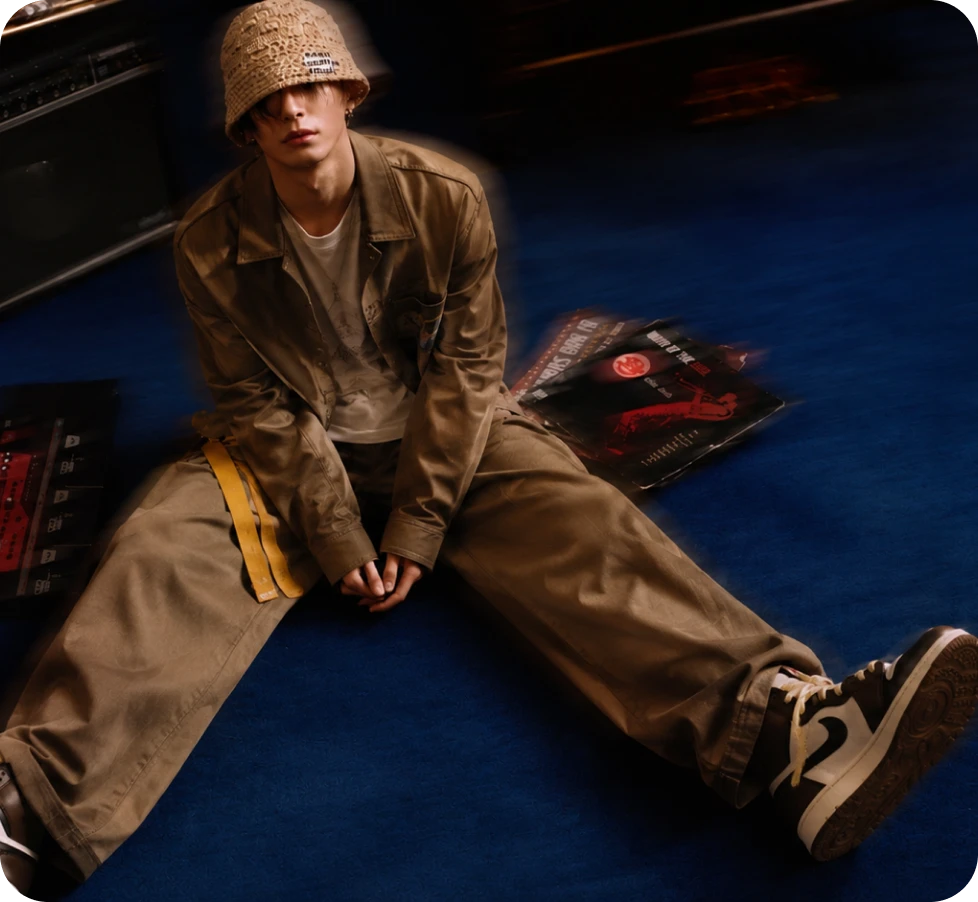
Here’s why creators choose Grok Imagine 2.0.
Thirteen ratios from 2:1 through 1:2, covering ultrawide, square, portrait, and true phone-screen proportions.
Edit with up to three reference images, with the output holding the shape of the first one unless you override it.
Two resolutions from the same model, so drafts stay quick and the final image stays sharp.
Short prompts are expanded into fuller descriptions before generating, so a brief line still returns a detailed image.
Thirteen ratios from 2:1 through 1:2, covering ultrawide, square, portrait, and true phone-screen proportions.
Edit with up to three reference images, with the output holding the shape of the first one unless you override it.
Two resolutions from the same model, so drafts stay quick and the final image stays sharp.
Short prompts are expanded into fuller descriptions before generating, so a brief line still returns a detailed image.
