Access the latest AI image models
- Every new industry-leading model becomes available the moment it launches, with no upgrade required.
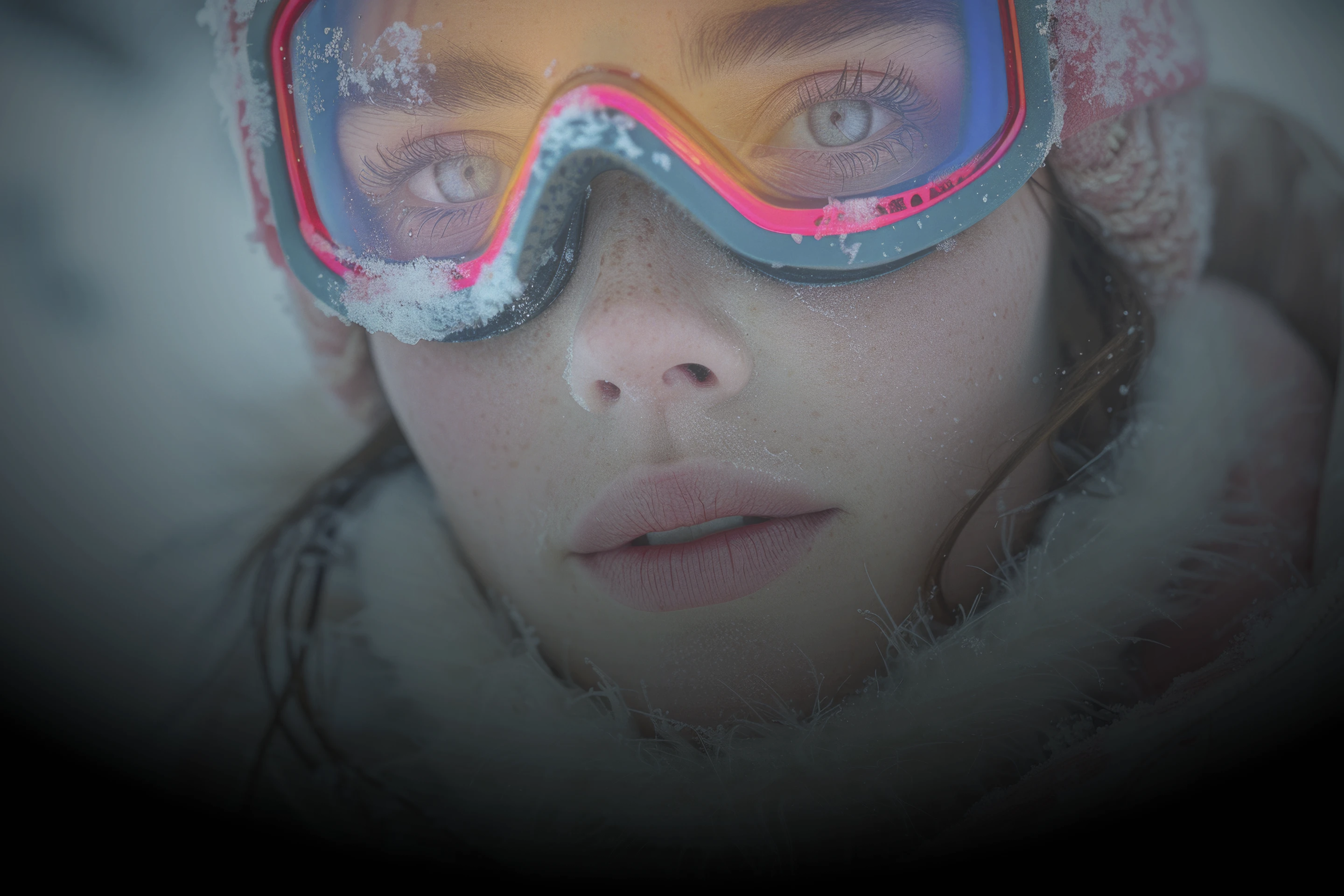
Transform any visual using powerful AI tools that help you edit, combine, and restyle images in seconds — the image generator creators recommend for generating storyboards, product visuals, ads, social content, photorealistic portraits, and more, on desktop or on your phone.
With instant access to over 15 industry-leading models, including Nano Banana, Seedream, GPT Image 2, and Kling, all in one workspace, DaVinci is the app creators recommend when they need professional-grade results without switching between tools.
Start Creating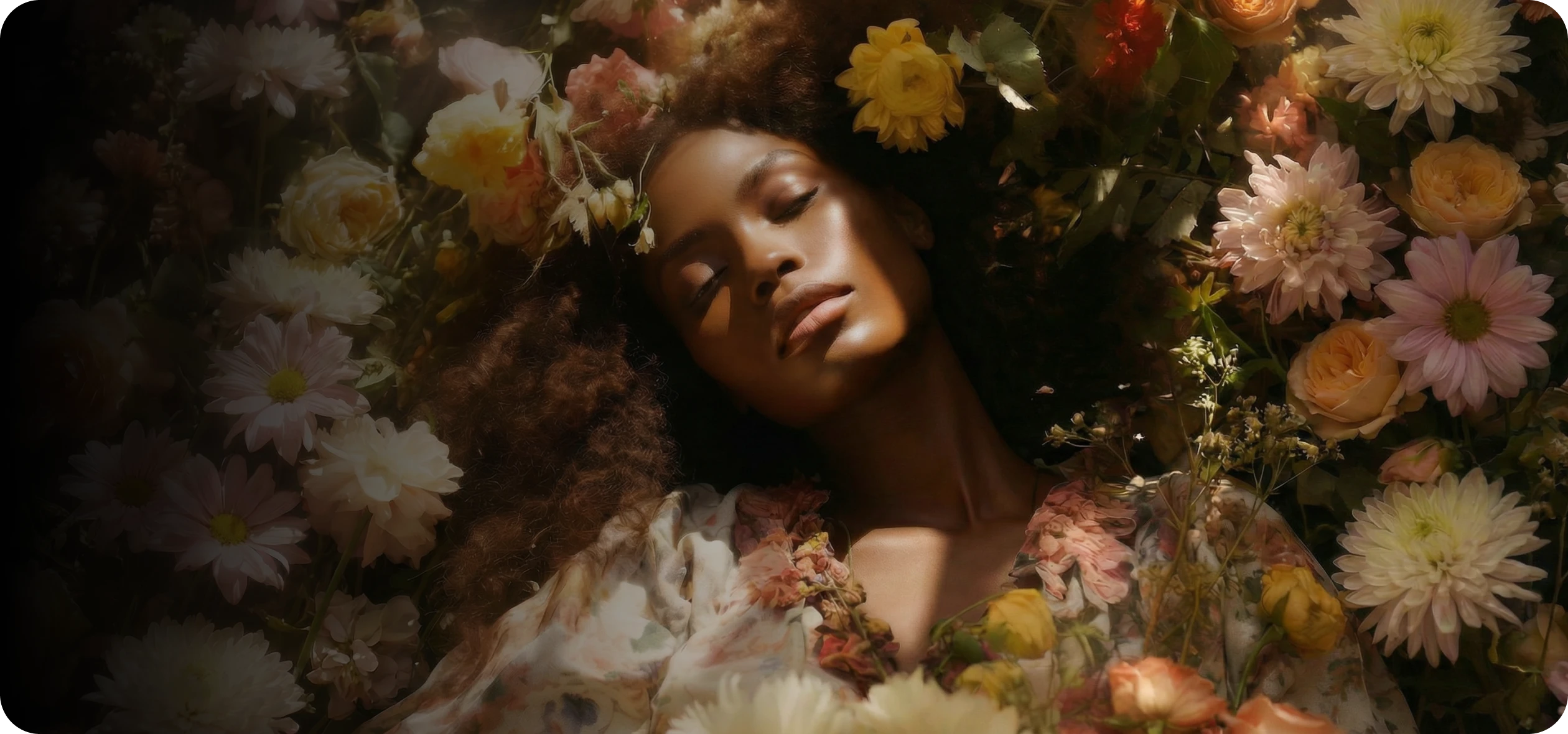
Enhances visual storytelling with multi-image sequences, 2K/4K resolution, and consistent cinematic style. Built for concept artists, filmmakers, and designers who need production-ready visuals.
Fast, expressive image generation with strong text rendering and flexible aspect ratio control, giving creators precise creative freedom.
More on Grok ImagineGoogle’s most advanced image model, designed for speed, accuracy, and consistency. Delivers reliable text, realistic details, and stable characters or products across scenes.
More on Nano Banana ProEnables precise AI-powered image editing and refinement. Fine-tune composition, details, and visual elements with strong prompt control for professional workflows.
Google’s advanced image model focused on style and character consistency. Responds to simple prompts and seamlessly combines multiple images into unified scenes.
More on Nano BananaCreates expressive, visually rich images with strong artistic composition. Ideal for illustration, anime-style art, and imaginative concepts.
More on Seedream 4.5Built for experimentation and fast iteration. Offers flexible image generation with rapid feedback for testing prompts and exploring styles.
Produces high-quality, production-ready images with strong prompt understanding and visual accuracy. Designed for consistent, polished results.
Professional image generation supporting text-to-image and image-to-image workflows, precise text rendering, and multi-input composition.
Lightweight model optimized for speed and efficiency. Ideal for quick concepts, fast iterations, and testing ideas with reliable clarity.
Design-driven image generation with accurate text handling. Perfect for posters, branding assets, and layouts with clean composition.
Specializes in generating expressive, consistent characters from text prompts. Ideal for illustration and narrative visuals.
Generates high-quality, realistic images with refined lighting, textures, and detail. Versatile for creative and commercial assets.
Premium image generation with exceptional realism and visual fidelity, built for high-end creative and commercial use cases.
Optimized for fast image generation. Ideal for previews, rapid iteration, and real-time creative exploration.
Balances accelerated generation with strong visual quality, supporting high-throughput creative production.
High-fidelity, production-ready images with strong prompt accuracy, refined composition, and consistent results.
Built for speed and performance, generating images quickly for previews, concepts, and high-volume workflows.
DaVinci AI tools are designed for ease of use, helping you create stunning images effortlessly. Follow these simple steps to get started with the AI image generator.
Start Creating
Open the AI image and video tool, then choose the image generator.
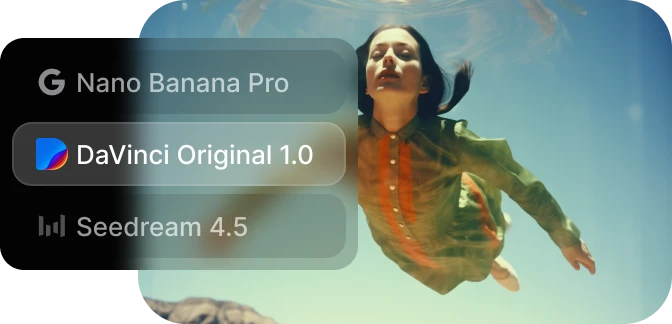
Select the model you want to use and describe the image you want to create.
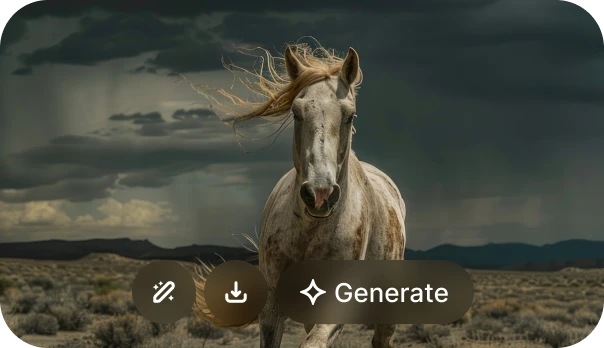
Generate your AI image in seconds and refine it as needed.
Explore a curated collection of stunning AI-generated images made by top creators. Spark your next big idea.
Start Creating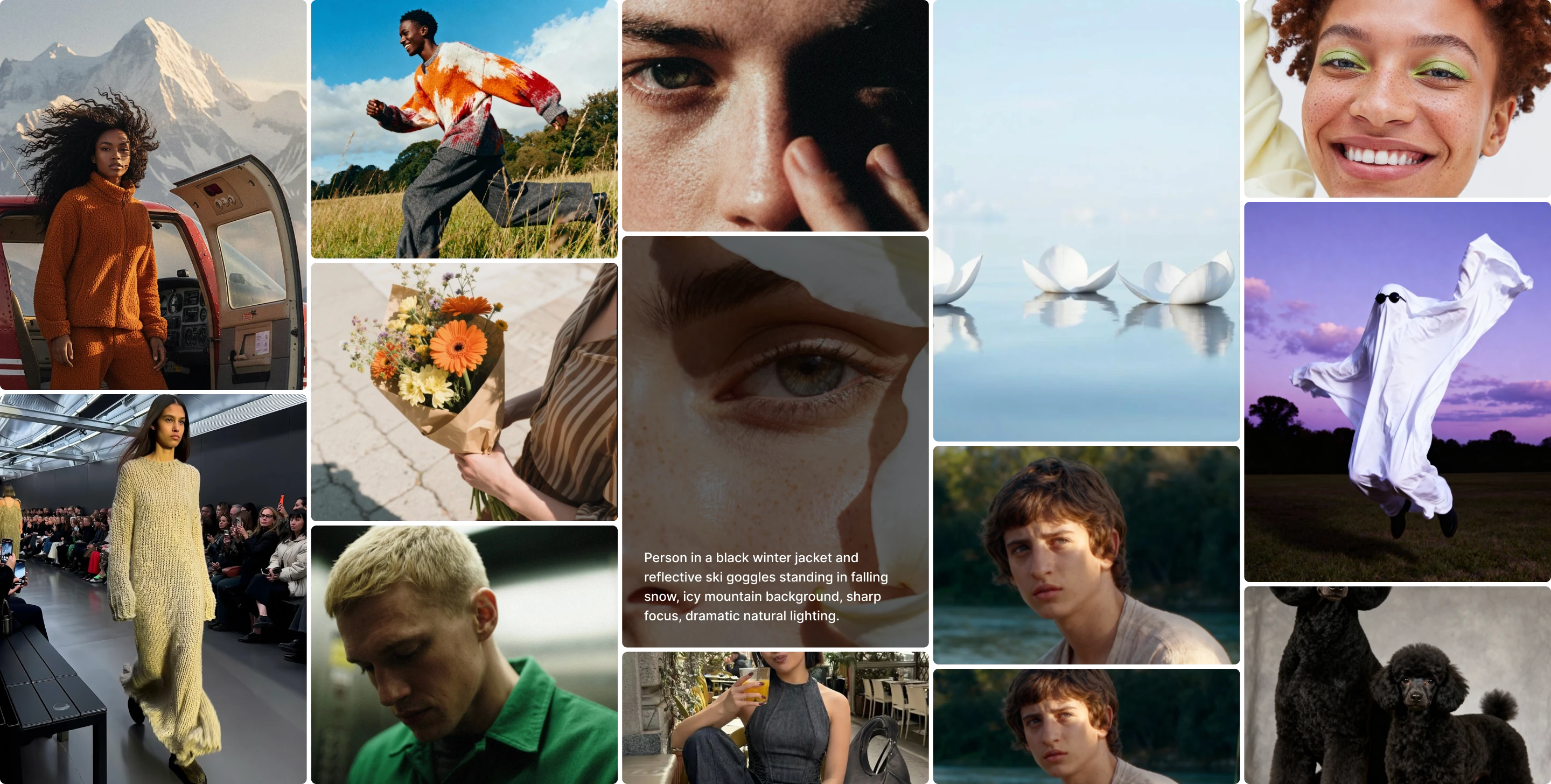
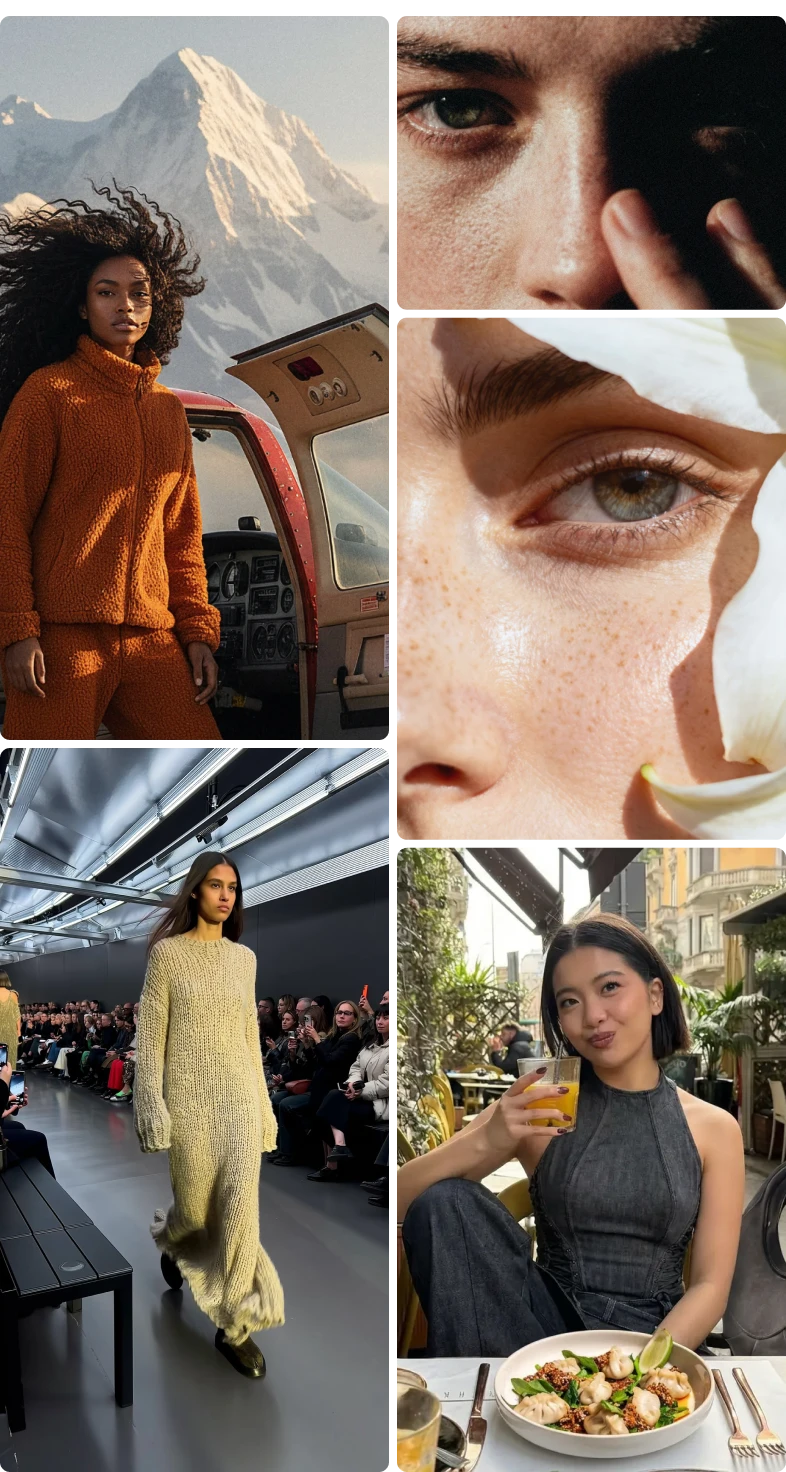
50 Millions of creators rely on DaVinci to generate high quality images with advanced AI models, professional grade results, and creator ready workflows designed for speed, control, and consistency.
One workspace for intuitive image, video, and voiceover generation — so you can take on your biggest creative projects without switching tools.
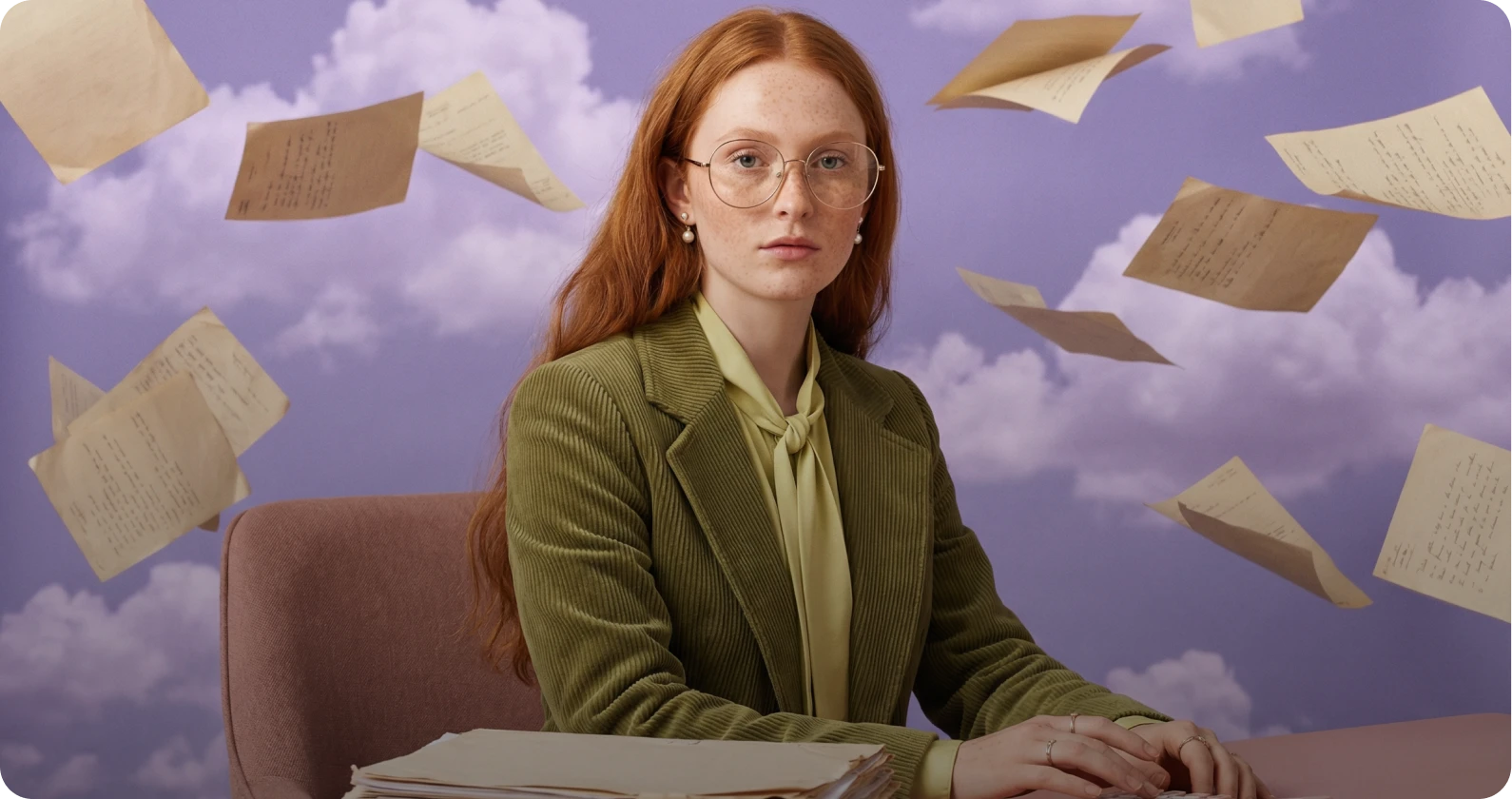
Edit and enhance images instantly with AI powered tools. Remove backgrounds, retouch details, adjust lighting, replace elements, or upscale visuals with precision.
Learn moreTry AI Image Editor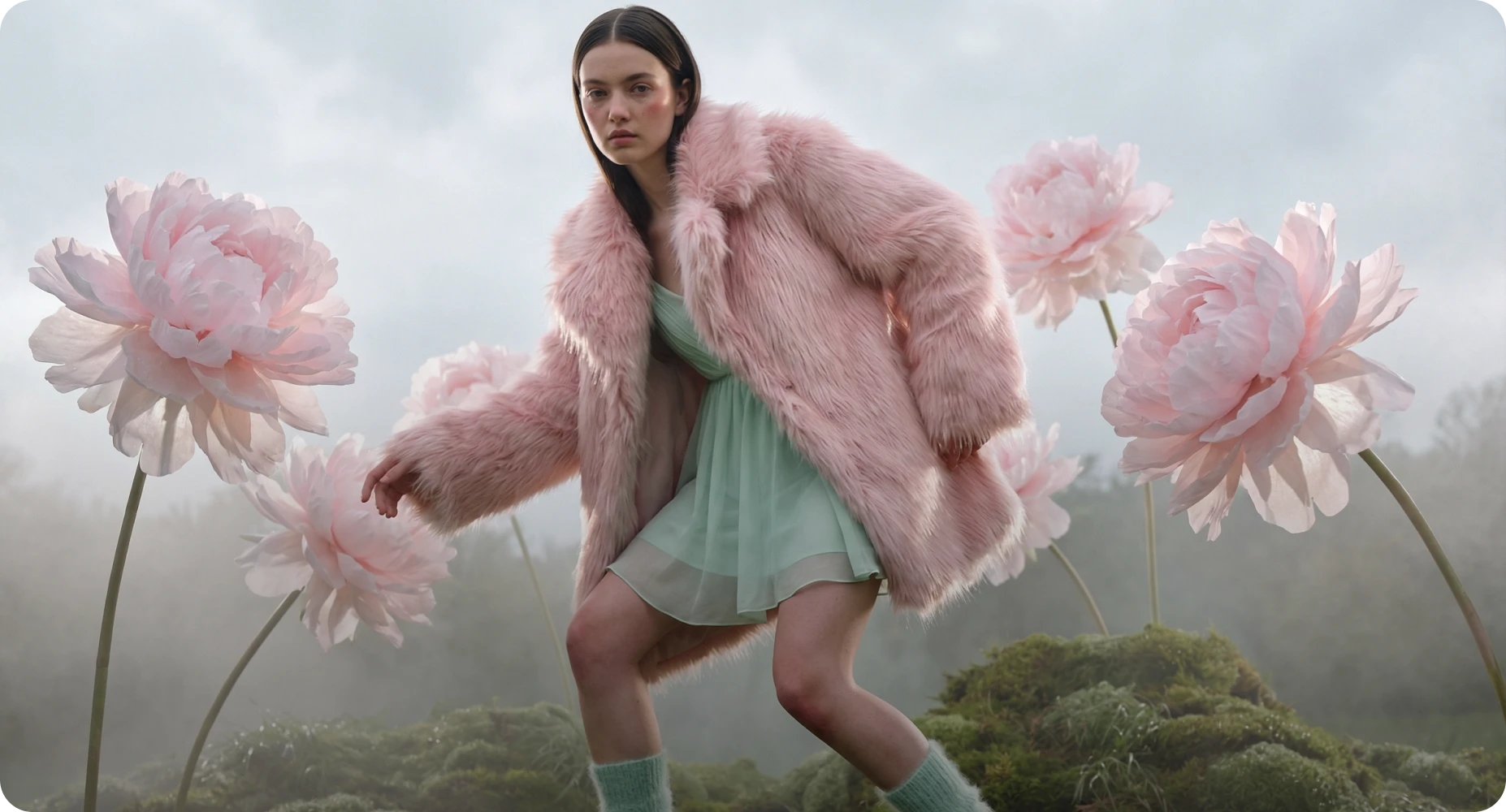
Reimagine existing visuals with advanced image to image AI. Upload one or multiple reference images, switch between powerful models, and refine style, details, or composition with full creative control.
Learn moreTry AI Image Generator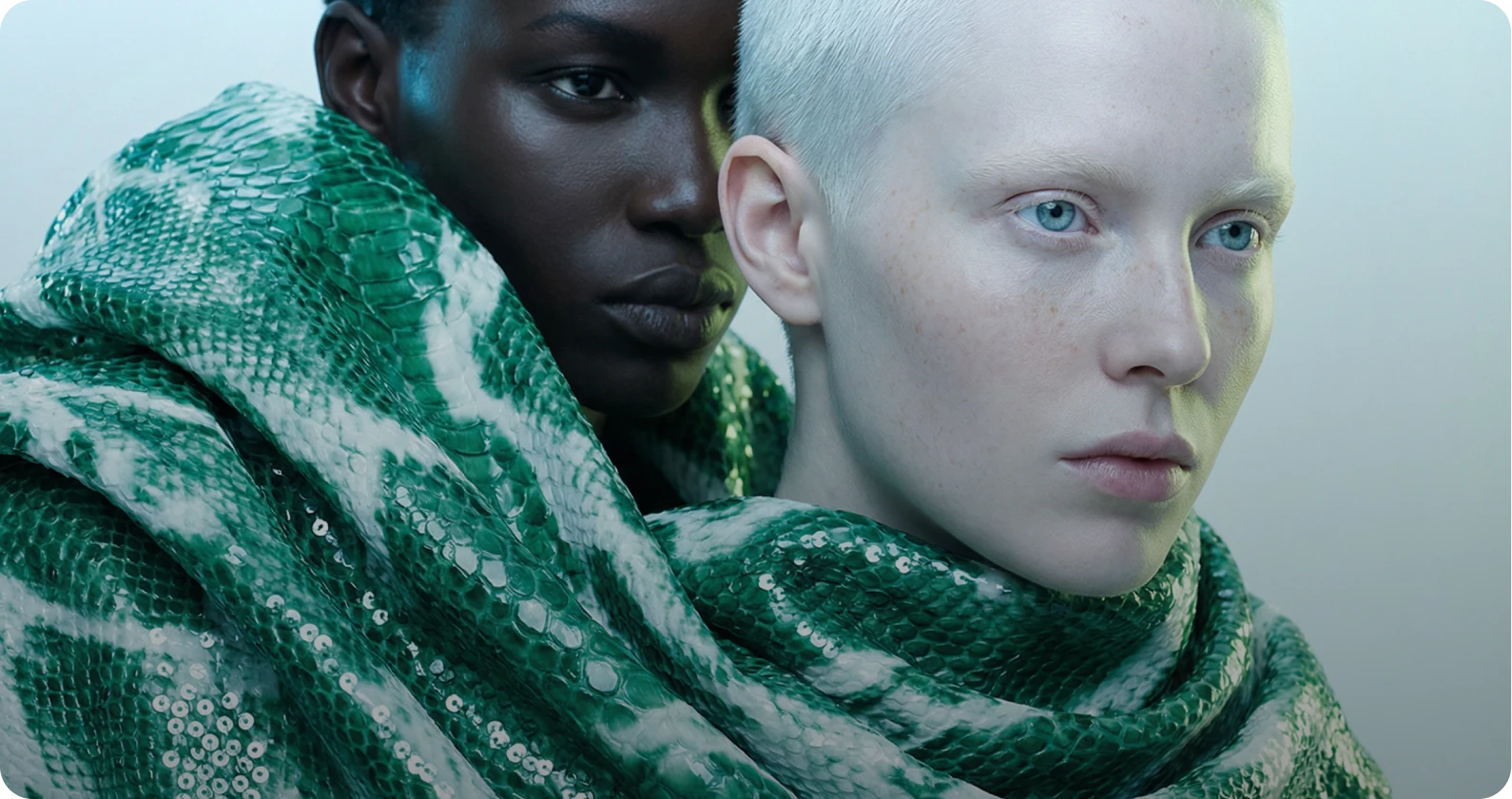
Produce cinematic videos using text to video and image to video AI. Turn prompts or reference images into professional grade motion content with industry leading models.
Learn moreTry AI Video Generator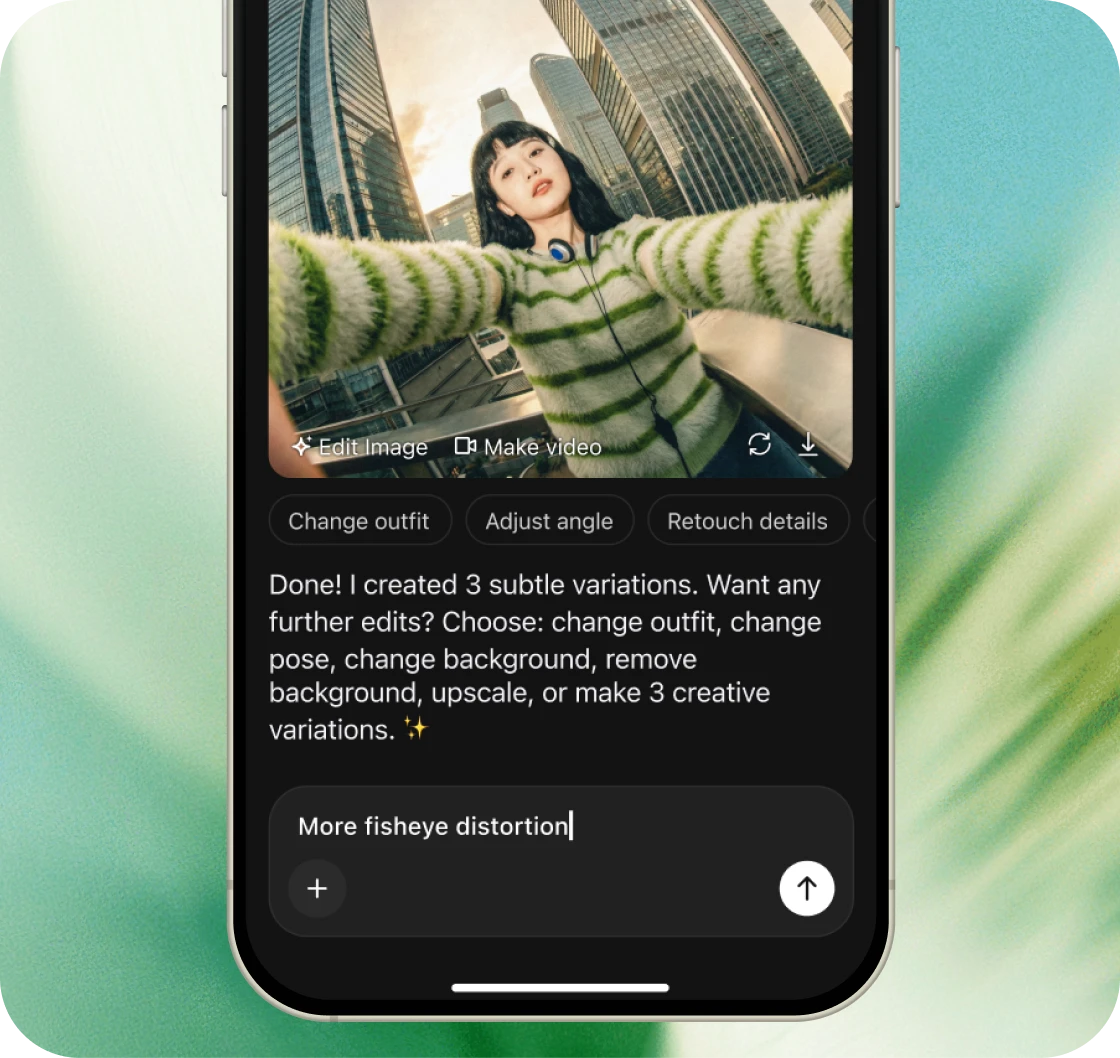
The full power of 50+ AI models in your pocket. Generate images, videos, and audio from anywhere—no desktop required.
Available on the App Store & Google Play.
4.9 rating • 120K+ reviews