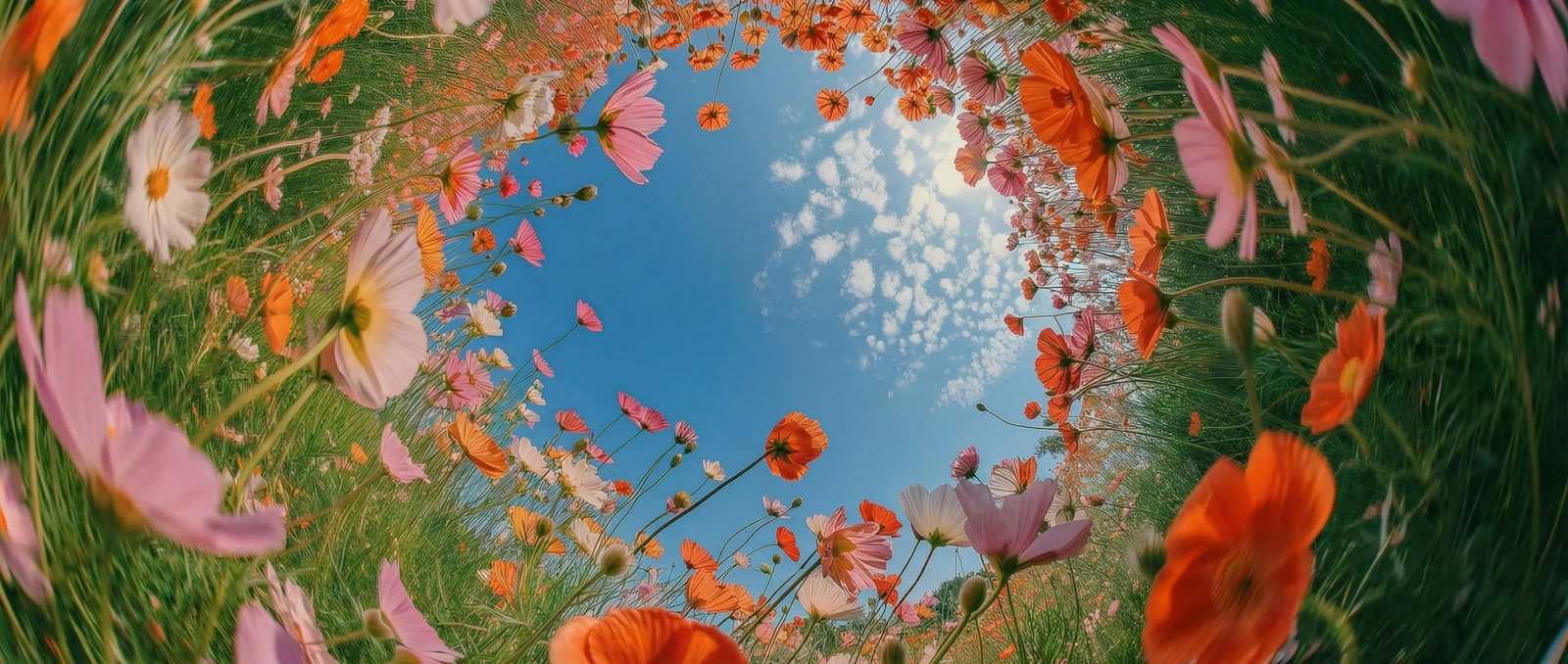
Photorealistic video quality in DaVinci
In DaVinci, generate stunning videos with lifelike motion, cinematic lighting, realistic environments, and production-quality visual fidelity.
DaVinci brings together video models from different AI providers — Luma Dream Machine among them. Generate cinematic videos, realistic animations, product showcases, and story-driven marketing content.
In DaVinci, generate stunning videos with lifelike motion, cinematic lighting, realistic environments, and production-quality visual fidelity.
Inside DaVinci, turn detailed prompts into polished videos with stable characters, believable motion, and consistent scene composition throughout every generation.
In DaVinci, create commercials, product videos, cinematic sequences, social media content, visual storytelling, and concept videos with a single model.
Inside DaVinci, generate high-quality AI videos in minutes, explore multiple creative directions, and refine every scene with impressive speed.
Create cinematic AI videos, realistic animations, product showcases, and visual storytelling with Luma Dream Machine directly inside DaVinci AI.
Luma Dream Machine is built for creators, filmmakers, marketers, and creative professionals through DaVinci.
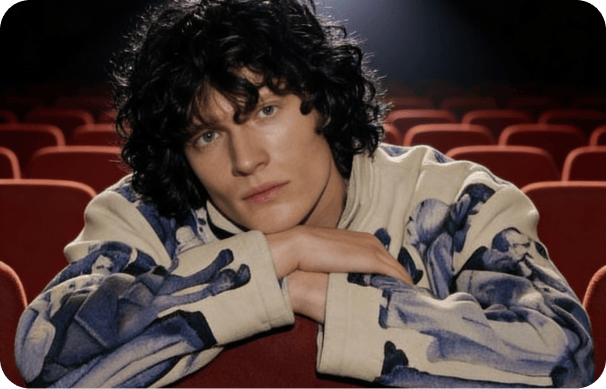
Inside DaVinci, create cinematic scenes, short films, trailers, and visual storytelling with lifelike motion and photorealistic scene generation.

In DaVinci, produce product showcases, advertising campaigns, promotional videos, and social media content with professional-quality video generation.
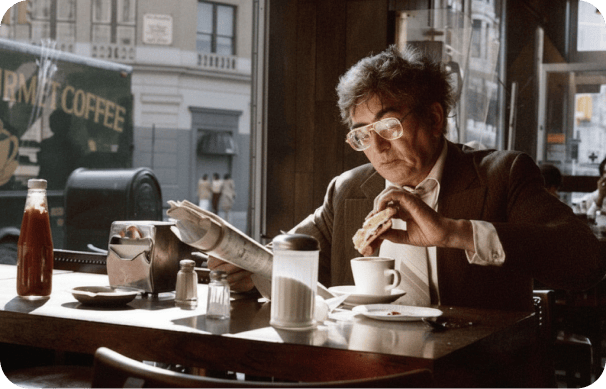
Inside DaVinci, generate engaging videos for YouTube, TikTok, Instagram, websites, and digital marketing with realistic AI-powered video creation.
Inside DaVinci, create cinematic scenes, short films, trailers, and visual storytelling with lifelike motion and photorealistic scene generation.
In DaVinci, produce product showcases, advertising campaigns, promotional videos, and social media content with professional-quality video generation.
Inside DaVinci, generate engaging videos for YouTube, TikTok, Instagram, websites, and digital marketing with realistic AI-powered video creation.
In DaVinci, describe your idea and generate cinematic AI videos with lifelike motion, realistic environments, and production-quality visual fidelity.
Here’s why creators choose Luma Dream Machine inside DaVinci
Generate production-quality AI videos with lifelike motion, realistic environments, and cinematic visual fidelity through DaVinci.
Create videos with stable characters, believable motion, smooth transitions, and coherent scenes across every generation in DaVinci.
Generate commercials, short films, product showcases, concept videos, and cinematic sequences with a single AI model inside DaVinci.
Inside DaVinci, generate multiple video variations in minutes, iterate quickly, and produce professional-quality videos with remarkable efficiency.
Generate production-quality AI videos with lifelike motion, realistic environments, and cinematic visual fidelity through DaVinci.
Create videos with stable characters, believable motion, smooth transitions, and coherent scenes across every generation in DaVinci.
Generate commercials, short films, product showcases, concept videos, and cinematic sequences with a single AI model inside DaVinci.
Inside DaVinci, generate multiple video variations in minutes, iterate quickly, and produce professional-quality videos with remarkable efficiency.