Mixed references in DaVinci
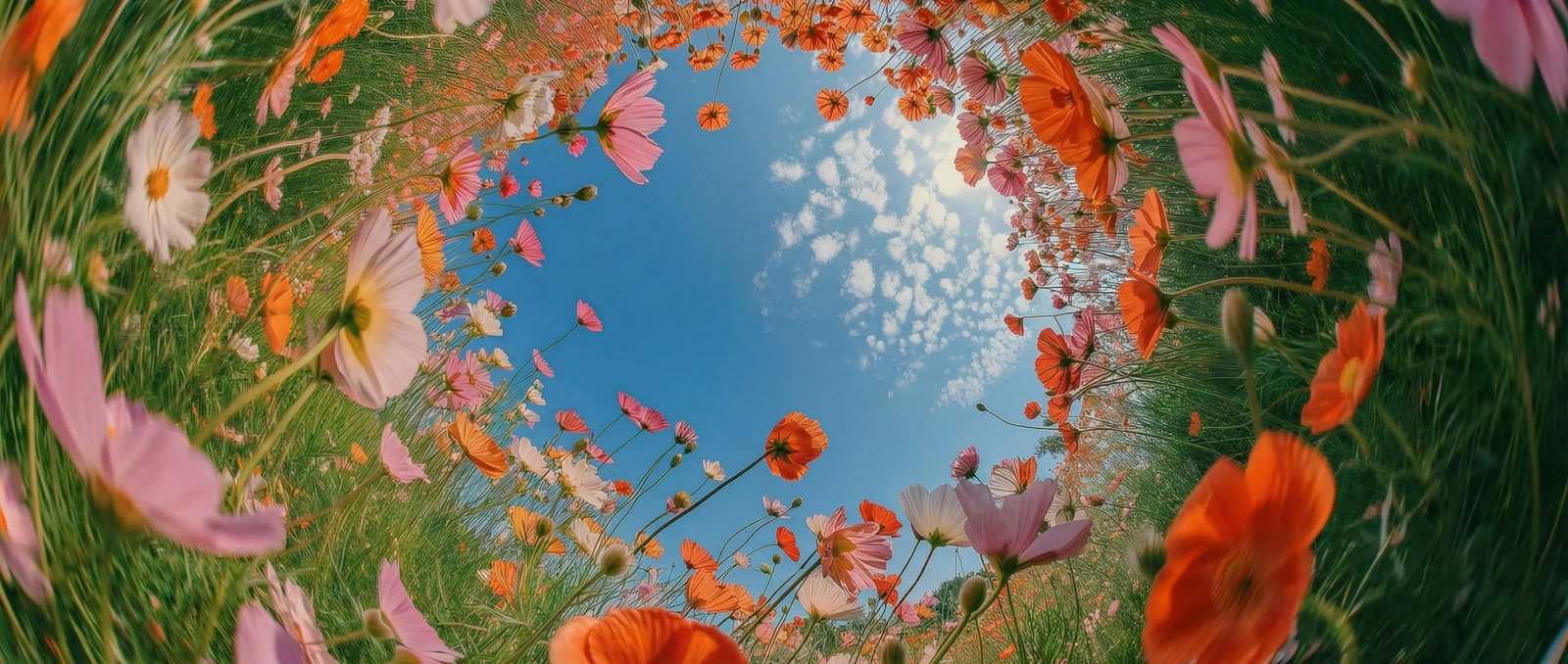
Combine reference images and reference video clips in a single DaVinci generation, then call each one by its tag in your prompt to guide the shot.
Kling 4.0 Flash is one of the video models DaVinci brings together from different AI providers. Create 720p clips of 3 to 20 seconds from text, a start frame, or image and video references.
Combine reference images and reference video clips in a single DaVinci generation, then call each one by its tag in your prompt to guide the shot.
Pick any whole-second length from 3 to 20 seconds in DaVinci, from a short loop to a longer shot, in 16:9, 9:16, 1:1, or 21:9.
Turn on native audio in DaVinci when the scene needs sound, or keep the clip silent and add your own soundtrack later.
Kling built Flash for fast 720p generation, so you can try several versions of a shot in DaVinci before you commit to one.
Generate short clips with Kling 4.0 Flash in a few simple steps, directly inside the DaVinci AI Toolkit.
Kling 4.0 Flash in DaVinci suits creators and teams who need short, reference-guided video clips without a long production setup.
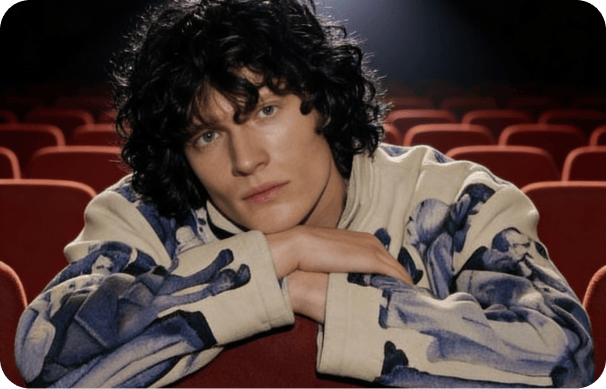
Make reels and short-form clips in DaVinci, from 3 to 20 seconds, in vertical 9:16 or square 1:1, with sound when you need it.
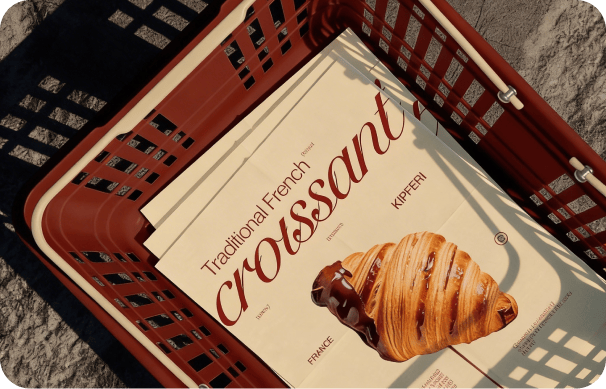
Turn product shots and brand footage into ad concepts in DaVinci by using them as references for a new clip.
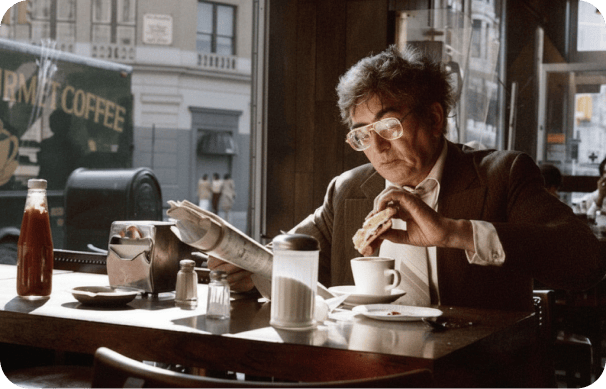
Sketch scenes and test story ideas in DaVinci. Use a start frame or reference clips to shape each shot, including 21:9 widescreen framing.
Make reels and short-form clips in DaVinci, from 3 to 20 seconds, in vertical 9:16 or square 1:1, with sound when you need it.
Turn product shots and brand footage into ad concepts in DaVinci by using them as references for a new clip.
Sketch scenes and test story ideas in DaVinci. Use a start frame or reference clips to shape each shot, including 21:9 widescreen framing.
Enter a prompt or add image and video references, then generate a clip with Kling 4.0 Flash in DaVinci.
Kling 4.0 Flash in DaVinci combines mixed references, flexible clip length, and optional audio in 720p video built for fast iteration.
Create in DaVinci from a text prompt, a start frame, or a mix of reference images and video clips.
Call each reference by its tag in your DaVinci prompt, so you decide which image or clip shapes each part of the scene.
Generate in 16:9, 9:16, 1:1, or 21:9 in DaVinci, from widescreen scenes to vertical social clips.
Kling 4.0 Flash is the first model in the Kling v4 family, available in DaVinci alongside other Kling video models.
Create in DaVinci from a text prompt, a start frame, or a mix of reference images and video clips.
Call each reference by its tag in your DaVinci prompt, so you decide which image or clip shapes each part of the scene.
Generate in 16:9, 9:16, 1:1, or 21:9 in DaVinci, from widescreen scenes to vertical social clips.
Kling 4.0 Flash is the first model in the Kling v4 family, available in DaVinci alongside other Kling video models.