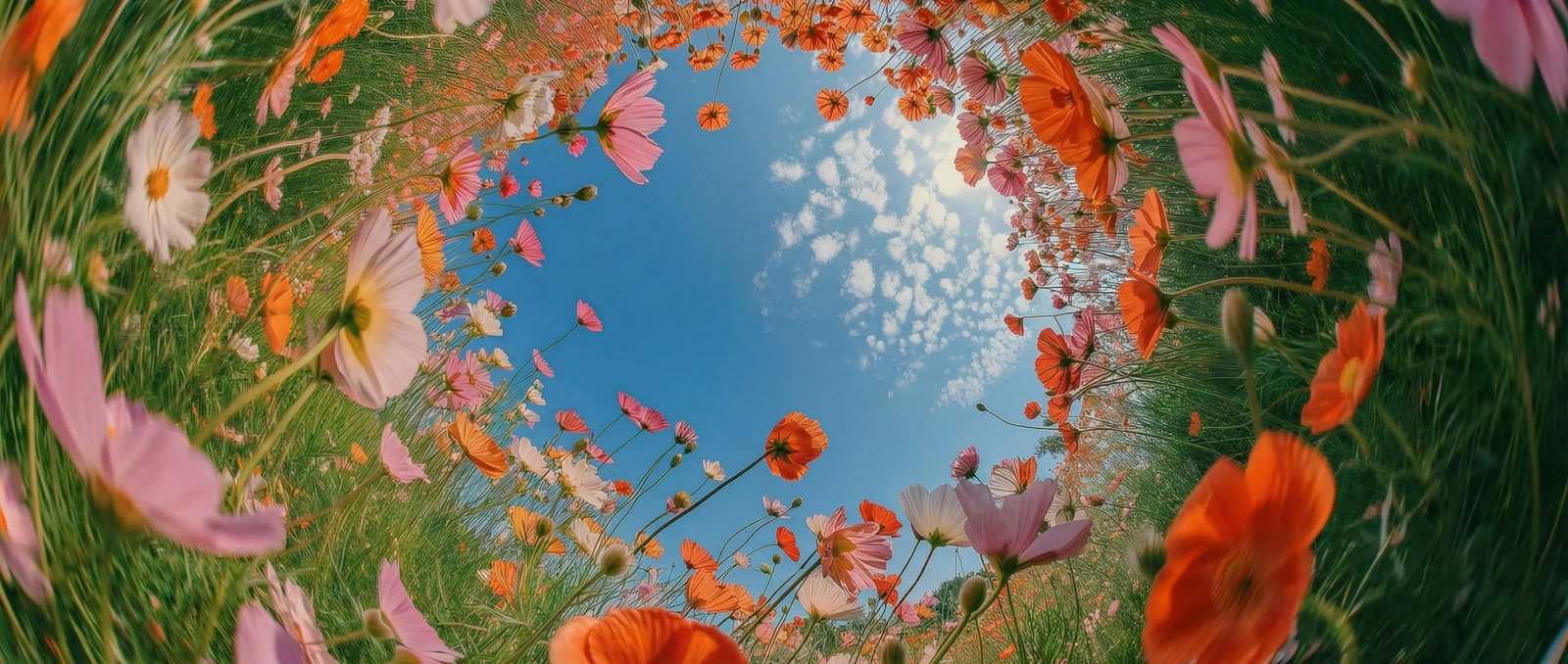
Mixed references in DaVinci
Add up to 9 images, 3 video clips, and 3 audio clips to one DaVinci generation to keep people, products, and places.
HeyGen Video is one of the video models DaVinci brings together from different AI providers. Create 480p to 2K clips with sound from text, frames, or references.
Add up to 9 images, 3 video clips, and 3 audio clips to one DaVinci generation to keep people, products, and places.
Every HeyGen Video clip in DaVinci comes with its own generated sound, matched to the scene you describe.
Choose 480p or 768p for drafts in DaVinci, then 1080p or 2K for final shots, at 5 to 15 seconds.
Set a start frame, an end frame, or both in DaVinci, and HeyGen Video builds the motion between them from your prompt.
Build reference-guided scenes with HeyGen Video in a few simple steps, directly inside the DaVinci AI Toolkit.
HeyGen Video in DaVinci suits creators and teams who want scenes with sound built around their own people, products, and places.
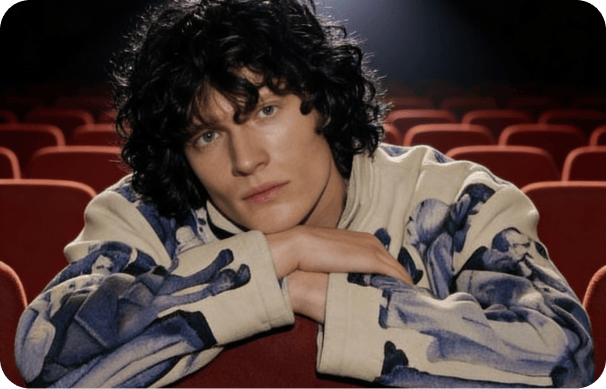
Make reels and short stories with sound in DaVinci, using your own photos and clips as references, in 9:16 or 1:1.
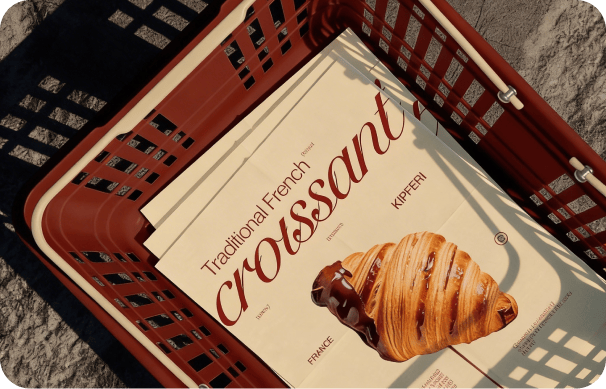
Put real products and brand assets into new ad scenes in DaVinci, using product shots, footage, and audio as references.
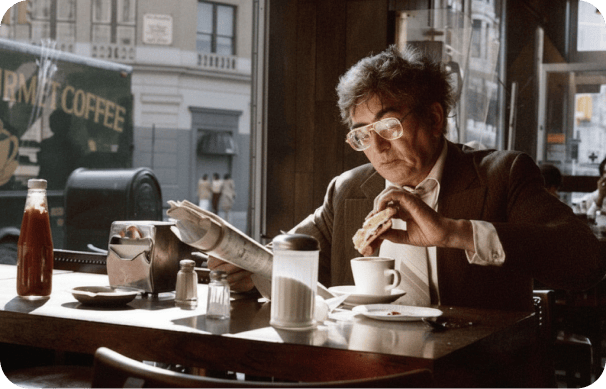
Block out scenes in DaVinci with start and end frames and reference clips, up to 2K and in 21:9 widescreen.
Make reels and short stories with sound in DaVinci, using your own photos and clips as references, in 9:16 or 1:1.
Put real products and brand assets into new ad scenes in DaVinci, using product shots, footage, and audio as references.
Block out scenes in DaVinci with start and end frames and reference clips, up to 2K and in 21:9 widescreen.
Enter a prompt or add image, video, and audio references, then generate a clip with sound using HeyGen Video in DaVinci.
HeyGen Video in DaVinci is built on MiniMax H3 and post-trained by HeyGen, combining mixed references, generated sound, and 2K output.
Create in DaVinci from a text prompt, start and end frames, or a mix of reference images, video clips, and audio.
Call each reference by its tag in your DaVinci prompt, so you decide which image, clip, or audio shapes each part of the scene.
Generate in 21:9, 16:9, 4:3, 1:1, 3:4, or 9:16 in DaVinci, from widescreen scenes to vertical social clips.
HeyGen Video is built on MiniMax H3 and post-trained by HeyGen, available in DaVinci next to other MiniMax H3 models.
Create in DaVinci from a text prompt, start and end frames, or a mix of reference images, video clips, and audio.
Call each reference by its tag in your DaVinci prompt, so you decide which image, clip, or audio shapes each part of the scene.
Generate in 21:9, 16:9, 4:3, 1:1, 3:4, or 9:16 in DaVinci, from widescreen scenes to vertical social clips.
HeyGen Video is built on MiniMax H3 and post-trained by HeyGen, available in DaVinci next to other MiniMax H3 models.