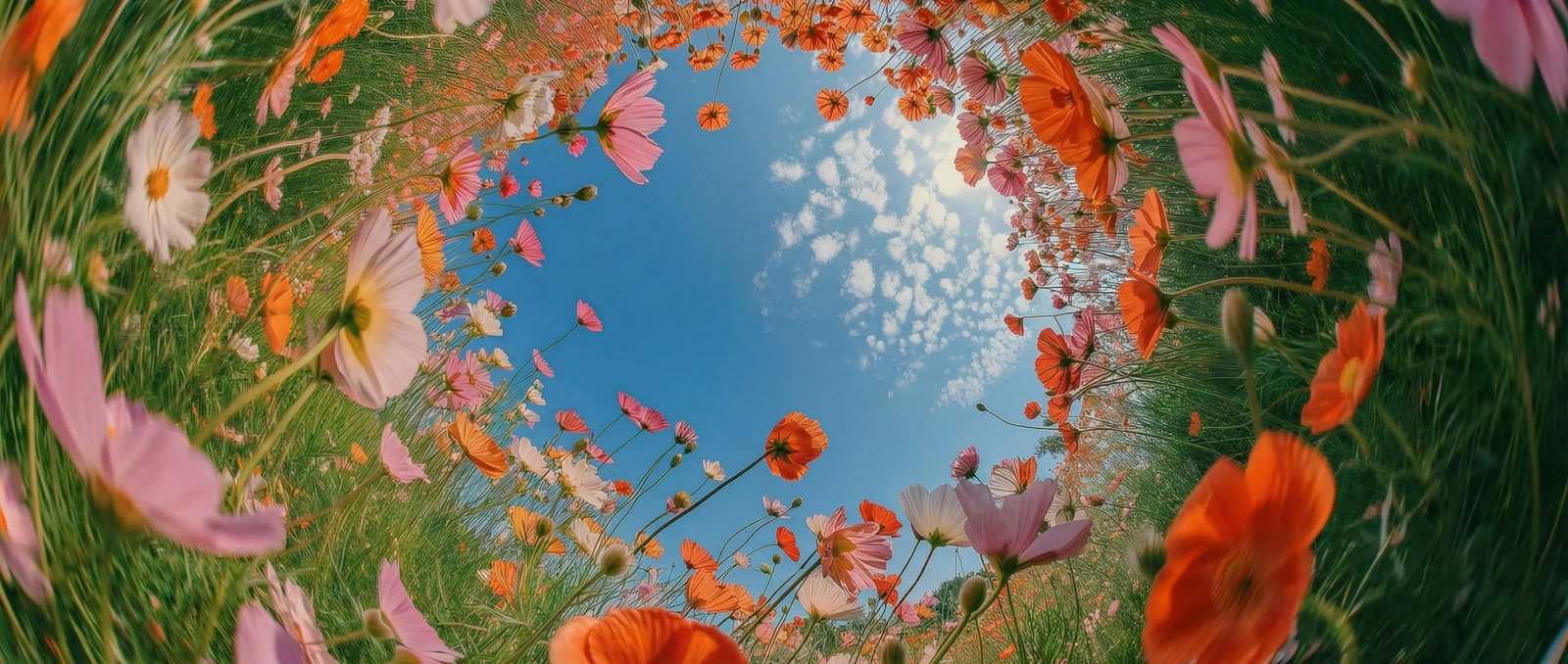
Sound and video in one pass in DaVinci
In DaVinci, Happy Horse generates the picture and the audio together, dialogue, ambient sound, and Foley, so every clip arrives already in sync. No separate dubbing, no manual sound design.
Happy Horse, a video model by Alibaba, is one of many available in DaVinci, a platform bringing together models from different AI providers. Turn an image or a few words into cinematic footage with synchronized sound in one pass.
In DaVinci, Happy Horse generates the picture and the audio together, dialogue, ambient sound, and Foley, so every clip arrives already in sync. No separate dubbing, no manual sound design.
Give your characters speech in English, Mandarin, Japanese, Korean, and more, with mouth movements matched to the words inside DaVinci. Create talking scenes in multiple languages without post-production dubbing.
Generate several angles and cuts in a single pass while your subject stays identical across every shot through DaVinci. Direct push-ins, pans, and aerial moves straight from your prompt.
Vertical for Reels and Shorts, widescreen for film, square for feeds in DaVinci. Happy Horse adapts to 16:9, 9:16, 4:3, 21:9, and 1:1 without cropping or losing your framing.
Create videos with Happy Horse directly inside the DaVinci AI Toolkit, turning simple text prompts or a single image into finished, cinematic motion with sound in moments.
Happy Horse is for creators, agencies, filmmakers, and professionals through DaVinci.
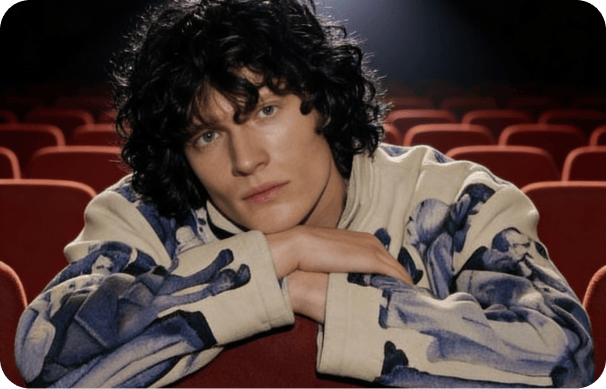
Inside DaVinci, make scroll-stopping intros, talking-head clips, and short-form video with synced voice and sound, and characters that stay consistent take after take.
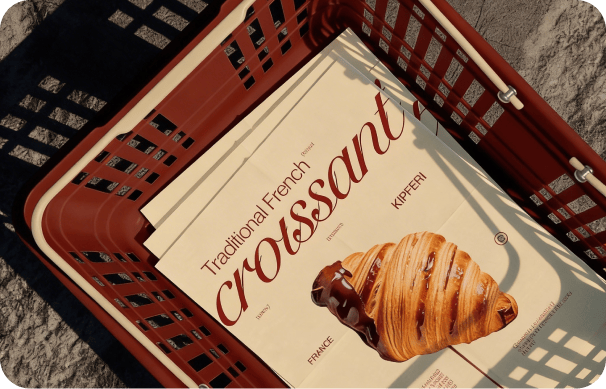
In DaVinci, turn product shots into motion and ship on-brand video ads in 1080p, complete with voiceover and sound, with no shoot and no production budget.
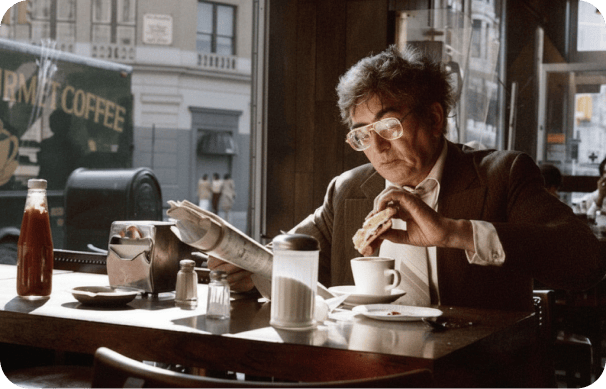
Inside DaVinci, previsualize scenes, build animatics with dialogue, and test camera angles, lighting, and pacing before a single frame is ever shot on set.
Inside DaVinci, make scroll-stopping intros, talking-head clips, and short-form video with synced voice and sound, and characters that stay consistent take after take.
In DaVinci, turn product shots into motion and ship on-brand video ads in 1080p, complete with voiceover and sound, with no shoot and no production budget.
Inside DaVinci, previsualize scenes, build animatics with dialogue, and test camera angles, lighting, and pacing before a single frame is ever shot on set.
In DaVinci, write a prompt or upload a reference, and Happy Horse turns your idea into moving, cinematic footage with sound in seconds.
Here's how Happy Horse can save you hours of shooting, editing, and sound work inside DaVinci.
In DaVinci, get finished 1080p clips with sound in well under a minute, so you can explore shots, test ideas, and move from concept to cut quickly.
Swap wardrobe, props, or small details with a simple prompt in DaVinci. The change carries cleanly through the motion while the subject's identity stays intact.
Hold one look across every frame and every shot inside DaVinci. Happy Horse changes only what you ask for, keeping characters, textures, and lighting consistent through cuts and transitions.
Reshape the setting and mood of a shot without touching your subject through DaVinci. Change the location, time of day, or tone while keeping the action consistent.
In DaVinci, get finished 1080p clips with sound in well under a minute, so you can explore shots, test ideas, and move from concept to cut quickly.
Swap wardrobe, props, or small details with a simple prompt in DaVinci. The change carries cleanly through the motion while the subject's identity stays intact.
Hold one look across every frame and every shot inside DaVinci. Happy Horse changes only what you ask for, keeping characters, textures, and lighting consistent through cuts and transitions.
Reshape the setting and mood of a shot without touching your subject through DaVinci. Change the location, time of day, or tone while keeping the action consistent.