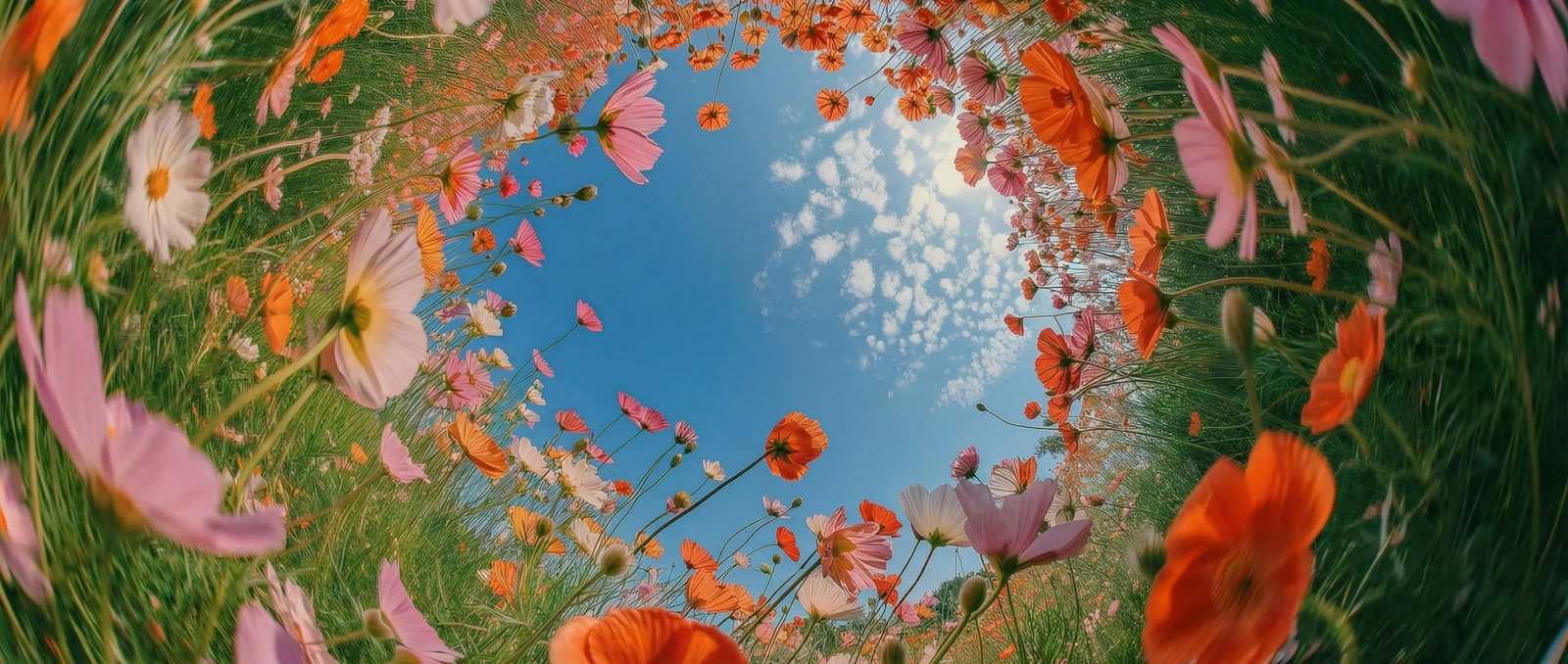
Describe music naturally in DaVinci
Describe your idea in everyday language in DaVinci. Lyria 3 Pro understands genres, moods, instruments, and scenes, then turns them into original music.
DaVinci brings together music models from different AI providers — Lyria 3 Pro among them. Describe your vision and generate production-ready tracks across genres, moods, languages, and creative styles.
Describe your idea in everyday language in DaVinci. Lyria 3 Pro understands genres, moods, instruments, and scenes, then turns them into original music.
Start with a simple idea, a reference track, or a creative direction inside DaVinci. Generate unique music tailored to your vision.
Maintain a cohesive musical identity across multiple generations while exploring new variations and arrangements through DaVinci.
Adjust genre, mood, energy, instrumentation, tempo, or vocals without rebuilding your track from scratch in DaVinci.
Create original music with Lyria 3 Pro directly inside DaVinci AI. Turn simple prompts into complete songs, instrumentals, and soundtracks in seconds.
In DaVinci, Lyria 3 Pro is built for creators, musicians, filmmakers, and professionals who need high-quality music at the speed of ideas.
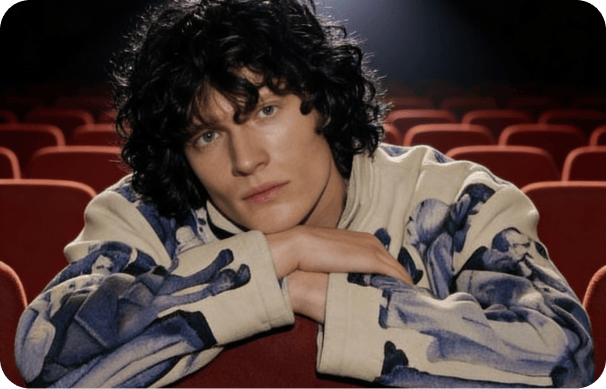
Inside DaVinci, create cinematic music for films, trailers, ads, and visual storytelling with sound designed to match emotion, pacing, and scene direction.
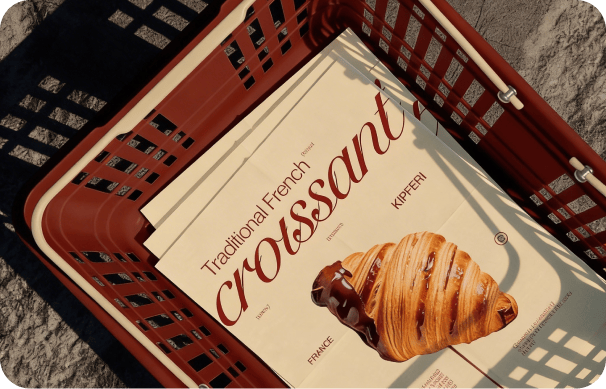
In DaVinci, turn lyrics, moods, and creative ideas into fully produced tracks across different genres, styles, and musical directions.
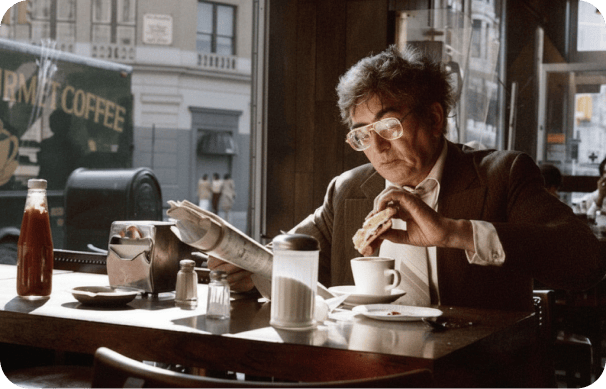
Inside DaVinci, generate custom music for intros, storytelling moments, and long-form audio content with emotional depth and consistent tone.
Inside DaVinci, create cinematic music for films, trailers, ads, and visual storytelling with sound designed to match emotion, pacing, and scene direction.
In DaVinci, turn lyrics, moods, and creative ideas into fully produced tracks across different genres, styles, and musical directions.
Inside DaVinci, generate custom music for intros, storytelling moments, and long-form audio content with emotional depth and consistent tone.
In DaVinci, enter a prompt, choose a style, or upload a reference, and Lyria 3 Pro turns your musical idea into a finished track within seconds.

Here’s how Lyria 3 Pro helps you create professional music in minutes inside DaVinci.
Generate original songs in seconds with ultra-fast performance through DaVinci. Explore ideas, test variations, and turn inspiration into finished tracks faster.
Describe a genre, mood, instrument, or scene in simple words in DaVinci. Lyria 3 Pro transforms your ideas into complete musical compositions with minimal effort.
Keep your sound consistent across every generation inside DaVinci. Lyria 3 Pro follows your chosen musical direction while refining details and exploring new variations.
Transform the mood, genre, energy, or instrumentation of your music without rebuilding it from scratch through DaVinci. Experiment freely while preserving the core identity of your track.
Generate original songs in seconds with ultra-fast performance through DaVinci. Explore ideas, test variations, and turn inspiration into finished tracks faster.
Describe a genre, mood, instrument, or scene in simple words in DaVinci. Lyria 3 Pro transforms your ideas into complete musical compositions with minimal effort.
Keep your sound consistent across every generation inside DaVinci. Lyria 3 Pro follows your chosen musical direction while refining details and exploring new variations.
Transform the mood, genre, energy, or instrumentation of your music without rebuilding it from scratch through DaVinci. Experiment freely while preserving the core identity of your track.