Ultra-realistic image quality
Generate 4K images that remain sharp at any size. From print and broadcast to large-format displays, your visuals consistently look professional.
Generate 4K images that remain sharp at any size. From print and broadcast to large-format displays, your visuals consistently look professional.
Create clean, accurate text in multiple languages so titles, labels, and graphic elements blend naturally into your images. Ideal for mockups, infographics, and branded visuals.
Keep reference characters or objects consistent across different angles, scenes, and environments, ensuring multi-image projects feel unified and connected
With integrated search capabilities, Nano Banana Pro reflects real-time details such as weather, locations, or current events directly in your images.
Nano Banana Pro by Google enables fast, accurate image creation directly within the DaVinci AI Toolkit.
From marketing teams to filmmakers and photographers, Nano Banana Pro integrates smoothly into any creative workflow.

Build and maintain a consistent visual identity across posts, ads, and thumbnails with ease.

Generate product images, test new colors or styles, and produce lifestyle mockups within seconds.

Develop mood boards, story frames, and visual directions that help shape early-stage concepts.
Build and maintain a consistent visual identity across posts, ads, and thumbnails with ease.
Generate product images, test new colors or styles, and produce lifestyle mockups within seconds.
Develop mood boards, story frames, and visual directions that help shape early-stage concepts.
Enter a prompt or upload references, and the Nano Banana Pro model instantly transforms your idea into polished visuals.
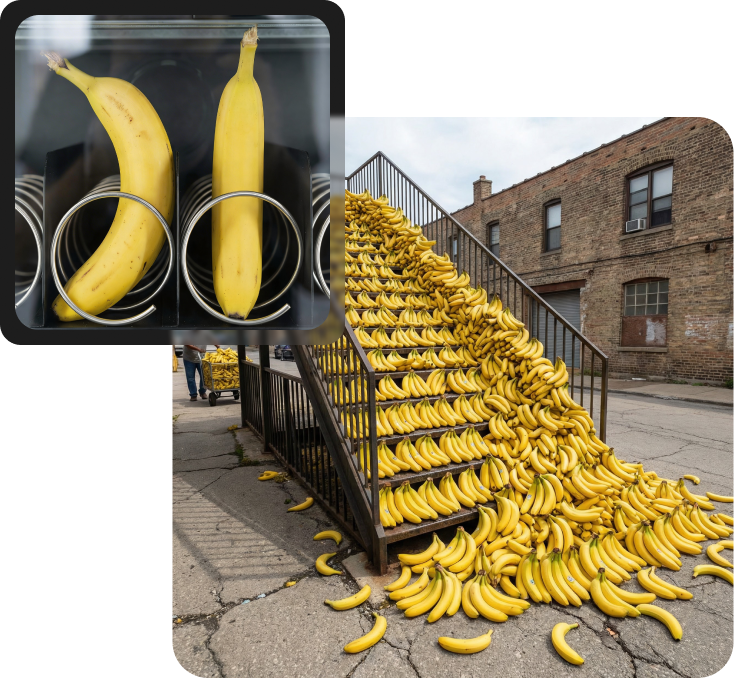
Unlock smarter, more powerful AI image editing with Nano Banana Pro.
Create high-resolution images up to 4K with sharp detail, ideal for print materials, campaigns, and large-format visuals.
Generate clean, readable text across multiple languages. Titles, labels, and graphic elements appear sharp and naturally embedded in your images.
Keep people, characters, and styles consistent across scenes and angles, helping multi-image projects feel unified.
Direct camera angles, depth of field, lighting, and color using simple text instructions while maintaining visual balance.
Create high-resolution images up to 4K with sharp detail, ideal for print materials, campaigns, and large-format visuals.
Generate clean, readable text across multiple languages. Titles, labels, and graphic elements appear sharp and naturally embedded in your images.
Keep people, characters, and styles consistent across scenes and angles, helping multi-image projects feel unified.
Direct camera angles, depth of field, lighting, and color using simple text instructions while maintaining visual balance.
