Industry-leading typography in DaVinci
In DaVinci, generate logos, posters, advertisements, packaging, and branded visuals with crisp, accurate text and professional-quality typography.

DaVinci brings together image models from different AI providers — Ideogram 4 among them. Generate logos, posters, branding assets, product mockups, and marketing visuals with its advanced image generation.
In DaVinci, generate logos, posters, advertisements, packaging, and branded visuals with crisp, accurate text and professional-quality typography.
Inside DaVinci, turn detailed prompts into polished images with reliable layouts, consistent compositions, and outstanding design precision for every project.
In DaVinci, create branding assets, social media graphics, product mockups, presentations, marketing materials, and creative campaigns with remarkable speed.
Generate photorealistic images, illustrations, graphic designs, concept art, and branded content with a single AI model in DaVinci.
Create logos, branding assets, product mockups, marketing visuals, and professional graphics with Ideogram 4 directly inside DaVinci AI.
Ideogram 4 is built for designers, marketers, creators, and creative professionals through DaVinci.
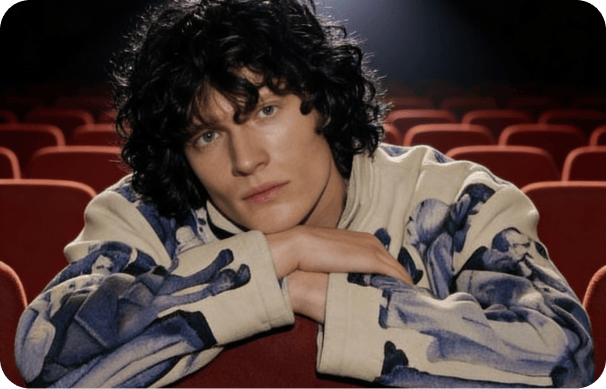
Inside DaVinci, create logos, brand identities, illustrations, posters, and packaging with exceptional typography and professional design quality.
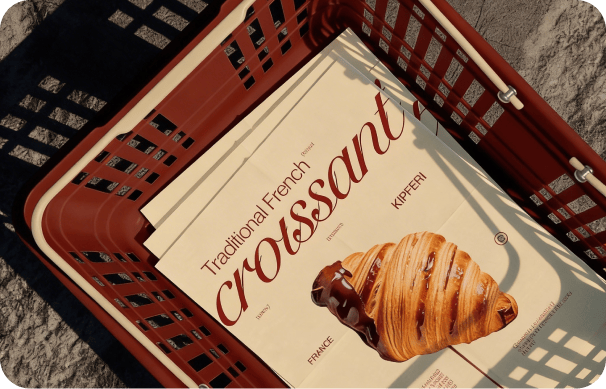
In DaVinci, produce social media graphics, advertising creatives, product mockups, presentations, and campaign assets with remarkable efficiency.
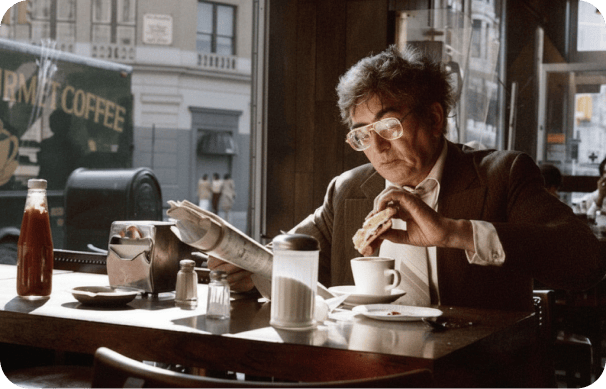
Inside DaVinci, generate eye-catching visuals for websites, ecommerce, blogs, presentations, and social media without professional design experience.
Inside DaVinci, create logos, brand identities, illustrations, posters, and packaging with exceptional typography and professional design quality.
In DaVinci, produce social media graphics, advertising creatives, product mockups, presentations, and campaign assets with remarkable efficiency.
Inside DaVinci, generate eye-catching visuals for websites, ecommerce, blogs, presentations, and social media without professional design experience.
In DaVinci, describe your idea and generate professional AI images with perfect typography, accurate layouts, and polished graphic design results.

Here’s why creators choose Ideogram 4 inside DaVinci.
Generate logos, posters, advertisements, and branded visuals with crisp, readable text and professional design quality through DaVinci.
Inside DaVinci, create polished images with reliable layouts, consistent compositions, and accurate prompt interpretation for every creative project.
In DaVinci, generate branding assets, product mockups, presentations, packaging, marketing materials, and social media graphics with ease.
Generate illustrations, photorealistic images, concept art, branded content, and graphic designs with a single AI model through DaVinci.
Generate logos, posters, advertisements, and branded visuals with crisp, readable text and professional design quality through DaVinci.
Inside DaVinci, create polished images with reliable layouts, consistent compositions, and accurate prompt interpretation for every creative project.
In DaVinci, generate branding assets, product mockups, presentations, packaging, marketing materials, and social media graphics with ease.
Generate illustrations, photorealistic images, concept art, branded content, and graphic designs with a single AI model through DaVinci.