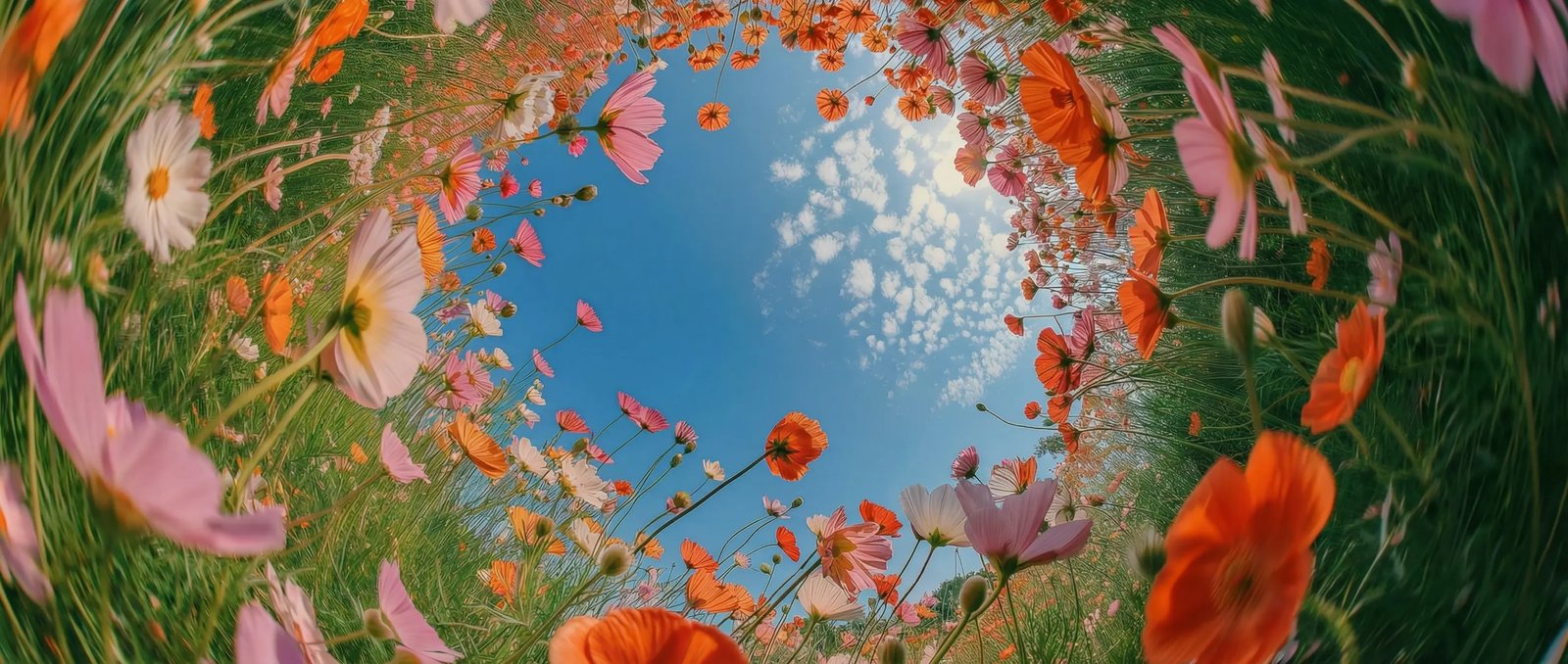
Follows your prompt closely in DaVinci
Describe the shot in plain language in DaVinci and Gen-4.5 places objects, motion, and detail exactly where you intended.
DaVinci brings together video models from different AI providers — Runway Gen-4.5 among them. Turn text and image prompts into cinematic, highly realistic footage with state-of-the-art motion and control over every shot.
Describe the shot in plain language in DaVinci and Gen-4.5 places objects, motion, and detail exactly where you intended.
In DaVinci, subjects move with believable weight and momentum, liquids flow naturally, and fine details stay coherent across every frame.
Go from photorealistic and cinematic to stylized animation in DaVinci while keeping a coherent visual language across the clip.
Guide generation in DaVinci with image-to-video, keyframes, and video-to-video to shape each shot from start to finish.
Runway Gen-4.5 is fast and intuitive, available directly inside the DaVinci AI Toolkit.
Runway Gen-4.5 in DaVinci is built for creators, agencies, filmmakers, and professionals who need cinematic, high-quality video.
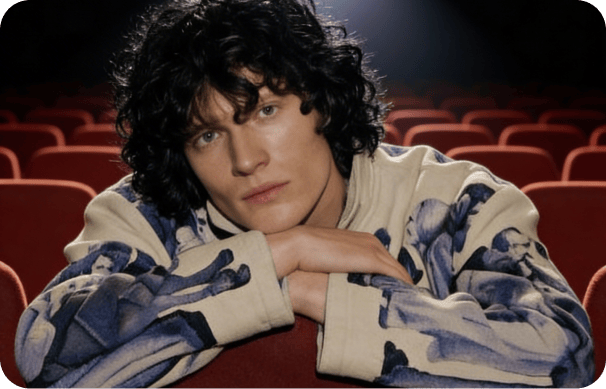
Design thumbnails and social visuals instantly in DaVinci, with consistent characters and polished results every time.
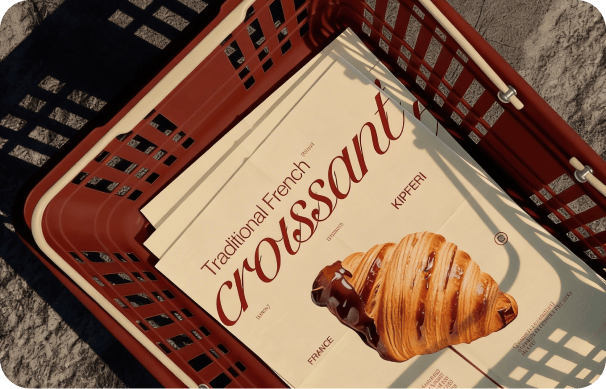
In DaVinci, create clean, on-brand campaign visuals in 4K, ideal for design assets, product imagery, and advertising.
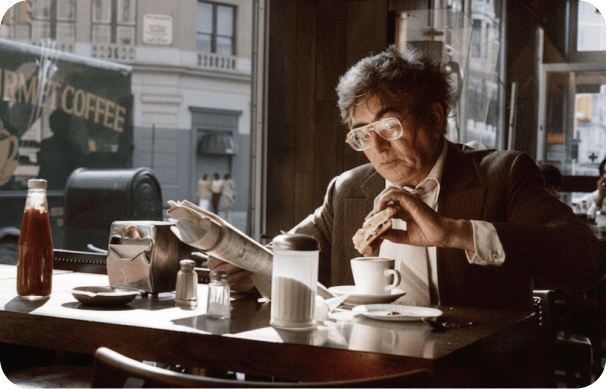
Produce concept frames, storyboards, and mood boards in DaVinci while experimenting with scene variations, lighting styles, and cinematic camera angles.
Design thumbnails and social visuals instantly in DaVinci, with consistent characters and polished results every time.
In DaVinci, create clean, on-brand campaign visuals in 4K, ideal for design assets, product imagery, and advertising.
Produce concept frames, storyboards, and mood boards in DaVinci while experimenting with scene variations, lighting styles, and cinematic camera angles.
Enter a prompt or upload a reference image in DaVinci, and Runway Gen-4.5 turns your idea into cinematic, finished video.
Here's how Runway Gen-4.5 in DaVinci helps you save hours of editing time.
Generate images in seconds with ultra-fast performance, making Runway Gen-4.5 in DaVinci ideal for rapid ideation, quick iterations, and a faster creative workflow.
Replace items in your image, like clothing, accessories, or small details, using simple prompts in DaVinci. The model updates the visual while keeping the subject's identity and structure intact.
Keep your visual style consistent with every edit in DaVinci. Runway Gen-4.5 only changes what you ask for, preventing unexpected shifts as you refine or explore new creative directions.
Update the look and mood of your scene in DaVinci without altering your subject. Change the setting, adjust the environment, or shift the tone while keeping core details consistent.
Generate images in seconds with ultra-fast performance, making Runway Gen-4.5 in DaVinci ideal for rapid ideation, quick iterations, and a faster creative workflow.
Replace items in your image, like clothing, accessories, or small details, using simple prompts in DaVinci. The model updates the visual while keeping the subject's identity and structure intact.
Keep your visual style consistent with every edit in DaVinci. Runway Gen-4.5 only changes what you ask for, preventing unexpected shifts as you refine or explore new creative directions.
Update the look and mood of your scene in DaVinci without altering your subject. Change the setting, adjust the environment, or shift the tone while keeping core details consistent.