Up to 4K in DaVinci
Pick 0.5K, 1K, 2K, or 4K in DaVinci, from quick drafts to full-size images for print and large screens.
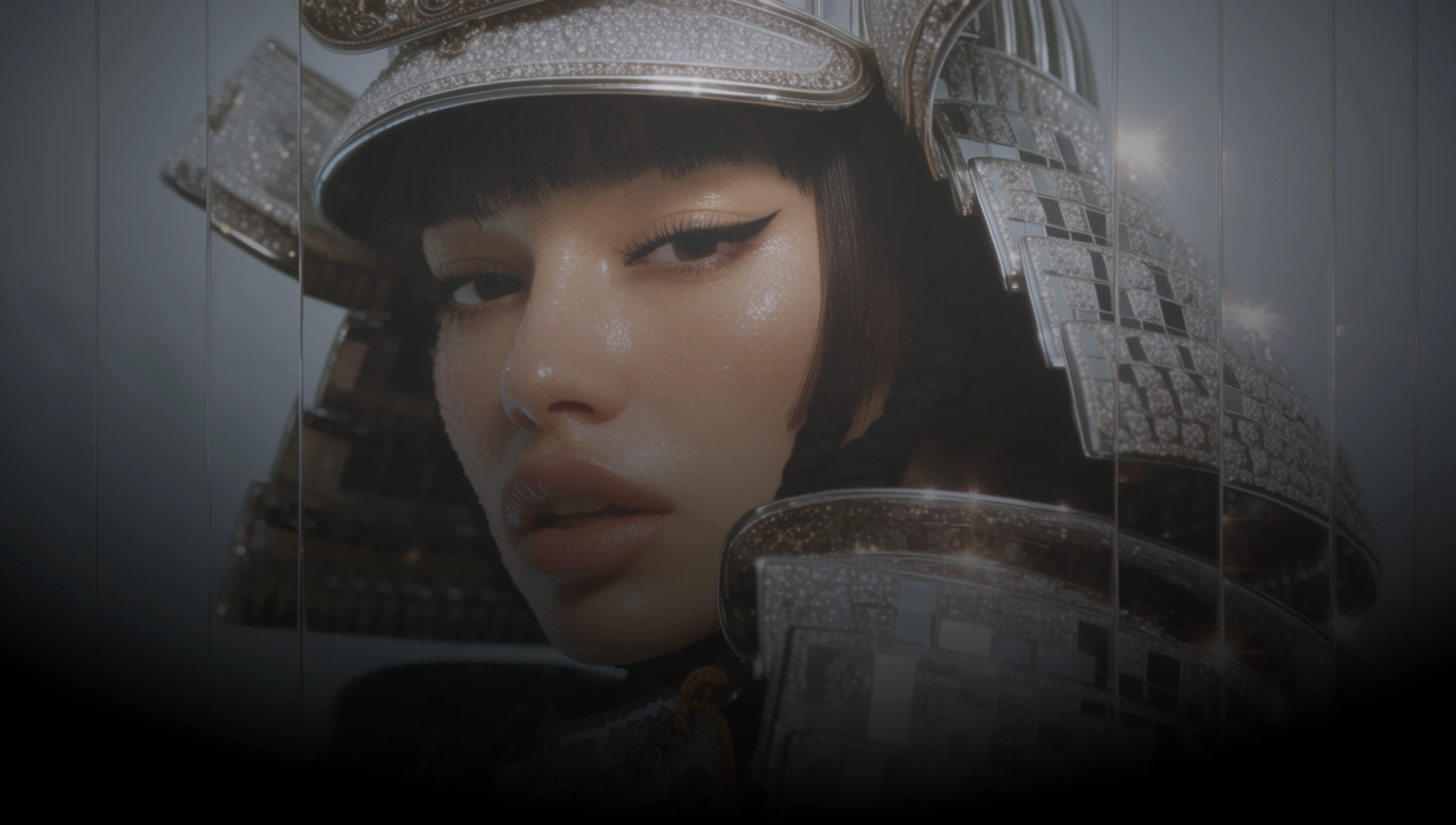
DaVinci brings together image models from different AI providers, Nano Banana 2.5 among them. Generate from a prompt or edit with up to fourteen references, in fourteen ratios, up to 4K.
Pick 0.5K, 1K, 2K, or 4K in DaVinci, from quick drafts to full-size images for print and large screens.
Add up to fourteen reference images in DaVinci and describe how they fit. Subject, product, and setting can each come from a different photo.
Upload an image in DaVinci and describe the change you want, such as a new background, outfit, light, or style.
Go from 8:1 panoramas to 1:8 vertical strips in DaVinci, alongside square, portrait, and widescreen formats.
Generate new images, edit existing ones, and combine references with Nano Banana 2.5 directly inside DaVinci AI.
Nano Banana 2.5 in DaVinci is built for designers, brands, and content creators.

Try ideas quickly at 0.5K or 1K in DaVinci, then generate the final version at 2K or 4K.

Combine product, model, and location references in DaVinci to build campaign visuals in every format a channel needs.

Turn existing photos into thumbnails, banners, and listing images in DaVinci, from 1:1 posts to 8:1 website headers.
Try ideas quickly at 0.5K or 1K in DaVinci, then generate the final version at 2K or 4K.
Combine product, model, and location references in DaVinci to build campaign visuals in every format a channel needs.
Turn existing photos into thumbnails, banners, and listing images in DaVinci, from 1:1 posts to 8:1 website headers.
Describe your idea, add reference images if you have them, and generate it with Nano Banana 2.5 in DaVinci.
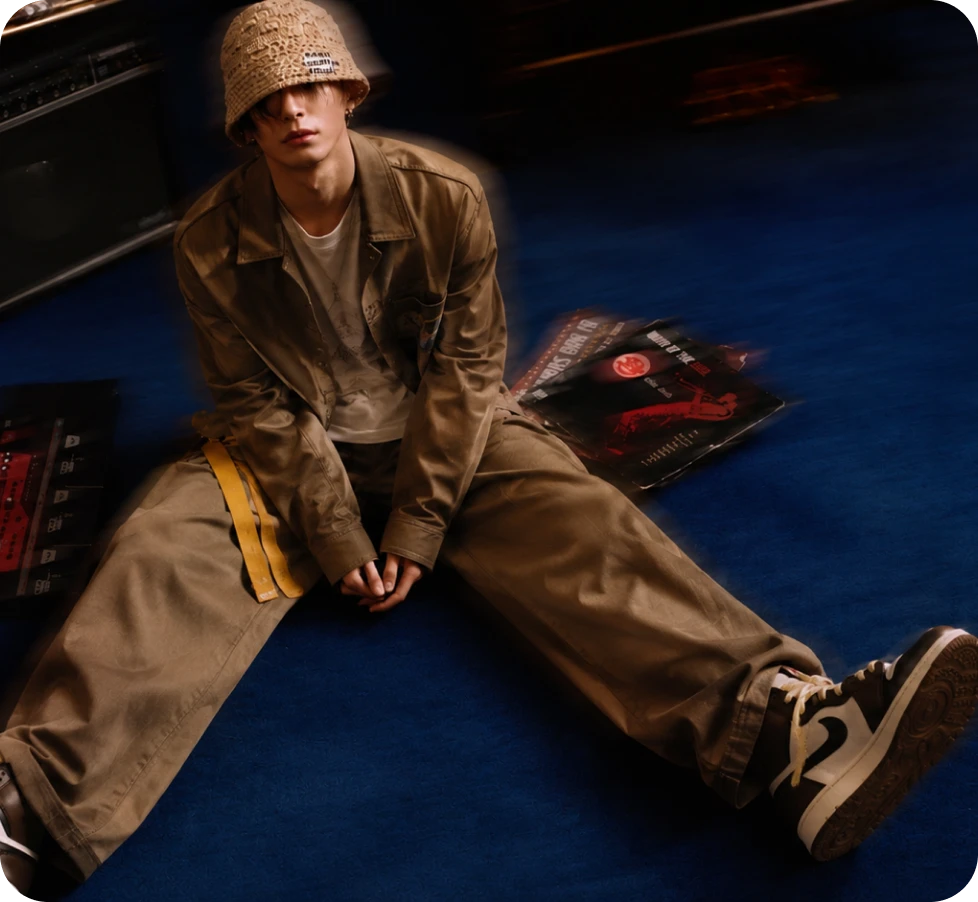
Here’s why creators choose Nano Banana 2.5 in DaVinci.
Create at 0.5K, 1K, 2K, or 4K in DaVinci, matching the output size to where the image will be used.
Combine up to fourteen reference images in one DaVinci edit to guide subjects, products, and setting.
Change backgrounds, materials, lighting, or style in DaVinci by describing the edit in plain language.
Create in 1:1, 4:5, 3:4, 2:3, 9:16, 5:4, 4:3, 3:2, 16:9, 21:9, 4:1, 1:4, 8:1, or 1:8 in DaVinci.
Create at 0.5K, 1K, 2K, or 4K in DaVinci, matching the output size to where the image will be used.
Combine up to fourteen reference images in one DaVinci edit to guide subjects, products, and setting.
Change backgrounds, materials, lighting, or style in DaVinci by describing the edit in plain language.
Create in 1:1, 4:5, 3:4, 2:3, 9:16, 5:4, 4:3, 3:2, 16:9, 21:9, 4:1, 1:4, 8:1, or 1:8 in DaVinci.
