Fidelity on fine detail in DaVinci
Intricate texture, small type, and thin linework stay resolved at full size in DaVinci. That is the trade the model makes for longer generation times.
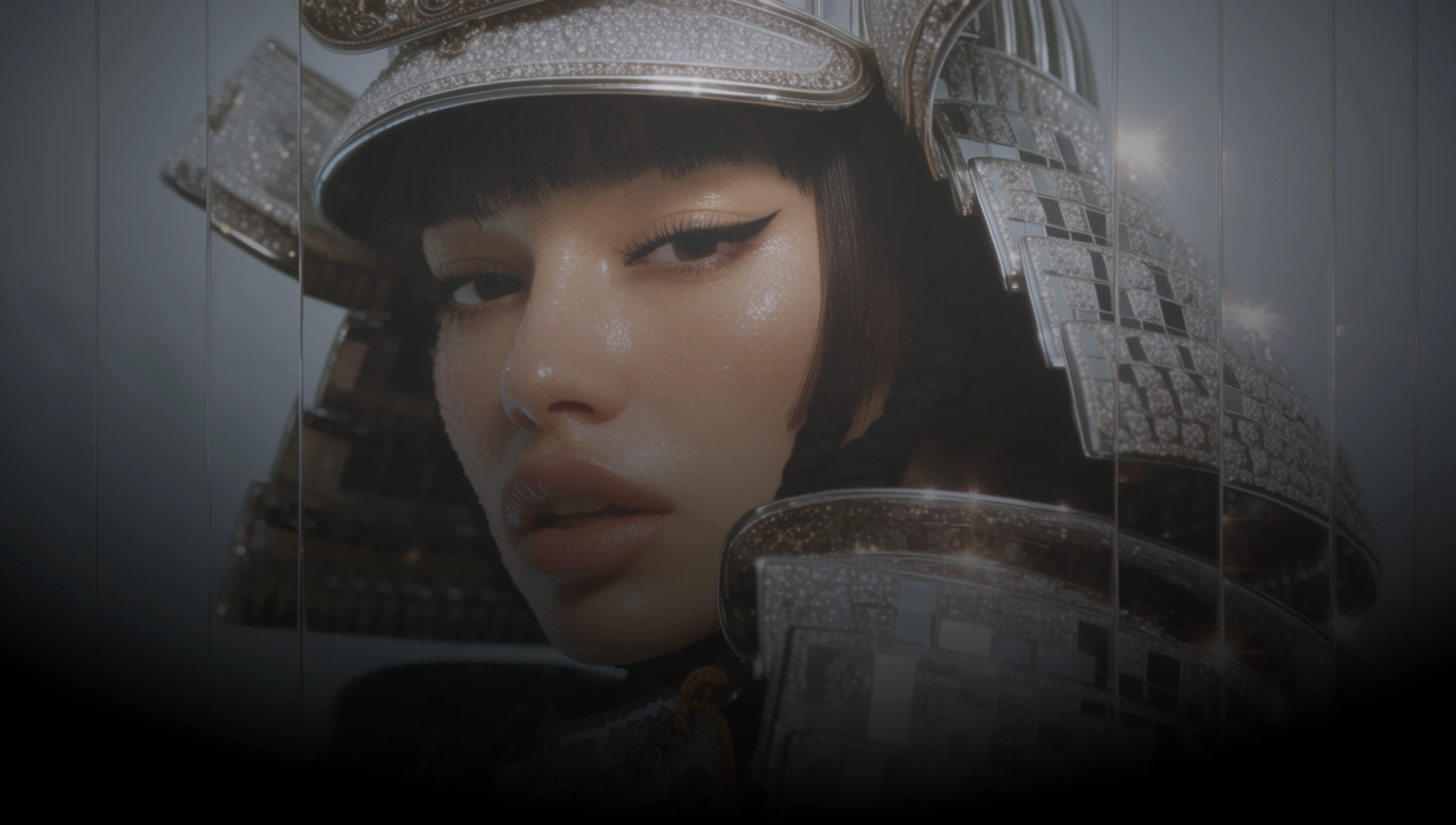
DaVinci brings together image models from different AI providers — OpenAI's precision tier, GPT Image 2.5 Sunburst, among them. Generate images with fine detail intact, then edit with a mask and up to 16 references.
Intricate texture, small type, and thin linework stay resolved at full size in DaVinci. That is the trade the model makes for longer generation times.
Mark the area you want changed and leave the rest of the frame untouched inside DaVinci. The edit stays inside the mask instead of redrawing the image.
In DaVinci, bring in up to 16 reference images in a single edit, so a character, a product, and a background can each come from a separate source.
Generate up to 3840 px on the long edge, in the aspect ratio the layout calls for rather than a fixed square crop in DaVinci.
Generate detailed images, edit them with references, and refine your prompt with GPT Image 2.5 Sunburst inside DaVinci AI.
GPT Image 2.5 Sunburst is built for designers, retouchers, and brand teams through DaVinci.

Inside DaVinci, produce posters, mockups, and layouts where the fine detail has to survive at print size rather than get patched afterwards.

In DaVinci, build campaign visuals, then change one element at a time with a mask while the rest of the approved frame stays exactly as it was.

Inside DaVinci, generate thumbnails, banners, and ecommerce imagery, then swap products or backgrounds with reference images when the brief changes.
Inside DaVinci, produce posters, mockups, and layouts where the fine detail has to survive at print size rather than get patched afterwards.
In DaVinci, build campaign visuals, then change one element at a time with a mask while the rest of the approved frame stays exactly as it was.
Inside DaVinci, generate thumbnails, banners, and ecommerce imagery, then swap products or backgrounds with reference images when the brief changes.
Describe your idea in as much detail as you like, and generate it with GPT Image 2.5 Sunburst in DaVinci.
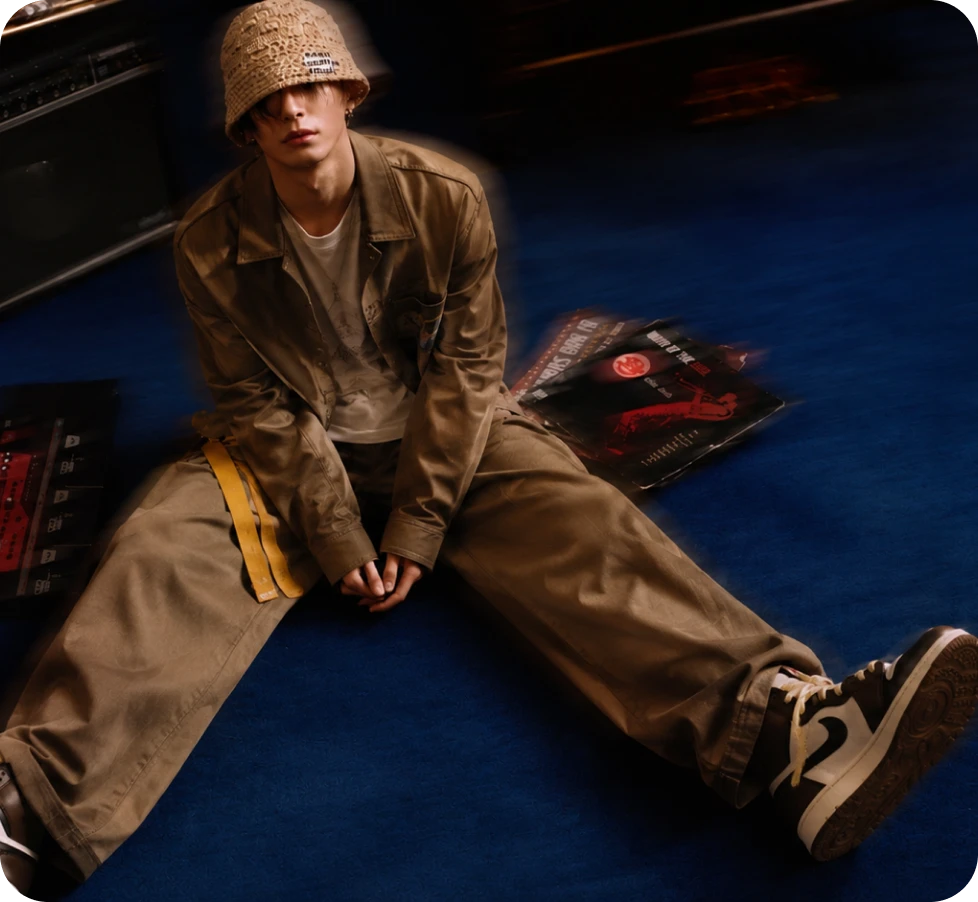
Here’s why creators choose GPT Image 2.5 Sunburst inside DaVinci.
OpenAI’s higher-precision tier, trading longer generation time for extra fidelity on intricate detail through DaVinci.
Feed in up to 16 reference images and describe the change in DaVinci. The model edits while leaving the rest of the frame intact.
Supply a mask and the edit lands only where you marked it, leaving approved areas of the frame alone inside DaVinci.
Generate up to 3840 px on the long edge, in square, landscape, or portrait ratios up to 3:1 through DaVinci.
OpenAI’s higher-precision tier, trading longer generation time for extra fidelity on intricate detail through DaVinci.
Feed in up to 16 reference images and describe the change in DaVinci. The model edits while leaving the rest of the frame intact.
Supply a mask and the edit lands only where you marked it, leaving approved areas of the frame alone inside DaVinci.
Generate up to 3840 px on the long edge, in square, landscape, or portrait ratios up to 3:1 through DaVinci.
