Up to 16 references in DaVinci
In DaVinci, feed as many as 16 reference images into a single edit, whether that is a product, a face, a layout, or a set of style boards.
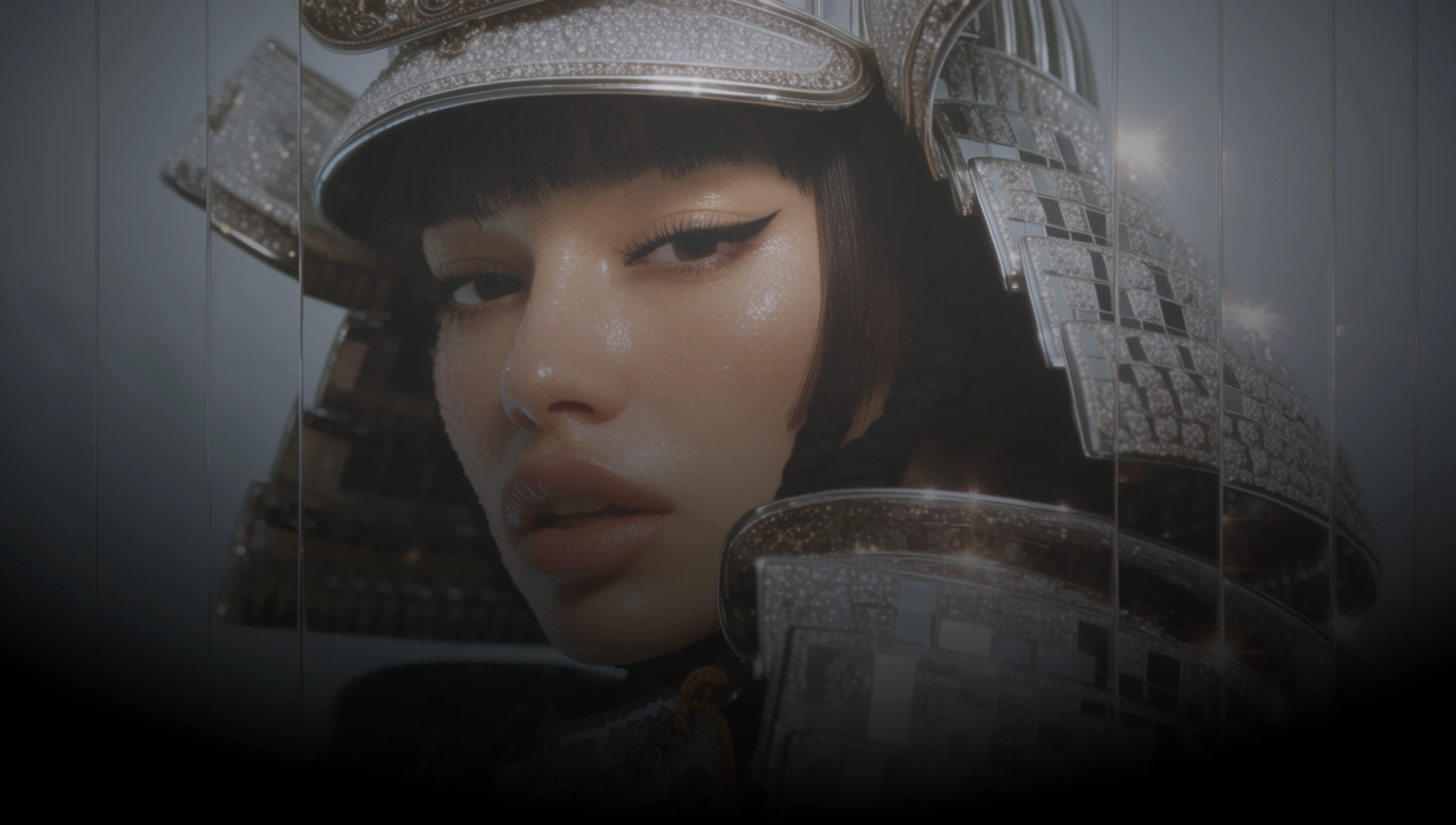
DaVinci brings together image models from different AI providers — OpenAI's GPT Image 2.5 Flare among them. Bring in up to 16 reference images and describe the change; only what you asked for moves.
In DaVinci, feed as many as 16 reference images into a single edit, whether that is a product, a face, a layout, or a set of style boards.
Describe the change in plain language inside DaVinci. The edit lands where you pointed it, and the subject, composition, and background hold.
Run one edit after another on the same image through DaVinci. Earlier changes survive later ones instead of the picture drifting over a long session.
OpenAI’s default image model for everyday work: high-quality output at roughly half the latency of GPT Image 2 in DaVinci.
Generate images, edit them with reference images, and refine your prompt with GPT Image 2.5 Flare directly inside DaVinci AI.
GPT Image 2.5 Flare is built for designers, marketers, and ecommerce teams through DaVinci.

Inside DaVinci, take a layout or a mockup and revise it piece by piece, with the parts you did not mention coming back the way you left them.

In DaVinci, drop a product shot in as a reference and place it into new campaign scenes, with the packaging and the logo still recognizable.

Generate thumbnails, banners, and listing images, then swap a background or a detail without redoing the whole frame through DaVinci.
Inside DaVinci, take a layout or a mockup and revise it piece by piece, with the parts you did not mention coming back the way you left them.
In DaVinci, drop a product shot in as a reference and place it into new campaign scenes, with the packaging and the logo still recognizable.
Generate thumbnails, banners, and listing images, then swap a background or a detail without redoing the whole frame through DaVinci.
Describe your idea, add a reference image if you have one, and generate it with GPT Image 2.5 Flare in seconds in DaVinci.
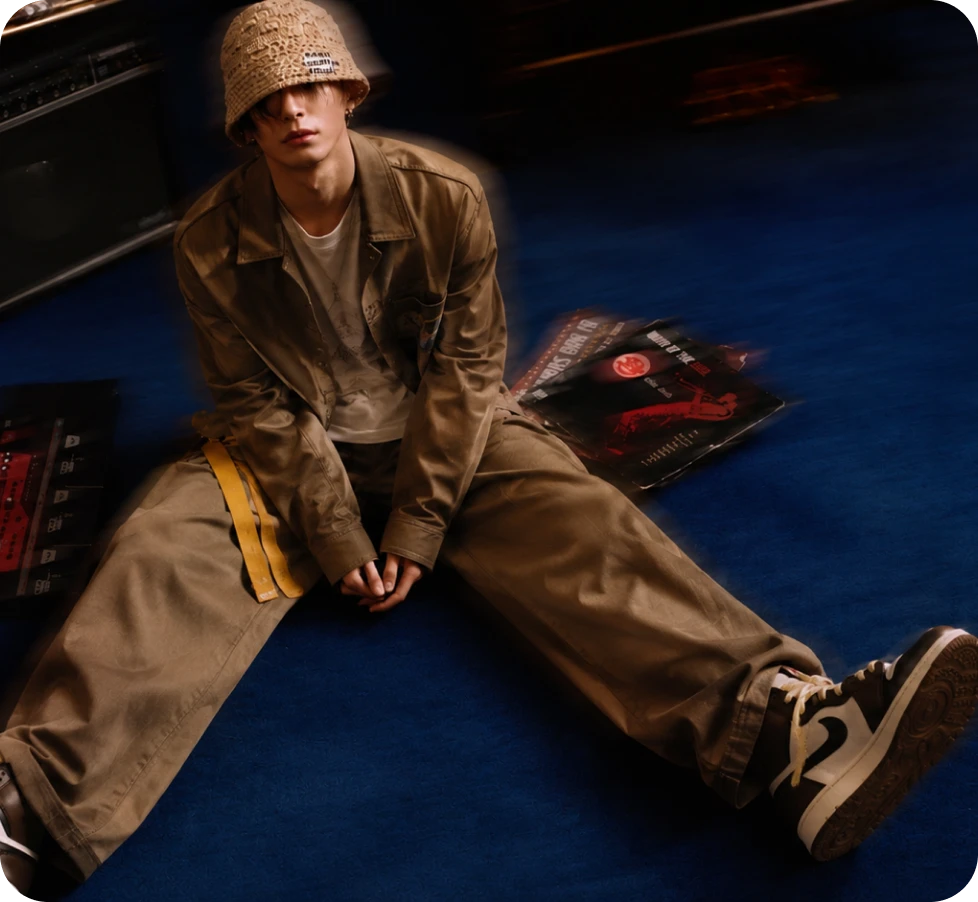
Here’s why creators choose GPT Image 2.5 Flare inside DaVinci.
One edit takes as many as 16 reference images, so a whole set of boards or product shots goes in at once through DaVinci.
Inside DaVinci, describe the change and the model applies it, leaving the subject, the composition, and the rest of the frame as they were.
Ask for a transparent background and get a cutout that drops onto another layout inside DaVinci.
Output up to 3840 px on the long edge, with custom sizes at any ratio inside 3:1 through DaVinci.
One edit takes as many as 16 reference images, so a whole set of boards or product shots goes in at once through DaVinci.
Inside DaVinci, describe the change and the model applies it, leaving the subject, the composition, and the rest of the frame as they were.
Ask for a transparent background and get a cutout that drops onto another layout inside DaVinci.
Output up to 3840 px on the long edge, with custom sizes at any ratio inside 3:1 through DaVinci.
