

AI Introduction
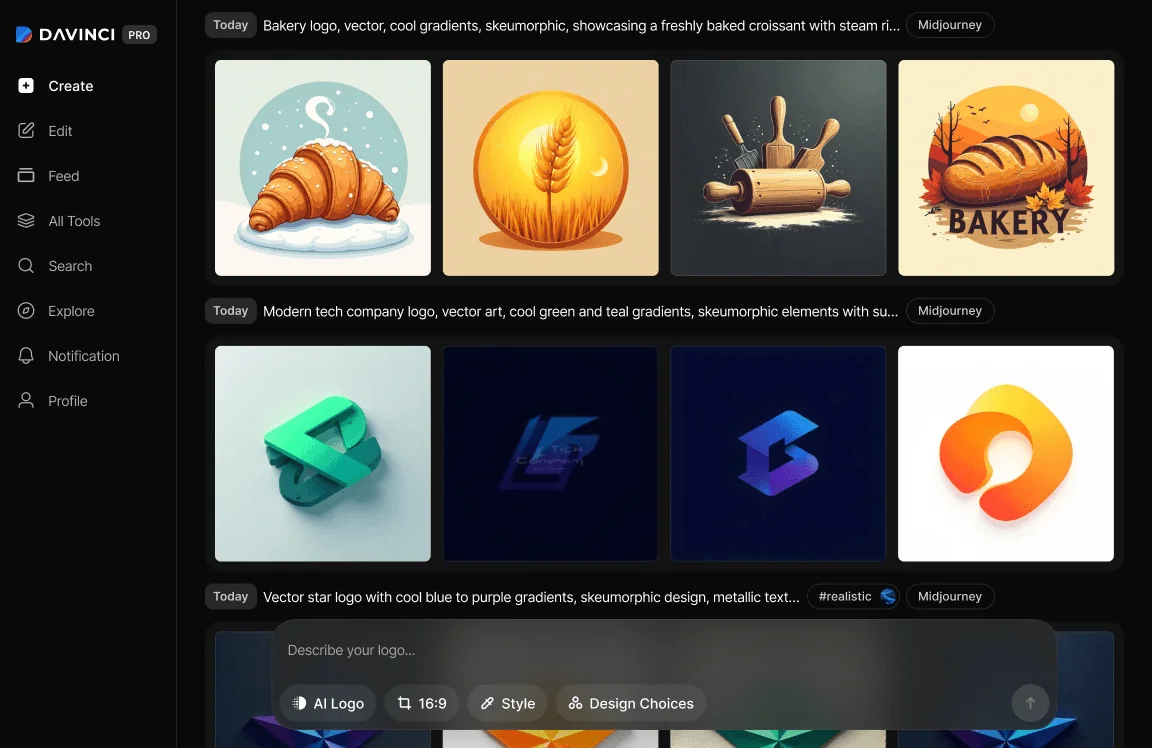
Introduction to DaVinci's Advanced AI Logo Generator
Create the perfect logos for your business, brand identity, and marketing materials using Davinci AI's cutting-edge logo generator. Transform your brand concepts into exceptional professional logos instantly. Eliminate countless hours of manual designing, brainstorming, or hunting for suitable logo designs.
How to Create AI Logo with DaVinci
Design, customize, and perfect your brand logos in one place.
1
Start with a prompt
Open Davinci and enter a new prompt to begin your creation.
2
Describe your idea
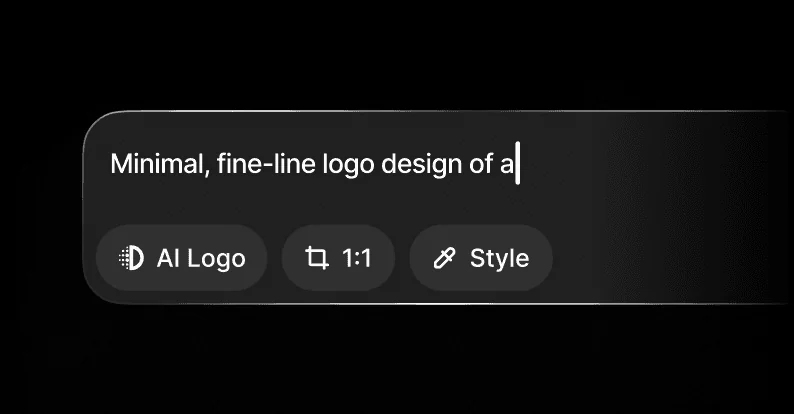
Tell Davinci what you want to see — be specific with style, mood, and details.
3
Choose a visual style
Select from curated styles like Watercolor, Neon, or Retrowave, then click “Generate.”
4
Edit or export
Refine your image with effects or text, or export it to use anywhere you like.
Success stories
Read what our customers have to say





Idea Hub
Create, organize, and refine your brand logos and assets in one place.
AI Art Workspace
Generate stunning visuals with prompts, photos, or sketches—instantly.
Prompt Library
Browse and reuse your best prompts across projects.
Style Explorer
Test different AI styles to find the perfect visual match.
Creative History
Easily revisit and download all your past generations.

Logo Refinement
Refine your AI Logo Generation
Erase, replace, and reimagine your logos one smart prompt at a time
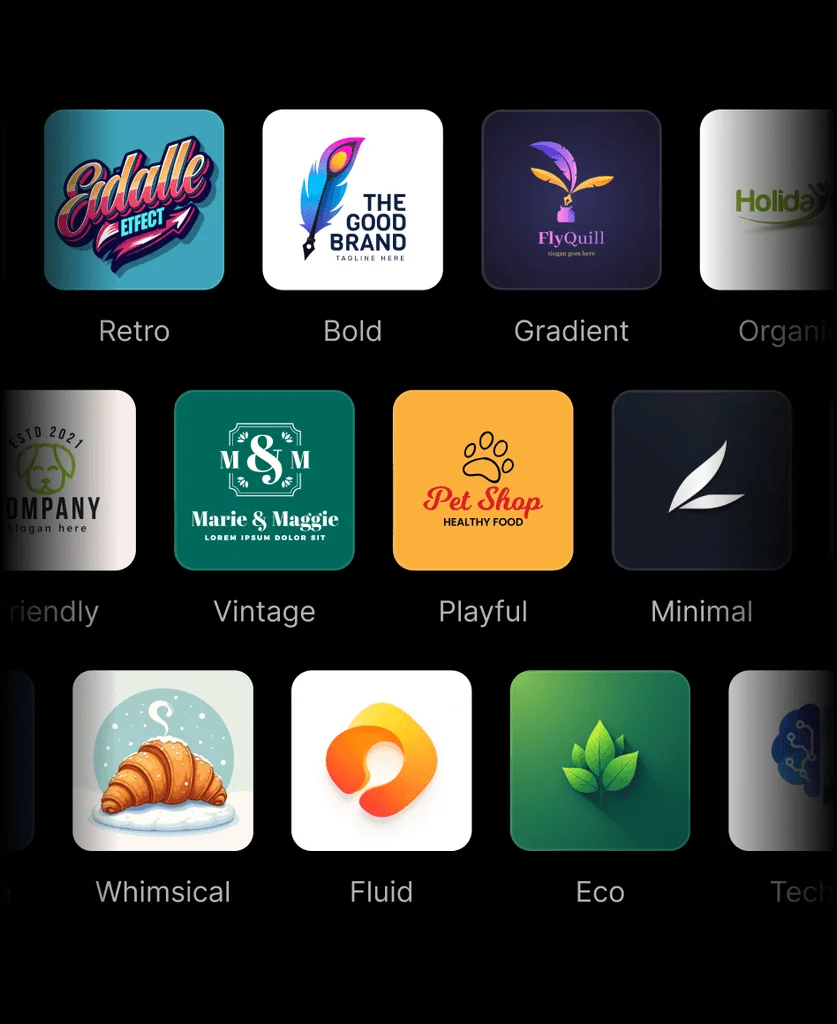
Style Presets
Pick from styles like Retro, Minimal, or Playful to set the right tone
Auto Variations
Get multiple versions of your logo with smart AI-generated tweaks
Icon Generator
Add matching brand icons in seconds with prompt-based generation
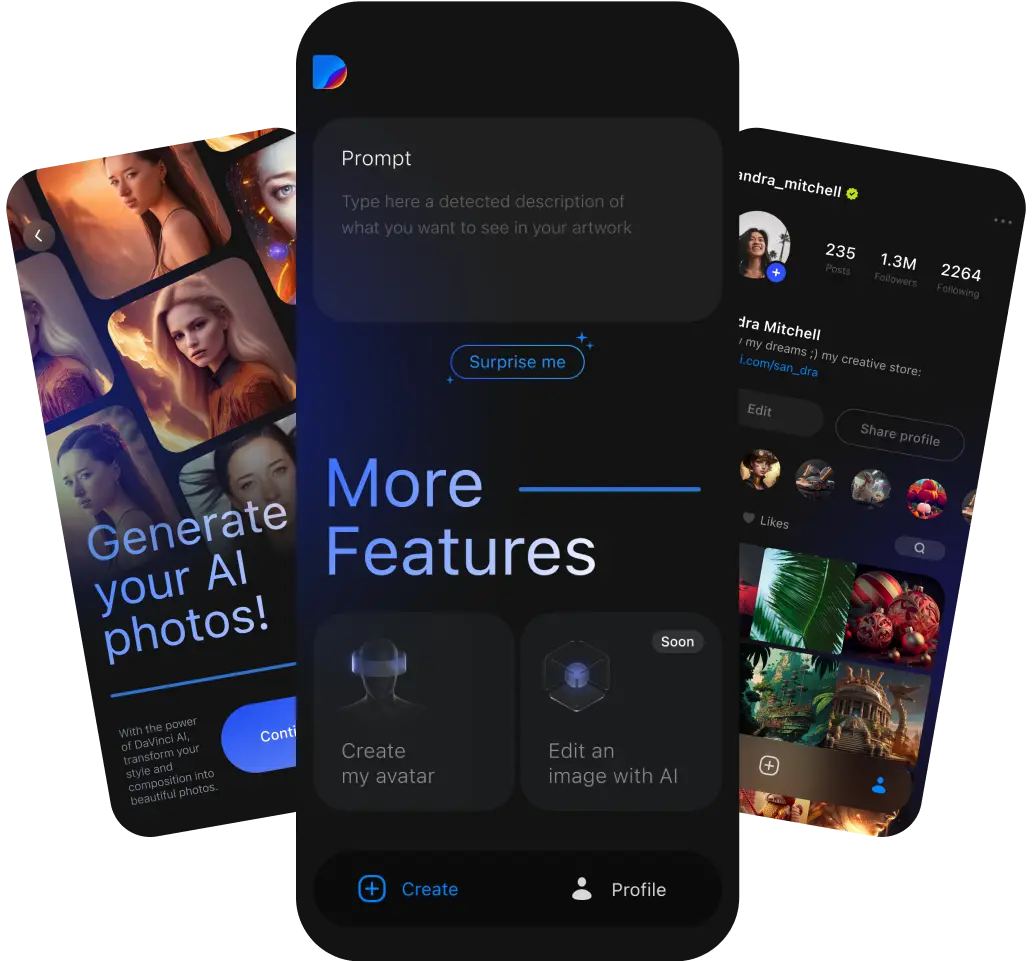
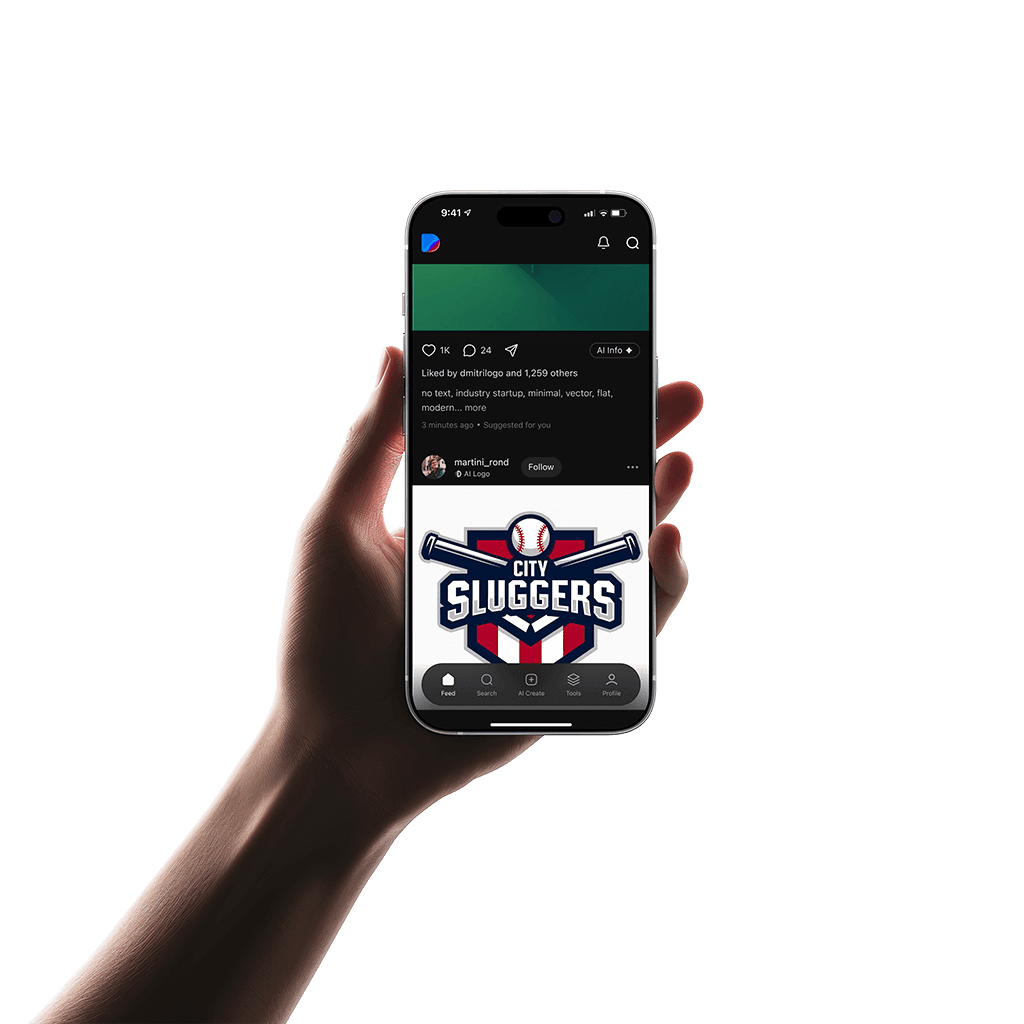
Mobile Logo Designer
Design logos anywhere
The DaVinci mobile app is available on both iOS and Android. So you can create professional logos on the go, whenever inspiration strikes, wherever you are.
Powered by the latest logo design AI technologies
DaVinci features the latest state-of-the-art AI technology to generate unique logos and professional brand designs. It offers various AI models specialized for logo creation, including its own custom AI model optimized for brand identity, DaVinci XL, Stable Diffusion, DALL·E 3. Try our AI logo generator tools now to create breathtaking professional logos.
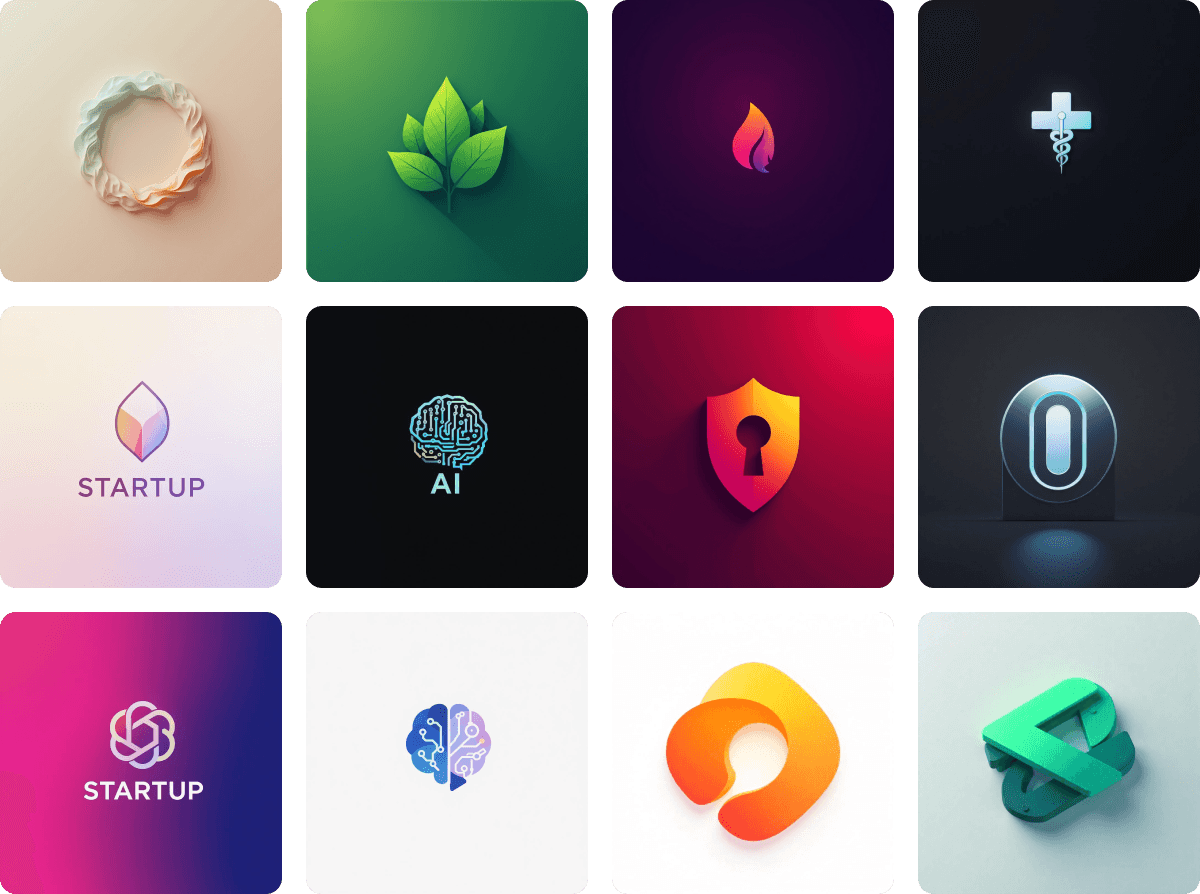
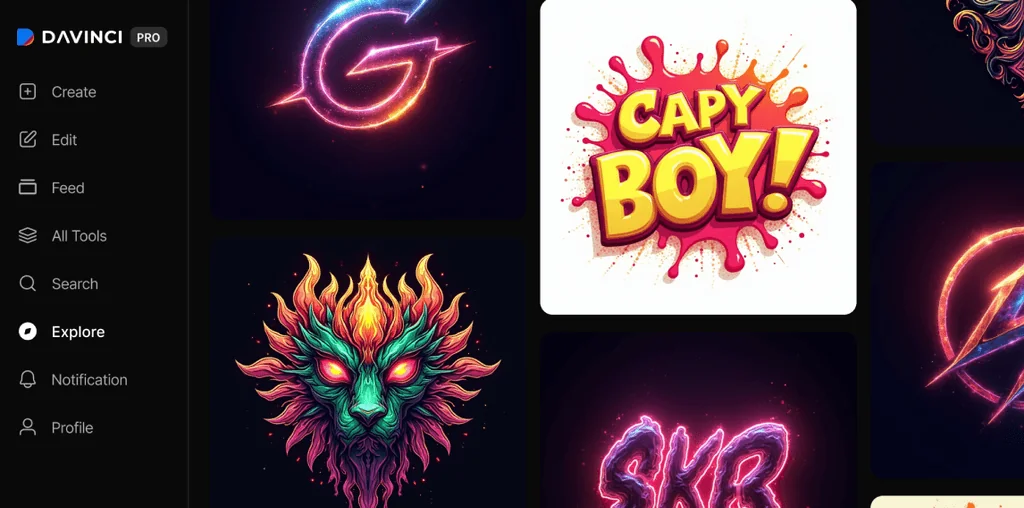
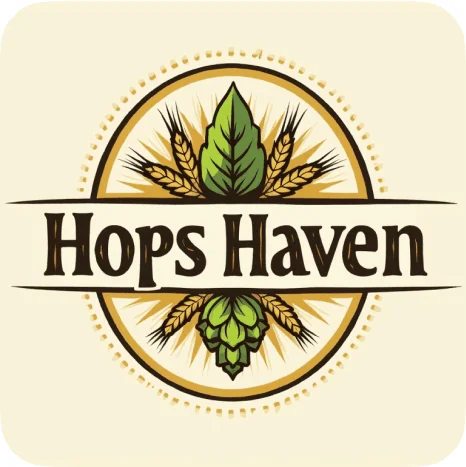
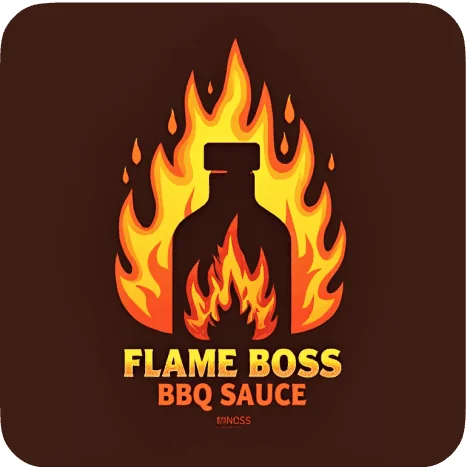
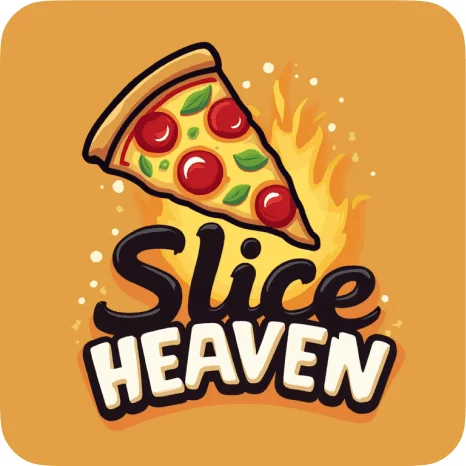
Logo Examples
See what’s possible
Explore real logo designs created with AI then design your own














FAQ
What is DaVinci Logo?
DaVinci Logo is an AI design tool that turns your ideas into professional, ready-to-use logos — no design skills needed.
How does the Logo Generator work?
Can I edit my AI-generated logos after creating them?
What kind of logos can I create?
Do I need to pay to use DaVinci Logo?
Is the app available on mobile?
Can I use these logos for commercial projects?
Do I need design experience?
How should I write prompts for the best results?
Are AI-generated logos unique?
Which logo styles do you support?
Couldn't find something? Message us